
Knowledge and advice
Android on your PixioDisplay: websites, videos and apps
The built-in Android computer lets your display work independently. Use a browser, local files and suitable apps, without an external computer.
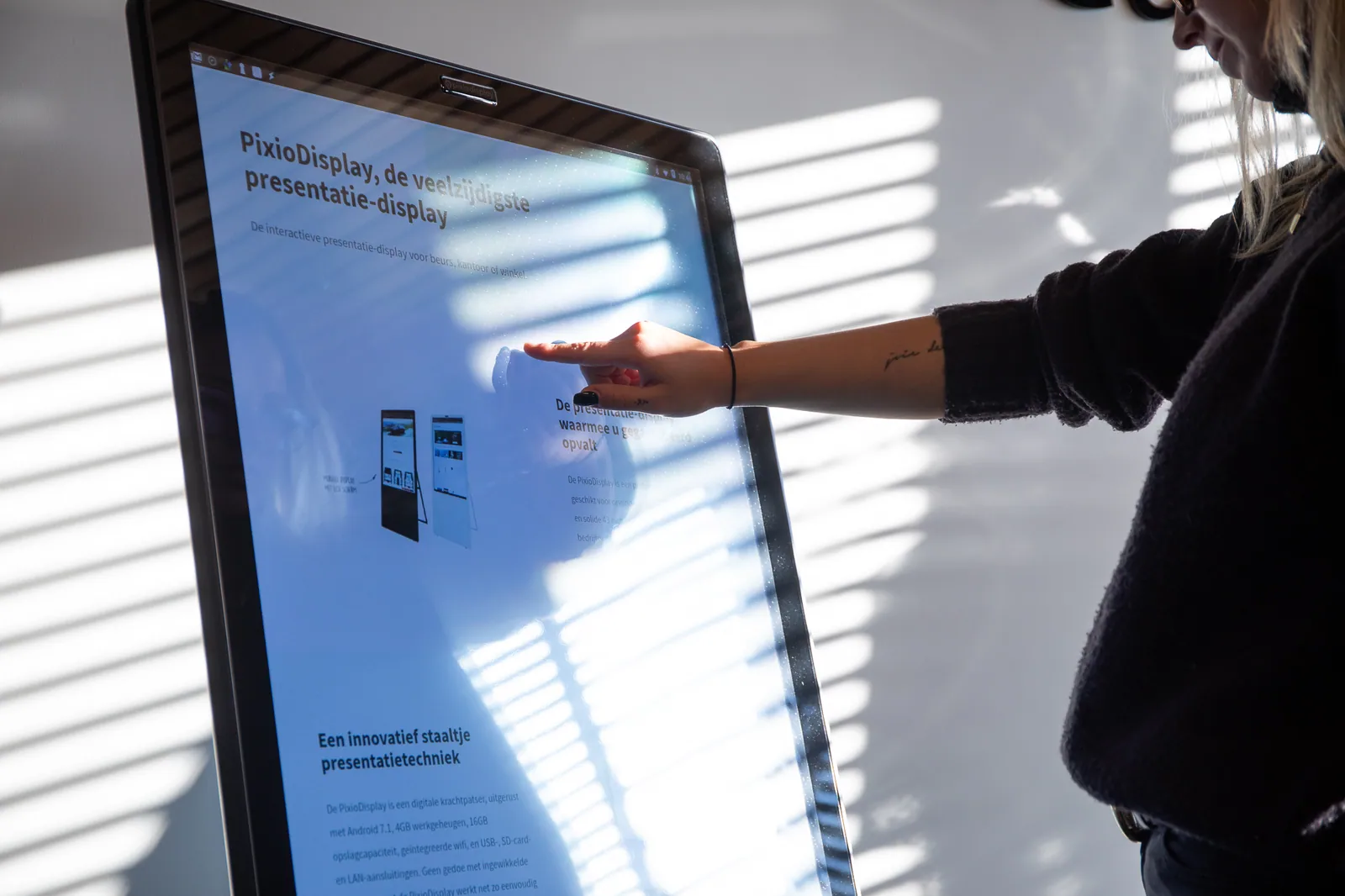
An all-in-one PixioDisplay contains a computer with Android. You open and operate apps on the screen itself. No laptop or separate media player needs to remain connected.
For example, open your product website or web form in the browser, play a product video, show photos or use a suitable Android app for your presentation. Check the Android version, screen orientation and controls per app; those details are listed with the selected version.
Stored videos and images can be played locally. A website, online registration form or other online service requires internet. WiFi, cabling and available connections vary by model.
The Pixio App is a separate way to manage content remotely. It allows you to update the content of one or more connected displays from your computer. You do not need the Pixio App to use the built-in Android computer.