
Application
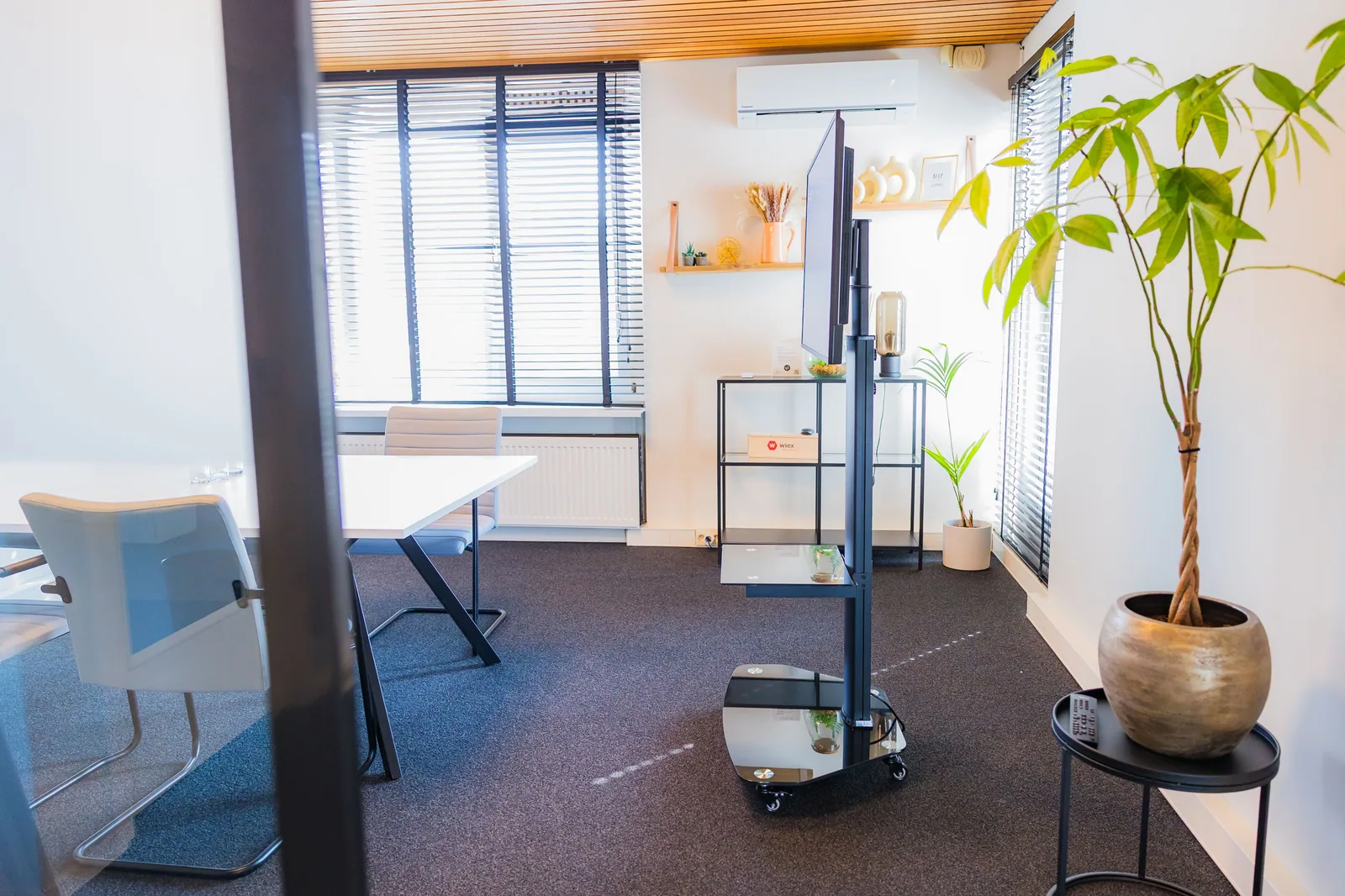
Touchscreen displays for presentations and demos
Operate your presentation directly on the screen or let visitors discover products and options themselves. Pixio helps you choose software, connections and setup.
Product and model
Self-service. Show it immediately.
Use the built-in Android computer to open your website, video or app. With the additional Pixio App, you can update the screen content remotely. Choose the size, setup and any accessories for this application.
Which version do you need?
- Does a presenter operate the screen or the visitor themselves?
- Which website, presentation or app do you want to use?
- Do you want to take the display to other locations?
Ordering and setting up
Steps for this application.
Choose the content and the way it is presented.
Match format, mobility and software with Pixio.
Test your presentation and operation on the chosen configuration.