
Application
Touchscreen displays for reception and information
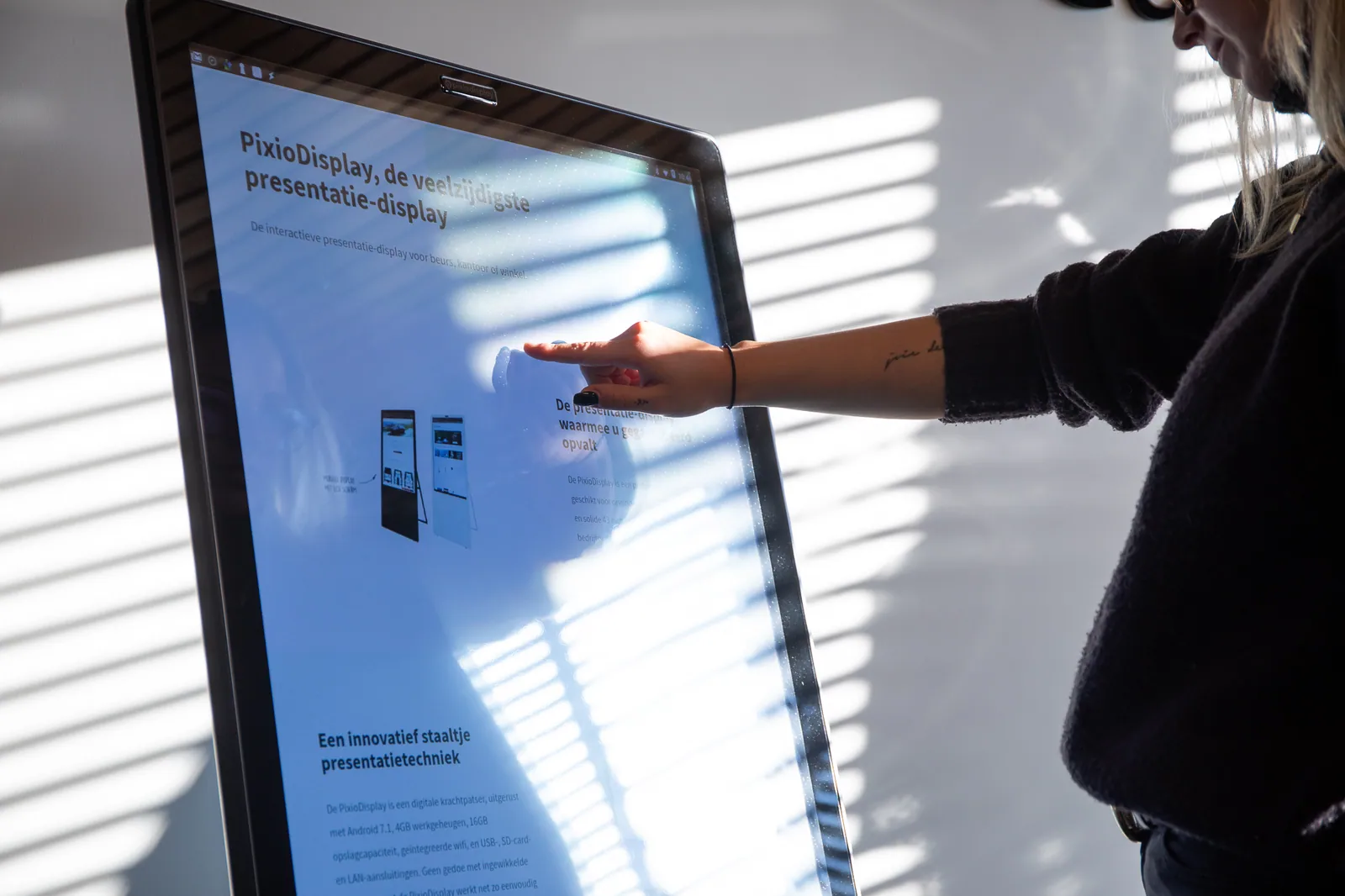
Let visitors look up routes, product information or answers for themselves. Pixio advises on a recognisable home page, suitable controls and the placement of the display.
Product and model
Visitors find their own information.
Use the built-in Android computer to open your website, video or app. With the additional Pixio App, you can update the screen content remotely. Choose the size, setup and any accessories for this application.
Which version do you need?
- What information are visitors looking for when they arrive?
- Can everyone reach and operate the touchscreen properly?
- Who updates the information when something changes?
Ordering and setting up
Steps for this application.
Choose the information visitors need most often.
Align the touchscreen, software and placement with the reception location.
Test searching for information with the actual content.