
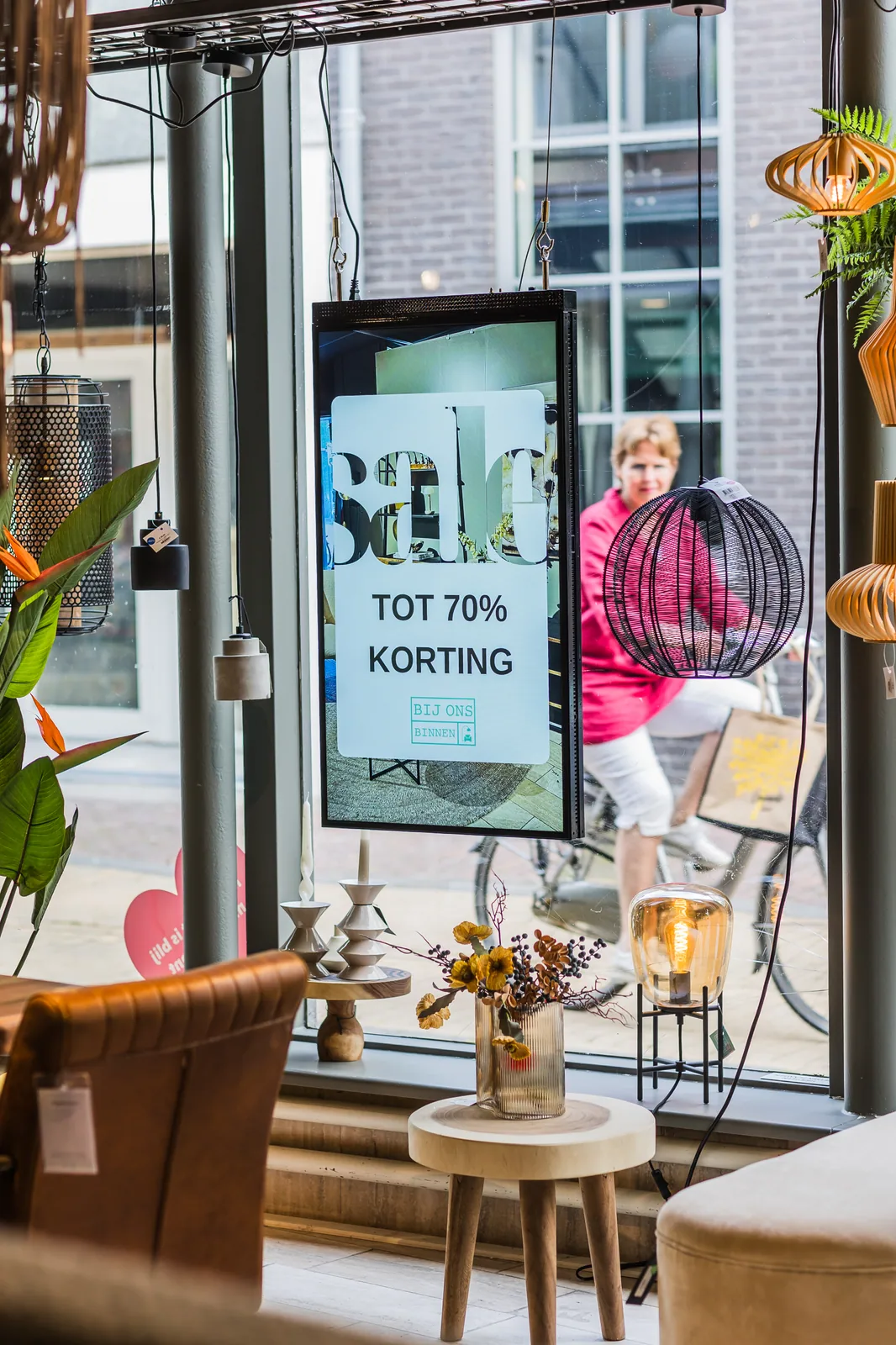
Selection guide
Digital signage: showing information on a display
Discover how screen, software and content work together. From a single presentation to screens you manage across multiple locations.
Read the advice →Knowledge and advice
From choosing a touchscreen to creating content and placing your screen. Find explanations and practical considerations for your application.

Subject
Start with application, screen choice, operation and placement.
View the articles →Subject
From setup and content to preparation and visitor interaction.
View the articles →Subject
Choose based on the space, your visitors and the message you want to show.
View the articles →Selection guide
Discover how screen, software and content work together. From a single presentation to screens you manage across multiple locations.
Read the advice →Selection guide
Let guests view the menu and keep dishes, prices and information up to date. Read what you need for the content and management.
Read the advice →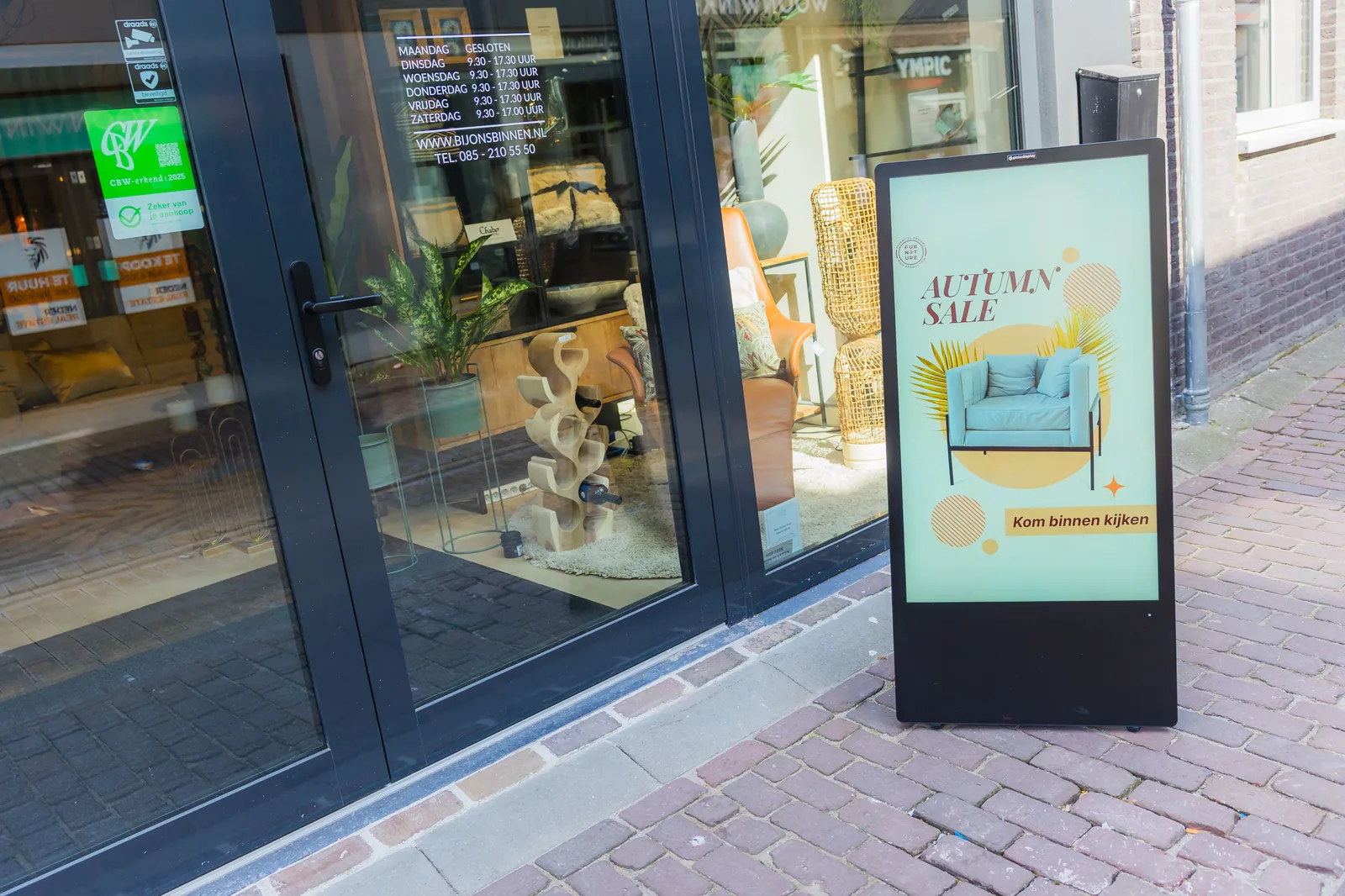
Selection guide
See what your outdoor location requires from the display, placement and management. Pixio helps you assess the suitability of the setup.
Read the advice →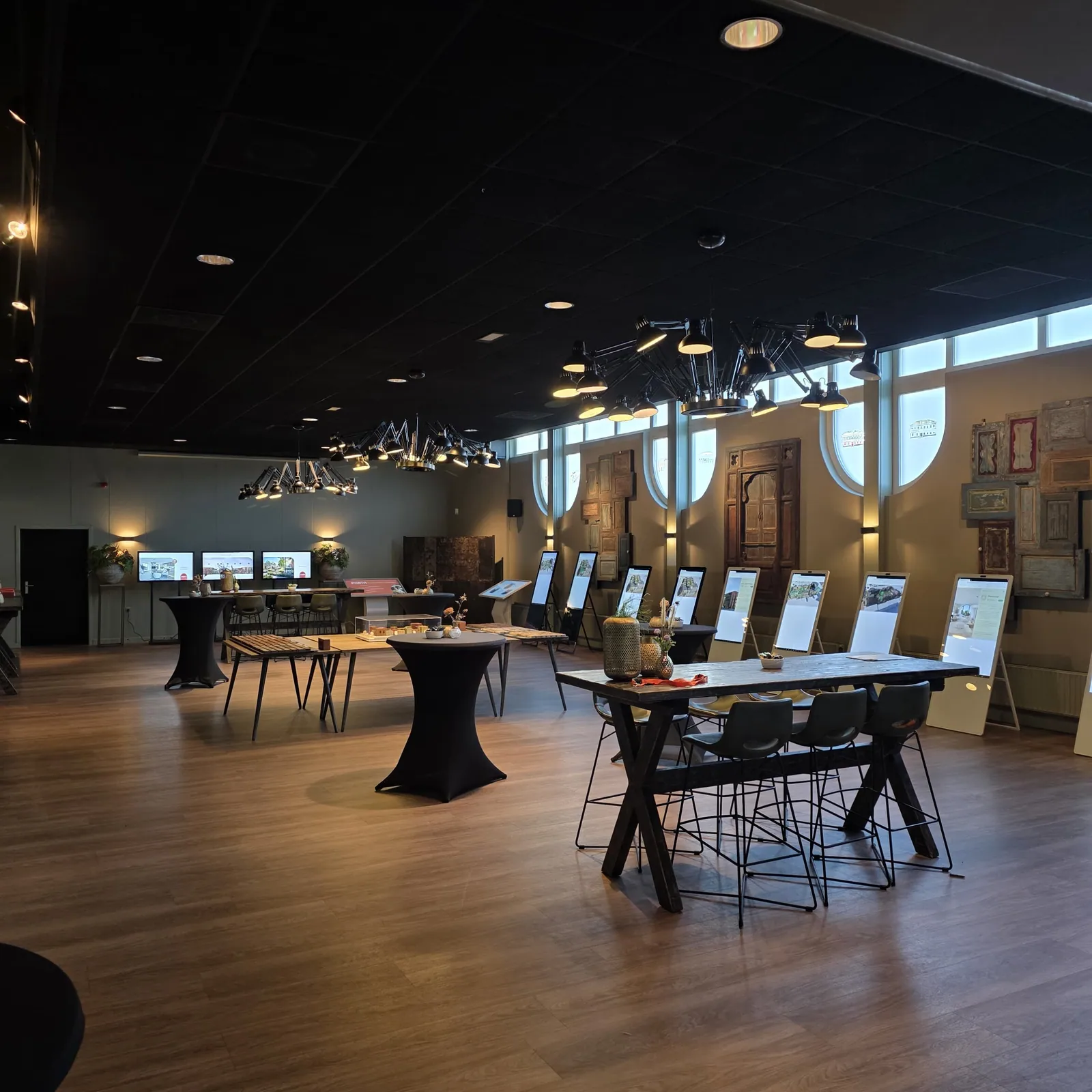
Selection guide
Your own display for regular use or hire for a trade fair or event? Compare the usage period, software, transport and support.
Read the advice →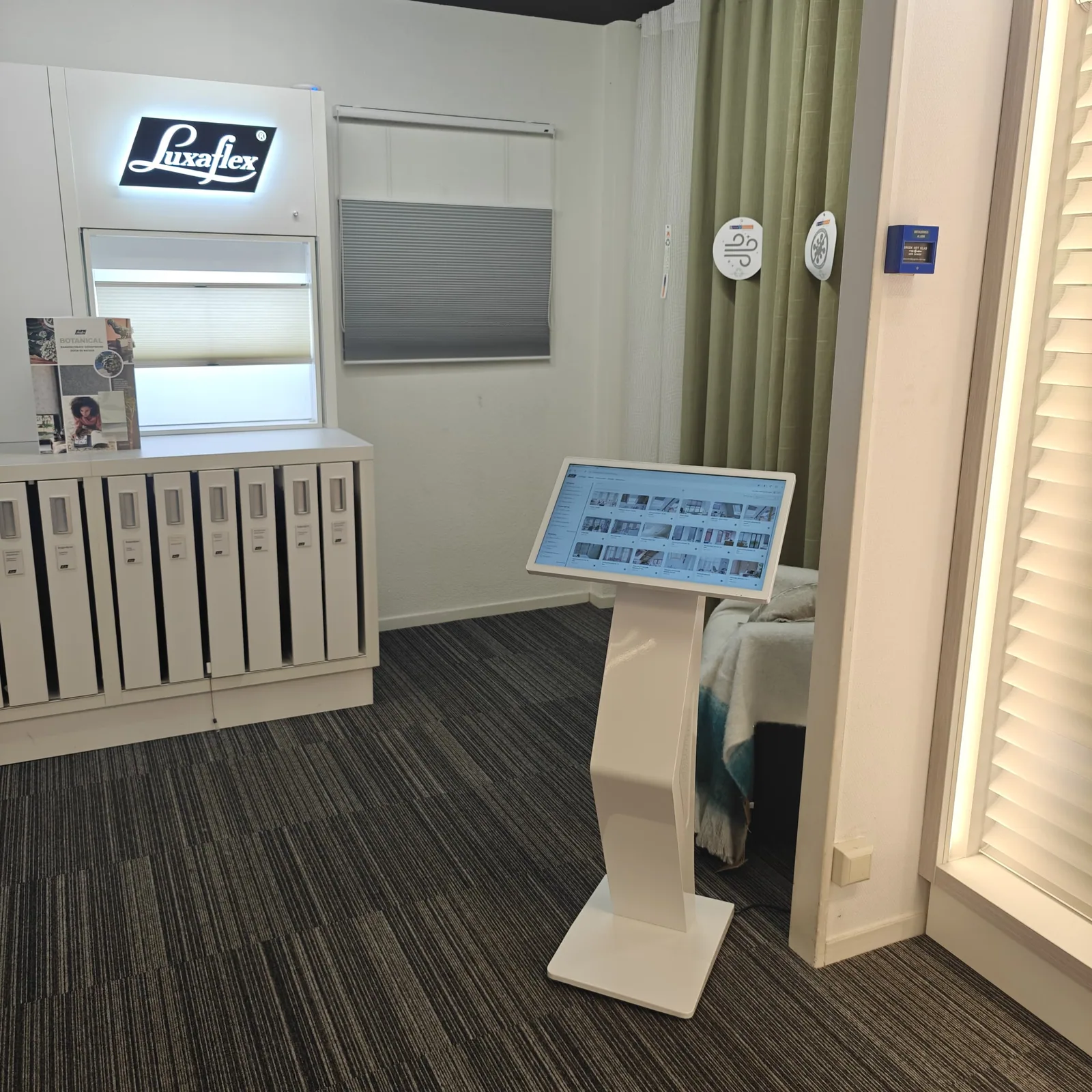
Selection guide
From the position on your stand to the presentation on the screen. Prepare power, connection, content and operation and coordinate the build-up with Pixio.
Read the advice →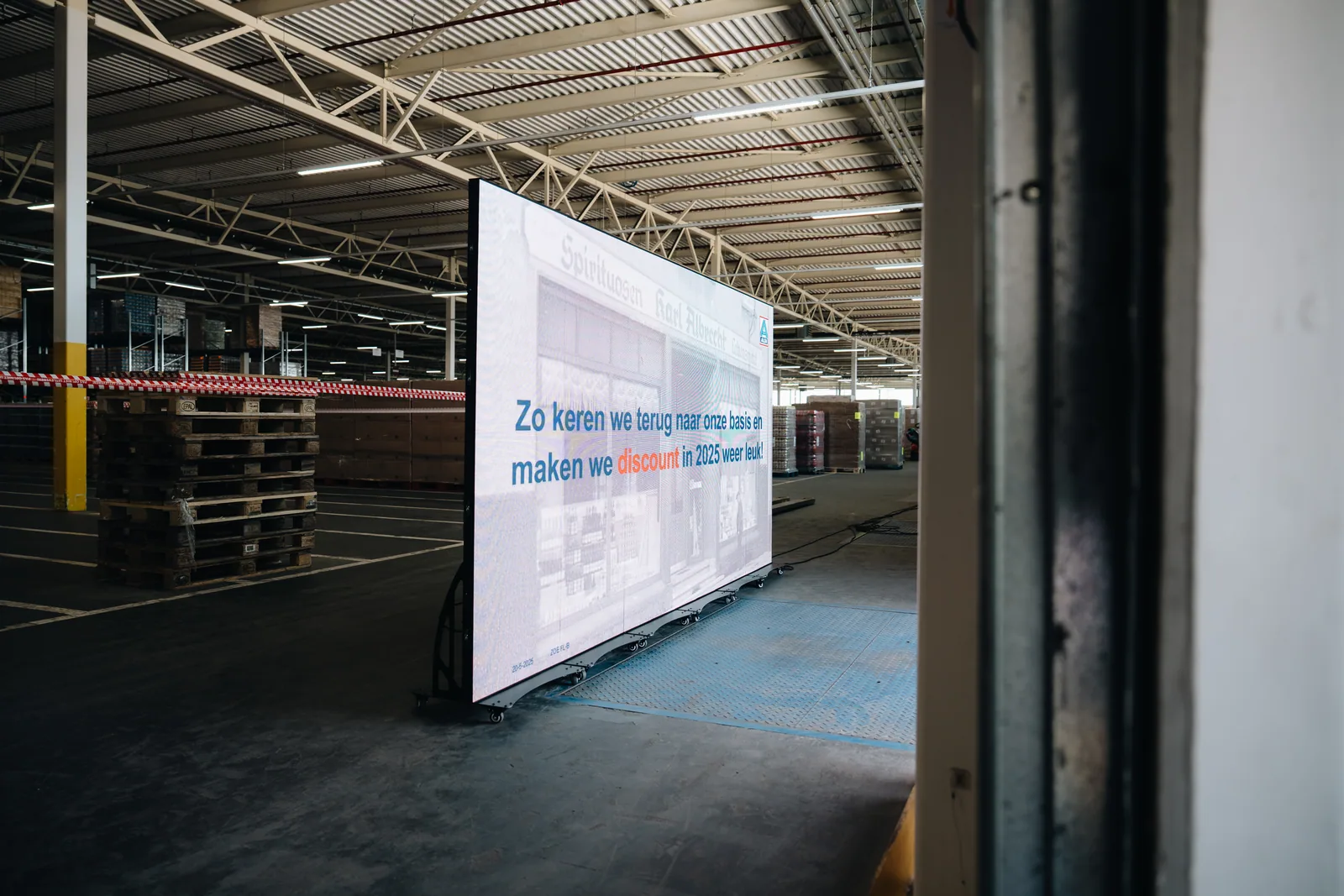
Selection guide
Want a larger image area? See what a video wall demands of the space, content, control and installation.
Read the advice →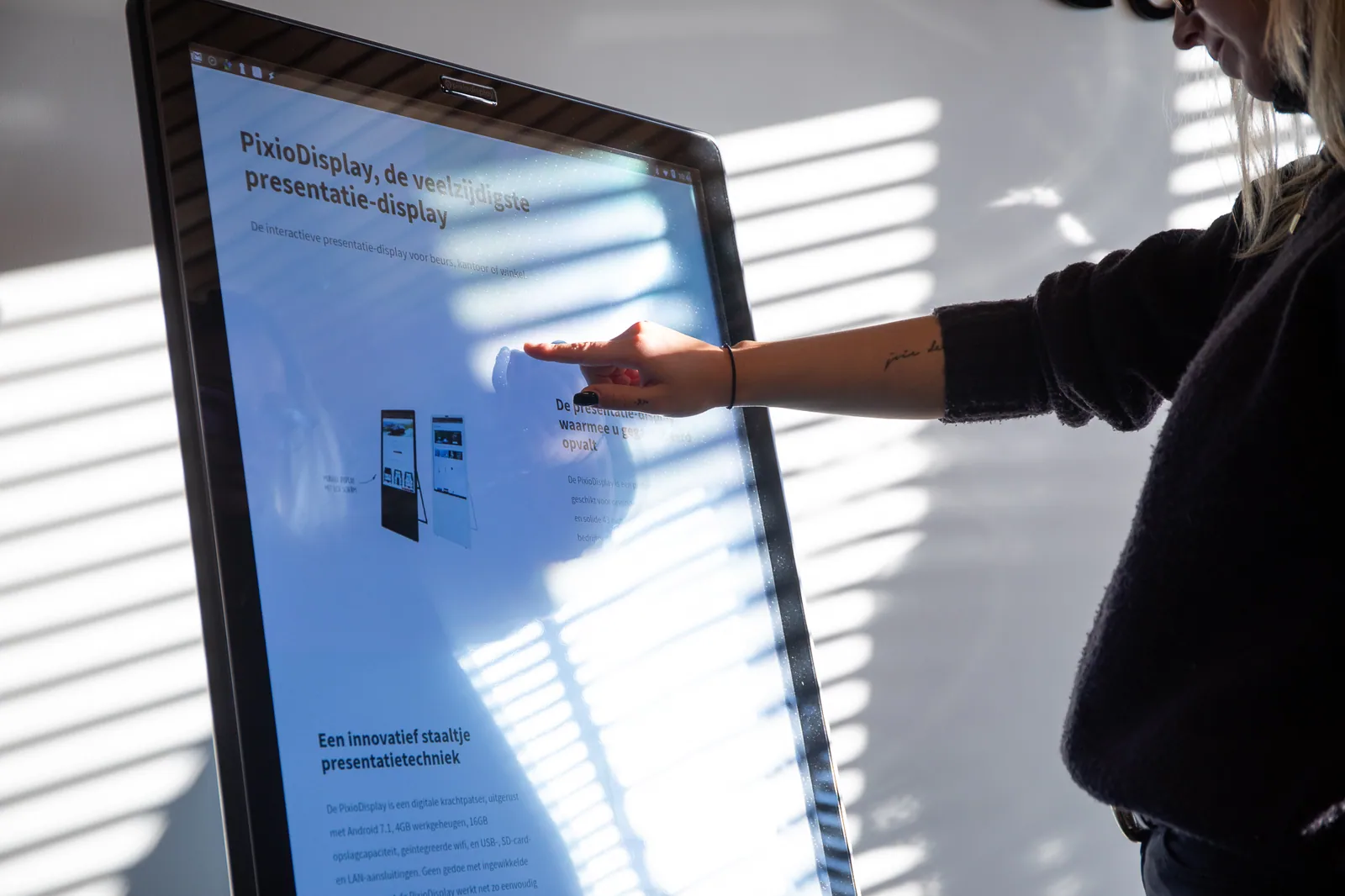
Selection guide
A touchscreen with built-in computer and Android. Use your own content and apps on the display, or add the Pixio App for remote content management.
Read the advice →Selection guide
From startup and content updates to cleaning and support in the event of faults. Make clear arrangements for the daily use of your display.
Read the advice →Selection guide
Help visitors discover products, find information or make a request. Design clear steps and test the operation at the actual location.
Read the advice →Selection guide
Do you want to open a website, play a video or control a presentation? Read which software, player and connections you need for that.
Read the advice →Selection guide
Choose touch if visitors need to look something up or operate it themselves. For a continuous video or slideshow, you can also choose a display without touch.
Read the advice →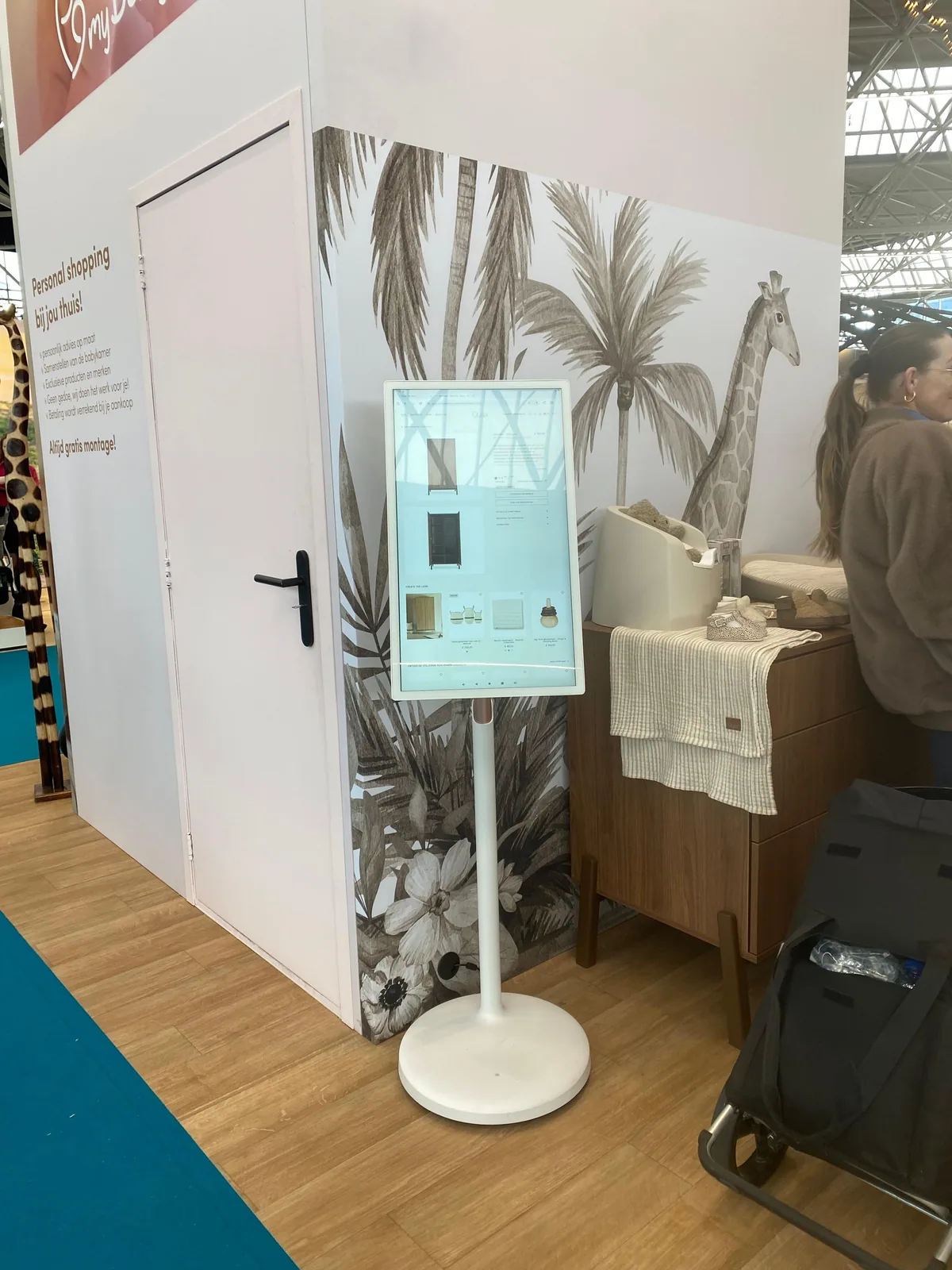
Selection guide
Let visitors choose a product, request a demo or leave contact details. Read how to align interaction and follow-up.
Read the advice →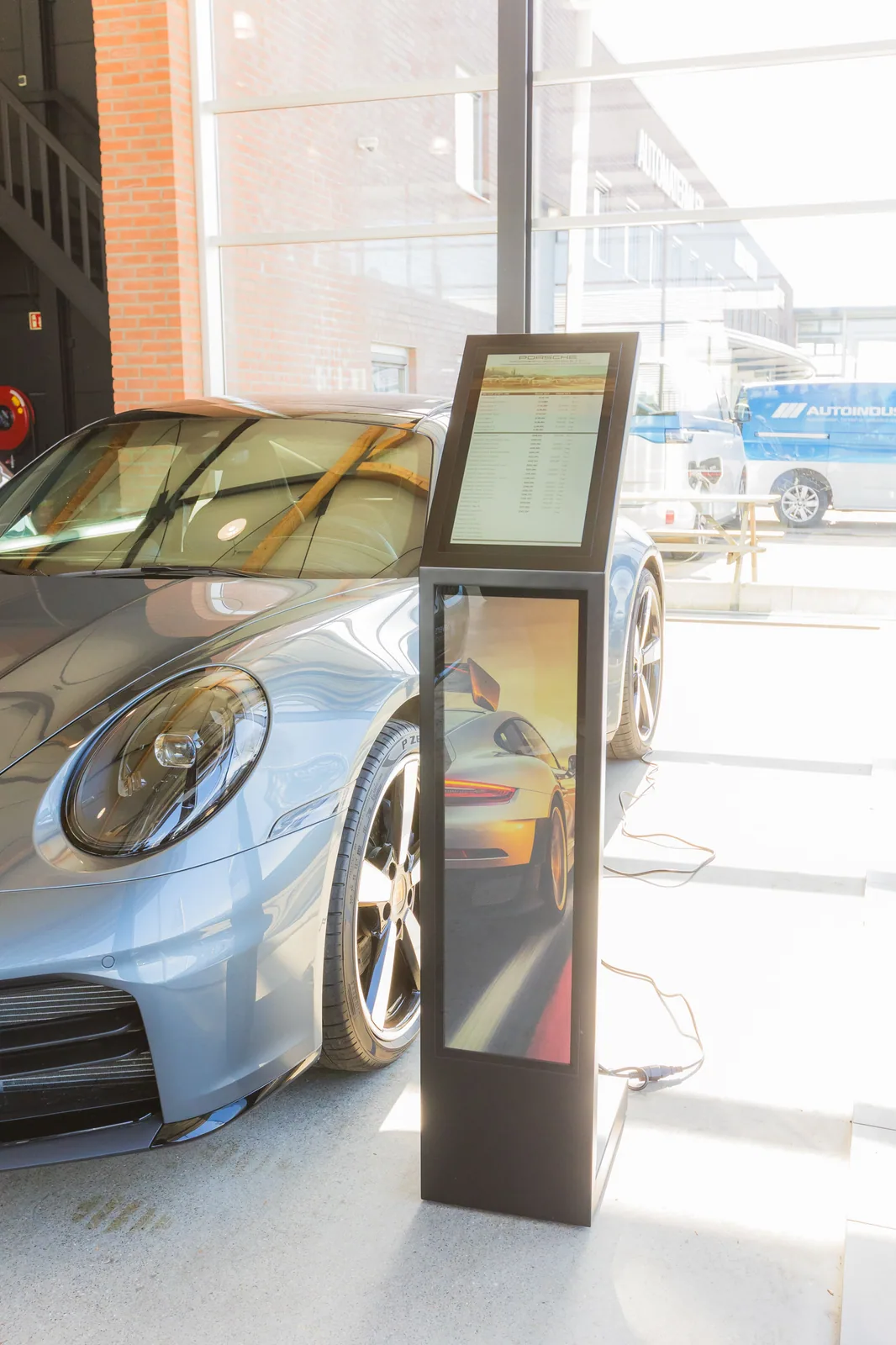
Selection guide
Choose a spot where visitors can see and use the screen. Take viewing distance, light, walking routes and the required connections into account.
Read the advice →Selection guide
The built-in Android computer lets your display work independently. Use a browser, local files and suitable apps, without an external computer.
Read the advice →Selection guide
Let visitors compare products, operate a presentation or request information. Find out when a touchscreen is suitable for your application.
Read the advice →Selection guide
Map out costs and usage and determine what you want to measure, such as information requests or time saved when updating content.
Read the advice →Selection guide
Let visitors discover products, offer a demo or request information: this is how you prepare the content and keep it current during the trade fair.
Read the advice →Selection guide
Compare displays by placement, size, mobility and operation. This way you choose a model for your trade fair, showroom or reception area.
Read the advice →Selection guide
Test whether visitors can find information, choose products and understand the next step. Use their behaviour to improve the content.
Read the advice →Subject
See explanation, considerations and practical tips about displays in hospitality.
View the articles →Subject
See explanation, considerations and practical tips about g — interactive & touch.
View the articles →Subject
See explanation, considerations and practical tips about j — marketing & roi.
View the articles →Subject
See explanation, considerations and practical tips about outdoor displays and placement.
View the articles →Subject
See explanation, considerations and practical tips about reception and office.
View the articles →Subject
See explanation, considerations and practical tips about software and content management.
View the articles →Subject
See explanation, considerations and practical tips about technology and specifications.
View the articles →The full price list
The brochure brings all displays together, with the available purchase, rental and lease prices, versions and options. You will receive the price list by email.
Prefer a different step right away?