
Knowledge and advice
What do you show on a touchscreen at your trade fair?
Let visitors discover products, offer a demo or request information: this is how you prepare the content and keep it current during the trade fair.
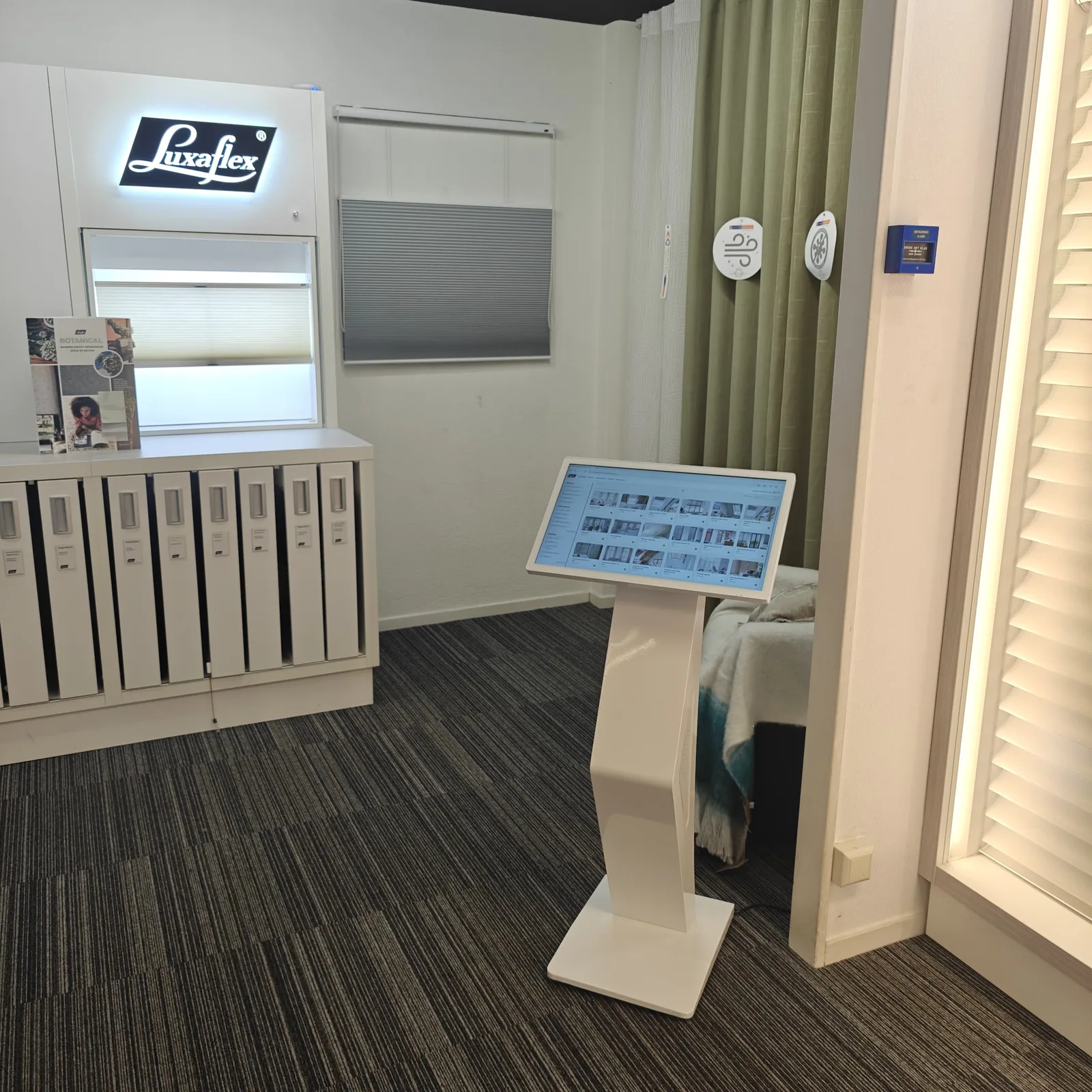
Give each screen one primary task before the design starts: attract attention, explain something, support a demonstration, let visitors choose or lead them to a next step. Describe the target audience, key message, desired action, stand position and owner in a short content brief. A screen by the aisle calls for a different message than a touchpoint in a conversation zone. By defining purpose and context first, the team can assess choices without relying on generic dwell-time or conversion figures.
Translate the brief into a screen matrix with, for each position, the content order, orientation, version, source location, responsible person and planned changeover times. Let resolution, file format, codec, browser behaviour and operation follow from the current manual and a test on the chosen configuration. Design for the actual viewing distance, lighting and walking route, and ensure the core message remains understandable even without sound when audio is not suitable or permitted. A naming and version rule prevents an old file from being published on the build day.
Choose local or central management based on the actual pace of change. For a stable loop that will not change during the event, preloaded content with a controlled backup may be the simplest route. Remote management is suitable when multiple screens, locations, time slots or current messages need to be updated centrally, but only after it has been confirmed that the model, platform, account and connection support this. Record user rights, screen names, publication groups and the local fallback before the trade fair starts.
Set up a compact publishing workflow: one content owner approves changes, files receive a recognisable version and an update is first checked on a single test screen unit. After publishing, verify that the correct screen shows the correct version; a notification in a dashboard is not the same as visual confirmation. Keep a pre-approved set of replacement messages ready for programme changes and agree when a live update does or does not outweigh the risk of a fault.
During the event, periodically check image, status, connection and content order and note deviations per recognisable screen. If the network or platform fails, the agreed local content must remain usable and the stand team must know who decides on recovery. After the event, archive the final files, the planning used and incident notes and record what can be redeployed. Current software options, subscriptions, prices and support are confirmed solely from the central project and product source.