
Knowledge and advice
Preparing a touchscreen display for your exhibition stand
From the position on your stand to the presentation on the screen. Prepare power, connection, content and operation and coordinate the build-up with Pixio.
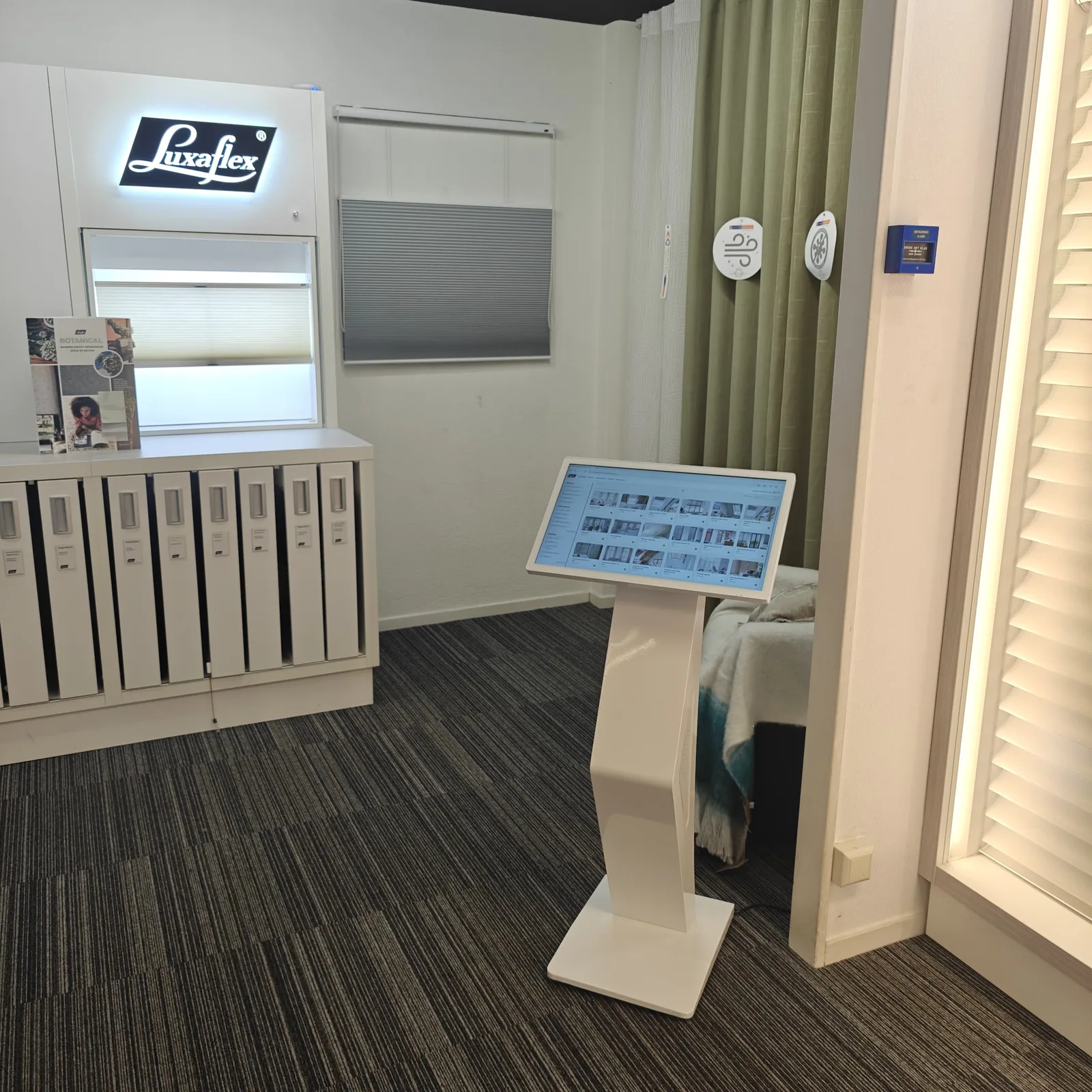
Start with the trade fair objective and the actual location. Record for each display which visitor sees it, which task it supports, where it will be placed and who owns content, technology and decision-making. Request the exhibitor manual, access times, logistics route and current regulations directly from the organiser and venue. Also note the stand size, viewing direction, expected visitor flow, available power and network connections, and the hard deadlines for delivery, build-up and dismantling. This creates one auditable project brief instead of separate assumptions from an old article.
Then work out the placement with the stand builder, organiser and, where necessary, a qualified technical party. Keep sight lines, stability, ventilation, accessibility, cable routes, escape routes and operation clear. Use only the current product sheet and manual for the actual chosen version for weight, fixing, power, connections and environmental conditions; a general value from a knowledge article is not evidence for this. Have electrical distribution, construction and special safety questions assessed by the responsible specialist and record their approval with the project.
Create a simple matrix for each screen with purpose, position, orientation, source file, control method, owner and fallback. Check resolution, file format, codec, connection and any touch function against the current model and the chosen playback route. Deliberately decide whether content runs locally or needs a network connection. For video or a fixed presentation, a preloaded local route can be more robust; forms, websites, streaming and remote management require a demonstrably working connection and a failover plan.
Before transport, carry out a full trial setup with the actual display, the final files and the same operating route as on site. Check start-up, playback, restart, readability, touch, network recovery and the local fallback. Number displays and transport parts when there are multiple units and make a packing and configuration list with model, project position, cables, mounting, content version and responsible person. That makes receipt, installation and support auditable without adopting unconfirmed generic specifications.
On arrival, check packaging and product, assemble according to the manual and location agreements, and secure cables and loose parts before the public gains access. Then test power, image, sound if used, connection, content, touch and viewing route from a visitor's position. Record the working final situation and hand over a short fault and fallback instruction to the stand manager. Deviations involving safety, damage or electrical connection are not improvised but immediately referred back to the organiser, supplier or authorised contractor.