
Knowledge and advice
A digital menu board on your display
Let guests view the menu and keep dishes, prices and information up to date. Read what you need for the content and management.
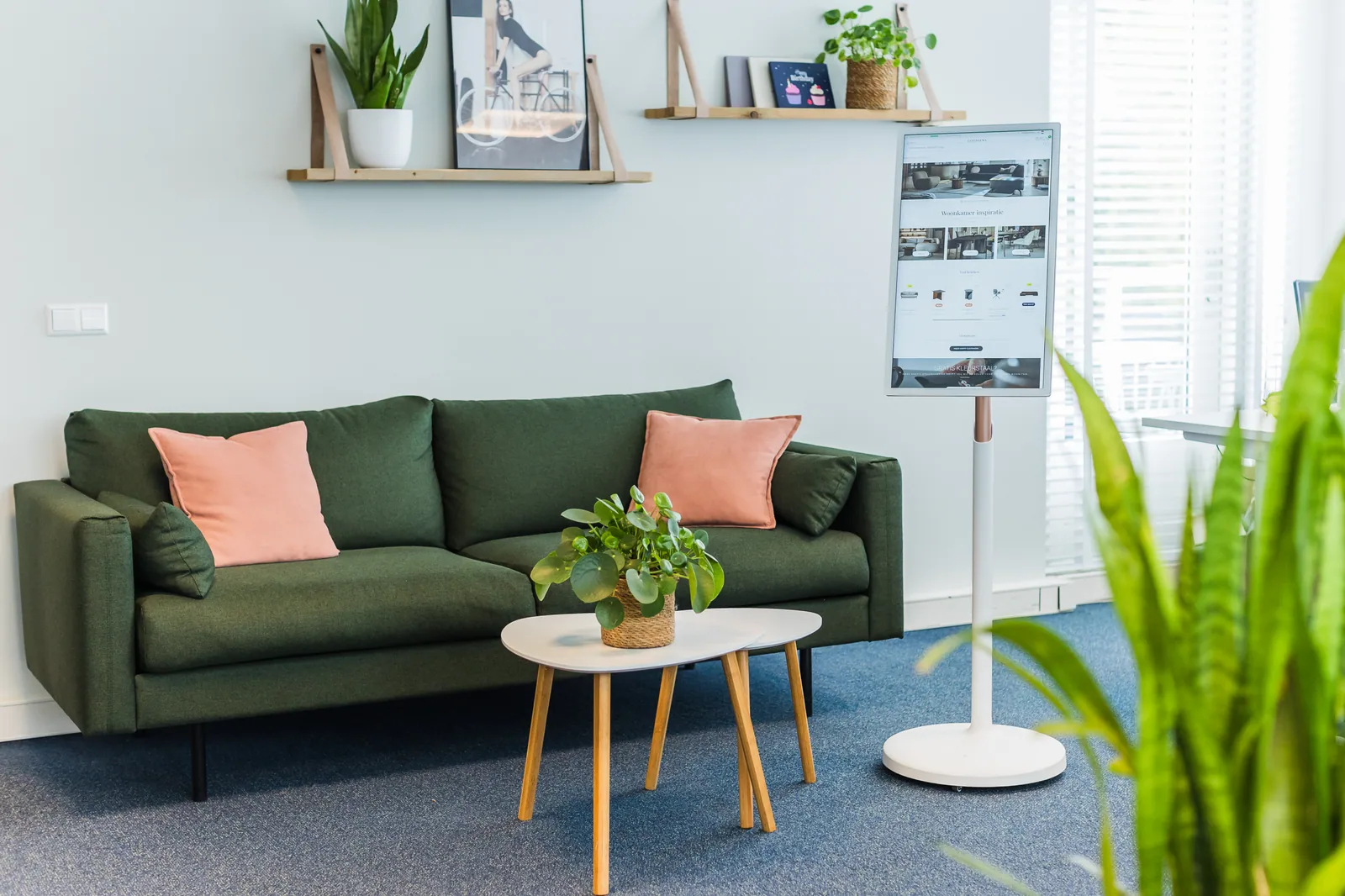
Start with the guest journey and the decision the screen supports. Per location, record whether someone is comparing the full offer, seeing a day choice, waiting for an order or simply being directed to a next step. Map sightlines and measure viewing distance and ambient light with the final content on screen. A menu board behind an order zone calls for a different information hierarchy than a promotional screen at the entrance or an operable screen close to the guest.
Manage dishes, descriptions, prices, availability and other mandatory information from one designated business source. Agree who may change the content, who approves publication and how corrections, time slots and sold-out items are handled. Information about ingredients or allergens has an accountable content owner and current legal review; the display route does not establish any legal interpretation or correctness without that owner.
Design the board for quick scanning with recognisable groups, consistent names, calm typography and a clear link between product and price. Keep essential information readable without animation or sound and check contrast and text size at the actual viewing distance. Use imagery only when origin and usage rights are clear and it supports the choice. A promotion or price change gets a validity period, version and fallback status so outdated information does not remain unnoticed.
Choose the management route based on change frequency and responsibilities. Manual publishing may suit few changes; scheduling or a link with a till, recipe or stock system can only be trusted after source fields, error behaviour, delay, permissions and recovery have all been tested in full. After every automatic update, also confirm on the screen that the intended version is visible. Keep a controlled local menu available when the network or source link fails.
Before use, carry out a test with real menu content, representative staff and guests. Test publishing, correcting, an out-of-stock item, a price change, restarting and falling back to the backup version. Then check whether the guest finds the correct information and whether staff know who decides in the event of a deviation. Current screen configuration, software, integrations, price and support are confirmed separately from the central product and project source.