
Knowledge and advice
How does an all-in-one PixioDisplay work?
A touchscreen with built-in computer and Android. Use your own content and apps on the display, or add the Pixio App for remote content management.
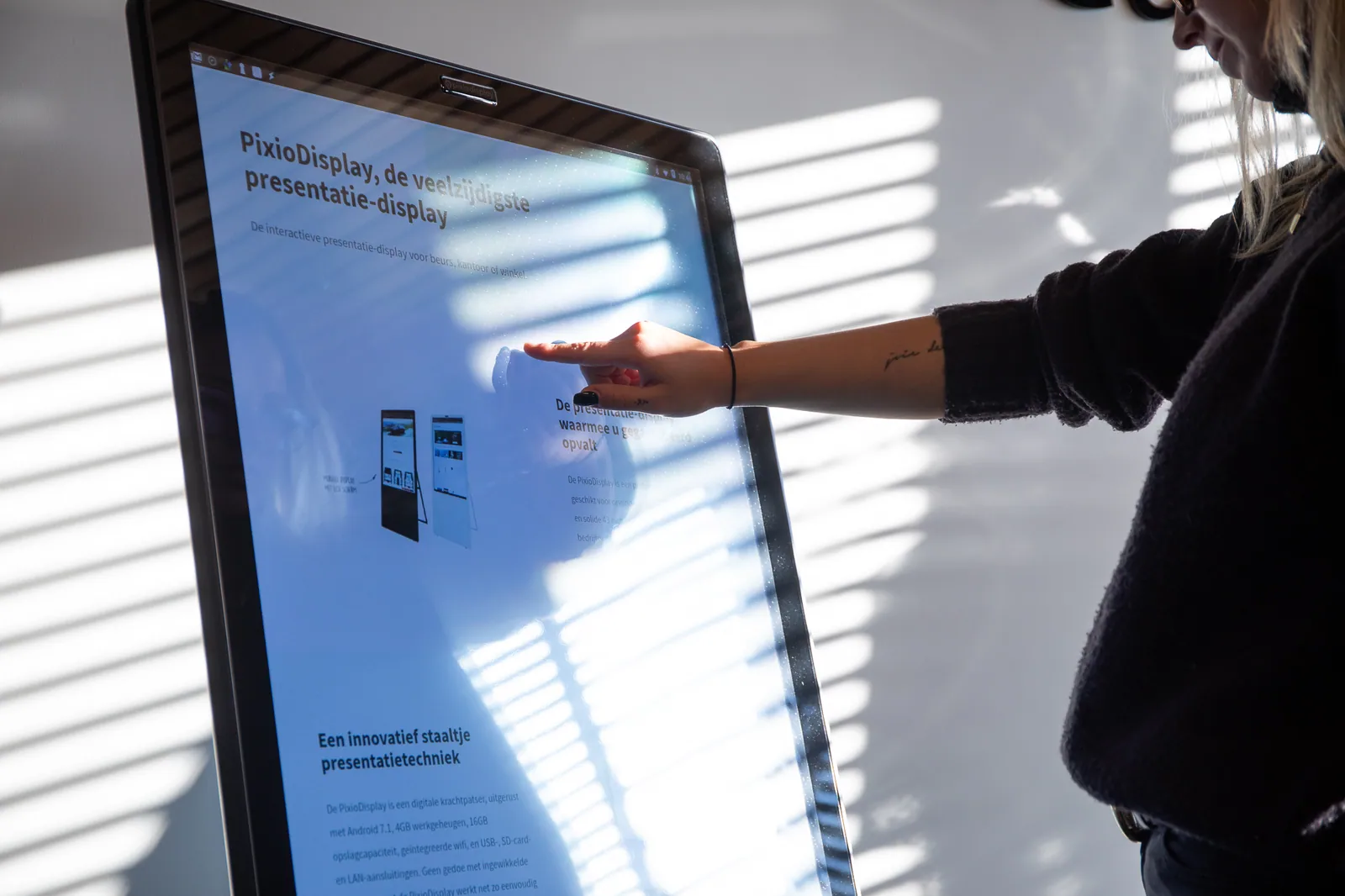
All-in-one describes the hardware: the screen, touchscreen control and Android computer are all in one device. You do not need a laptop or separate media player to use the display. Switch the display on and open the desired content or app.
With Android you can open a website in the browser, play local videos and images and use suitable apps. Visitors control the content directly on the touchscreen. Local files can work without internet; websites and online apps require a connection.
Do you want to change content without going to the display? With the Pixio App, you can manage the screen content from your computer. This works for one display or several displays. The screens need internet for this. The App is an additional management service and is separate from the built-in Android computer.
All-in-one therefore does not mean that every software licence or service is included. The quotation lists the selected display, any Pixio App service, setup, content production, transport and installation separately.