
Knowledge and advice
Make your touchscreen easy to use
Help visitors discover products, find information or make a request. Design clear steps and test the operation at the actual location.
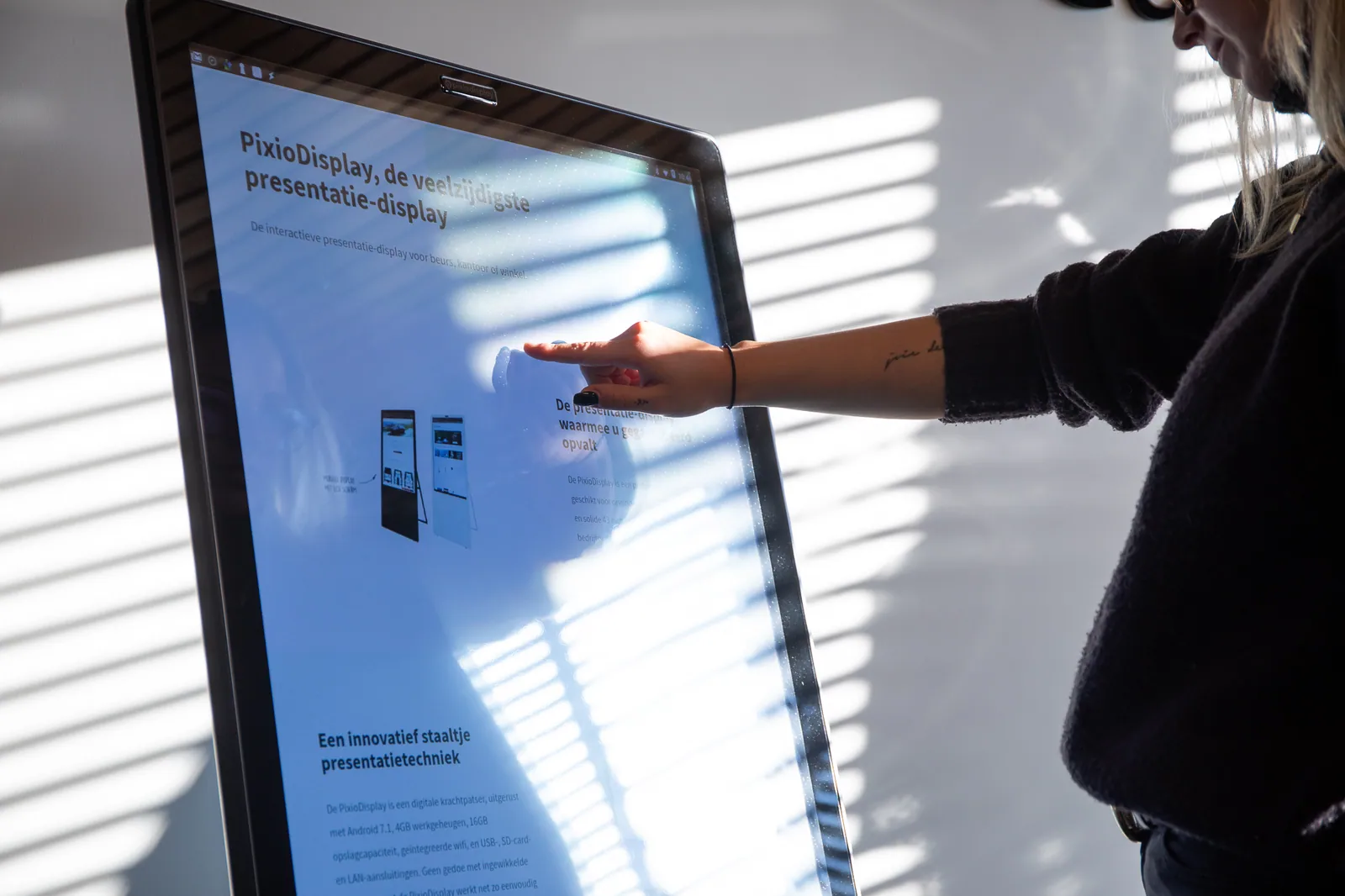
Start with the task a visitor must be able to complete independently and the situation in which that happens. Describe the target group, location, time pressure, viewing and reach position, available support and desired next step. Then create a short route with a recognisable starting point and an unambiguous end. A kiosk does not have to be catalogue, route planner, registration point and promotional screen all at once; extra functions are only added when their owner, content and recovery route are established.
Design every step for touching, understanding and recovering. Use clear language, generous touch targets, visible feedback, consistent navigation and error messages that tell people what they can do. Have text, contrast, motion, input and screen layout assessed at the actual distance and in the actual ambient light. Fixed dimensions, time limits or performance thresholds from an old article are not adopted as a universal standard; the current applicable guideline and user context are decisive.
Include accessibility from the first sketch as a functional project requirement. Investigate operation from different positions, alternative input, language and reading level, keyboard or switch access, focus order, recovery after errors and an equivalent alternative when touch cannot be used. Which version of the standard and legal scope apply is confirmed for the specific project by the responsible owner or specialist. This guide is a design and test approach and not a declaration of conformity.
Limit data processing to what the chosen task genuinely needs. Record for each input field, click measurement or link why it exists, where the data goes, who has access, how long it will be kept and what happens in the event of network or integration errors. Only publish a link after test records have demonstrably been checked from screen to central management environment and follow-up. Privacy text, legal basis, consent and any rights are reviewed by the designated owner before real visitors use the route.
First test with representative users and then on the actual site with the chosen hardware and final content. Observe where someone hesitates, makes the wrong choice, abandons or needs help, and check start-up, touch, input, confirmation, timeout, session reset, network recovery and local fallback. Record the finding, correction, re-test and approval. A route is only ready when the primary task is usable, the administrator can correct deviations and open accessibility or data questions have been explicitly assigned.