
Knowledge and advice
Where do you place a display?
Choose a spot where visitors can see and use the screen. Take viewing distance, light, walking routes and the required connections into account.
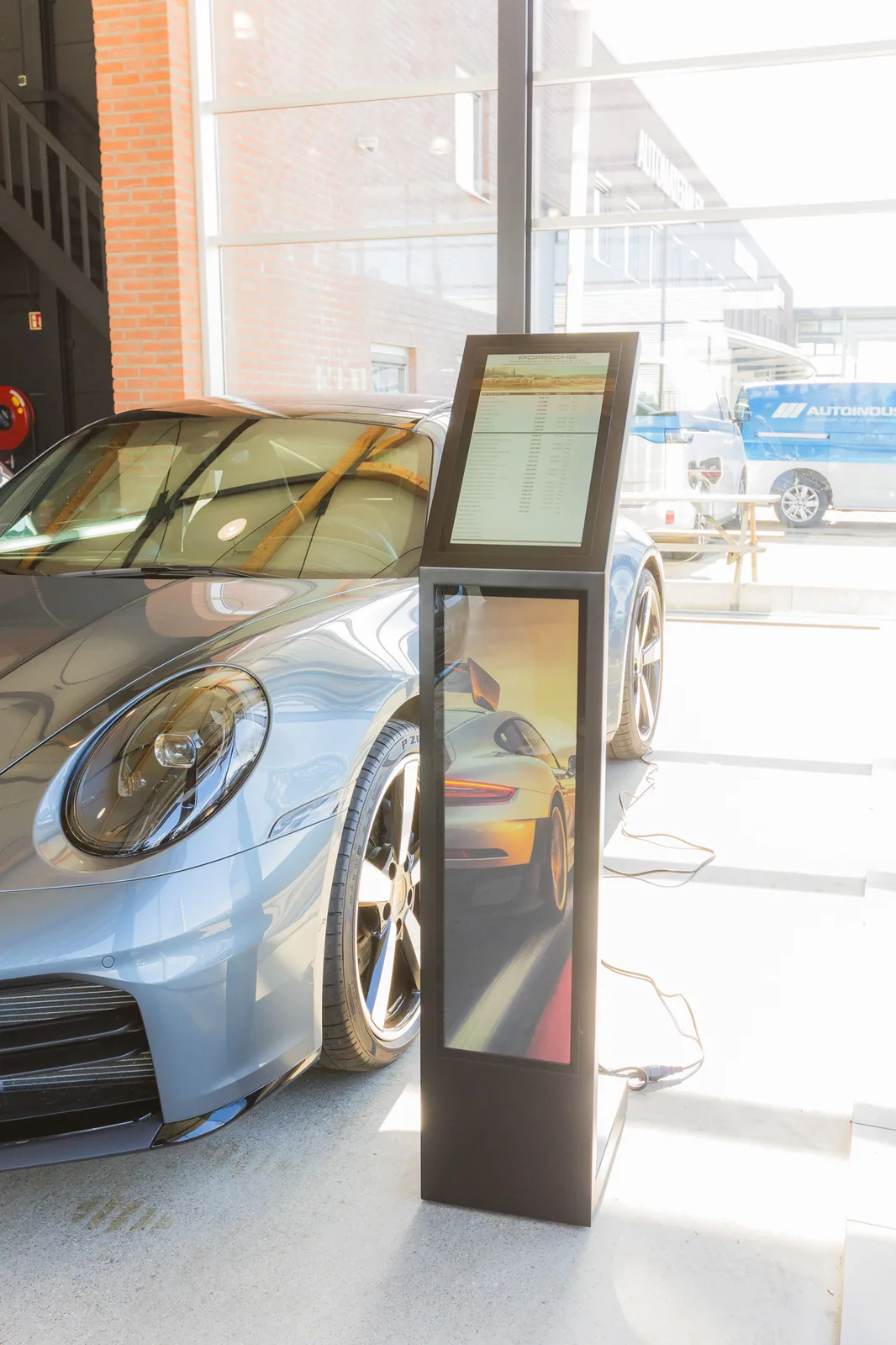
First map the space and visitor route before choosing a number of screens or a format. Mark entrances, queues, decision points, workstations, obstacles, light sources and places where someone genuinely needs information. Give each zone one primary task and avoid multiple screens repeating the same message without a clear reason. The number required follows from sight lines, tasks and content, not from a general formula for floor area.
For each zone, determine whether someone is viewing from a distance, reading up close or operating the screen. Measure the actual viewing distance and viewing angle and test the designed text and visuals at that spot. Size, orientation and resolution are assessed together with content; a large screen does not automatically make an overcrowded or poorly structured message readable. Also take into account accessibility, visibility, passage, reflection and an alternative for users who cannot operate the interaction.
Compare display types based on the application and the current versions that are actually available. Indoor space, shop window, outdoor environment, static information, moving image and touch each place different demands. For brightness, protection rating, runtime, mounting, weight and environment, use only the current product sheet and manual of the chosen version. Outdoor placement, construction and special safety questions require separate location-based and specialist confirmation.
Then create a technical installation plan covering power, data connection, cable route, ventilation, mounting, access for maintenance and a local fallback. Record who manages installation, network, accounts, content and fault follow-up. Have electrical and structural choices assessed by the responsible party and do not copy over old power, bandwidth or mounting values. A centrally managed setup must also demonstrably recover safely after loss of connection or power.
Before full rollout, test one representative setup with the real content and operating route. Check startup, readability, touch if used, playback, refresh, network recovery and manual takeover. Observe the route from different positions and record deviations and corrections. Only then adjust number, placement and model choice and confirm the final specifications, price, planning and responsibilities from the central project source.