
Knowledge and advice
Using and maintaining your touchscreen display
From startup and content updates to cleaning and support in the event of faults. Make clear arrangements for the daily use of your display.
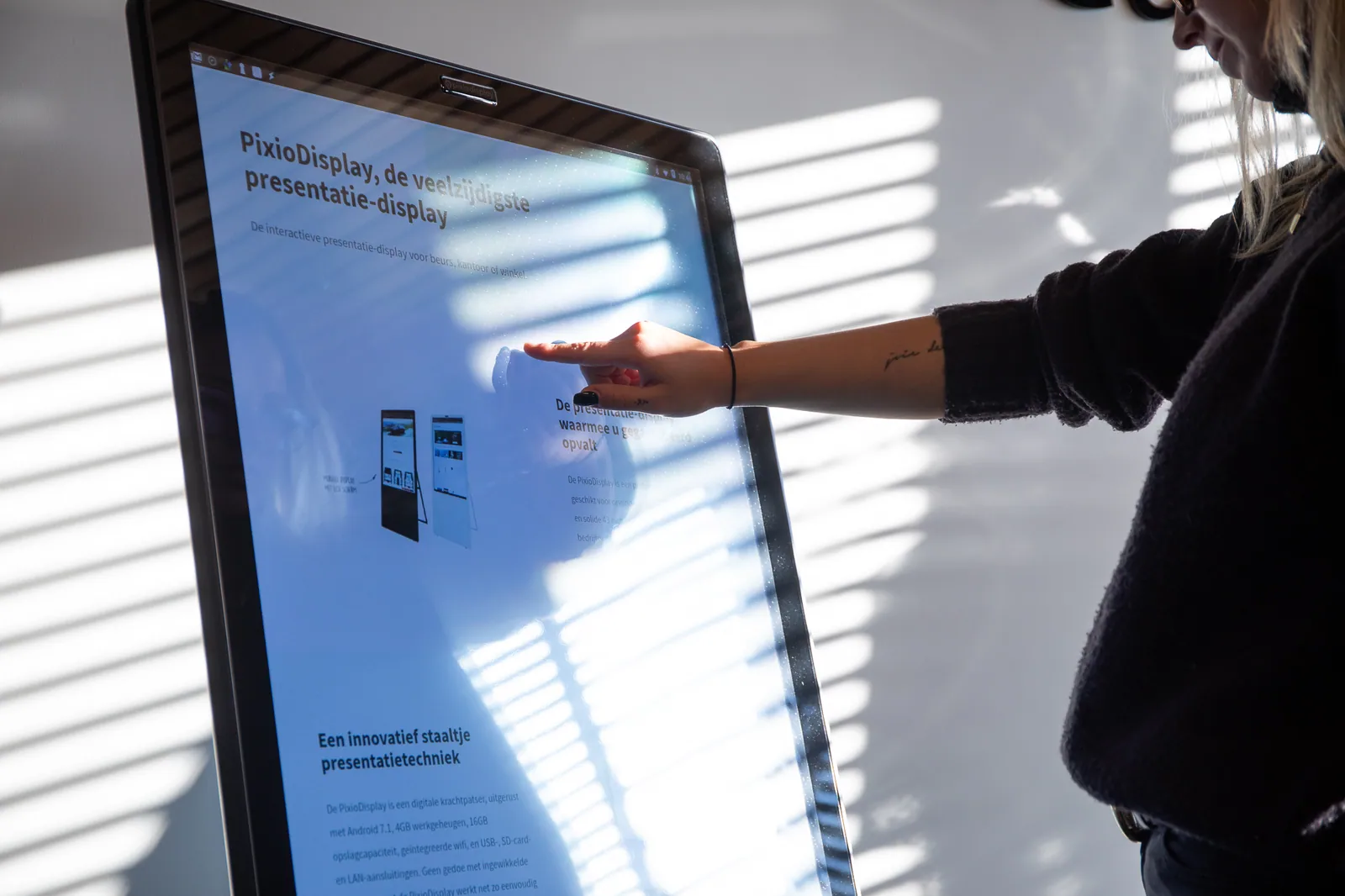
Before installation, create one technical and organisational file for the actual chosen configuration. Include location, substrate, mounting, power, connection, cable route, ventilation, accessibility and responsibility for installation and daily use. Weight, connections, environmental conditions and mounting method come exclusively from the current manual and product specification of that configuration. Have electrical, structural and safety matters assessed by the designated contractor or specialist and record their approval.
Draw up a cleaning procedure based on the manufacturer's instructions for the screen, coating, housing and any openings. Determine frequency based on use, environment and internal hygiene agreements, and first test the material and agent in accordance with those instructions. Do not copy any universal concentration, agent or disinfection claim from a general article. Record who cleans, how the display is safely switched off or locked and how damage, moisture or an abnormal touch response is reported.
Set up daily management around recognisable checks. The responsible person checks whether the display starts correctly, shows the intended content, touch and input work, and whether a confirmation or next step is actually carried out. Content, prices and availability come from the designated central source and are given a recognisable version. Accounts, local files, network access and any links are not managed side by side without a designated owner, change route and controlled fallback version.
Describe in advance what the employee does in the event of a frozen interface, lost connection, incorrect content, damaged housing or damaged screen. A safe local fallback and a clear escalation point are more important than improvisation on the public floor. Do not open the housing and do not change electrical or structural components outside your authority and the manual. First try to record a fault in a reproducible way with time, screen identification, visible message and last known change.
Plan periodic inspection based on the usage environment, project agreements and manufacturer's instructions. Check fixings, cables, ventilation, housing, screen surface, touch behaviour, software status, content version and recovery route, and record corrections with date and owner. After maintenance, test the full primary visitor task again. Product specifications, service conditions, parts, rates and response times are always confirmed from the current central product or project source and not derived from this lasting guide.