
Knowledge and advice
What can you do with a touchscreen display?
Let visitors compare products, operate a presentation or request information. Find out when a touchscreen is suitable for your application.
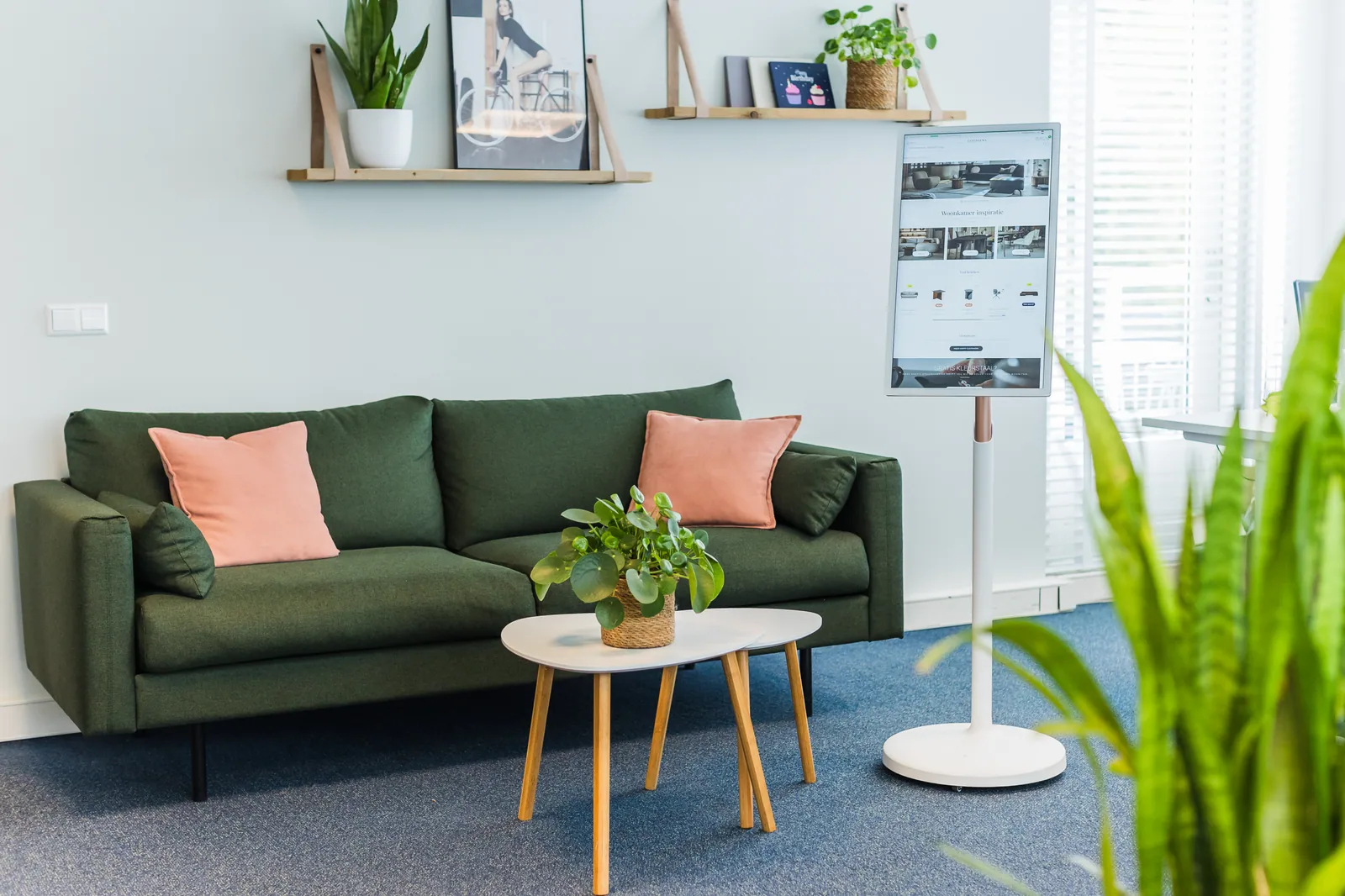
A touchscreen makes sense when a visitor carries out a clear action themselves, such as browsing product information, comparing options, operating a demo, choosing a route or filling in a form. The content must be designed for this; a normal website on a large screen is not automatically a good touch experience.
For passive content, such as a continuous video, poster or slideshow, a screen without visitor control can be simpler and more robust. Also assess viewing distance, screen height, accessibility, privacy when entering data, cleaning, accessibility and the time a person has for the interaction.
So first choose scenario and task, and only then model or size. The Display choice guide combines application, placement and mobility with source-checked product information only. If there is a special interface, connection or housing, the question is assessed separately as configuration or custom work.