
Application
Information requests via your touchscreen
Let visitors indicate interest themselves, request a brochure or schedule a demo. Pixio helps you align the operation and the form with the desired follow-up.
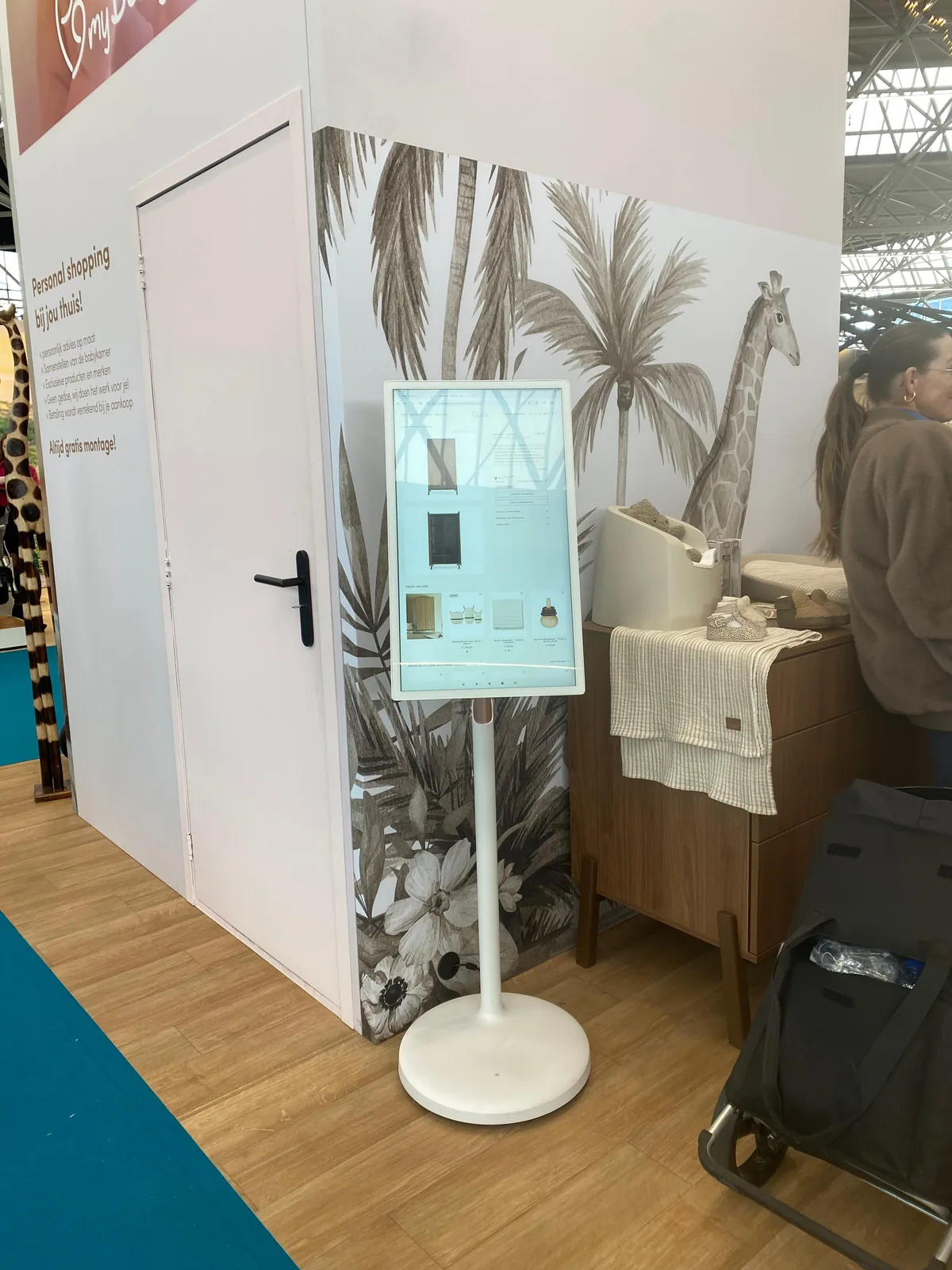
Product and model
From interest to a targeted request.
Use the built-in Android computer to open your website, video or app. With the additional Pixio App, you can update the screen content remotely. Choose the size, setup and any accessories for this application.
Which version do you need?
- What does the visitor ask for and what do they get in return?
- What data do you need for that?
- Who follows up the request and in which system?
Ordering and setting up
Steps for this application.
Design the product choice and a short request form.
Align software, data processing and any integrations.
Test the request and the follow-up before you deploy the touchscreen.