
Knowledge and advice
Display size at a trade fair: how to choose the right format
Which display size works on a trade fair stand? Learn how viewing distance, ambient light and stand type determine the choice — with concrete sizes and prices.
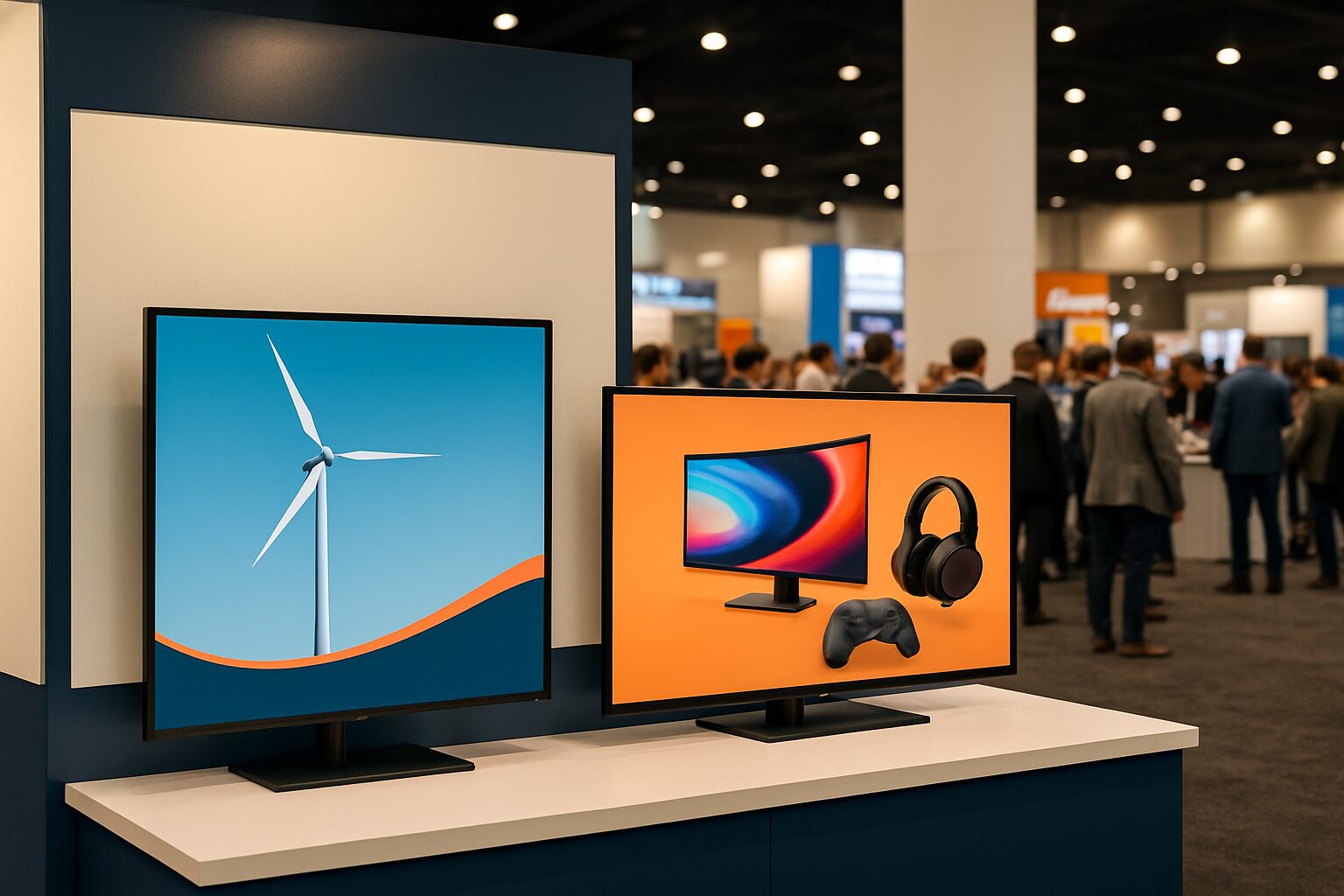
Display size at a trade fair: how to choose the right format
The optimum display size for a trade fair stand is the size at which a visitor can read the message effortlessly along their natural walking route — without stopping or squinting. Three variables determine that size: the viewing distance between screen and passer-by, the brightness of the ambient light in the exhibition hall, and the function of the screen (drawing attention from a distance or displaying information up close). Anyone who fills in those three factors has an objective basis for their choice.
Viewing distance is the first calculation
The rule of thumb most commonly used in the AV sector: the maximum viewing distance in centimetres is roughly equal to the screen height multiplied by 6,5 for text content. A 43″ screen has an image height of around 53 cm — giving a maximum viewing distance of about 3,5 metres. For purely visual content (video, large full-frame photos) you may use a factor of 8, allowing the same screen to remain visible up to around 4,2 metres.
For a trade fair stand, this means in concrete terms:
| Viewing distance | Minimum recommended size |
|---|---|
| Up to 2 m (meeting table, reception desk) | 32–43″ |
| 2–4 m (aisle along the stand) | 43–55″ |
| 4–6 m (wide hall, opposite stands) | 55–65″ or multiple screens |
| > 6 m (open square, large hall) | Videowall or multiple 65″+ displays |
If in doubt: go bigger. A screen that seems just too big on the drawing board is exactly right on the exhibition floor.
Ambient light determines brightness, not size
Format and brightness are two separate decisions. Yet they influence each other: a screen that is too dark in a bright hall looks smaller than it is, because the contrast disappears.
Indoor halls such as Jaarbeurs or RAI typically have diffused daylight through skylights and strong fluorescent lighting. A standard commercial display with 400 cd/m² is sufficient there. That is exactly the brightness of the PixioDisplay Mobile (43″, current price on request buy, price list Q2 2026): sufficient for indoor use, compact enough for a 6 m² stand.
Are you at an outdoor trade fair or in a glass pavilion with direct sunlight? Then you need at least 1.500–3.000 nits to remain readable. A consumer screen of approx. 300 cd/m² literally disappears in the light — that is the technical argument behind the price difference between a consumer TV and a professional display.
Function of the screen: attention or interaction?
Not every screen on a stand does the same job. Distinguish between two roles:
Attention grabber — stands on or in front of the stand, aimed at passers-by at 3–6 metres. Here, size matters most. Moving images and large typography are more effective than lots of text. Use the rule of thumb: at least 43″ for an aisle of 3 metres, 55″ or larger for an open hall.
Information provider — is on the stand itself, at 1–2 metres from the visitor. Here the goal is interaction or readability of detail. A 43″ or 49″ touchscreen kiosk works better than a large passive screen. The PixioKiosk in 43″ (current price on request buy or rent from current price on request per day with a minimum of two weeks' rental, price list Q2 2026) is a common choice for product catalogues, lead registration and interactive product demos.
For stands with both functions: combine a larger screen as an eye-catcher with a smaller kiosk for depth. That is exactly the setup Pixio Display provided for bol.com’s stand at the Negenmaandenbeurs — a recognisable combination of visual impact from a distance and interaction at stand height.
Stand width and placement: practical limitations
A 6 m² stand has no physical space for a 75″ screen on a floor stand. Take account of:
- Stand width: a 43" screen (approx. 96 cm wide) fits on a stand 2 m wide; a 55" screen (approx. 122 cm wide) requires at least 2,5 m.
- Height: mount the screen so the centre hangs at eye level (approximately 150–160 cm). A screen mounted too high strains the neck and reduces readability.
- Portrait vs landscape: portrait orientation (9:16) attracts more attention in an aisle because the format is unexpected. Landscape (16:9) works better for video and product presentations.
- Power connection: check in advance the number and location of the power circuits at your stand location. Displays without power are a common last-minute mistake.
Do you not have a power point at the desired location? The PixioDisplay Pavement Sign (43", battery-powered, 14–18 hours' runtime, current price on request for 1.500 nits, price list Q2 2026) works completely wirelessly — practical for stand locations at the edge of a hall where power circuits are scarce.
Buy, hire or lease: what suits your trade fair frequency?
The question trade fair participants ask us most often: buy or rent? The arithmetic break-even point is around 8–10 usage days per year. If you attend one or two trade fairs a year, renting makes more financial sense. If you organise four or more events, buying or leasing pays for itself.
For one-off or annual participation: hire a 43″ touchscreen display via /display-huren/ from current price on request per day (3 days). For permanent participants, lease is attractive — the PixioDisplay Mobile (43″) is already available from current price on request per month (60 months, price list Q2 2026).
All PixioDisplays have an integrated Android computer (Android 13/14). You do not need a separate media player or laptop. At a trade fair, that is the biggest practical difference from a separate TV setup: ready to use within minutes, no cable mess, no last-minute technical problems.
Conclusion: start with the viewing distance, not with the size
Do not choose a display size based on gut feeling or on what fits in the car. Measure the expected viewing distance at your stand location, then determine the function (attention or interaction), and only then choose the format that suits both. For most B2B stands at Dutch trade fairs — with aisles of 3–5 metres — 43″ is the absolute minimum and 55″ the safe standard choice.
Want the full context around digital signage at trade fairs? Then read Digital signage at trade fairs: the complete guide to a standout stand for an overview of content, technical setup and stand construction.
Frequently asked questions
Which screen size works on a trade fair stand of 6 m²?
For a stand of 6 m², 43–55″ is the most practical choice. A 43″ screen (approx. 96 cm wide) fits on a stand of 2 metres wide and is readable up to around 3,5 metres away for text content. If you want a real eye-catcher that also attracts visitors from the aisle, choose 55″.
How do I calculate the ideal screen size for my viewing distance?
A common rule of thumb: multiply the screen height in centimetres by 6,5 for text content. That gives the maximum viewing distance. For a 43″ screen (image height approx. 53 cm) that is about 3,5 metres. For purely visual content, you may use factor 8.
Does an exhibition hall affect the brightness required for my display?
Yes. Indoor venues such as the RAI or Jaarbeurs have diffuse daylight and artificial light. A commercial display of 400 cd/m² is sufficient there. If your stand is in a glass pavilion or outside, you need at least 1.500–3.000 nits to remain readable. Consumer screens (approx. 300 cd/m²) are not suitable for trade fair use.
Is it better to use one large screen or several small screens?
That depends on the stand width and the objective. One large screen (55″+) works well as a central eye-catcher. Several smaller screens (43″) are better if you want to show information at different points on the stand, or if you want to combine an attention-grabber with an information provider. More screens also increase overall visibility from different directions of movement.
When is renting more cost-effective than buying for an exhibition screen?
The break-even point is around 8–10 usage days per year. If you do one or two trade fairs a year, hiring makes more financial sense. If you hire a 43″ touchscreen display for 3 days, you pay from €105 per day. For four or more events a year, buying or leasing pays off — a PixioDisplay Mobiel (43″) is already available from €42 per month (60 months, price list Q2 2026).