
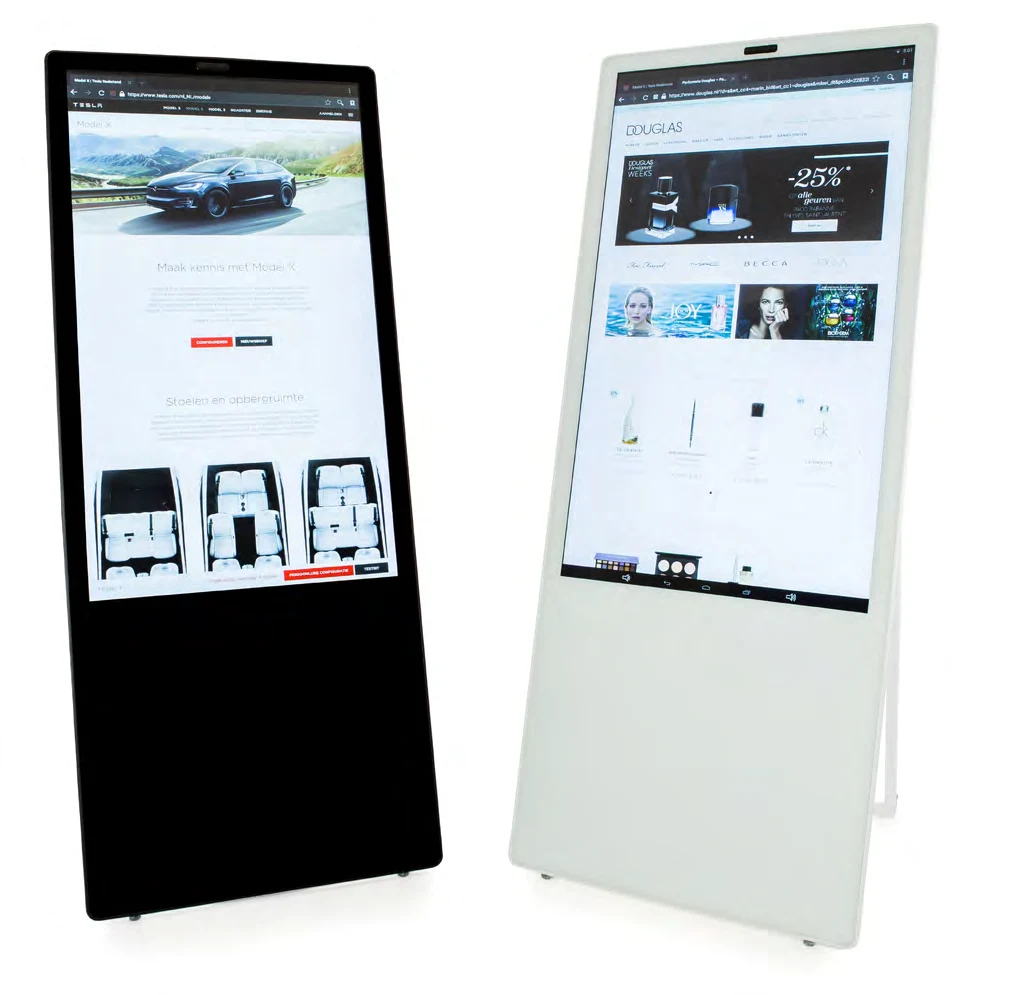
PixioDisplay Mobile
Mobile all-in-one touchscreen with built-in Android computer. Open your website, videos and apps without an external computer.
43 inch
Indoor · Touch
- Buy
- From € 1.436,00
- Lease
- From € 42,00 / month
- Rental
- From € 175,00 / day

For trade fairs, showrooms and reception areas
Websites, videos and apps run on the built-in Android computer. No laptop or separate media player needed.
Google Reviews4,6 starsOur displays
Mobile all-in-one touchscreen with built-in Android computer. Open your website, videos and apps without an external computer.
43 inch
Indoor · Touch
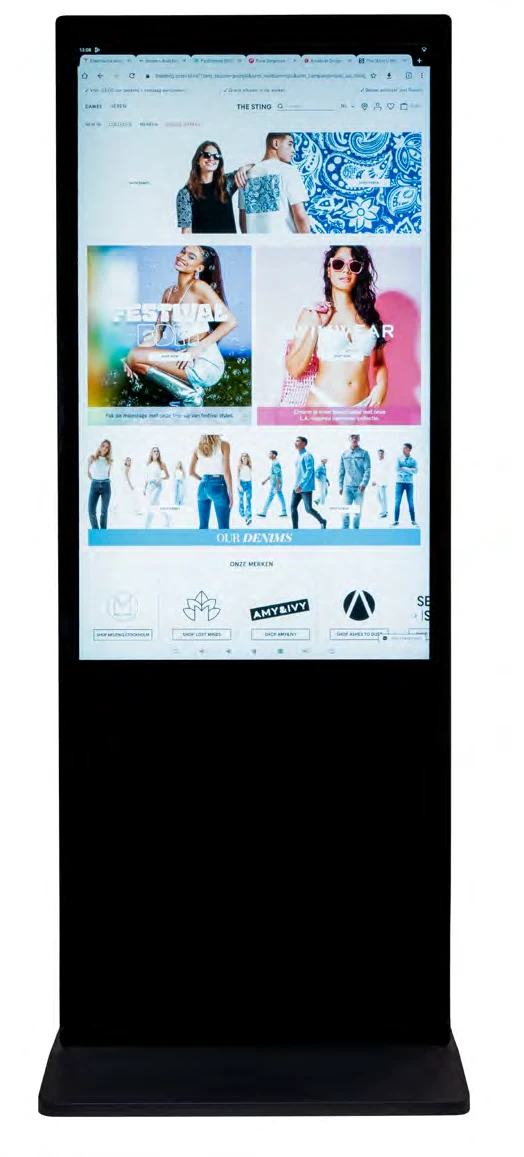
Freestanding all-in-one touchscreen with built-in Android computer. Show websites, product information and videos on the screen itself.
49 inch
Indoor · Touch
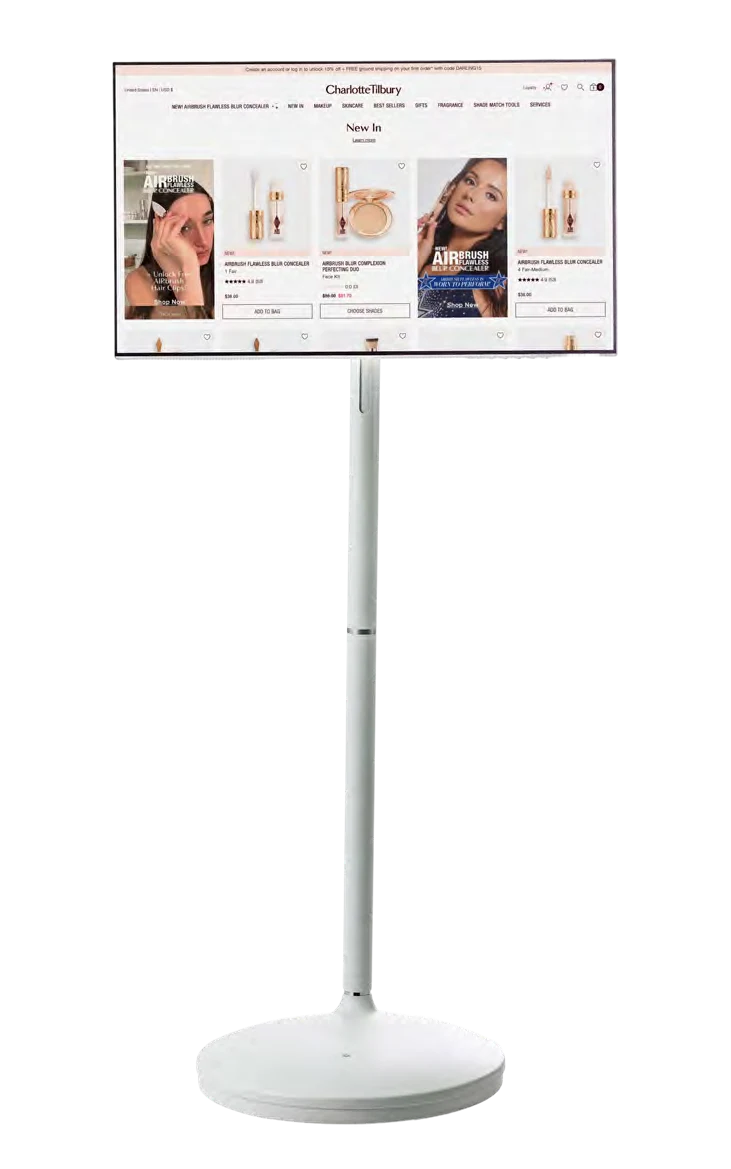
Adjustable all-in-one touchscreen with battery and built-in Android computer. Use the screen without an external computer.
27 inch
Indoor · Touch · Battery
Amounts excl. VAT and shipping. Rental price per day at 1 rental day. Lease per month at 60 months, indicative and excl. one-off administration costs; subject to finance approval.
Two separate components
Built-in
The computer is built into the display. Open a website, play videos or use a suitable Android app, without a laptop or separate media player.
Local files are shown without internet. Websites and online apps need a connection.
On the models where Android is listed in the specifications.
Additional service
Manage the content of one or more displays remotely, from your computer. The displays need internet for this.
Choose photos, videos, a website or Canva content and update multiple displays from one management environment.
No need to use Android. The chosen app service and setup are listed separately in your quotation.
What can you do with a touchscreen?
Use websites, videos and apps on the built-in Android computer.
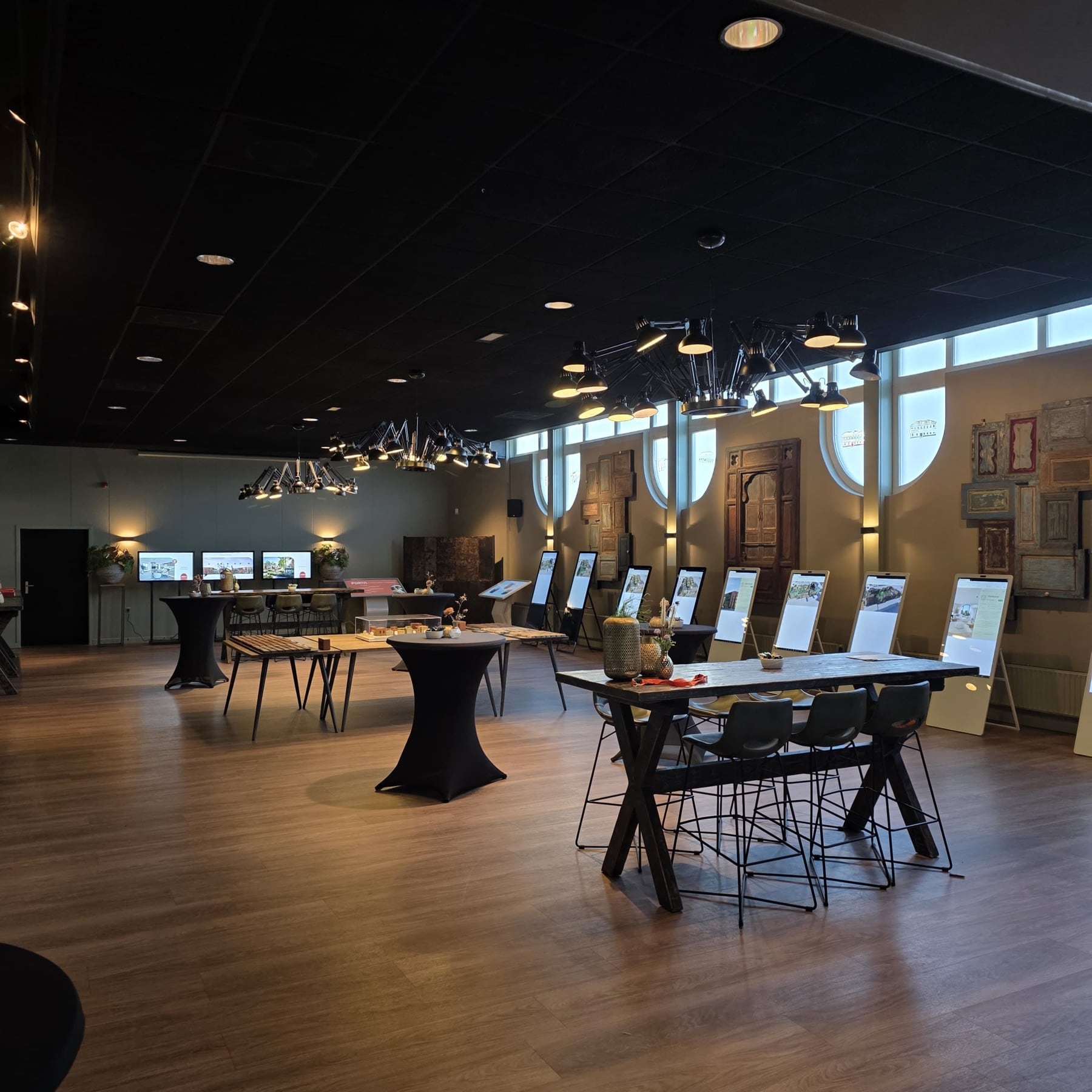
Open your product website, play a demonstration video or let visitors fill in a web form. The built-in Android computer runs the content; no laptop is required.
Find your display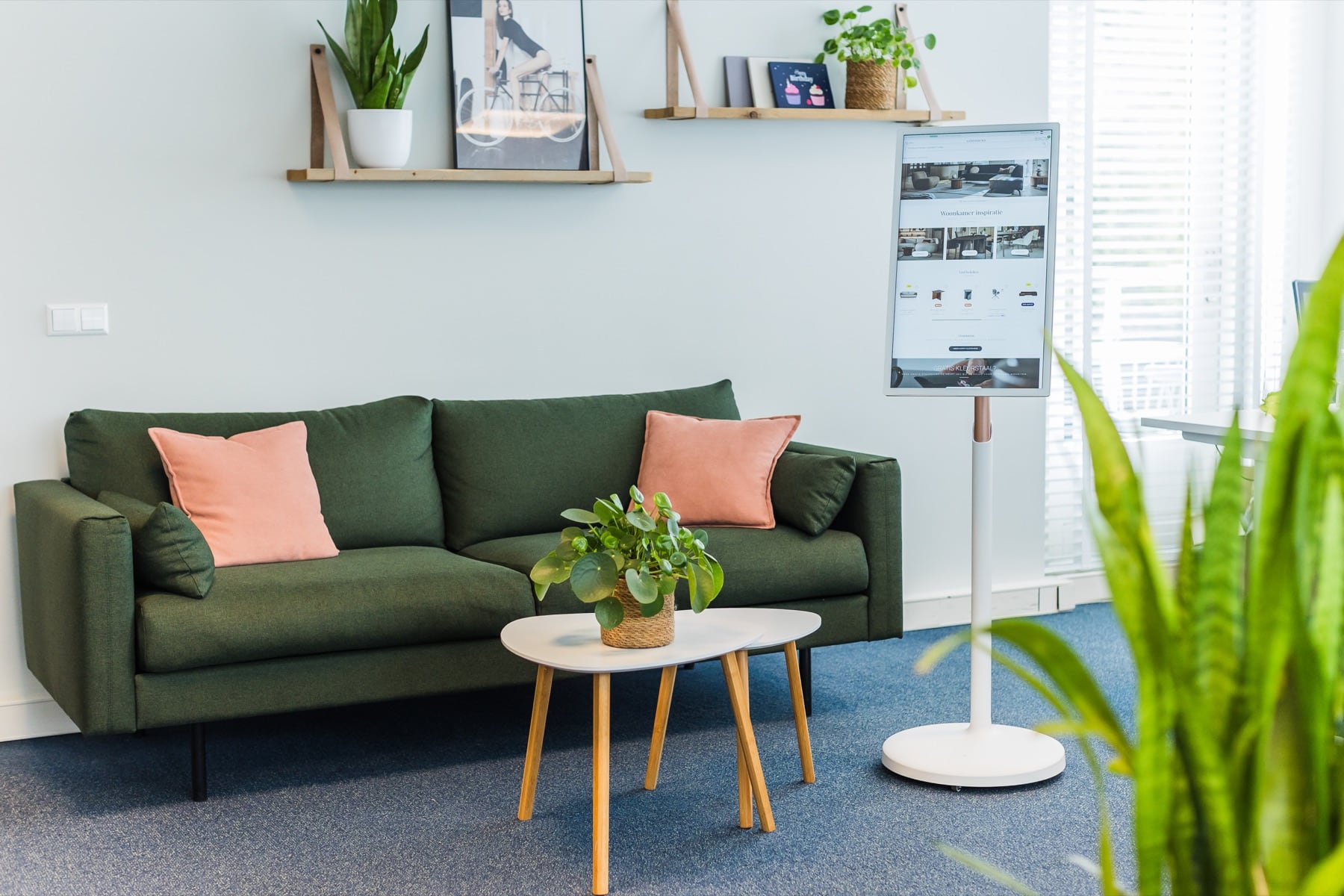
Let customers view colours, finishes, product photos and videos. Use your existing website or a catalogue app on the built-in Android computer.
Find your display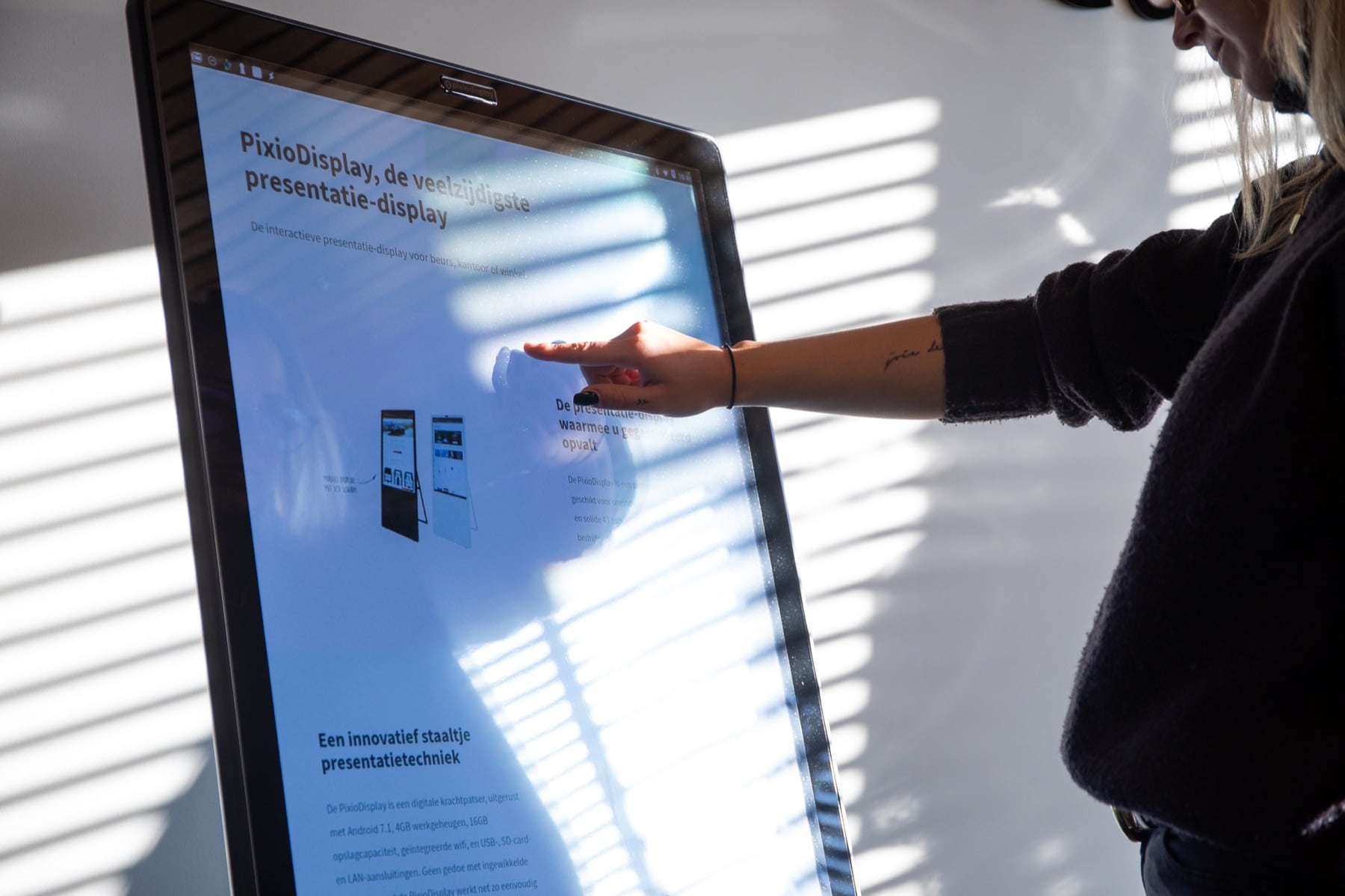
Open a floor plan, product finder or FAQ page. Visitors operate the website or app directly on the touchscreen.
Find your display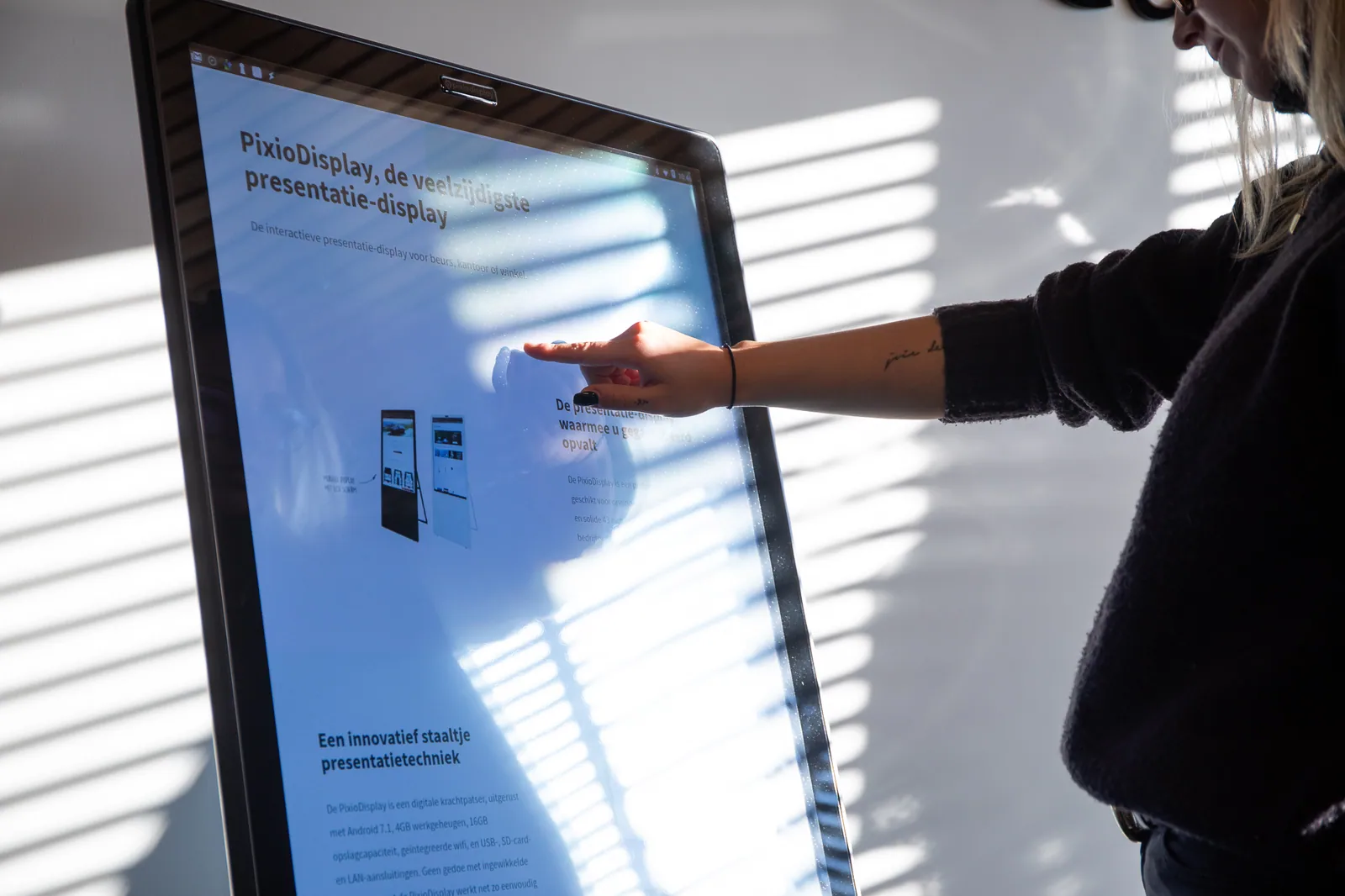
What can you show?
Use the built-in Android computer for your own files and apps. For central content management, choose the Pixio App.
Open your existing website or let visitors browse through products, versions and information.
Let visitors browse products, projects, videos or a floor plan using buttons.
Let visitors leave details, submit a request or sign up at the moment interest arises.
Show campaigns, instructions and product videos on a screen that suits your space and audience.
Update videos, images and screen information remotely for one or more displays.
Let visitors search for information, make choices or take the next step independently.
In practice
Bolton Bouw
Visitors viewed information and could sign up via the touchscreen during a temporary new-build event.
See the case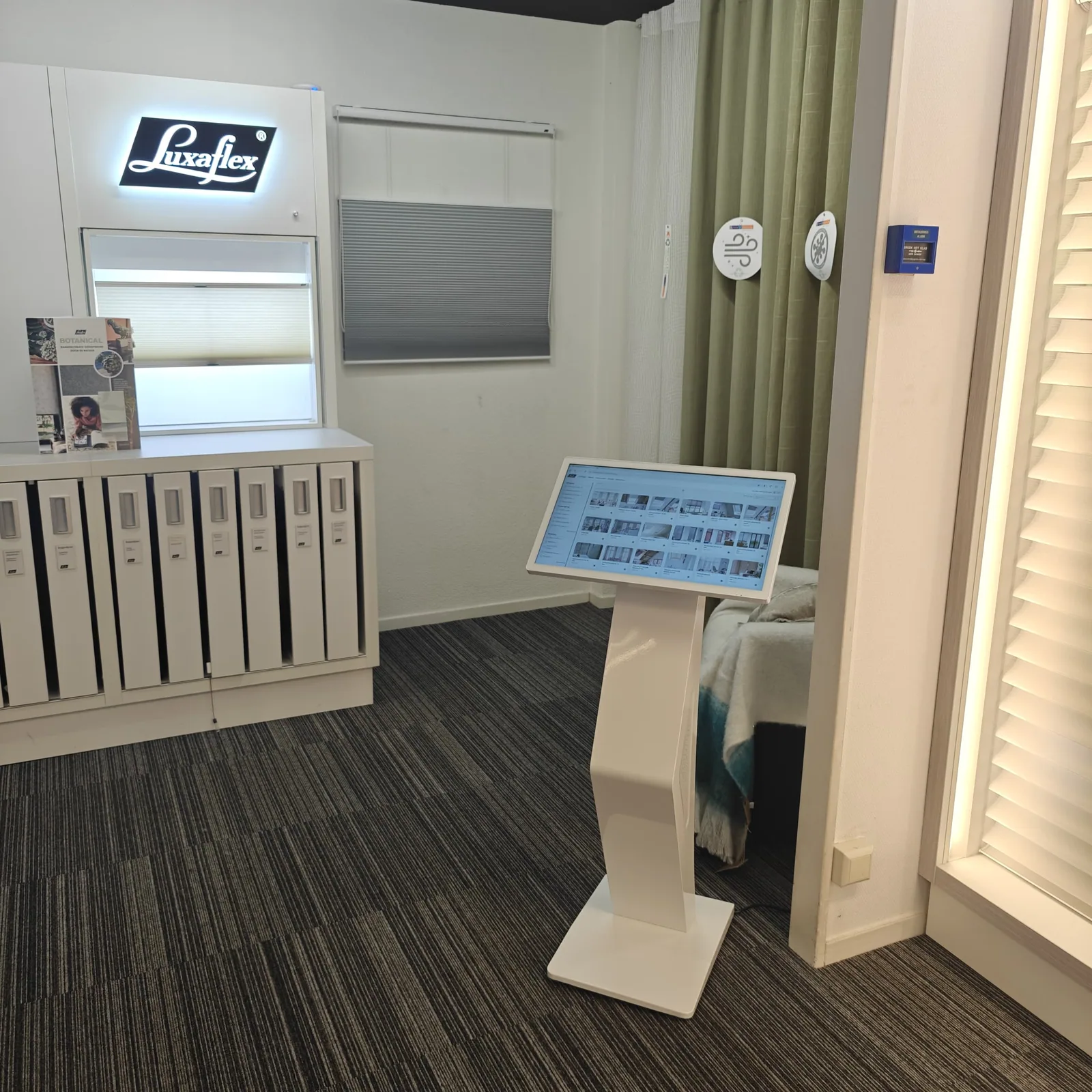
Luxaflex · PixioDisplay Kiosk
Luxaflex used PixioDisplay Kiosk to let visitors at a trade fair stand view and configure product options themselves.
See the case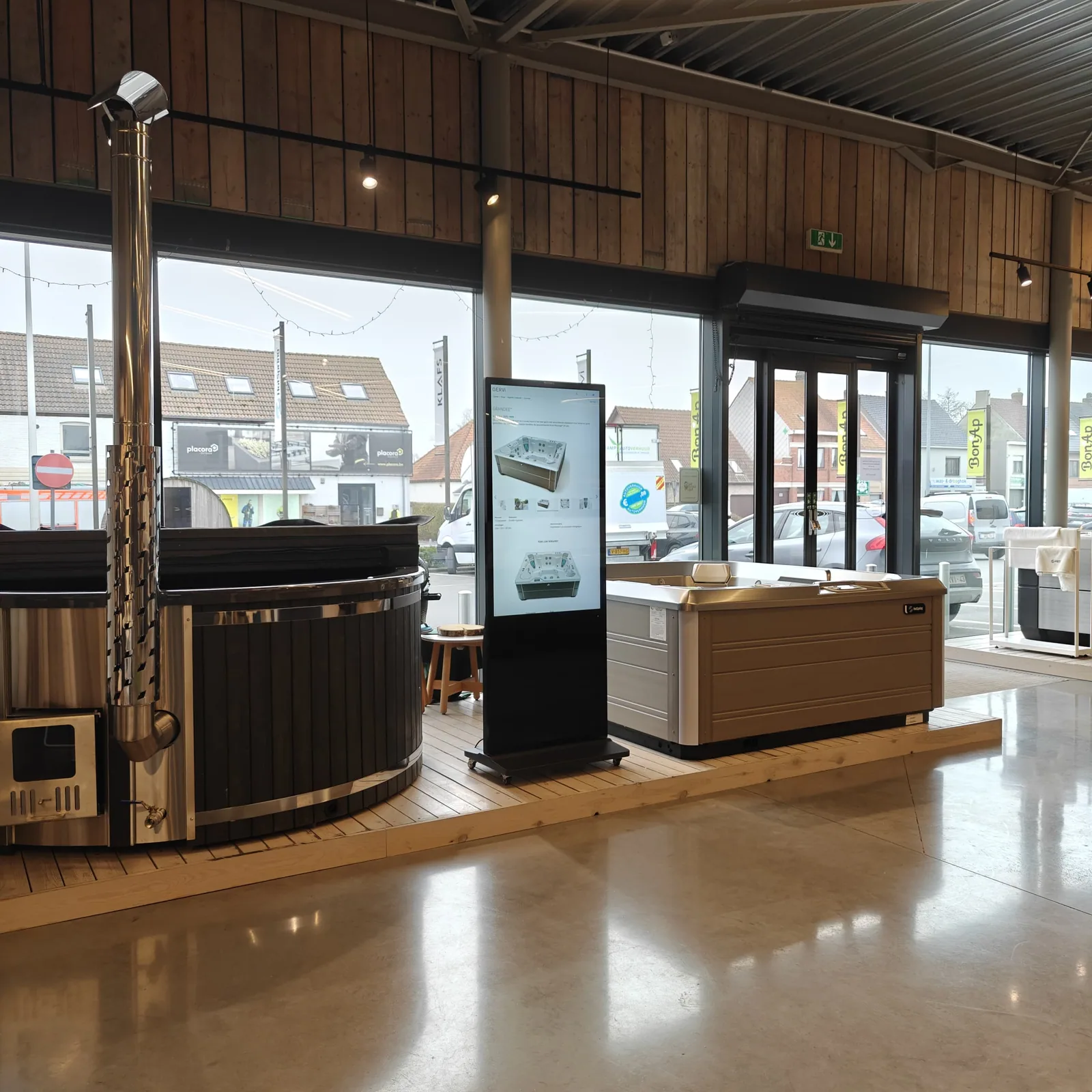
Gervi Showrooms · PixioDisplay Luxe
Gervi Showrooms uses PixioDisplay Luxe to let visitors view product information, atmosphere images and promotions.
See the caseBuy, rent or lease
Your quotation states the model, the price, software and any delivery and installation.
Buy
Choose the model, size and accessories. You will receive a quotation with the display price and the selected software and services.
View all displaysRental
Provide the model, quantity and rental dates. The proposal will set out the rental price, transport and any installation.
View the rental optionsLease
Ask for the lease price, term and conditions for the chosen configuration.
View purchase, hire and leaseTell us where the display will be placed and what visitors need to be able to do. We will think along with you on model and software.
The full price list
The brochure brings all displays together, with the available purchase, rental and lease prices, versions and options. You will receive the price list by email.
Prefer a different step right away?