
Application
Touchscreen displays for reception and information
Let visitors look up routes, product information or answers for themselves. Pixio advises on a recognisable home page, suitable controls and the placement of the display.
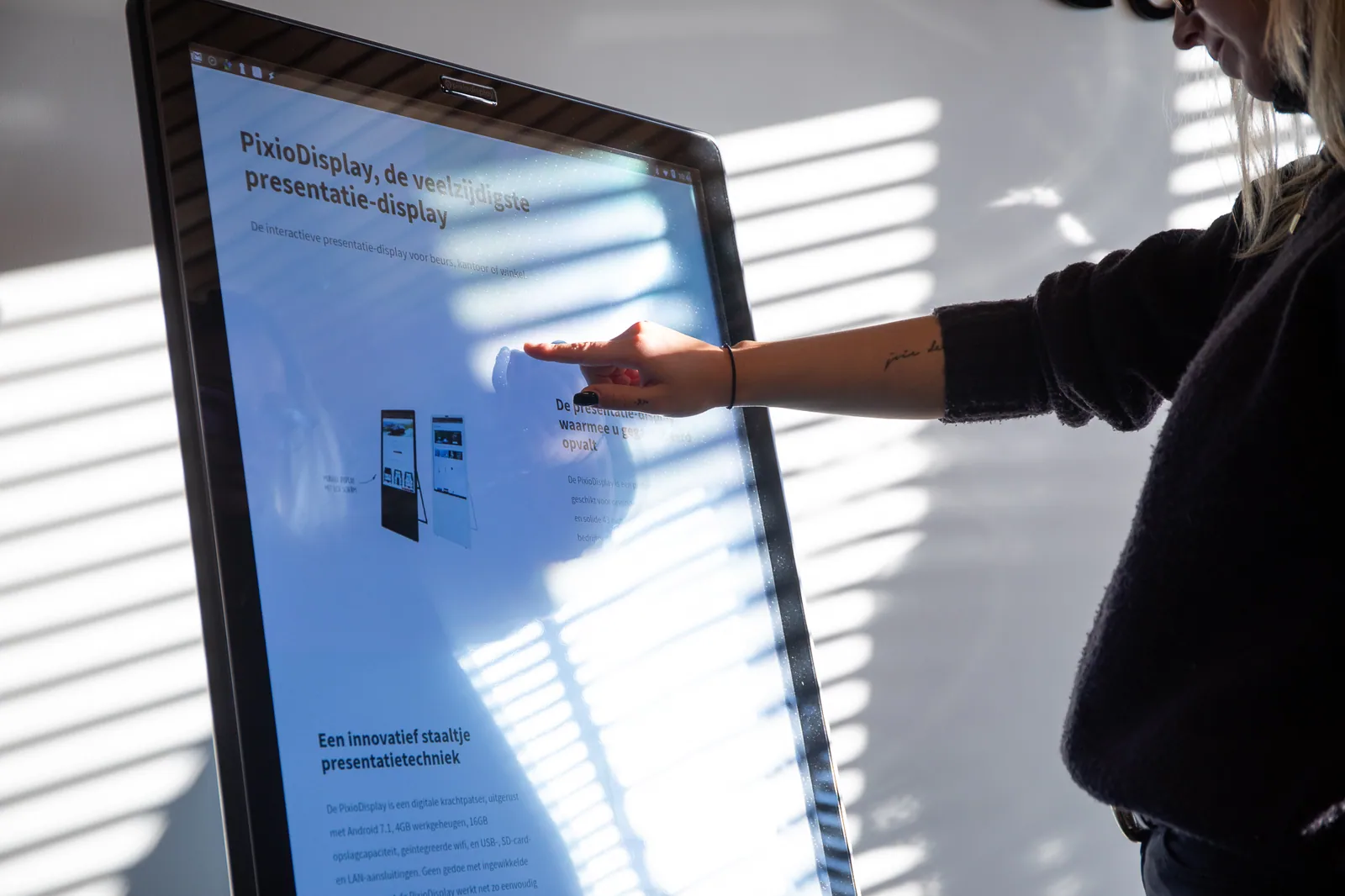
Product and model
Visitors find their own information.
Use the built-in Android computer to open your website, video or app. With the additional Pixio App, you can update the screen content remotely. Choose the size, setup and any accessories for this application.
Which version do you need?
- What information are visitors looking for when they arrive?
- Can everyone reach and operate the touchscreen properly?
- Who updates the information when something changes?
What you can do with it
Answers at the door, even without a reception desk.
At the entrance, visitors want to know quickly where they need to be. A touchscreen provides the answer when the reception desk is busy or when there is no desk. You choose what it shows: a floor plan, your website, a sign-in form or company videos.
- Let visitors sign in on arrival.
- Show a floor plan or the route to the right department.
- Let visitors look up frequently asked questions.
- Play company and project videos in the waiting area.
- Keep opening hours and announcements up to date.
- Show information outside at the entrance on a weatherproof screen.
Displays that suit this
View all displaysPixioDisplay Kiosk
Freestanding touchscreen kiosk, from 21,5 to 49 inch.
PixioDisplay Desk
13,3-inch touchscreen for the reception desk.
PixioDisplay Luxe
Freestanding 49-inch touchscreen for the reception area.
PixioDisplay Outdoor Advertising Pylon
Weatherproof digital pylon from 49 to 65 inch, also with touchscreen.
How others use it
Aramco used PixioDisplay Luxe to show project images and videos during a customer event.
Read the case
Ordering and setting up
Steps for this application.
Choose the information visitors need most often.
Align the touchscreen, software and placement with the reception location.
Test searching for information with the actual content.
Is your idea not listed?
A display with Android can do much more than this page lists. Tell us what you want to show or have done. We will think along with you, even if you do not yet know which model you need.