
Application
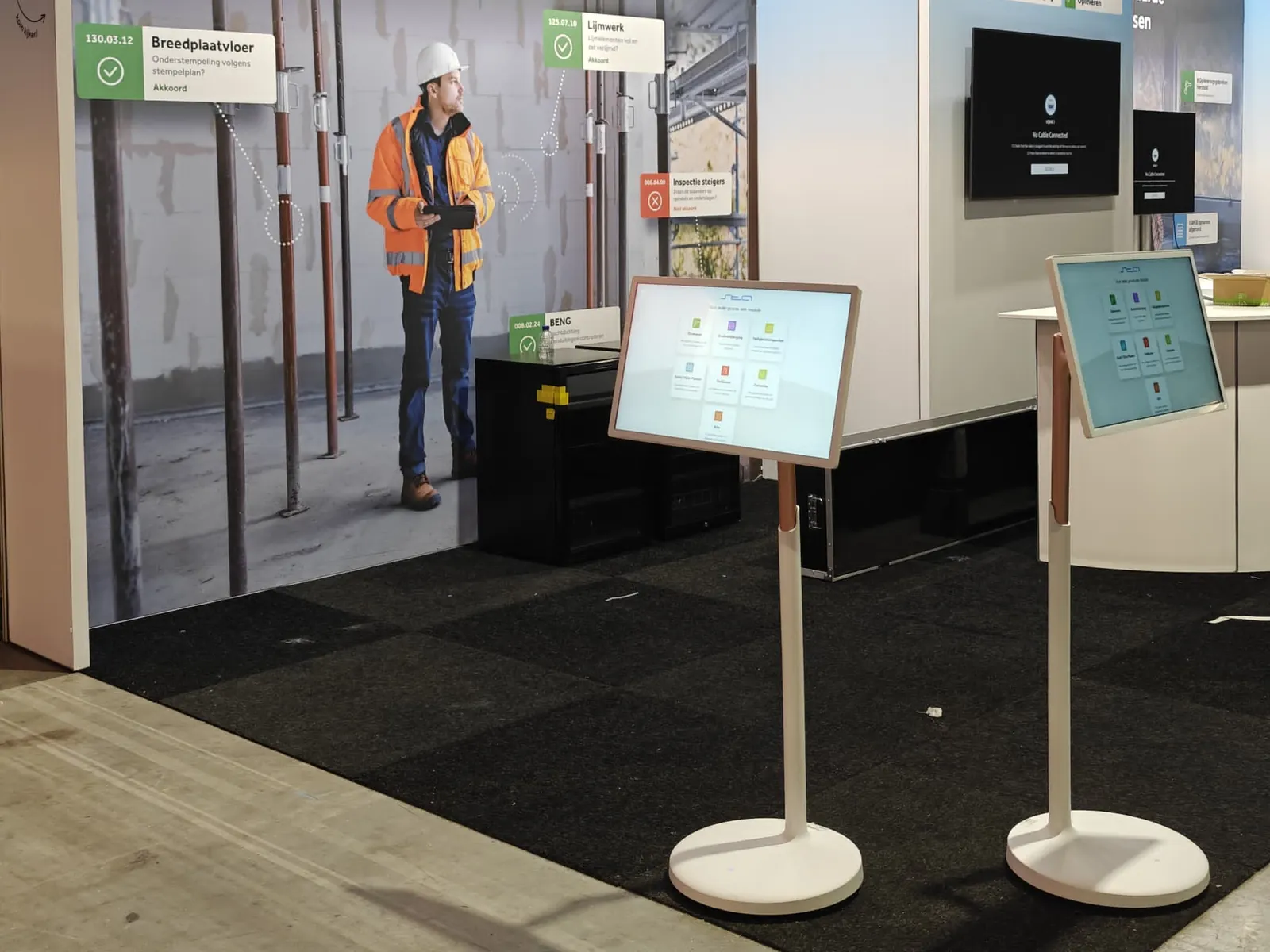
Touchscreen displays for trade shows and events
Let visitors discover products, operate a demo or request information at your stand. We will help you with a suitable setup for purchase or hire.
Product and model
More interaction at your trade fair stand.
Use the built-in Android computer to open your website, video or app. With the additional Pixio App, you can update the screen content remotely. Choose the size, setup and any accessories for this application.
Which version do you need?
- What should visitors be able to do on the touchscreen?
- Do you use the display once or at multiple events?
- Which content and internet connection are available?
What you can do with it
Show more on a small stand.
At a trade fair you have little space and a lot to tell. On a touchscreen, visitors view your products themselves while you are in conversation. Buy a display for several trade fairs or rent one for a single event.
- Let visitors browse your products or projects themselves.
- Let visitors operate a configurator or demo on the stand.
- Show videos and images to people walking past.
- Let visitors leave their details for follow-up.
- Set up a large image surface with a video wall.
- Take your message onto the trade fair floor with a portable display.
Displays that suit this
View all displaysPixioDisplay Mobile
43-inch touchscreen on wheels.
PixioDisplay Flex
Adjustable 27-inch touchscreen with battery.
PixioDisplay Kiosk
Freestanding touchscreen kiosk, from 21,5 to 49 inch.
PixioDisplay VideoWall
Modular LED video wall of 1 to 8 panels.
PixioDisplay Backpack
Portable advertising display with battery.
How others use it
Luxaflex used PixioDisplay Kiosk to let visitors at a trade fair stand view and configure product options themselves.
Read the caseMyBaby used PixioDisplay Flex for product information and a registration route at the trade fair stand.
Read the caseALDI Nederland used PixioDisplay VideoWall as an image surface for company content during a staff event.
Read the case
Ordering and setting up
Steps for this application.
Define the touchscreen's role on your stand.
Choose the model, software and buy or rent with Pixio.
Align content, transport and installation, and test the controls.
Is your idea not listed?
A display with Android can do much more than this page lists. Tell us what you want to show or have done. We will think along with you, even if you do not yet know which model you need.