
Touchscreen displays
Apps for your display: get more out of your PixioDisplay like this
Every PixioDisplay runs on Android: show presentations, slideshows, videos and whiteboards with apps such as PowerPoint, Canva and Miro — or manage everything with the PixioApp.
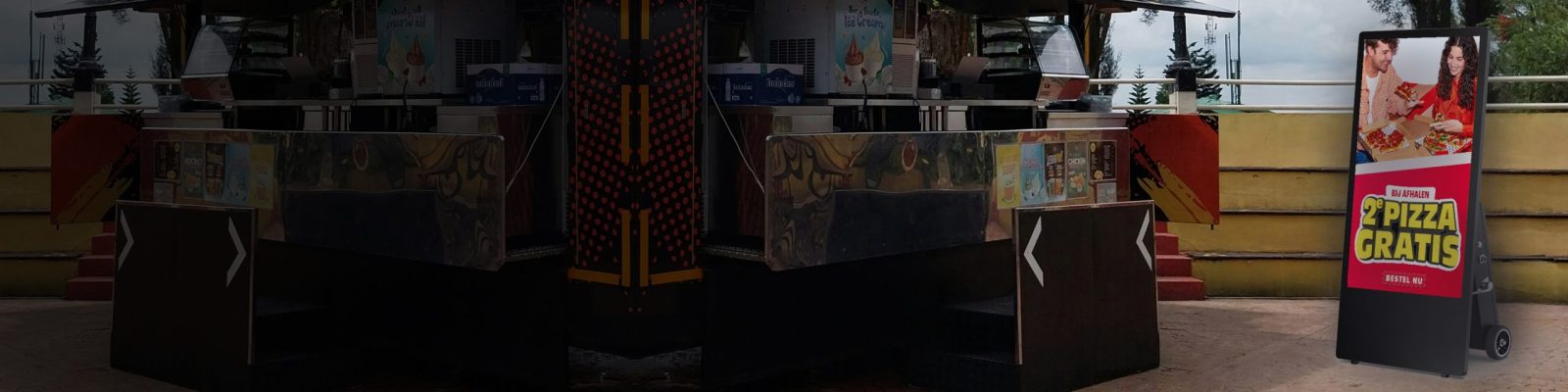
A PixioDisplay is more than a narrowcasting screen. Every display runs on Android and has a built-in computer, allowing you to use almost any online app on it — from PowerPoint and Canva to Miro and VLC. You can show presentations, slideshows, videos and even interactive whiteboards, without extra boxes or cables.
This is how it works: Android on every display
Every PixioDisplay comes as standard with Android as the operating system. Your display therefore works like a large Android tablet: you install apps via the Play Store or open web tools in the browser. Would you rather not install and set everything up yourself? Then you can manage everything centrally with the PixioApp.
The basics: narrowcasting with the PixioApp
For day-to-day management of your content, the PixioApp is the easiest route. You log in from your own workplace, pair your screen with a four-digit code and decide remotely what is shown on the display.
With PixioApp Standard (current price on request per month) you put together playlists, show slideshows of photos, videos, presentations and even your own website or web shop, and combine your content blocks into one whole. PixioApp Plus (current price on request per month) adds advance planning, real-time display status, a digital reception option, interactive content such as a quiz, screen lock and service and maintenance. The first screen is included in your package; each additional screen costs current price on request per month and you manage it via display groups — change once, live everywhere.
Prefer to start for free? For those with one screen and only the basics needed, the free plan of Yodeck an excellent starting point: one screen, simple playlists, no costs. Bear in mind that you then miss a number of things: Dutch-language support, the ready-made connection to your PixioDisplay, real-time display status, interactive options and the digital reception desk. And if you grow to multiple screens, Yodeck still charges per screen — at that point compare the costs with the PixioApp.
Show presentations on a large screen
Run your presentations directly on the display, without a laptop or cables:
- PowerPoint — the standard for business presentations; via Microsoft 365 you open them directly online
- Google Slides — works entirely in the browser and is strong in real-time collaboration
- Canva — thousands of templates; ideal if you want something nice quickly without design experience
- Prezi — zooms across one large canvas instead of separate slides; strong for storytelling
- Pitch — modern presentation tool for teams working together on one story
Useful for meeting rooms, events and training sessions. Also see the mobile presentation screen — mobile and wireless.
Photos and slideshows
The fastest way to create a continuous slideshow is via the PixioApp: upload photos, set the order, done. If you want more control over the final result, you create with Movavi a video slideshow with transitions, music and text, which you then play on the display. With Canva design your own crisp visuals in your own house style in advance. Perfect for shop window displays, reception areas and events.
Video play
For individual video files, VLC Media Player the most complete free player: it plays almost any format (MP4, MKV, AVI) without extra codecs. If you run your videos in a fixed rotation, then a playlist in the PixioApp is more practical — it automatically alternates between videos, photos and animations. Large space, large gesture? See the videowall.
Whiteboards and collaboration on a touchscreen
On a touchscreen display, your screen becomes a digital whiteboard for brainstorms, workshops and stand-ups:
- Microsoft Whiteboard — drawing, writing and post-its; connects directly with Teams
- Miro — extensive boards with templates for mind maps, customer journeys and planning
- FigJam — sketch and sticker quickly and accessibly, matches Figma
- Excalidraw — sketching in a hand-drawn style could not be simpler, share via a link
Lucidspark and Conceptboard also work well in the browser. This works best on a touchscreen presentation screen.
Selection aid: what goal, which app, which display?
| Purpose | App | Display |
|---|---|---|
| Daily content & playlists | PixioApp | Every PixioDisplay |
| Presentation in the meeting room | PowerPoint, Google Slides | Mobile presentation screen |
| Photos in the shop window | PixioApp, Canva | Shop window display |
| Video on a crowd-puller | VLC, PixioApp | Video wall |
| Brainstorm or workshop | Miro, Microsoft Whiteboard | Touchscreen presentation display |
| Start for free with 1 screen | Yodeck | Every PixioDisplay |
Frequently asked questions
Can I show PowerPoint on a narrowcasting screen?
Yes. Every PixioDisplay runs on Android, so you open PowerPoint via Microsoft 365 in the browser or show your presentation via the PixioApp.
Does Canva work on a digital display?
Yes, Canva works entirely in the browser. You can also export designs and show them as a slideshow via the PixioApp.
Do I need a separate media player or box?
No. The computer is already built into the display — you only need Wi-Fi or a network cable.
Is there a free way to control my display?
Yes, with Yodeck's free plan you can control one screen. For Dutch-language support, multiple screens and functions such as real-time status and interactive content, choose the PixioApp (from current price on request per month).
Can I manage multiple screens at once?
Yes, with the display groups in the PixioApp you adjust content once and it appears immediately on all your screens. Each additional screen costs current price on request per month.
Pixio Display is a supplier of digital signage in the Netherlands and Belgium. Questions about the possibilities for your location? Contact us or view all displays.