
Applications
Digital retail displays for shop floors, shelves and checkouts
A digital retail display shows offers, product information or guidance where customers make decisions. A floor display is visible from the aisle, a shelf display supports choices next to a product, and a POS screen sits at the point of sale. Decide whether customers need to look or interact in each zone before buying the same screen for every spot.
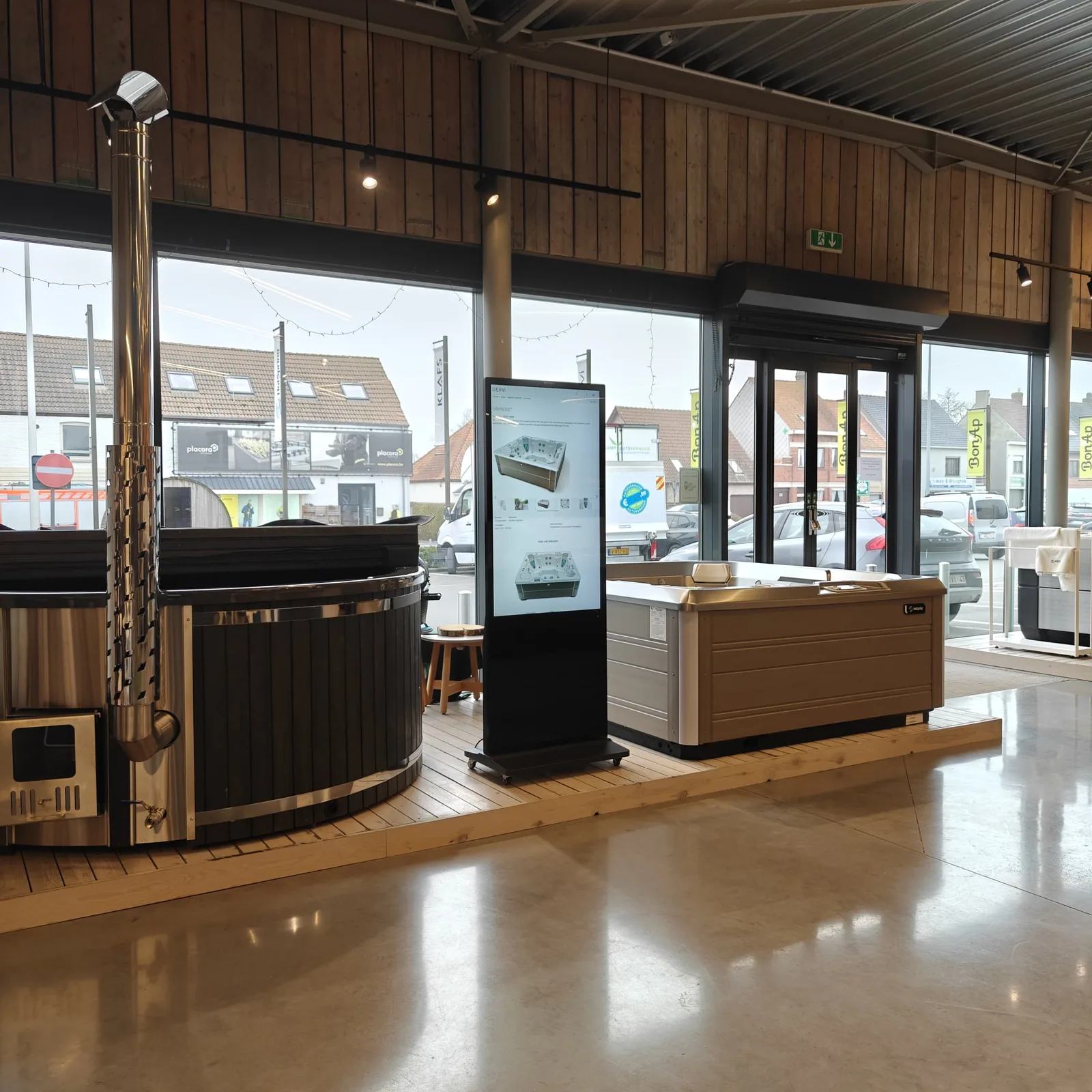
Floor display or information kiosk
A freestanding screen suits places without a usable wall: an entrance, promotional island or product group. Make the main message readable from the aisle and leave room to stop without blocking circulation. Use a kiosk for interaction, or compare a mobile unit if layouts change often. Walk the customer routes during opening hours before fixing the position.
A shelf display beside the product
A shelf display sits close to the range. Use it to compare two versions, show a demonstration or explain which accessory fits. Tie the content to the shelf, test readability from standing and lower viewing positions, keep cables out of reach and assign responsibility for updates when promotions or stock change.
POS screen at the checkout
Viewing time at a checkout is short. Use a readable offer, an explanation of a service or one clear question. A separate POS screen sits beside the checkout and does not automatically connect to its software. To show live stock or prices, test the integration and agree on a fallback if the data source is unavailable.
Window displays, campaigns and day-to-day updates
A window screen addresses passers-by and must remain readable in changing sun and reflections. Inside, the focus is often guidance and choice. Use distinct messages. Play local media on a compatible built-in Android computer and discuss the optional Pixio App for campaigns across stores. Decide which screens receive each update, when they are online and who checks them after a change.
Common questions
How much does a retail display cost?
It depends on size, mounting, touch and any software. The current product pages list available purchase and lease options. Compare quotes for the same setup and services.
Can I pilot the screens in one store first?
Start in one zone with a clear aim, such as making one promotion easier to see. Check placement, queues and readability during a normal trading day before extending to other stores.