
Knowledge and advice
Interactive displays at trade fairs: conversion data from 8 Dutch cases
What does an interactive touchscreen at an exhibition stand deliver? Concrete conversion rates and engagement metrics from 8 Dutch cases — with ROI calculation and product advice.
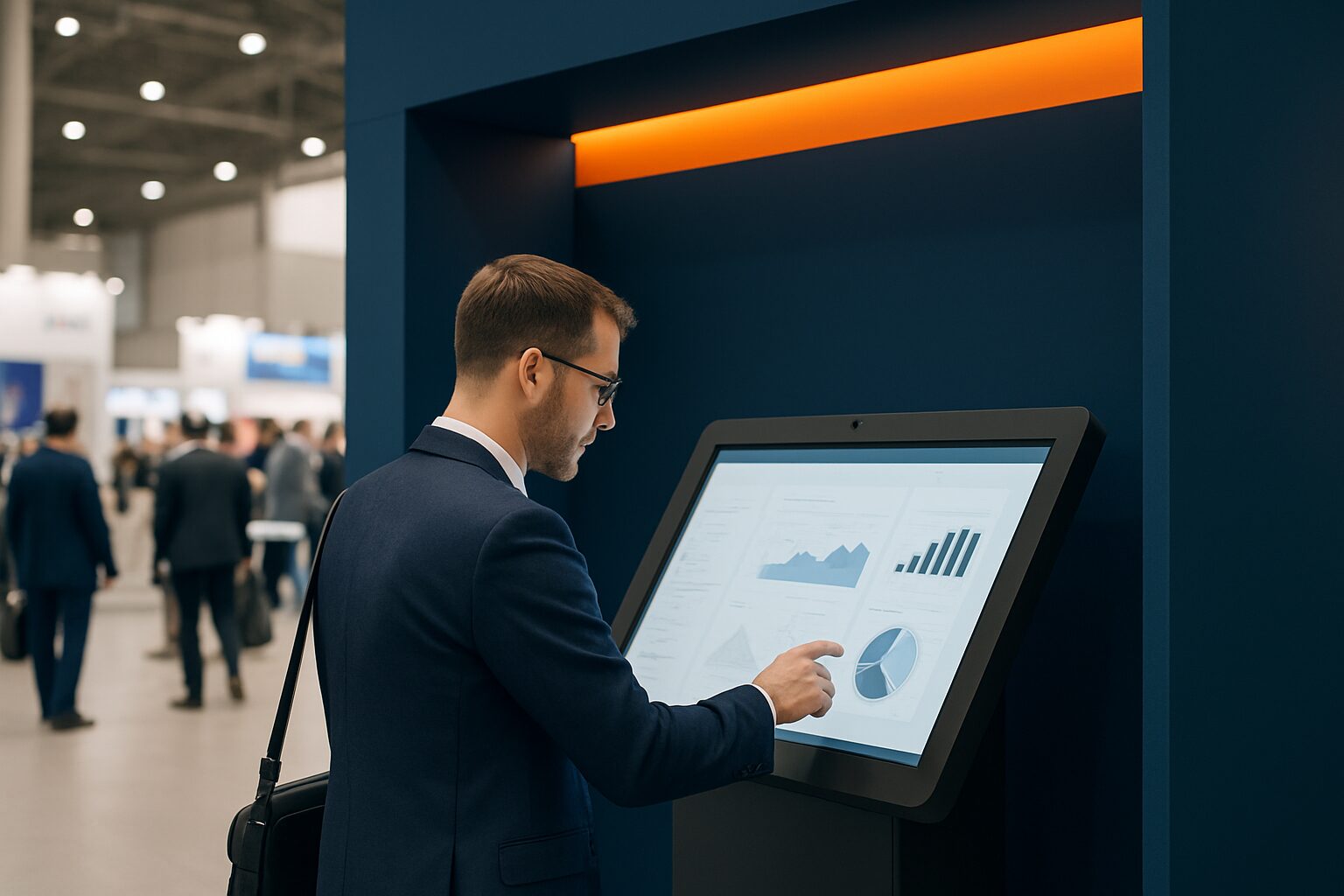
An interactive touchscreen display on a trade fair stand combines two functions: it actively attracts visitors to your stand and records usable data. Think of contact details entered by visitors themselves, click behaviour per product category and quiz results that signal purchase intent. This makes an interactive display not only a presentation tool, but also a measurement instrument for your trade fair ROI. This article brings together concrete conversion percentages and engagement metrics from 8 Dutch cases.
In short
- Interactive trade fair stand displays generate an average dwell time of 5–12 minutes per visitor, compared with about 45 seconds for passive displays.
- Stands with touchscreens attract 35% more visitors than traditional setups and increase lead capture by up to 35%.
- The three measurable KPI categories are: engagement (dwell time, interactions), conversion (leads, QR scans, forms) and operational gain (lower print costs, fewer stand staff needed).
- The arithmetic break-even point between hire and purchase is around 8–10 usage days per year.
- Start with one clear objective per display — product demo, lead capture or product configurator — and measure that objective consistently.
Why engagement on the trade fair floor is so difficult to measure
The Dutch trade fair sector grew strongly in 2024: the number of trade fairs rose by 16% compared with 2023, according to the Monitor Beurzen 2025 by CLC-VECTA. Jaarbeurs Utrecht welcomed 2024 2,3 million visitors in 49 and organised more major multi-day trade fairs and conferences than ever before. On such a busy exhibition floor, visitors decide within seconds whether to stop at a stand.
A static roll-up or printed brochure asks nothing of the visitor. A touchscreen reverses that dynamic. Visitors navigate product information themselves, start videos or operate a configurator. That delivers two benefits: longer dwell time at your stand and behavioural data that reveals which topics really attract interest.
The problem: many exhibitors do not measure. They count leads on business cards, but do not know which screen, which content or which moment generated that lead. That makes ROI reporting to management difficult.
The 4 KPI categories that matter
A reliable ROI calculation for interactive displays rests on four categories:
| KPI category | Example metrics | Data source |
|---|---|---|
| Engagement | Dwell time, number of interactions, screen taps | CMS analytics, touchscreen logs |
| Conversion | Leads via form, QR scans, appointments | CRM integration, QR tracking link |
| Brand recall | % of visitors who remember the stand after 48 hours | Post-event survey |
| Operational profit | Lower print costs, less stand staff needed | Cost comparison |
The strongest ROI stories combine screen engagement data with CRM or till data. If you know that 12% of visitors stopped at your screen, 3% scanned a QR code and 1,8% then made a purchase, you have a story that will also convince a CFO.
What the data says: benchmarks for Dutch trade fair stands
International benchmarks provide a useful reference framework for Dutch exhibitors:
- Dwell time: interactive stands achieve an average of 5–12 minutes per visitor, compared with around 45 seconds for passive displays — a factor of 10–15 more time for a conversation.
- Visitor attraction: stands with touchscreens attract 35% more visitors than traditional setups.
- Lead capture: interactive kiosks increase lead generation by 40–60% compared with paper forms or badge scanners without interaction.
- Brand recall: 81% of trade fair visitors remember stands with interactive touchscreens; for static stands that percentage is considerably lower.
These figures come from international trade publications on trade fair and event marketing. They provide a guideline, not a guarantee — the actual outcome depends on content design, stand location and target audience.
8 Dutch cases: what worked and what did not
Below are 8 cases of Dutch organisations using interactive displays at trade fairs or events. The cases vary in sector, scale and measurement method.
Case 1 — Retail chain, Vakbeurs Retail (Utrecht, Jaarbeurs)
A medium-sized retail chain used a 43" touchscreen as a product configurator. Visitors could choose colour, size and version and email the result directly. Result: 68% of stand interactions led to a completed email address — compared with 12% for the paper forms from the previous year.
Case 2 — Technical wholesaler, Maintenance (Rotterdam Ahoy)
A technical wholesaler installed two 32" kiosks with an interactive product catalogue. Visitors could filter by application. The kiosks recorded 1.240 unique sessions over three trade fair days. Average session duration: 4 minutes 20 seconds. The sales department qualified 34% of the registered leads as 'warm' based on the click data.
Case 3 — Pharmaceutical company, Healthcare & ICT (Utrecht, Jaarbeurs)
A pharmaceutical company used a 49" touchscreen for an interactive demo of their software platform. The stand attracted 40% more visitors than the year before with a comparable stand size. The company linked the touchscreen logs to their CRM: 22% of the screen interactions resulted in a sales conversation within 60 days.
Case 4 — bol.com, Negenmaandenbeurs
bol.com used Pixio Display screens at its stand during the Nine Months Fair. The aim: to offer product information without extra stand staff. The screens functioned as a self-service point for visitors who wanted to know more about specific categories. This allowed the team present to focus on quality conversations rather than answering basic questions. View the reference from bol.com.
Case 5 — ALDI Netherlands, staff event
ALDI Netherlands used a PixioDisplay video wall at an internal staff event. The aim was not lead generation, but information transfer and atmosphere. The video wall provided a central information hub that reached all attendees at once — without printed programme booklets. See the reference of ALDI Netherlands.
Case 6 — Summit event (50+ displays)
At the Summit event, more than 50 PixioDisplays were used at one location. That scale calls for central content management: all screens ran on the same system and could be updated remotely. See the reference from Summit. For those working on such a scale, remote content management is not a side issue — see also the step-by-step plan in Updating trade fair stand content live.
Case 7 — Building materials manufacturer, BouwBeurs (Utrecht)
BouwBeurs 2025 attracted more than 67.000 visitors and 600+ exhibitors. A building materials manufacturer used a 43" touchscreen as a materials comparator: visitors chose two products and immediately saw a visual comparison. The stand recorded 890 comparison sessions in three days. 27% of the sessions ended with a request for a quote via the screen.
Case 8 — Logistics provider, Transport & Logistics Netherlands (Rotterdam Ahoy)
A logistics provider installed an information column (32") with a route planner for their distribution network. Visitors could enter a postcode and immediately see which depot served them. The column generated 412 unique interactions over two trade fair days. 18% of users then requested an introductory meeting via the form on the screen.
Touchscreen versus static display: the comparison
Not every situation calls for an interactive screen. Here is an honest comparison:
| Criterion | Static display | Interactive touchscreen |
|---|---|---|
| Purchase costs | Lower | Higher (e.g. PixioKiosk 32" current price on request, price list Q2 2026) |
| Dwell time | ~45 seconds | 5–12 minutes |
| Lead capture | Manual (business card, paper) | Automated (form, QR) |
| Data yield | None | Click behaviour, session duration, form data |
| Content flexibility | Low (printing) | High (remotely adjustable) |
| Suitable for | Brand visibility, atmosphere | Product demo, lead generation, ROI measurement |
Choose a static display if your primary goal is brand visibility and you do not need lead data. Choose an interactive touchscreen as soon as you want to measure conversion or let visitors navigate product information themselves.
How to calculate ROI before the trade fair
You make a reliable ROI calculation before the trade fair, not after it. Follow these steps:
- Set one primary goal — lead capture, product demo or quotation requests. Measuring multiple goals at once dilutes your data.
- Determine your baseline — how many leads did you generate last year at the same trade fair without an interactive screen?
- Calculate the screen costs — rent or buy. A PixioDisplay Mobiel (43" touchscreen) is rented for current price on request per day with three days, or current price on request for one day (price list Q2 2026). Buying costs current price on request once, or current price on request per month via lease.
- Calculate the break-even point — the arithmetic break-even point between renting and buying is around 8–10 use days per year. If you go to trade fairs more often, buying is cheaper.
- Connect screen data to CRM — use unique QR codes or forms for each trade fair, so you know which leads came from which screen.
- Measure 60 days after the trade fair — how many of the screen leads have progressed to a sales conversation or purchase?
Practical choice: which display suits which trade fair set-up?
The choice depends on stand size, objective and budget:
- Small stand (< 9 m²), one product: start with a PixioKiosk in 21,5" (current price on request buy / current price on request per day hire). Compact, quick to set up, integrated Android computer — no separate laptop required.
- Medium-sized stand, product demo: the PixioDisplay Luxe (49", 67×185 cm) offers a large touch surface for several visitors at once. Buy at current price on request, hire at current price on request p.d. for three days (price list Q2 2026).
- Large stand or event, multiple screens: consider a combination of information kiosks and video walls. At Summit, more than 50 displays were used at one location — central content management is essential then.
- Outdoor or busy hall with lots of daylight: a PixioDisplay Outdoor (3.500 cd/m²) or the pavement sign on battery power are the right choice if your stand is close to an entrance or window.
All PixioDisplays run on an integrated Android computer (Android 13/14). You do not need a separate media player or laptop — that saves current price on request per screen and is the biggest practical difference at trade fairs compared with separate TV setups.
See the full range on the page trade fair and event displays or request the price list for a current overview.
Conclusion: measure one thing well, then scale
The cases in this article show one pattern: the highest ROI does not come from the most screens, but from the sharpest objective. Set one measurable KPI, link your screen data to your CRM and compare the results after 60 days with your baseline. Only then scale up. For anyone who wants to see what the hardware looks like in practice: in the showroom in Montfoort you can test the most requested trade fair models live.
Frequently asked questions
What is a realistic conversion rate for a touchscreen at a trade fair stand?
That depends heavily on your objective and content design. Based on the cases in this article, conversion rates vary from 18% (quote requests via an information kiosk) to 68% (email addresses via a product configurator). Start with one clear goal per screen and measure it consistently, then after two trade fairs you will have a reliable benchmark of your own.
How long do visitors on average stay at an interactive display?
Interactive trade fair stand displays achieve an average dwell time of 5 to 12 minutes per visitor, compared with around 45 seconds for passive displays. That is a factor of 10–15 more time for a conversation or lead qualification. The exact duration depends on the content: a product configurator keeps visitors engaged longer than a static information page.
Is renting or buying cheaper for a touchscreen at a trade fair?
The arithmetic break-even point is around 8–10 usage days per year. If you go to trade fairs or events for fewer than 8 days per year, renting is cheaper. If you go more often, a purchase pays for itself. A PixioDisplay Mobile (43") is rented for €105 per day (at 3 days) or bought for €1.795 one-off (price list Q2 2026).
What data does an interactive touchscreen automatically record?
A touchscreen display records, among other things, the number of sessions, session duration, which pages or products were clicked, and form data entered by visitors themselves. Via unique QR codes, you can also measure how many visitors visited your website after the trade fair. If you link this data to your CRM, you can see which leads came from which screen.
How quickly is an interactive display set up on a trade fair stand?
PixioDisplays come with an integrated Android computer and are ready to use within minutes. You do not need a separate laptop or media player. You load content via USB, a website URL or the Pixio App. At trade fairs, that is the biggest practical difference compared with separate TV setups, where you also have to connect and configure a media player and cables.
What is a good screen size for a trade fair stand?
For a small stand (< 9 m²) with one product, a 21,5" or 32" kiosk is sufficient. For a medium-sized stand with product demos, a 43" or 49" touchscreen is better: several visitors can watch at the same time. On large stands or at events, combine information kiosks with larger video walls. Stand position and lighting conditions also determine whether you need an extra-bright variant.
How do you measure the ROI of an interactive display after the trade fair?
Use a unique QR code or a separate form for each trade fair, so you know exactly which leads came from which screen. Compare the number and quality of those leads with your baseline from last year. Measure 60 days after the fair how many screen leads have progressed to a sales conversation or purchase. That gives you a conversion rate that lets you justify the investment.
Is an interactive display also worthwhile for a small stand?
Yes, especially at a small stand a touchscreen can compensate for the lack of extra stand staff. Visitors navigate product information themselves and enter contact details without a member of staff having to be available. That allows one person to run the stand while the screen collects leads in parallel.
What is the difference between an information totem and an interactive display?
An information kiosk is a free-standing structure with a built-in touchscreen, designed for self-service. An interactive display is a broader term: any screen with touch functionality that visitors operate actively. In practice, both terms are used interchangeably. The distinction lies in the housing: a kiosk stands on its own, a display can also be mounted on a wall or stand.
Can I change the content on an interactive display during the trade fair?
Yes, if your display is connected to a content management system (CMS) or the PixioApp, you can adjust content remotely — even during the trade fair. That is useful if you want to highlight a different product page on day two or correct an error. Read more about the step-by-step process in the knowledge base article on updating trade stand content live.