
Knowledge and advice
Capturing leads at a trade fair: methods and processing
Learn how to collect and process leads effectively at a trade fair — from badge scanners to digital forms on a touchscreen kiosk.
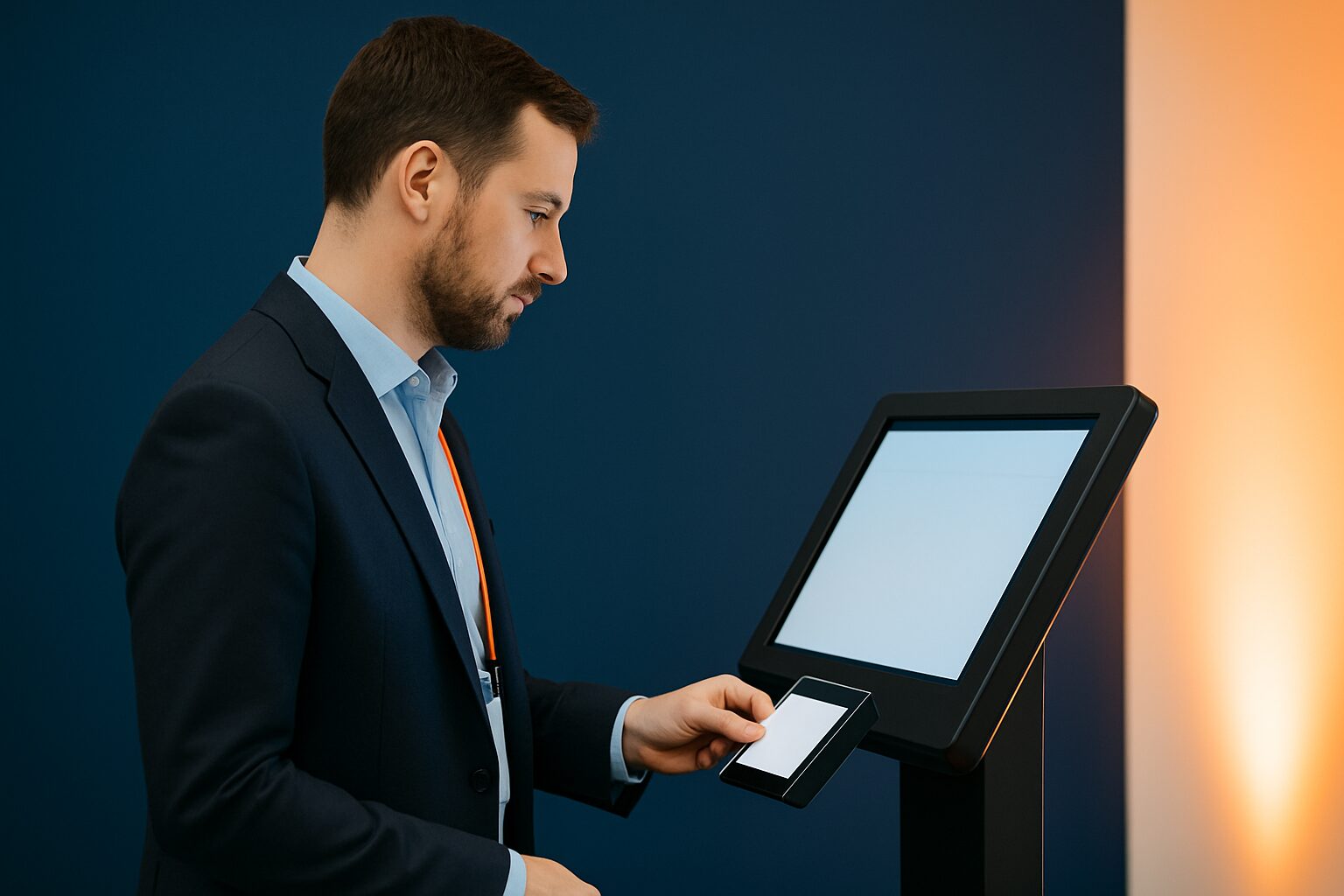
Lead capture at a trade fair is the structured collection of contact details from stand visitors, linked to context about their interest or purchase intent. Anyone who sets up this process properly — with the right tools, a clear flow and prompt follow-up — achieves demonstrably better returns from their trade fair participation. Without a system, business cards disappear into a pocket and warm contacts go cold.
Hire a screen for your trade fair stand
Hire a PixioDisplay for your trade fair or event and show your content via USB, a website URL or the Pixio App.
View rental displays for trade fairs
Why lead capture at a trade fair is different from online
Online leads register themselves via a form. At a trade fair, you are the one taking the initiative. That requires a low-threshold way to capture data without interrupting the conversation. A visitor who talks to you for three minutes and then walks on without registering is a missed opportunity — even if the conversation was good.
The difference lies in speed and context. You do not just want a name and email address, but also need to know: what was the interest, what is the urgency, and who is the decision-maker? That context disappears quickly if you do not capture it immediately.
Method 1: badge scanners and event apps
Most major trade fairs — such as Jaarbeurs Utrecht, RAI Amsterdam and Ahoy Rotterdam — provide badge scanners via their own event app or a third party. You scan the QR code on the visitor’s badge and receive name, job title and company immediately. That is efficient, but has limitations.
Badge scanners give you basic data, not qualification. You still do not know what the visitor is looking for or how serious the interest is. So always combine the scan with a short note in the app itself, or with a follow-up step in your CRM. Many event apps such as Swapcard or Grip offer export functions to HubSpot or Salesforce.
Method 2: digital forms on a touchscreen or display
A second approach is an interactive form on a touchscreen kiosk or display on your stand. Visitors enter their own details — often in return for something: a white paper, a product demo request or entry into a competition. This works well when the stand is busy and you cannot be personally present for every visitor.
Pixio Display, supplier of digital signage in the Netherlands and Belgium, supplies touchscreen kiosks that you can use as a standalone lead capture point on your stand. You link the form directly to your CRM or email platform, so leads flow in automatically without manual entry. That saves time and avoids errors.
A concrete example: at Technishow, a machinery manufacturer linked a touchscreen kiosk to HubSpot. Visitors who requested a demo received an automatic confirmation email within two minutes. The account manager’s follow-up email was sent later that same evening. Result: 40% higher response to follow-up compared with the previous trade fair year, when leads were entered manually.
Method 3: gamification as a lead magnet
A quiz, spin-the-wheel or knowledge test on your display actively draws visitors to your stand. The threshold to take part is low. If you link participation to a registration step — entering name and email address to play — you collect leads in a way that is experienced as fun. More on this approach can be found in the article Gamification at your trade fair stand: 5 working ideas.
The advantage of gamification is that you also learn something about the visitor. A quiz about your product category automatically filters by interest. Someone who answers three questions about industrial automation is probably more relevant than someone who only takes part for the prize.
How to process leads immediately
Processing leads starts before the trade fair, not after. Set up your CRM, define your fields (name, company, role, interest, urgency, follow-up action) and make sure everyone on the stand knows how to enter a lead. Use one system — not a mix of business cards, notepads and separate apps.
At the trade fair, the rule is: capture every lead within five minutes after the conversation. Memory is unreliable when you have twenty conversations a day. Use a mobile CRM app or the trade fair's event app. Always add a qualification label: warm, lukewarm or cold.
After the trade fair, speed is crucial. Research by the Harvard Business Review shows that companies that respond to a lead within an hour conduct a qualification meeting seven times more often than companies that wait a day (source: hbr.org). Send warm leads a personal email the same day. Lukewarm leads go into a nurture flow.
Qualification: not every lead is the same
A trade fair generates volume, but not every contact is a buyer. Use a simple qualification model to prioritise. BANT (Budget, Authority, Need, Timeline) works well in a B2B context. During the conversation, ask implicitly about these four elements and record them.
- Warm: concrete need, decision-making authority, budget available, short timeframe
- Mild: interest, but no direct purchase need or longer time frame
- Cold: exploratory, no clear fit
You follow up warm leads yourself. You automate lukewarm leads via email marketing. You archive cold leads for later.
Conclusion
Lead capture at a trade fair is a combination of the right tools, a clear flow and fast follow-up. Badge scanners provide your basic data, touchscreen forms collect qualified enquiries, and gamification increases the inflow. Those who process leads the same day and follow up within 24 hours achieve better returns from their trade fair participation.
Want to know how to set up your entire stand for maximum impact? Read the pillar of this cluster: Digital signage at trade fairs: the complete guide to a standout stand.
Frequently asked questions
What is the best way to collect leads at a trade fair?
The most effective approach combines several methods: a badge scanner for quick registration, a touchscreen form for self-service requests and a qualification interview for context. Choose one central system — preferably your CRM — so that all data ends up in one place.
How quickly should I follow up a trade fair lead?
Follow up warm leads the same day, preferably within an hour of the conversation. Research by Harvard Business Review shows that quick follow-up increases the chance of a qualification meeting sevenfold. You can place lukewarm leads into an automated nurture flow the day after the trade fair.
Can I connect a touchscreen kiosk to my CRM?
Yes. Touchscreen kiosks from Pixio Display can be connected via a web form or API to common CRM systems such as HubSpot, Salesforce or ActiveCampaign. Leads then flow in automatically, without manual input.
What do I do with cold leads from a trade fair?
Cold leads are visitors without direct buying intent or fit. Archive them in your CRM with a label and add them to a long-term nurture list. Send them relevant content two to four times a year. Some will still convert later.
Do I need permission to store trade fair leads?
Yes. Under the GDPR, you must have a valid legal basis for processing personal data. At a trade fair, this is usually legitimate interest or explicit consent. On digital forms, always have visitors tick an agreement box and state how you use their data.