
Knowledge and advice
Video streaming to trade show displays: software and troubleshooting
Video streaming to trade fair displays only works if software, protocol and network are aligned. Read which approach works and how to solve problems quickly.
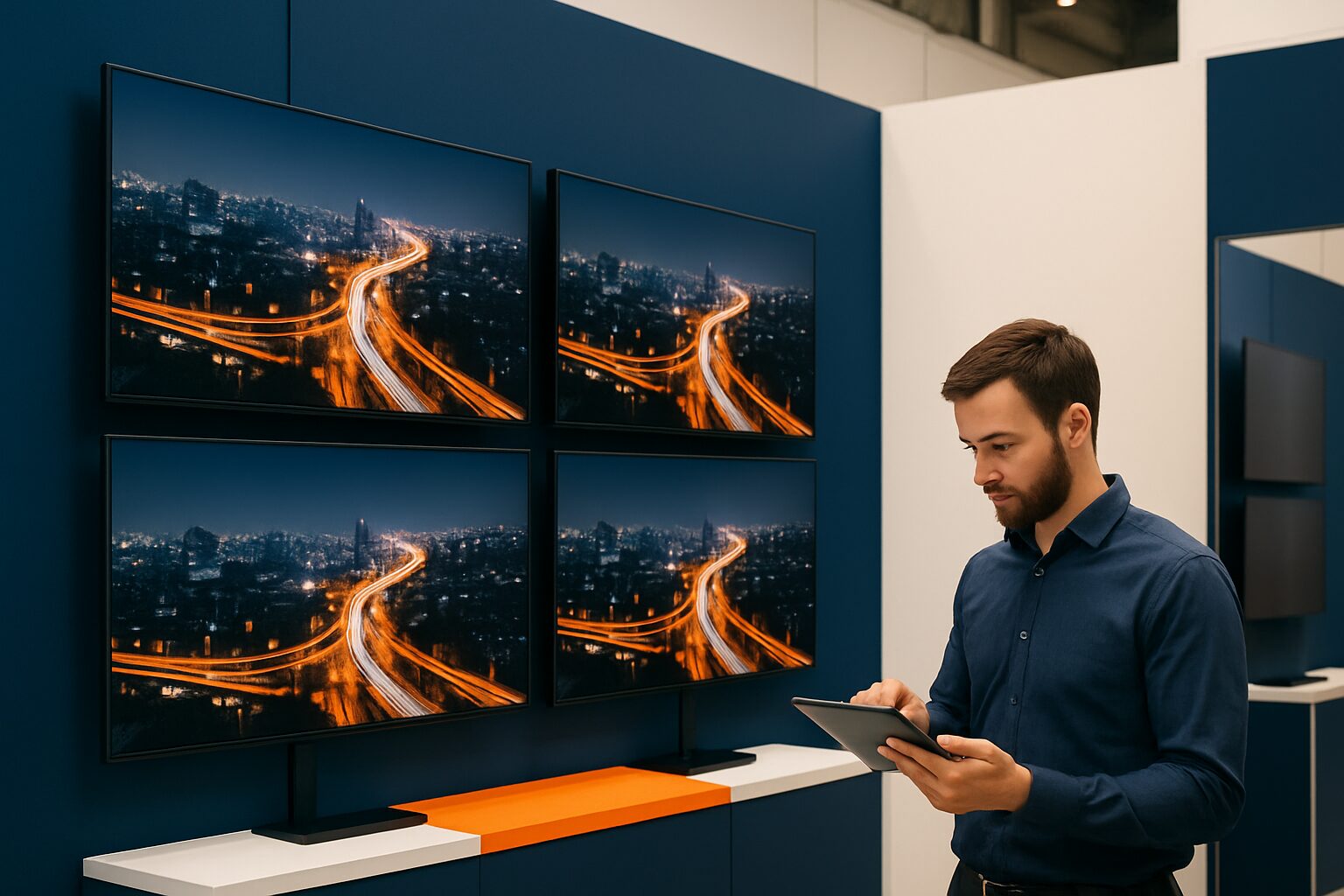
Video streaming to trade fair displays: software solutions and troubleshooting
Video streaming to trade fair displays is the real-time or scheduled forwarding of video content — via a local network, USB or cloud connection — to one or more screens on a trade fair stand. The choice of protocol (HDMI, NDI or URL-based) and the associated software determine the stability, latency and amount of work required on the trade fair day itself. Anyone who sets this up properly in advance will have little to troubleshoot on the trade fair floor.
Three methods for sending video to a trade fair display
There are three common methods, each with a different risk profile:
| Method | Suitable for | Benefit | Risk |
|---|---|---|---|
| USB/local storage | Separate videos, loops | No network required | Changing content takes time |
| URL / web page | Live data, agendas | Always up to date | Depending on trade fair network |
| NDI / HDMI over IP | Livestream, multiple screens | Low latency, scales well | Requires gigabit switch and dedicated subnet |
Choose USB or local storage if the trade fair venue does not provide a reliable network. Choose NDI or a URL-based approach if you want to adjust content in real time or control multiple screens synchronously.
NDI and HDMI over IP: when do you use them?
NDI (Network Device Interface) is a protocol that transmits high-definition video over a standard IP network with minimal delay. NDI replaces expensive SDI cables and HDMI runs with standard Cat5/Cat6 ethernet, which greatly reduces infrastructure costs on a trade fair stand.
For NDI you need a gigabit switch — a switch with at least 1 Gb bandwidth is required for stable operation. Always run NDI on a own, segregated subnet. The venue’s trade fair network is shared and therefore unreliable for latency-sensitive applications.
HDMI over IP works in a similar way: it converts an HDMI signal into an IP packet that is sent via the network to multiple screens. Depending on your network speed, you can send 4K content to multiple displays with minimal delay. Drawback: not all HDMI-over-IP systems are compatible with each other — always check whether encoder and decoder are from the same manufacturer or use the same protocol.
When do you choose what?
- Start with NDI if you have a livestream setup with cameras and a video mixer (such as OBS or vMix).
- Choose HDMI over IP if you want to distribute a single source (laptop or media player) to multiple screens without a mixer.
- Use URL or USB if you do not bring your own network infrastructure to the trade fair.
Software layer: CMS, PixioApp and local options
A display always needs a software layer to receive and play content. That layer also determines how you can intervene remotely if something goes wrong.
All PixioDisplays run on an integrated Android computer (Android 13 or 14). As a result, you do not need a separate media player or laptop — a cost of elsewhere current price on request per screen. Content is loaded via three methods:
- USB: insert a stick, the display plays the content. Works offline, always.
- Website URL: the display opens a web page as screen content. Handy for live data or a calendar integration.
- PixioApp: manage content remotely via the app. Requires an active internet connection at the moment of synchronisation.
For larger setups — such as deploying more than 50 PixioDisplays at the Summit event — a cloud-based CMS is virtually indispensable. Such a system lets you schedule content, group it by zone and adjust it remotely, without having to physically approach each screen.
Do you want to combine live video with scheduled content blocks? Then you combine an NDI source (camera or presentation laptop) with a CMS that fills the remaining time slots. OBS Studio (free) supports NDI via a plugin and works on Windows and macOS.
The five most common problems and how to solve them
Most faults on a trade fair day can be traced back to five causes. Work through them in this order:
1. Black screen
First check the power input and the selected HDMI input. Many 'black screen' issues are caused by a loose cable or an incorrect input selection, not by software failure. Replace the HDMI cable or port if the screen is active but shows no signal.
2. NDI source not visible
All devices must be on the same subnet. Check whether the third octet of the IP address matches on sender and receiver — for example 192.168.125.x on both. If a device is on a different subnet, mDNS discovery will not find it.
3. Latency or jerky image
Latency spikes with NDI are caused by an overloaded network or daisy-chained switches. Use a managed gigabit switch and connect NDI devices directly — not via a chain of unmanaged switches. Temporarily reduce the resolution from 4K to 1080p if bandwidth is tight.
4. Video file does not play or freezes
Make sure videos are in MP4 format with H.264 codec and smaller than 500 MB. Large files — especially 4K above 2 GB — overload the decoder of an Android display. Compress in advance with HandBrake or a similar tool.
5. No internet connection, CMS not accessible
Exhibition halls notoriously have unreliable shared Wi-Fi. Load content always in advance on the display via USB or synchronise the PixioApp a day before the trade fair over a stable connection. Modern signage players cache content locally and play it back without an internet connection — as long as you fill that cache in time, outage due to network problems at the trade fair is not an issue.
Practice example: Summit with 50+ displays
During the Summit event, Pixio Display deployed more than 50 PixioDisplays at one location. At a setup of that scale, local content storage is the safest foundation: each screen runs its own cached playlist, independent of network load in the hall. Zone-specific content — for example a different video per stand section — was preconfigured per display via USB. Real-time adjustments went through the PixioApp as soon as the trade fair network allowed.
This is the approach Pixio recommends for events with more than ten screens: offline-first, online as a bonus. Set the fallback content before departure, and use the cloud connection only for updates that truly cannot wait.
Checklist for the trade fair day
Go through these points before opening:
- Content loaded via USB or synchronised via PixioApp on a stable connection
- Video files tested on the target screen (format, codec, file size)
- NDI devices on their own subnet, not on the trade fair hall Wi-Fi
- Gigabit switch present if you use NDI or HDMI over IP
- Reserve content on USB as a fallback
- All screens tested for correct HDMI input and power input
- Contact person at the exhibition hall known for network failures
The technical setup of your displays is one step in a bigger whole. Read how to use content strategically and measure impact in Digital signage at trade fairs: the complete guide to a standout stand. Want to know which display size best suits your stand size? Also check the PixioDisplay Luxe (49″ touchscreen, current price on request) if you are looking for a central anchor point on the stand that also allows interaction.
Frequently asked questions
Can I send a video stream to multiple trade fair displays at the same time?
Yes, that can be done via NDI or HDMI over IP. NDI distributes one video source across multiple screens via a gigabit switch on a separate subnet. Make sure all receiving screens run NDI-compatible software or use one HDMI-over-IP decoder per screen.
What do I do if the trade fair network fails during my presentation?
Always load your content in advance via USB or sync the PixioApp on a stable connection before the trade fair day. PixioDisplays run on an integrated Android computer and play cached content without an internet connection. That means you are not dependent on the network in the exhibition hall.
Which video format works most reliably on an Android display?
MP4 with H.264 codec is the safest choice for Android displays. Keep files under 500 MB to avoid playback issues. Compress 4K footage in advance if you want to use it on a display with an integrated Android player.
Do I need a separate media player alongside a PixioDisplay?
No. All PixioDisplays have a built-in Android computer (Android 13 or 14), which means you do not need a separate media player or laptop. That saves €80 to €300 elsewhere per screen and makes the set-up on an exhibition stand much simpler.
What is the difference between NDI and NDI|HX for trade fair applications?
NDI delivers lower latency and higher image quality, but requires more bandwidth. NDI|HX is more bandwidth-efficient via H.264/H.265 compression and is more suitable if you connect many screens to a limited network. For most trade fair applications with a dedicated gigabit switch, standard NDI is sufficient.