
Knowledge and advice
7 trends in digital signage for 2026
Which digital signage trends will shape 2026? From AI-driven content to battery displays and retail media — discover what really matters for your screen strategy.
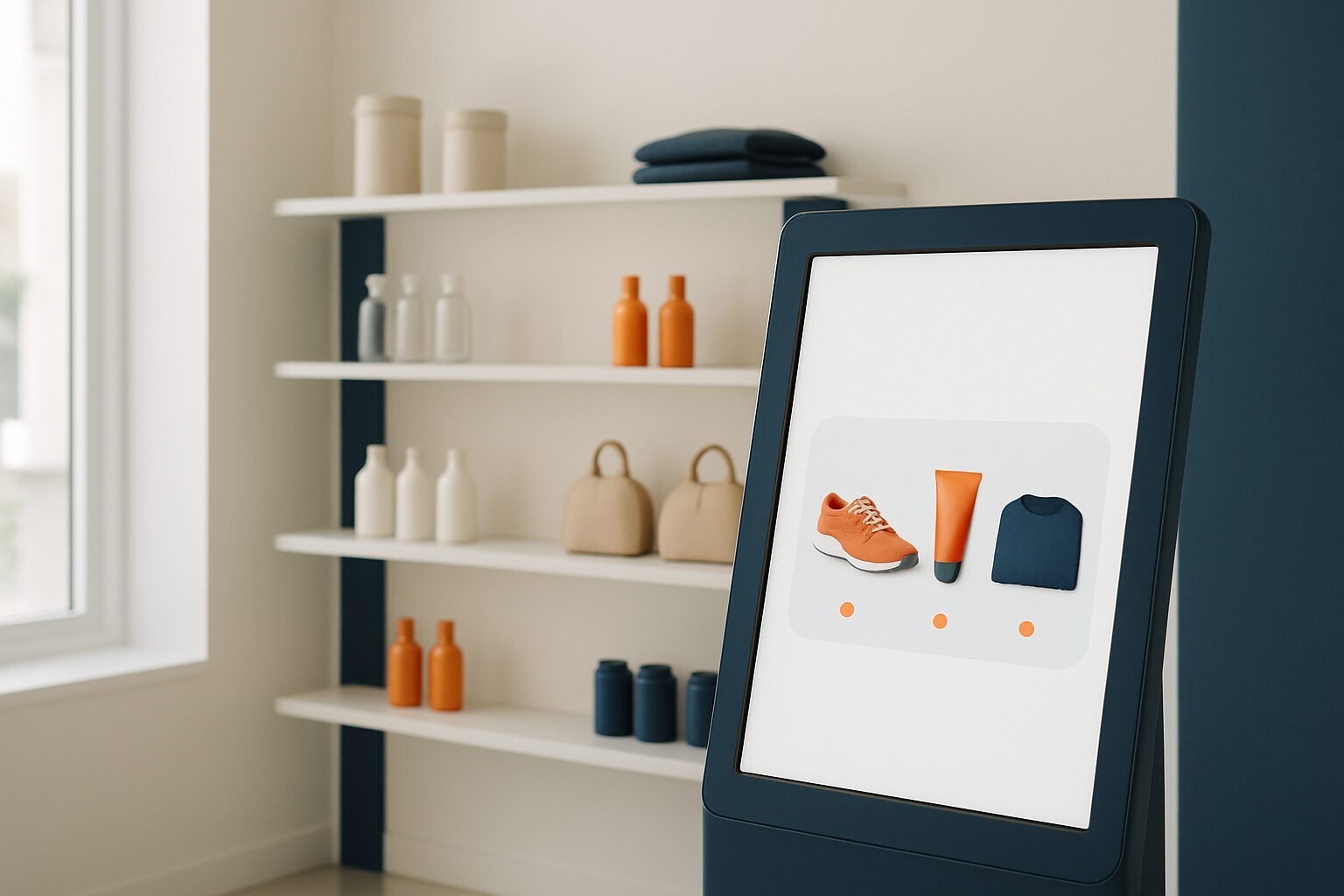
Digital signage — in the Benelux often digital signage mentioned — in 2026 is no longer a sign that you set once and forget. It is a communication platform that responds to data, time and audience. The seven trends below show which developments are already visible in the market — and which you as a retailer or marketer need to take seriously this year.
Which display suits your application?
From 21,5″ kiosk to 49″ touchscreen: all PixioDisplays in one overview, with the differences in size and use.
1. AI-driven content personalisation
Artificial intelligence is shifting digital signage from a broadcast medium to a responsive system. Screens analyse who is watching — based on estimated age, dwell time or time of day — and automatically adapt the content. This is not science fiction: according to industry research by MediaSignage already uses some form of AI-driven content in 41% of deployments in 2026, compared with a fraction of that in 2022.
For a medium-sized retail chain, this means in practice: a screen at the entrance shows different offers in the morning than in the afternoon, without anyone having to adjust a playlist manually. Only start with this if your content production can handle it — AI triggers are pointless without enough variations in your media library.
2. Cloud-based content management becomes standard
Locally managing screens via USB or separate media players is disappearing fast. MediaSignage reports that 78% of all digital signage installations in 2026 run on a cloud CMS. That makes central updates possible across multiple locations at once.
A practical advantage: a regional chain with ten shops can implement a price change on all screens within minutes. All PixioDisplays have an integrated Android computer (Android 13/14) built in — you do not need a separate media player (elsewhere current price on request per screen), and you load content via USB, website URL or the PixioApp. That makes the move to cloud-based management more accessible.
3. Interactive touchscreens as a sales tool
Static screens inform. Touchscreens convert. Consumers expect 2026 displays that respond to touch: product configurators, self-scan kiosks and interactive floor plans. Shoppers respond positively to displays that move, react or invite interaction, while static signs without a digital component quickly become outdated.
A concrete example from the Pixio range: the PixioDisplay Luxe (49″ touchscreen, 67×185 cm) is available for current price on request purchase or current price on request per month lease (price list Q2 2026). That size works well as a standalone sales point in a shop corner or as an information kiosk at the checkout. Also see the application page for digital retail displays for more retail cases.
4. Outdoor and battery-powered displays are gaining ground
The demand for screens outside the building is growing rapidly. The Dutch outdoor advertising sector recorded a net turnover of current price on request million in 2025, an increase of 8% compared with 2024with digital out-of-home advertising (DOOH) growing by more than 10%. A power socket is increasingly less of a requirement.
The PixioDisplay A-board (43″, battery-powered) has a runtime of 14–18 hours and does not need a power socket. The price is current price on request for the 1.500 nits version or current price on request for 2.000 nits (price list Q2 2026). That makes it a practical choice for shops without an outdoor power socket or for temporary placements at events. Brightness is the key variable here: a shop window in full sun requires 3.000 nits, a free-standing outdoor display even 3.500 — the panel determines the extra cost, not the size.
5. Retail media: screens as an advertising channel
Retailers are discovering that their own screens are an advertising medium. A digital advertising screen in a busy spot in the shop thus turns from a cost item into a revenue model. Suppliers and brands pay for screen space in the shop — a model already used by large supermarket chains and now also emerging among mid-sized retailers. Digital Out of Home grew in the Netherlands in 2025 by 10% and is one of the strongest categories in the digital advertising market.
This requires a different way of thinking: screens are then not a cost item, but a source of revenue. Want to know how to build the business case? The article Calculating the ROI of digital signage: a worked example helps you make the figures concrete.
6. Integration with existing business systems
Digital signage is no longer an island in 2026. Screens connect to cash register systems (POS), stock management or CRM data. A screen automatically shows 'sold out' as soon as stock reaches zero, or activates an offer when a product is above the threshold.
In 2026, organisations expect digital signage platforms to integrate directly with the systems marketing and operations teams already use. The challenge is not the technology, but the data quality at the source. First make sure your POS data is reliable before you feed it through to screens.
7. Sustainability and longer hardware lifespan
Single-use displays for one campaign disappear. Retailers consciously invest in hardware that lasts for several years and uses less energy. Retailers are increasingly aware of the environmental cost of disposable boards and low-cost fixtures that only last one campaign. Modular, reusable systems take their place.
Commercial displays are designed for continuous use — a key difference from a consumer TV (±300 nits) that is not built for 24/7 use. A warranty extension to 4 years is available for current price on request depending on model (price list Q2 2026), reducing total cost of ownership over the lifespan.
Which trend do you pick up first?
Not every trend is equally relevant for every organisation. Start with cloud-based content management if you are still working with USB now — that delivers immediate time savings. Choose touchscreens or outdoor displays if you want to strengthen physical customer contact. Retail media becomes interesting once you have more than five screens in busy locations.
The common thread through all seven trends: digital signage is becoming more measurable, more connected and more targeted. That calls for a strategy, not just hardware. For the broader context, also read What is digital signage? Complete guide for 2026 — the pillar of this cluster.
Frequently asked questions
What is the main digital signage trend for retailers in 2026?
AI-driven content personalisation has the greatest impact: screens automatically adapt their message based on time of day, audience or data from your POS system. This increases relevance without extra manual work. The condition is that you have enough content variants available.
Do I need a power socket for an outdoor display?
Not necessarily. Battery-powered displays such as the PixioDisplay A-board run for 14–18 hours on a built-in battery and do not need a power socket. That makes placement on pavements, terraces or temporary locations much more flexible.
What is retail media and how does it work with digital signage?
Retail media means renting out your own screens as advertising space to suppliers or brands. You receive income for showing their content on your screens in the store. This model works best with multiple screens in busy locations with a clear customer profile.
How long does a commercial display last?
Commercial displays are designed for continuous use and last significantly longer than consumer TVs. With an extended warranty to 4 years (€255–€535 depending on model, price list Q2 2026) you cover the most critical period of use and reduce total cost of ownership.
Do I need to buy a separate media player for my digital signage screen?
Not at PixioDisplays. All models have an integrated Android computer (Android 13/14) on board. That saves €80–€300 per screen compared with systems that require an external media player.