
Knowledge and advice
Digital signage for events: attract visitors and measure engagement
How do you generate measurable ROI with displays on your trade fair stand? Find out which screens work, how to capture leads and which KPIs really matter.
Digital signage for events: attract visitors and measure engagement
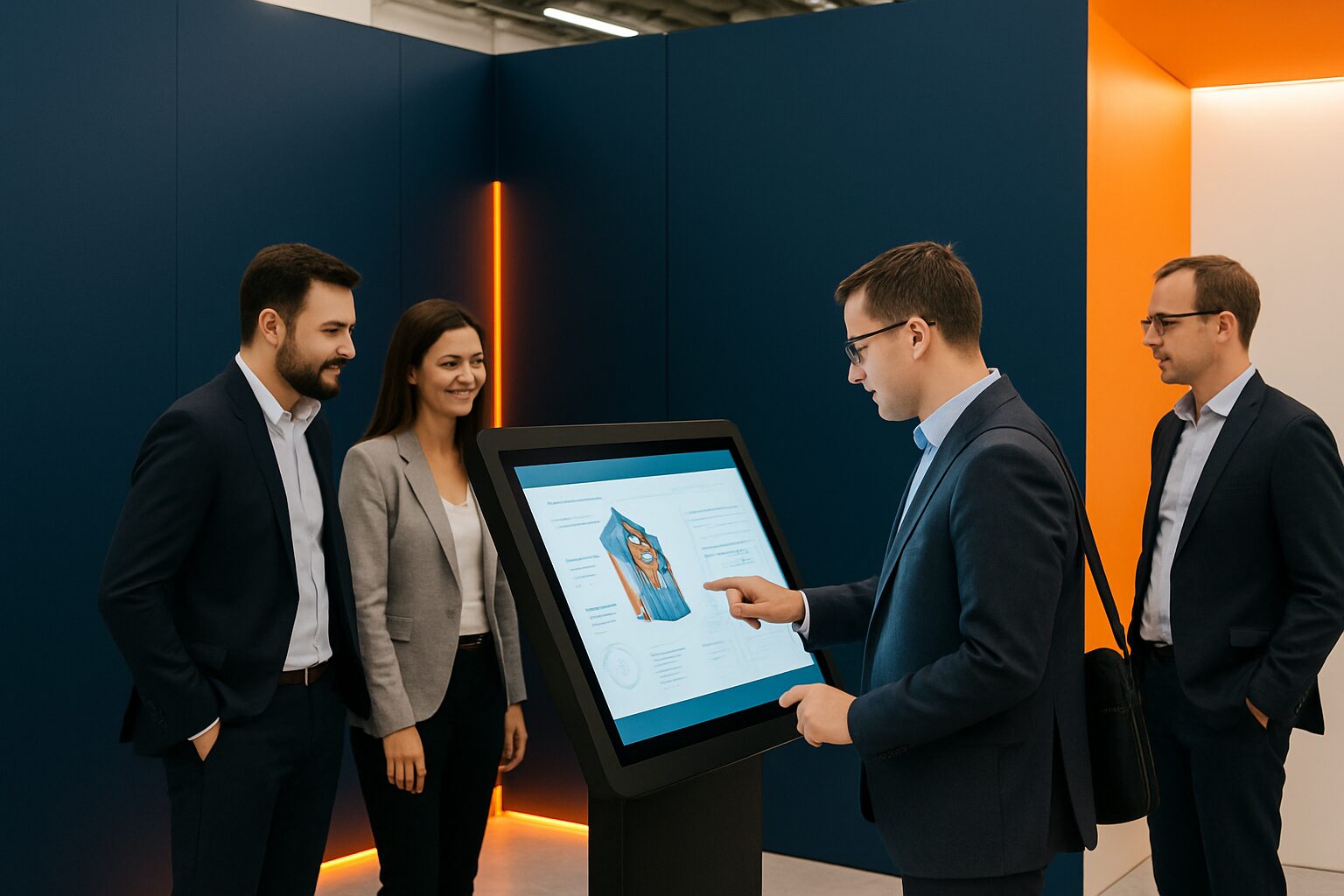
Digital signage for events means using digital screens — from touchscreen kiosks to freestanding displays — to attract stand visitors, show product information and generate leads. It differs from static banners because content can be adjusted in real time and interactions are measurable. On busy exhibition floors such as Jaarbeurs Utrecht or RAI Amsterdam, a well-used screen can make the difference between people walking past and stopping.
Why a screen does more than a banner
A moving image attracts attention more quickly than a still image. Research cited by the Digital Signage Federation shows that digital screens reach 70% of people, compared with 43% via internet advertisements. On a trade fair floor with hundreds of competing stands, that difference is immediately noticeable.
Organisers can change information on the spot, share programme updates or direct visitor flows — something impossible with printed material. That gives you, as an exhibitor, a tactical advantage: adapt your message to what you hear in the aisles that morning.
An additional advantage is sponsor visibility. Local partners or product launchers receive rotating screen time, which for many organisations also creates an extra source of income.
Which screen type suits your stand layout?
The choice depends on three variables: stand size, visitor flow and purpose (inform, interact or generate leads).
| Purpose | Recommended screen type | Example day rate (hire) |
|---|---|---|
| Eye-catcher / brand presentation | Freestanding display, 43–49" | From current price on request p.d. (PixioDisplay Mobile, 3 days) |
| Interaction + lead capture | Touchscreen kiosk | From current price on request per day with a minimum rental period of two weeks (PixioKiosk 21,5") |
| Dual function: info + lead | Kiosk Duo (15,6" touch + 29" screen) | From current price on request p.d. |
| Luxury presentation / large stand | PixioDisplay Luxe 49" touch screen | current price on request p.d. (3 days) |
Prices: price list Q2 2026.
For a stand of 9 m², one central screen as an eye-catcher is sufficient, supplemented by a smaller kiosk for interaction. More screens on a small stand lead to visual chaos. Choose one main message per screen.
All PixioDisplays have an integrated Android computer (Android 13/14). You do not need a separate media player or laptop — content is loaded via USB, a website URL or the PixioApp. That saves current price on request in extra hardware per screen.
View the full range on the trade show and event displays page.
Capture leads via the touchscreen
A screen that only shows images misses opportunities. The most powerful combination is a touchscreen kiosk linked to your CRM. Visitors enter their details via the screen — in exchange for a white paper, a demo request or entry into a prize draw. That data goes directly to HubSpot, Salesforce or a spreadsheet. No business cards to enter manually afterwards.
A concrete example: bol.com used Pixio Display screens at the Negenmaandenbeurs. The interactive touchscreen allowed visitors to navigate the offer independently, enabling stand staff to focus on qualified conversations rather than answering basic questions.
A touchscreen quiz or product configurator also works well: visitors play for two minutes, see a result and leave their email address for the outcome. Interaction in a natural way, without your team having to be everywhere at once.
Measuring engagement: the KPIs that matter
Measurement starts before the trade fair. Set one measurable goal per screen. Then combine direct and indirect metrics.
Direct measurement data (during and after the event):
- Number of touchscreen interactions (record via the app or CRM integration)
- Number of completed lead forms
- Dwell time at the stand (estimate via stand staff or Wi-Fi tracking)
- Conversion rate: leads ÷ total number of stand visitors
Indirect measurement values:
- Brand perception (short NPS question via the touchscreen)
- Quality of the leads (lead score after follow-up)
- Order intake within 30 and 90 days after the trade fair
Also request visitor data from the trade fair organiser and combine it with your own CRM data. This way you can see not only how many people visited your stand, but also what proportion actively sought interaction.
For a broader approach to ROI measurement, read the article Digital signage ROI: how do you measure the effect of your displays?
Buying or renting: the arithmetic break-even point
The question trade fair participants ask us most often is: buy or rent? The arithmetic break-even point is around 8–10 usage days per year.
Take the PixioDisplay Luxe (49" touchscreen): purchase price current price on request (price list Q2 2026), hire price current price on request per day for three consecutive days. If you take part in three trade fairs of two days per year — six usage days — you pay current price on request in hire charges. If you buy the screen, it pays for itself at more than fifteen usage days, including transport and storage.
If you take part in one or two trade fairs a year, hiring is almost always more cost-effective. Do you have a fixed trade fair schedule of four or more events? Then buying or leasing pays off (current price on request p.m. for the Luxe, 60 months). View all hire options at /display-huren/ or the specific trade fair page /tv-scherm-huren-beurs/.
Please note: quotes from other suppliers often conspicuously fail to mention transport, warranty extension and content management. Therefore always compare the total price, not just the day rate.
Conclusion: start with one purpose per screen
You get the best return from digital signage at events if you choose one concrete goal per screen — attract, inform or capture leads — and link that goal to a measurable KPI in advance. Start with a touchscreen kiosk for lead capture if your trade fair participation is primarily focused on customer acquisition. Use a free-standing display as a visual draw if brand awareness is the main goal.
For the full ROI calculation over several years, including TCO, read the pillar article Digital signage ROI: how do you measure the effect of your displays?.
Frequently asked questions
Which screen size works best on a trade fair stand of 9 m²?
For a stand of 9 m², one central screen of 43–49" is sufficient as an eye-catcher, supplemented with a smaller touchscreen kiosk for interaction. More screens on a small stand lead to visual chaos. Choose one main message per screen.
How do I capture leads via a touchscreen on my trade fair stand?
Connect a touchscreen kiosk to your CRM system. Visitors enter their details via the screen — in exchange for a white paper, demo request or prize draw. The data goes directly to HubSpot, Salesforce or a spreadsheet, without manual entry afterwards.
Is it cheaper to hire or buy a display for trade fairs?
The tipping point is around 8–10 usage days per year. With one or two trade fairs a year, renting is almost always cheaper. If you take part in four or more events, buying or leasing pays off. Always compare the total price including transport and warranty.
Which KPIs do I use to measure visitor engagement at an event?
Measure direct KPIs such as the number of touchscreen interactions, completed lead forms and dwell time at the stand. Combine this with indirect KPIs such as brand perception (NPS question via the screen) and order intake within 30 and 90 days after the trade fair.
Do I need a laptop or media player with a rented PixioDisplay?
No. All PixioDisplays have an integrated Android computer (Android 13/14). You upload content via USB, a website URL or the Pixio App. A separate media player or laptop is not needed, saving €80–€300 per screen.