
Knowledge and advice
Digital menus in hospitality: this is how your turnover increases
Discover how a digital menu board increases your average ticket value, automates upselling and eliminates printing costs. Practical figures and concrete tips for hospitality entrepreneurs.
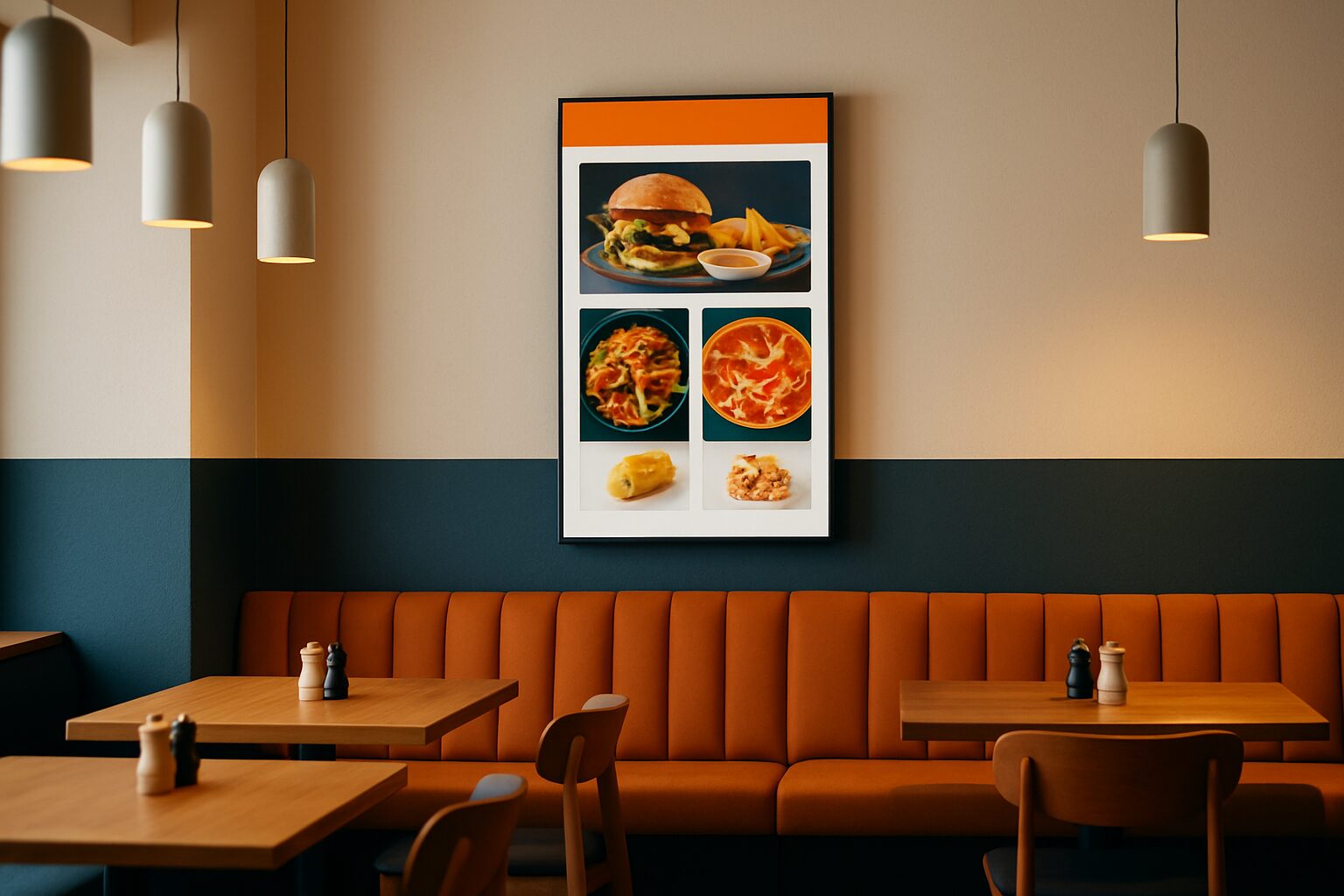
Digital menus in hospitality: this is how your turnover increases
A digital menu board is a screen — fixed to the wall, on a pillar or as a pavement sign — on which your menu, daily specials and promotions are shown in real time. It replaces printed menus and static chalkboards. Research consistently shows a rise of 3–12% in total revenue after implementation, with highlighted items generating up to 15–25% more sales. The effect does not come from the screen itself, but from the way you direct guests to higher-margin products at the right moment.
Why the menu is your strongest sales tool
The menu board determines what guests order — and therefore what you earn. Yet 40% of Dutch hospitality businesses never adjust their menu based on sales data, according to the national Horeca 2.0 survey. That is a missed opportunity, because the menu board is the only marketing medium every guest sees.
A digital screen gives you full control over what guests see first. You place high-margin dishes in the most viewed area of the screen, automatically switch the lunch menu to a dinner menu and remove sold-out items without manual intervention. These are choices that have a direct effect on average order value.
Higher basket value through smart upselling
The mechanism behind revenue growth through digital menu boards is upselling — tempting guests to add a course, choose a better wine or a dessert they otherwise would not have considered. Research shows that digital menu boards increase impulse purchases by an average of 29%. That percentage is no coincidence: moving images and high-quality product photos activate different decision-making processes than a line of text on paper.
The practice of large chains confirms this. McDonald's reported an increase of 3–5% in average transaction value after the rollout of digital menu boards in the US. For a business with current price on request annual revenue, 3% extra means current price on request per year — without a single extra guest.
For an independent restaurant or café, the same principle works. Place your soup of the day prominently at the top during lunch, switch automatically at 17:00 to an aperitif offer and show hot drinks and soups when it rains. Those kinds of time-based adjustments are not possible with a static sign — and they directly affect sales.
Lower printing costs, more flexibility
A paper menu does not reprint itself. Anyone who has a seasonal menu printed four times a year quickly pays hundreds of euros per round — excluding design and delivery. Restaurants spend an average of current price on request per year reprinting menus. With a digital screen, those costs are eliminated entirely.
In addition, you save staff time. Updating chalkboards, changing laminates, making handwritten day cards: these are small tasks that add up. With a digital menu board, you can update content via your phone or laptop — even remotely, even during service.
The operational saving speeds up the payback period. Research points to a break-even period of typically 9 months for a single-location operator, when you add up printing costs, staff time and revenue growth.
Which screen suits your hospitality business?
The choice depends on location and use. Indoors, on the counter or on the wall, a screen of ±400 cd/m² is sufficient. Outdoors or in a sunny shop window, you need at least 1.000–3.000 nits — otherwise the image is unreadable in daylight.
An overview of common options for hospitality:
| Situation | Suitable screen | Price (purchase, Q2 2026) |
|---|---|---|
| Indoor wall screen (menu/promo) | PixioDisplay Mobile 43″ | current price on request |
| Terrace or entrance (battery-powered, no mains power) | PixioDisplay Sidewalk Sign 43″ | current price on request |
| Shop window or window communication | PixioDisplay Window Shadow 43″ | current price on request |
| Interactive kiosk (self-service/info) | PixioKiosk 32" | current price on request |
The PixioDisplay A-board is a practical choice for terraces and entrances: it runs on battery for a usage time of 14–18 hours, needs no power socket and is available in 1.500 or 2.000 nits (price list Q2 2026). You attract guests from the street before they come inside.
Would you rather test first? The rental option gives you flexibility: you can rent a PixioDisplay Mobile from the current price on request per day (3 days). That way, before a fixed investment, you know what a screen does for your business.
All PixioDisplays have a built-in Android computer (Android 13/14). You do not need a separate media player or laptop. Content is loaded via USB, a website URL or the PixioApp.
How to use a digital menu board effectively
Hanging a screen is step one. The effect comes from how the content is arranged. Three concrete principles:
- Placement of high-margin items: Put your most profitable dishes top left or in the middle. Guests scan a screen like a webpage — from left to right, top to bottom.
- Time-based content: Programme automatic changes for breakfast, lunch and dinner. A café that automatically shows cake and coffee deals at 15:00 sells more than a café that leaves the same menu up all day.
- Remove sold-out items immediately: Nothing frustrates guests more than ordering a dish that is not there. With a digital menu, you can remove an item from the screen in thirty seconds.
Dutch hospitality entrepreneurs who use digital tools increase their turnover and improve the customer experience, according to the National Digitalisation Monitor Tourism & Hospitality by the NBTC. Yet measure 36% of hospitality businesses know whether their marketing efforts are producing results at all. A digital screen partly solves that: you can immediately see which promotion is running, when you switch and what the peak hours are.
Conclusion: start with one screen in the right place
If in doubt, choose the screen that most guests will see. That is at the entrance, behind the counter or on the terrace — not in the kitchen. One well-placed screen with content updated daily delivers more than three screens showing the same thing for weeks.
Would you like to make the broader financial assessment — including lease, rent and payback period? Then read on in Digital signage ROI: how do you measure the effect of your displays? or view the full application page for hospitality for more inspiration.
Frequently asked questions
How much extra turnover can I expect with a digital menu board?
Research shows a rise of 3–12% in total revenue, depending on how actively you manage the content. Featured items — daily specials, high-margin drinks — can sell 15–25% more. The effect is greatest when you adapt content daily to the time of day.
Do I need technical knowledge to manage a digital menu board?
No. All PixioDisplays have a built-in Android computer. You upload content via USB, a website URL or the PixioApp — no separate media player or IT knowledge required. You make changes via your phone or laptop, even remotely.
What is the payback period of a digital hospitality screen?
Depending on your turnover and how actively you use upselling, break-even is usually between 9 and 18 months. The printing costs that fall away and the increase in average basket value both count. A PixioDisplay Mobile 43" can be purchased for €1.795 (price list Q2 2026); on lease you pay €42 per month.
Does a digital pavement sign work without a power socket on the terrace?
Yes. The PixioDisplay Pavement Sign (43″) runs on a battery with a usage time of 14–18 hours and does not require an external power socket. It is available in 1.500 nits (€2.245) or 2.000 nits (€2.950) — both suitable for outdoor use in varying light conditions (price list Q2 2026).
Can I rent a screen first before buying?
Yes. Through Pixio Display you can rent a PixioDisplay Mobiel 43″ from as little as €105 per day (for 3 days). That lets you test the effect in your business without an immediate purchase commitment. Afterwards, based on experience, you can decide whether buying or leasing is more economical.