
Knowledge and advice
Visitor registration display: Dutch privacy law vs GDPR
GDPR and the GDPR for visitor registration via a display: what you may register, how long you may store it and how to configure a touchscreen kiosk correctly.
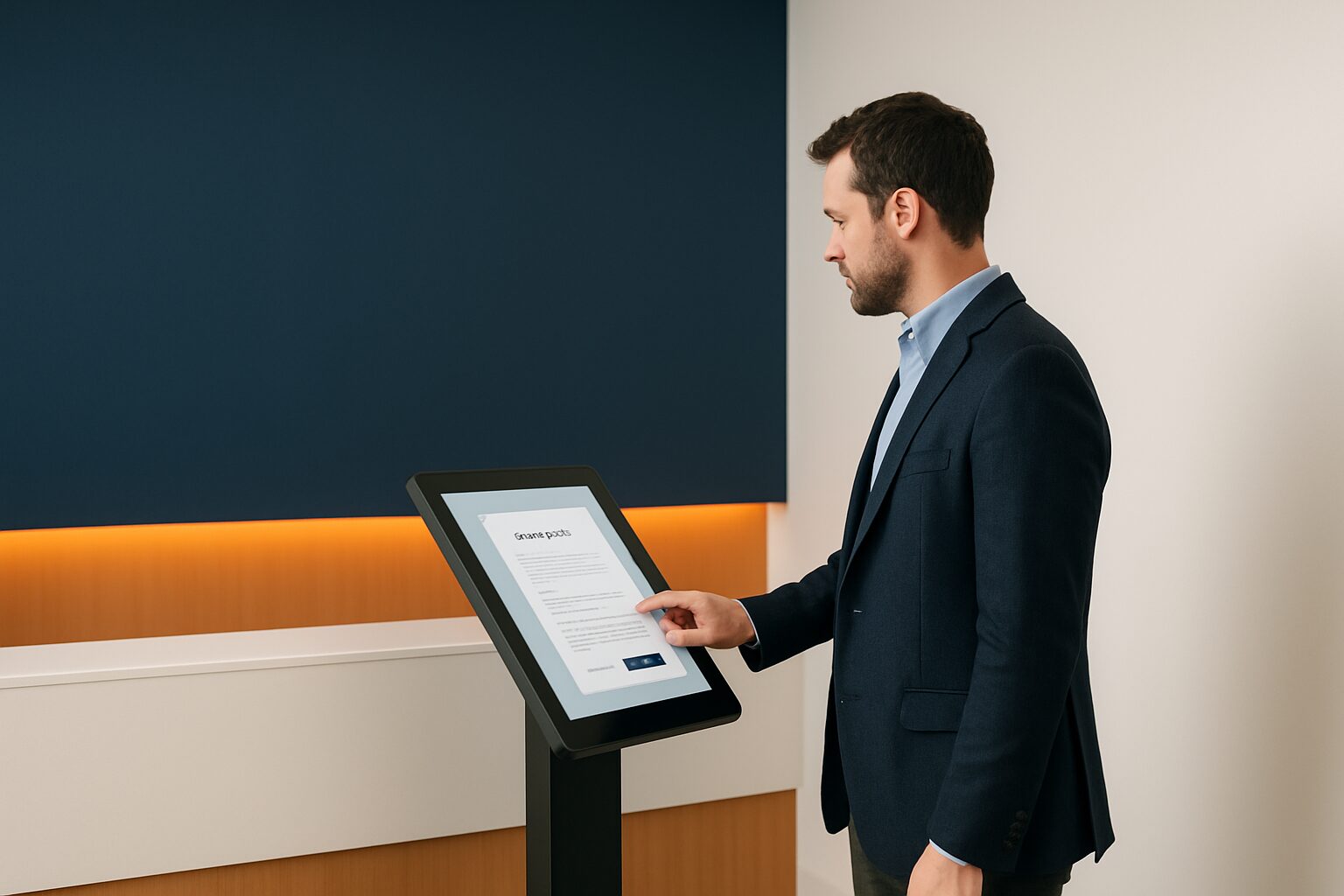
The GDPR (General Data Protection Regulation) is the Dutch implementation of the European GDPR. Both terms cover the same regulation. For visitor registration via a touch display, five obligations apply: a valid legal basis for processing, data minimisation, a substantiated retention period, transparency towards the visitor and technical security of the stored data. Paper sign-in books are not allowed under the GDPR.
GDPR or AVG: what is the difference for the Netherlands and Belgium?
The GDPR is the European regulation (officially: Regulation (EU) 2016/679). In the Netherlands, that same regulation is called the AVG; in Belgium, people usually refer to the AVG/GDPR. There is no difference in substance: the text is identical. The Netherlands does have the Implementation Act GDPR (UAVG) established, which provides national interpretation in a limited number of areas — for example around special categories of personal data and the minimum age for consent.
For visitor registration via a display, the UAVG has no deviating rules. The European GDPR text therefore applies directly, both in the Netherlands and in Belgium.
Which legal basis for processing do you use?
Every processing of personal data requires a valid legal basis based on article 6 GDPR. For visitor registration, there are two relevant options:
| Basis | When applicable | Point to note |
|---|---|---|
| Legitimate interest (art. 6 clause 1 sub f) | Commercial organisations, access control, emergency response overview | Interest must be documented in the GDPR register |
| Legal obligation (art. 6 para. 1 sub c) | Government organisations with a statutory remit | A specific legal standard must be identifiable |
The most commonly used basis is legitimate interest: your organisation has a legitimate need to know who is in the building, for safety (BHV, evacuation) and business continuity. Record this interest in your processing register — otherwise the legal basis is not demonstrable in an AP audit.
Public sector organisations are more likely to choose the legal basis legal obligation or task of public interest (Art. 6 paragraph 1 under e). Which legal basis applies depends on the specific legal task. Always document your choice in writing.
What may you record and how long may you keep it?
The principle of data minimisation (article 5 paragraph 1 sub c GDPR) states that you only collect what is strictly necessary for the purpose. For standard visitor registration, that is:
- Name
- Organisation
- Contact person (host)
- Time of arrival and departure
Medical data, passport numbers, date of birth or a full reason for the visit are in most situations not justified. If you still ask them, you need an explicit legal basis and documentation.
The Dutch Data Protection Authority does not set a fixed retention period for visitor data. The rule is: do not keep it longer than necessary for the purpose. In practice, most organisations use 90 days as standard — long enough to reconstruct an incident, short enough to be proportionate. For controlled-access environments such as courts or financial institutions, up to one year is defensible, provided it is properly justified. Set the retention period in your processing register and automate deletion.
Why the paper sign-up book is no longer allowed
A paper logbook at reception seems practical, but under the GDPR it is not allowed. The next visitor can see who was there before — including any contact details. That is precisely the unintended disclosure the GDPR is meant to prevent. A digital sign-in kiosk prevents this: each visitor only sees their own entry screen.
Moreover, the Working Conditions Act requires you to be able to demonstrate who was present in the event of an emergency. The GDPR prohibits the paper alternative. Together, these two laws make a digital system practically unavoidable for any organisation receiving visitors.
How do you correctly configure a Pixio touchscreen display for GDPR compliance?
A touchscreen kiosk is only GDPR-compliant if the layout correct, not just the hardware format. The PixioKiosk — available in 21,5″ (current price on request) to 49″ (current price on request, price list Q2 2026) — runs on Android 13/14 with integrated computer. That means no separate media player or laptop: all settings are managed directly on the device or via the PixioApp.
These are the five settings you need to configure:
- Privacy statement as a mandatory step — let the visitor read the privacy text and give consent before storing data. Build this in as a non-skippable step in the registration form.
- Minimum fields — enable only name, organisation, contact person and time. Remove optional fields you are not using.
- Screen protection — set an automatic screen lock after each session so the next visitor cannot see any data.
- Access rights — restrict export and reporting functions to authorised employees. Reception sees what is needed for receiving visitors; further access requires a separate role.
- Automatic deletion — link the system to a processing agreement with your software supplier about automatic data deletion after the specified retention period (standard 90 days).
For organisations that also digital wayfinding integrate on the same display: make sure the wayfinding module does not process or store visitor data. Both functions may be on one screen, but the data flow must be separated.
Difference between the Netherlands and Belgium: what changes?
The GDPR applies identically in both countries. However, supervision differs:
| Netherlands | Belgium | |
|---|---|---|
| Supervisor | Dutch Data Protection Authority (AP) | Data Protection Authority (GBA) |
| National implementing act | UAVG | Act of 30 July 2018 |
| Data breach reporting desk | ap.nl | gegevensbeschermingsautoriteit.be |
| Enforcement style | Risk-based, active on complaints | Similar, active in high-risk sectors |
For visitor registration via a display, there are no substantive differences between the Netherlands and Belgium. The legal bases for processing, data minimisation requirements and retention periods are identical. Do check whether your software partner stores data in European data centres — storing data outside the EU requires additional measures (such as Standard Contractual Clauses).
Conclusion: document legal basis, automate setup
Start by recording your lawful basis in the GDPR register — that is step one, before you install a single screen. Then choose a touchscreen display that allows you to set a privacy notice, minimum fields, screen lock and automatic deletion. The hardware is a means; the setup determines compliance.
For a full step-by-step approach, including a checklist per visitor type, read the pillar article Configure visitor registration via display to be GDPR-proof.
Frequently asked questions
Is the GDPR the same as the AVG?
Yes. The GDPR is the European regulation (Regulation (EU) 2016/679); in the Netherlands, that same regulation is called the AVG. The text is identical. The Netherlands has additionally adopted the Implementation Act AVG (UAVG) for a limited number of national provisions, but no separate Dutch rules apply to visitor registration via a display.
What data am I allowed to record via a visitor registration display?
On the basis of the data minimisation principle (Article 5 paragraph 1 sub c GDPR), you may only collect what is strictly necessary: name, organisation, contact person and time of arrival and departure. Medical data, passport numbers or date of birth are in most situations not justified without an explicit legal basis.
How long may I keep visitor data?
The Dutch Data Protection Authority does not set a fixed period. The rule is: no longer than necessary for the purpose. In practice, most organisations use 90 days as the standard for regular access control and emergency response team overview. Record the chosen period in your processing register and automate deletion.
May I still use a paper registration book?
No. A paper logbook is not permitted under the GDPR, because the next visitor could see the details of previous visitors. A digital registration column or touchscreen kiosk is the only GDPR-compliant solution for visitor registration.
Does the regulation for visitor registration differ between the Netherlands and Belgium?
Not in substance. GDPR applies identically in both countries. Supervision differs: in the Netherlands, the Dutch Data Protection Authority (AP) is the regulator, in Belgium the Data Protection Authority (GBA). Do check whether your software partner stores data in European data centres, as storage outside the EU requires additional measures.