
Knowledge and advice
Digital reception: welcome information and visitor registration
Distinguish between displaying information and registering visitors. Registration requires suitable software, data agreements and management.
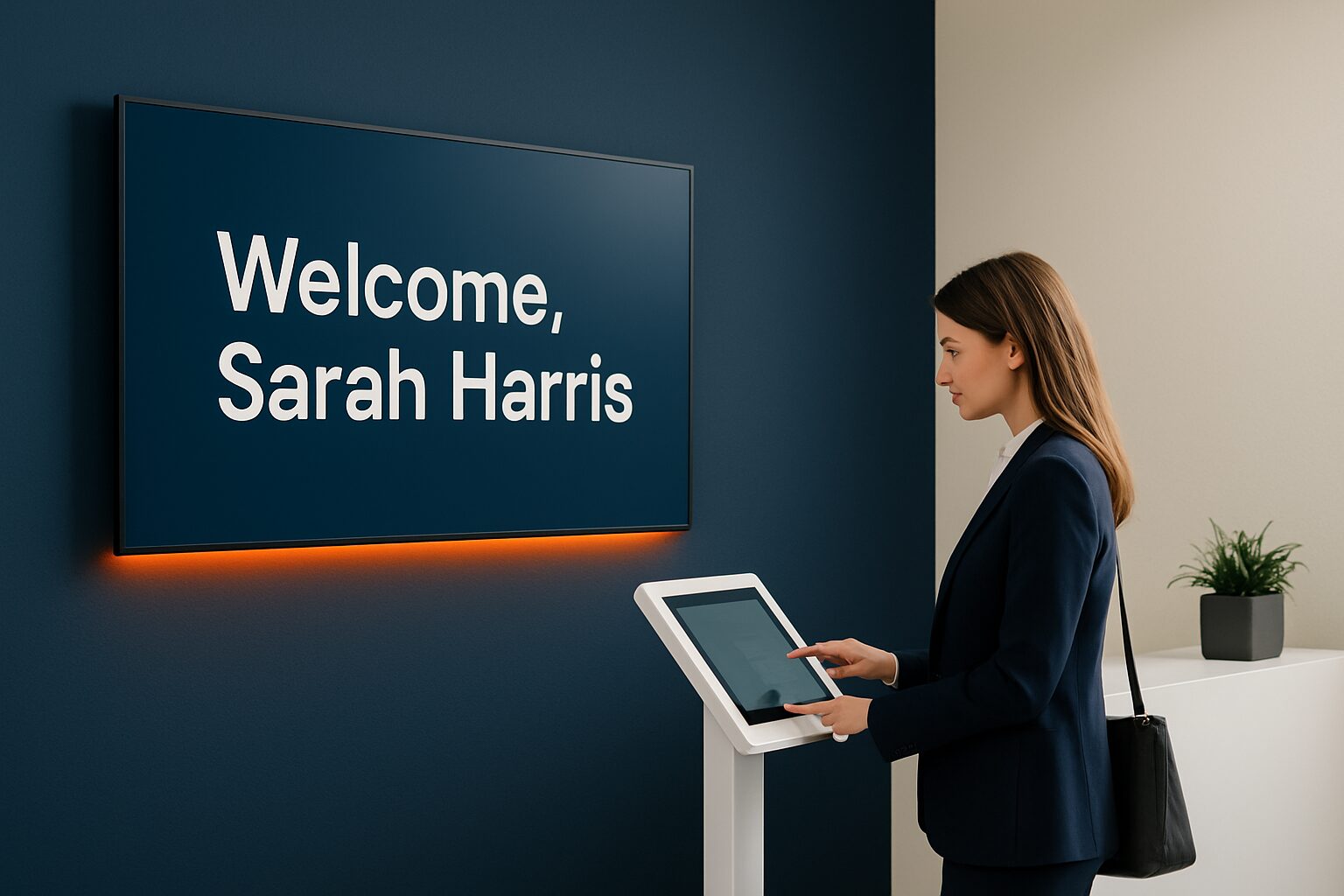
A welcome screen and a registration system are different
A welcome screen shows practical information such as the route to an appointment, opening hours and general instructions. Visitor registration also requires input fields, storage and a process for alerting a staff member. A touchscreen enables operation, but does not automatically provide that process. So first determine whether you only want to show information or also process visitor data. This prevents a screen from being ordered while the necessary registration software has not yet been chosen.
Choose a place visitors understand
A screen at the entrance must make it immediately clear where someone should report. Do not place it where the visitor has to pass a secure door to ask for help. Determine whether the screen is used standing or seated and test the operation with people unfamiliar with the location. A counter display and a freestanding kiosk have different dimensions and mounting. Check the route and visibility without leaving visitor data open on screen.
Which data is really needed?
Only request information that is necessary for the stated purpose. For a simple registration, extensive personal data or a copy of an identity document are not automatically necessary. Record who has access, how long data is kept and how visitors are informed. Choose an appropriate legal basis and check arrangements with the software provider. A digital system is not automatically GDPR-compliant, just as a paper guest book is not prohibited in all circumstances.
Test calendar and notification links separately
A link with Microsoft 365, Google Workspace, email or another system requires support from the registration software and permission for the necessary data. Demonstrate with a trial appointment which information is visible and which member of staff receives a notification. Also check how cancellations, an unreachable host and a network outage are handled. Describe these functions in the quotation. Do not present them as standard features of a PixioDisplay Desk or kiosk unless the chosen software has been confirmed.
Standalone Android and Pixio App
In an all-in-one Android display, the screen and computer are built together. The device can use suitable apps or a web environment without a separate laptop. Whether specific registration software works on it should be tested for that model. The Pixio App is an additional service for remote content management; it is not a general replacement for a visitor registration system. So make the choice for information management and the choice for registration separately, even if they come together on the same screen.
Test the entire visitor journey
Let a visitor register without assistance, check the message and then test deregistration and data deletion according to the chosen agreements. Prevent the data of the previous visitor from remaining visible. Provide an alternative for people who cannot use the screen or in the event of a malfunction. Then ask for a proposal for screen, mounting and software based on this process. View the reception solutions and the available display models.
Sources and further information
Frequently asked questions
Is visitor registration built into a touchscreen as standard?
No. A registration process requires suitable software, storage, notifications and agreements on personal data.
Is digital registration automatically GDPR-compliant?
No. Purpose, legal basis, data use, access and retention periods must be set up appropriately.