
Knowledge and advice
Cleaning touchscreens: maintenance without damaging the coating
Cleaning touchscreens without damaging the coating or touch layer? Learn which products are safe, how to create a protocol and how to ensure hygiene on public displays.
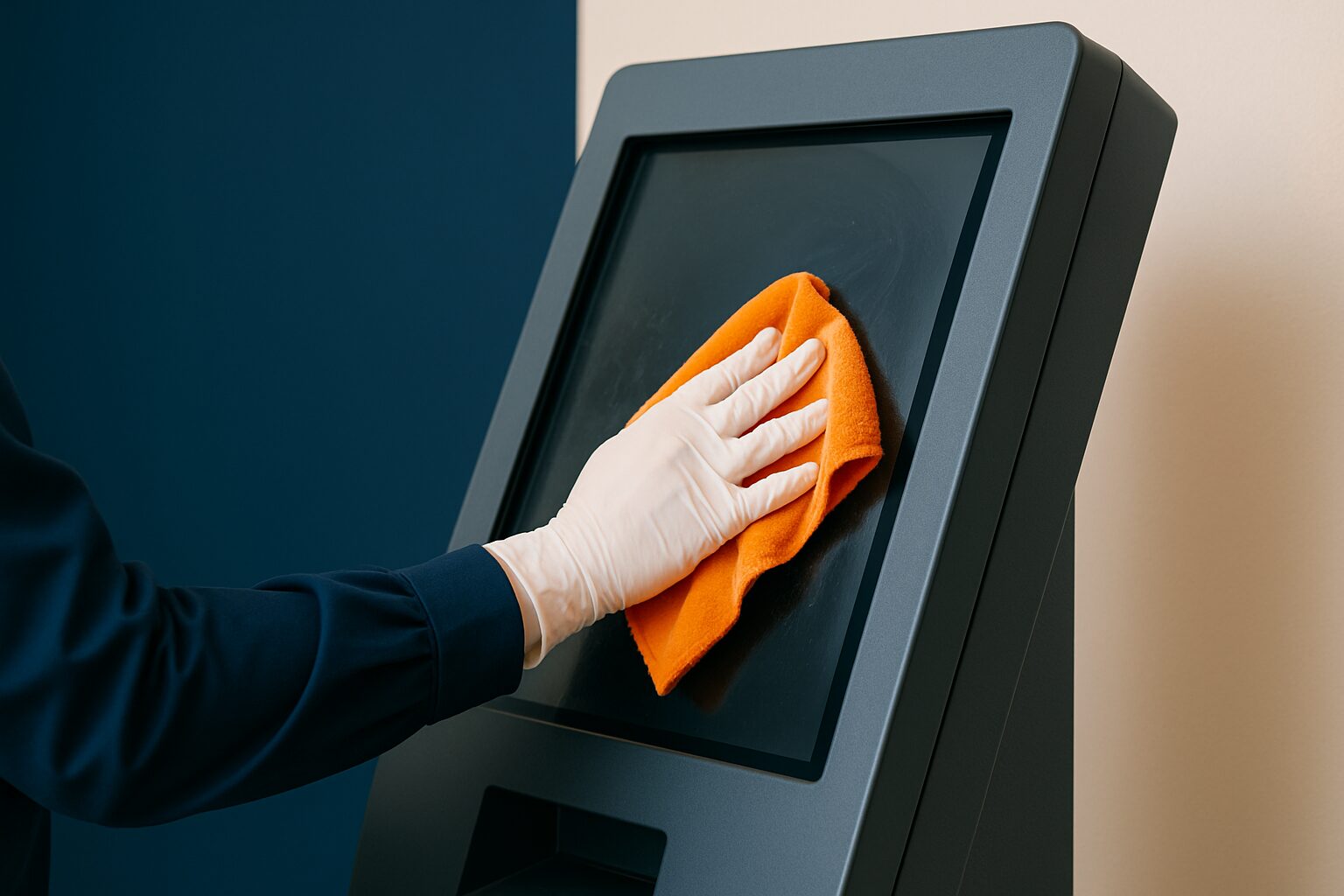
Cleaning touchscreens: maintenance without damaging the coating
Correctly cleaning a touchscreen means: use a dry or slightly damp microfibre cloth, never cleaning agents with ammonia or acetone, and always switch off the screen before starting. The oleophobic coating — the grease-repellent layer that visibly reduces fingerprints — wears off permanently through incorrect use. For public displays in shops, receptions or event venues, there is also a hygiene risk: touch surfaces are one of the most commonly shared contact points in a building.
What the oleophobic coating does and why you protect it
Oleophobic literally means "afraid of oil". An oleophobic coating gives a surface a smooth finish that repels oils, is easy to clean and resists soiling. On touchscreens, that layer means fingerprints adhere less quickly and wipe off more easily.
Alcohol-based cleaners damage the oleophobic layer, which makes fingerprints more visible rather than less. Special coatings such as anti-reflective or oleophobic layers cannot withstand aggressive chemicals — certainly not on OLED displays, where harsh substances can damage the light pixels.
These coatings wear over time; alcohol speeds up that process considerably. For a public kiosk that handles hundreds of touches a day, this is not a theoretical risk but a practical maintenance issue.
Which means are safe — and which are not
The rule of thumb is simple: only use products with a neutral pH value (7–9). To protect the anti-reflective coating on the glass and the IR filter, no cleaning agent with an acidic pH value may be used (pH < 7). An alkaline cleaning solution with a pH value between 7 and 9 is recommended.
| Average | Safe? | Reason |
|---|---|---|
| Dry microfibre cloth | ✅ Yes | No chemical action, no scratches |
| Distilled water (lightly damp) | ✅ Yes | Dries without lime residue |
| pH-neutral display cleaner | ✅ Yes | Removes grease without affecting the coating |
| Isopropyl alcohol 70% | ⚠️ Limited | Disinfects, but speeds up coating wear |
| Glass cleaner with ammonia | ❌ No | Destroys anti-reflective coatings and discolours plastic frames |
| Kitchen paper / rough cloth | ❌ No | Acts like sandpaper on the screen and leaves fine scratches behind |
| Acetone / nail polish remover | ❌ No | Surface coatings dissolve and cause permanent damage |
| Bleach / chlorine | ❌ No | Chemical damage to glass and frame |
Never spray cleaning products directly onto the display. The liquid can seep into sensitive components. Always apply the product to the cloth first.
Step-by-step cleaning protocol
A clear protocol prevents employees from improvising. Follow this order:
- Switch the screen off. Always switch the monitor off and unplug it before cleaning, to prevent possible damage or accidents. On a dark screen, dirt and fingerprints are also easier to see.
- Remove loose dust first. Never wipe a dusty surface — dust particles scratch the glass. Use a soft brush or compressed air at a safe distance.
- Wipe with a dry microfibre cloth. Clean the screen with gentle circular movements without applying pressure.
- Persistent dirt? Lightly moisten the cloth with a mixture of distilled water and isopropyl alcohol (70% or less), or a display-safe cleaner.
- Dry wipe afterwards. Use a second dry microfibre cloth to avoid streaks.
- Wait until the screen is dry before you turn it back on.
Wash cleaning cloths regularly at 30–60 °C without fabric softener to preserve their cleaning power.
Cleaning frequency: how often is enough?
The frequency depends on the location and use. Public touchscreens are subject to a higher standard than office equipment.
High-touch surfaces such as door handles, light switches, keyboards and touchscreens are breeding grounds for micro-organisms. The World Health Organization (WHO) and the National Institute for Public Health and the Environment (RIVM) underline the importance of disinfection in public and business environments.
Use this guideline as a starting point:
- Daily — dry microfibre cloth at busy locations (shops, receptions, events)
- Weekly — lightly damp cloth with pH-neutral cleaner
- Monthly — inspect the screen surface for scratches, damaged film or coating wear
- On request — clean immediately if visibly dirty, do not postpone
The PixioKiosk 43" (current price on request excl. VAT, price list Q2 2026) is used as a public information totem in busy environments. That means several hundred touches per day. At that usage volume, a daily cleaning moment is not a luxury but part of operations.
Hygiene on public displays: disinfecting without ruining the coating
Disinfection and coating preservation are at odds. In medical environments, isopropyl alcohol of 70% can be used for short-term disinfection, but note: it can damage the anti-grease coating over time.
For public signage applications outside healthcare, the practical approach is: use pH-neutral disinfectant display cleaners that are explicitly certified as coating-safe. Preferably clean with pH-neutral cleaners without abrasive agents or acids — this keeps the coating effective for longer.
An additional measure is an antimicrobial screen protector. A screen protector reduces the cleaning frequency of the actual screen. It acts as a barrier that prevents direct contact with fingerprints, dust and dirt. If damaged, you replace the film — not the display.
Common mistakes and how to avoid them
Most damage to touchscreens is not caused by wear, but by incorrect cleaning. These are the three most common mistakes:
1. Spraying on the screen. Never spray cleaning agents directly onto the screen — excess liquid can penetrate the electronics.
2. Swiping too hard. Wiping too hard causes pressure marks that appear as dark spots on the display. Light pressure is always sufficient.
3. Wrong medium. Aggressive chemicals such as ammonia, acetone or glass cleaners damage anti-reflective coatings, cause discolouration and damage screen surfaces. Always check the label before use.
A concrete example: at an event where more than 50 PixioDisplays are deployed — such as at Summit (see reference) — a standardised cleaning protocol per display is essential. Without a protocol, each team member cleans differently, using different products and achieving different results for the coating.
Conclusion
Start with a dry microfibre cloth and distilled water — that is sufficient for ninety per cent of cleaning situations. Choose a pH-neutral display cleaner (pH 7–9) for weekly maintenance. Avoid ammonia, acetone, bleach and kitchen roll without exception. Set out a written protocol with frequency, products and responsibility — that protects both the coating and the warranty.
For more technical background on display selection and specifications, read the article Display specifications explained: what you need to know to make the right choice.
Frequently asked questions
Can I clean a touchscreen with alcohol?
Isopropyl alcohol at 70% disinfects effectively, but affects the oleophobic coating with repeated use. Use it only when disinfection is necessary, not as a standard cleaning agent. For daily maintenance, a dry microfibre cloth or a pH-neutral display cleaner is sufficient.
How often should I clean a public touchscreen kiosk?
In busy locations, daily cleaning with a dry microfibre cloth is the norm. Weekly, add a lightly damp cloth with pH-neutral cleaner. Monthly, inspect the surface for scratches or coating wear.
What is an oleophobic coating and do I need to protect it?
An oleophobic coating is a grease-repellent layer on the screen glass that makes fingerprints less visible and touch gestures smoother. The coating wears with normal use, but aggressive cleaning agents greatly accelerate that process. Protect the coating by using only microfibre cloths and pH-neutral products.
Can I use a glass cleaner such as Glassex on a touchscreen?
No. Glass cleaners contain ammonia, which destroys the anti-reflective coating and can discolour plastic frames. Use only display-specific cleaning agents or distilled water.
Is a screen protector useful on a public kiosk?
Yes. A screen protector protects the actual screen glass against scratches and fingerprints. If it is damaged, you replace the film rather than the display. Choose a film of sufficient quality so that touch sensitivity is not reduced.