
Knowledge and advice
Trade show stand design with digital signage: flow, positioning and sightlines
How do you position displays on a trade fair stand for maximum impact? Learn how to use flow, sightlines and screen height smartly to attract more visitors and leads.
Trade show stand design with digital signage: flow, positioning and sightlines
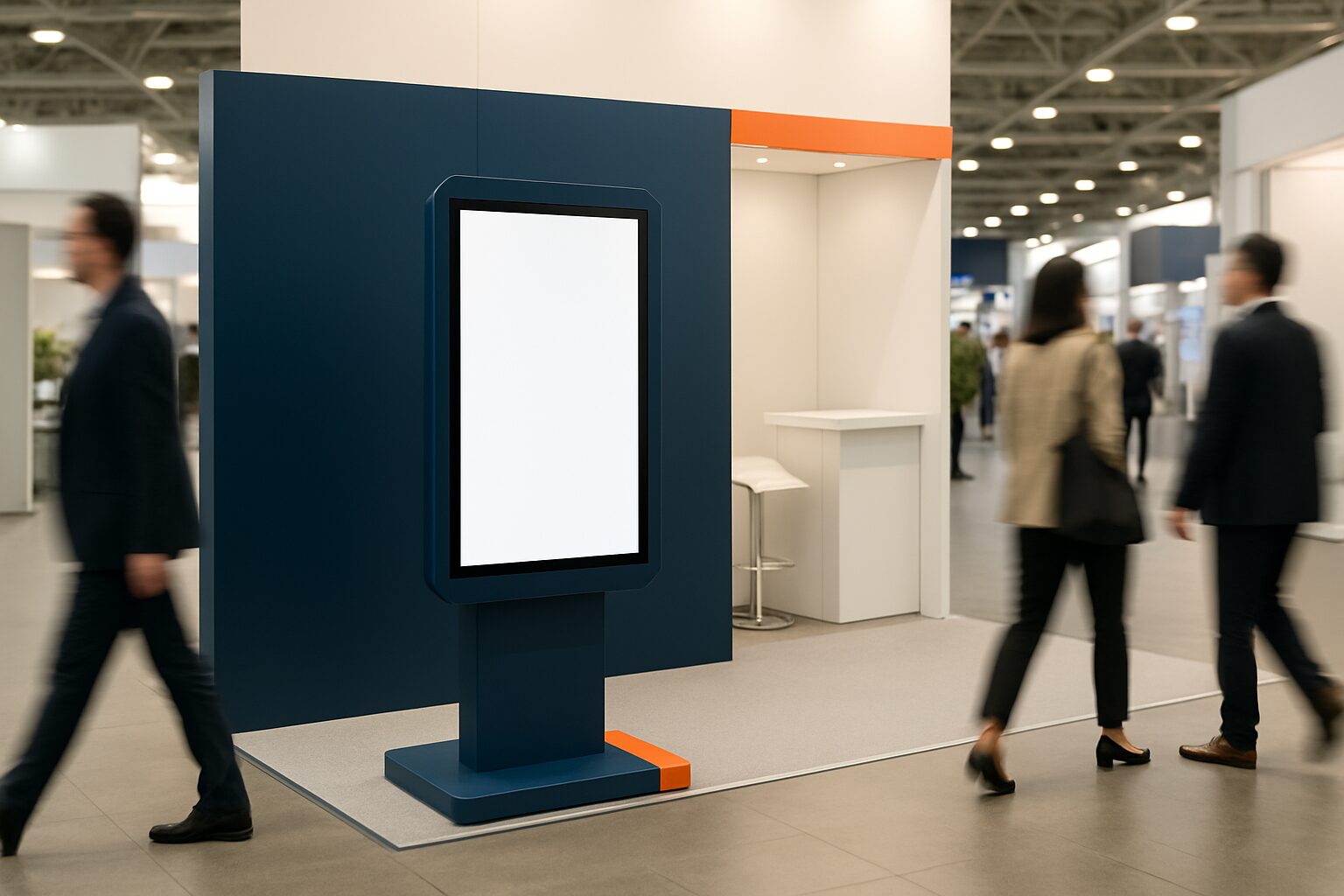
A display in the wrong place is a missed opportunity. Trade fair stand design with digital signage revolves around three interconnected principles: visitors' direction of travel (flow), sightlines from the aisle (sightlines) and the physical placement of the screen (positioning). Aligning these three actively draws visitors in — failing to do so leaves you with an expensive screen that nobody sees.
Stand type determines your room for manoeuvre
Before you think about screen placement, you need to know what type of stand you have. That determines how many sightlines you can actually use.
- Queue status (interim result): Three walls, one open side facing the aisle. Visitors pass your stand on one side. One central screen on the back wall is the logical choice here.
- Corner stand: Two open sides at a crossing of aisles. You reach visitors from two directions — a second screen on the side wall is useful here.
- Header stand / island stand: Three or four open sides. Maximum exposure, but also more stand staff needed to monitor all entrances.
The direction of movement is hardly visible on a floor plan. Visit the venue in advance, or ask the organiser for historical visitor flows per hall.
Sightlines: what does a visitor see at 5, 10 and 20 metres distance?
A visitor decides within seconds whether to enter your stand. That decision is made from 5 to 20 metres away — long before they reach your stand. Sightlines are the imaginary lines from the aisle to your stand. Your display must be readable at all those distances.
Three practical rules:
- High = visible from far away. A screen at a height of 180–220 cm (bottom edge) is visible above passers-by’s heads. Use this for brand messages and moving images — not for readable text.
- Level = interaction. A touchscreen at 90–110 cm (centre of the screen) invites touch. Use this for product demos and lead registration.
- Angle = reach. Turn a free-standing screen 15–30 degrees relative to the aisle. That way it catches visitors from two directions of travel at once.
Reflection is a common mistake. If you place a screen directly opposite a glass hall or spot lighting, you can hardly see the image. When in doubt, choose a display with at least 400 cd/m² brightness for indoor use — that is the minimum for a readable image in trade fair conditions.
Flow: guide visitors, don’t direct them
A good route plan ensures your stand space is used optimally. Create a logical entrance from every walking direction and prevent bottlenecks by naturally guiding visitors the same way.
Digital signage plays an active role here. Use your screens not just as decoration, but as wayfinders:
- Entrance screen: Large, moving image at the boundary of aisle and stand. Draws the attention of passers-by. Keep the message short: maximum 6 seconds per slide.
- Middle-zone screen: Product information or video at eye level. Keeps visitors who are already inside engaged for longer.
- Conversation zone: No screen or a small screen on a pillar. Calm and focus for the sales conversation.
A hospitality corner or seating area in your stand has a direct impact on routing. Plan this in advance in the design — a coffee corner that blocks the flow works counterproductively.
Screen choice by zone: a practical comparison
| Zone | Purpose | Recommended screen type | Height (bottom of screen) |
|---|---|---|---|
| Aisle edge / entrance | Attract attention | Large freestanding display (43″+), moving image | 160–220 cm |
| Middle zone | Product info, demo | Touchscreen kiosk or standing display | 90–110 cm |
| Conversation zone | Supporting the sales conversation | Small kiosk or tablet | 90–100 cm |
| Back wall (row stand) | Brand identity, atmosphere | Large landscape screen or video wall | 120–180 cm |
At bol.com, which used Pixio Display for the stand at the Negenmaandenbeurs, the combination of a large entrance display and an interactive touchpoint in the middle zone was exactly this logic: attract attention at the edge, facilitate interaction inside.
Practical: choosing displays for your stand size
Start with one clear purpose per screen. More screens on a small stand lead to visual chaos — one central screen of 43″ or larger is sufficient for a stand up to 12 m².
For a stand where you also want visitors to be able to request information themselves, a touchscreen kiosk is the most efficient solution. The PixioDisplay Luxe (49″ touchscreen, 67×185 cm) combines a large screen with a stable floor stand and is available for current price on request (buy) or current price on request per day with a rental period of three days (price list Q2 2026). That size is large enough for sightlines up to 15 metres.
Do you not have a power connection at your stand location? The PixioDisplay Pavement Sign (43″, battery-powered) operates 14–18 hours without a power socket and costs current price on request (1.500 nits) or current price on request (2.000 nits) for purchase (price list Q2 2026). Handy for stands at crossroads of aisles where the power cable gets in the way.
All PixioDisplays have an integrated Android computer. You do not need a separate media player or laptop — that saves considerable setup time and cabling at a trade fair. Displays are ready for use within minutes.
The question of buying or renting depends on your trade fair frequency. The arithmetic break-even point is around 8–10 usage days per year. If you are at fairs less than that, renting via /display-huren/ financially more advantageous.
Content alignment by position and distance
Screen placement also determines which content works. A screen at 10 metres distance calls for different content than a screen at 1 metre.
- Long distance (5–20 m): Moving image, large typography, maximum 5 words per slide. Brand logo always visible.
- Medium distance (2–5 m): Product photos with short text, USPs, price or promotion.
- Short distance (0–2 m): Touch interaction, forms, product details, QR codes.
Keep content loops short: 6–10 seconds per message works best at trade fairs. Visitors are on the move — a 3 minute loop is seen through in full by almost no one.
For the full technical setup of content and control, see the knowledge base article Controlling video on a trade fair stand: technical setup step by step.
Conclusion: position is strategy
Start with the stand layout, not with the screen model. First determine which sightlines you have, where the traffic flow comes from and what you want to achieve in each zone. Then choose the screen type and height that suit that zone.
A display in the right place, with the right content at the right height, does more work than three screens placed at random. For the full picture on screen selection, content and lead generation at trade fairs, read the pillar Digital signage at trade fairs: the complete guide to a standout stand.
Frequently asked questions
At what height should I hang or place a display on my trade fair stand?
That depends on the purpose. A screen intended to attract attention from the aisle is positioned with the bottom edge at 160–220 cm — this keeps it visible above the crowd. A touchscreen for interaction works best with the centre of the screen at 90–110 cm, so visitors can operate it comfortably.
How many screens do I need on a stand of 9 to 12 m²?
One central screen of 43" or larger is sufficient for most compact stands. If you add a second screen, make sure each screen has its own clear function — for example one for brand messages at the edge and one touchscreen in the central zone for interaction. More screens on a small stand lead to visual chaos.
What is a sightline and why is it important for my trade fair stand?
A sightline is the imaginary line of sight from the aisle to your stand. Visitors decide at a distance of 5 to 20 metres whether to stop. If your display is not visible at that distance — because it is placed too low, reflects light or is blocked — you miss the chance to attract attention before someone has already walked past.
What do I do if my stand position has no power connection?
Then choose a battery-powered display, such as the PixioDisplay Pavement Sign (43"). It works for 14–18 hours without a mains socket and is therefore suitable for stands at aisle intersections or locations where cables are not possible. Do check with the trade fair organiser in advance whether battery-powered equipment is allowed.
How do I tailor the content to the viewing distance from the screen?
At long distance (5–20 m), moving images with a maximum of 5 words per slide work best. At medium distance (2–5 m), you can show product photos and short USPs. At close range (0–2 m), touch interaction, QR codes and product details are effective. Always keep content loops short: 6–10 seconds per message.