
Knowledge and advice
Hire display screens for trade fairs: step-by-step request in NL/BE
Hired displays for your trade fair stand in the Netherlands or Belgium? Read the full request process: from selection and planning to delivery, installation and return.
Hire display screens for trade fairs: step-by-step request in NL/BE
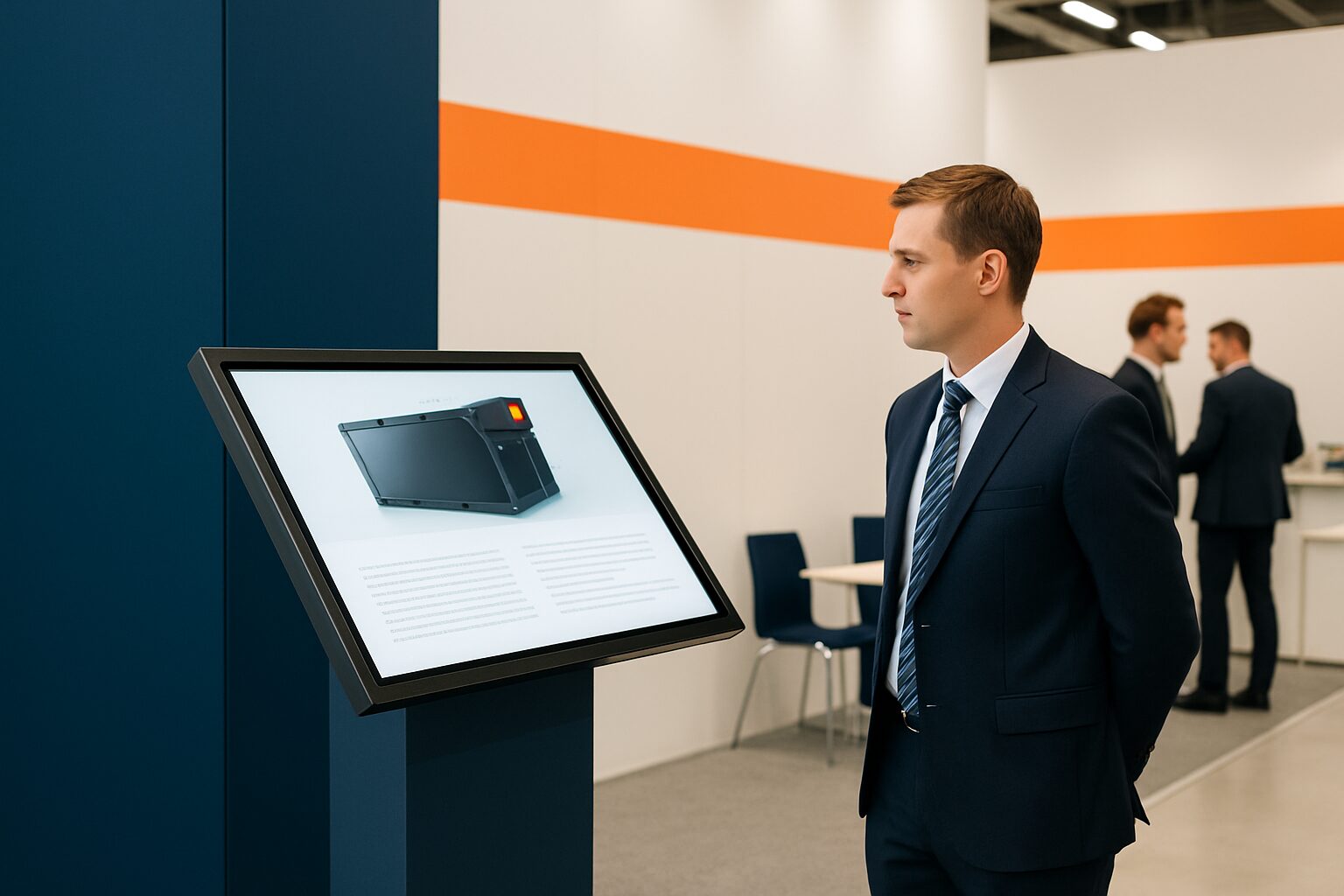
Hiring a display for your trade fair stand means you reserve a professional screen for a fixed hire period, the supplier delivers it ready to use on site, and after the fair you collect it or have it returned — without your own storage or transport. In the Netherlands and Belgium, this is the standard route for companies that attend a trade fair one to a few times a year. The arithmetic break-even point between hiring and buying is around 8–10 use days per year (Pixio knowledge base).
Why renting is popular for trade fair participation
Every year, hundreds of thousands of business events are organised in the Netherlands, attracting more than 130 million visitors and participants in total (EventPlatform / Respons). That means a large and active trade fair landscape — from Jaarbeurs Utrecht to Flanders Expo in Ghent.
For most participants, a trade fair stand is up for two to four days per edition. Buying a professional touchscreen display quickly costs current price on request or more (price list Q2 2026). Hiring is then simpler logistically and financially.
An additional advantage: hired displays are delivered ready to use. The PixioDisplays have a built-in Android computer — no separate media player or laptop needed. That saves a considerable amount on a busy build day.
Step 1 — Determine your need before requesting
Start with three questions:
- What do you show? Video, interactive product catalogue, or static slides?
- How large is your stand? A 9 m² stand requires a different format than an island stand of 50 m².
- Is there power at the stand location? Free-standing outdoor setups without a power connection require a battery-powered display.
The answers determine the display type. A touchscreen is suitable when you want visitors to navigate information themselves. A freestanding presentation screen is sufficient for video and slides.
Plan at least six weeks ahead: that gives you time for design, production, any rental reservation and requesting power connections from the venue's exhibitor services team (Pixio knowledge base trade fair venues).
Step 2 — Choose the right display model
Below are the most commonly used hire models for trade fair stands, with daily rates from the Q2 2026 price list:
| Model | Size | Daily rate (1 days) | Daily rate (3 days) | Special |
|---|---|---|---|---|
| PixioKiosk | 21,5″ touchscreen | — | current price on request p.d. | Compact information column |
| PixioKiosk | 49″ touchscreen | current price on request p.d. | — | Large column, high visibility |
| PixioDisplay Mobile | 43″ touchscreen | current price on request p.d. | current price on request p.d. | 60×150 cm, 400 cd/m² |
| PixioDisplay Luxe | 49″ touchscreen | current price on request p.d. | current price on request p.d. | 67×185 cm, impressive size |
| PixioDisplay Kiosk Duo | 15,6″ touch + 29″ | current price on request p.d. | — | Two screens, one pillar |
All the above models run on Android 13/14 and play content via USB, website URL or the PixioApp. You do not need a separate media player.
Choose the PixioDisplay Luxe if you have a representative stand at a trade fair such as RAI Amsterdam or Flanders Expo — the format of 67×185 cm stands out without additional construction. Choose the PixioDisplay Mobile if you want flexible set-up and the stand is compact.
Step 3 — Submit your application
A hire reservation at Pixio Display is handled via /display-huren/ or /tv-scherm-huren-beurs/. What to have at hand:
- Trade fair name and location (e.g. Jaarbeurs Utrecht, Brabanthallen, MECC Maastricht, Flanders Expo Ghent)
- Set-up and dismantling date — not just the trade fair day(s)
- Desired display model and size
- Delivery address at the trade fair venue — including stand number if already known
- Content format — video, static image, interactive app or URL
Once the request has been received, you will receive a quotation. Confirm the reservation in writing so the delivery date is fixed. At popular trade fairs (think Interclean or the Facility Trade Fair), slots are sometimes booked weeks in advance.
Courier delivery within the Netherlands costs from current price on request (price list Q2 2026). For Belgium, a separate rate applies — ask for this with your enquiry.
Step 4 — Prepare content and put the display into use
Suppliers such as Pixio Display deliver the screen ready to use: switched on, on the correct network and with the basic settings in place. You load your own content:
- Via USB: copy your video or image to a USB stick and insert it into the screen.
- Via URL: enter a web address — useful for live content or a product catalogue you still want to update.
- Via the PixioApp: manage content remotely, even during the trade fair.
The PixioDisplay Mobile (43″, 400 cd/m²) is ready for use within minutes after delivery. On a busy build-up day, that is the biggest practical difference compared with a separate TV + laptop setup.
Do you want to adjust content during the trade fair? Then read the related article Update trade fair stand content live: remote management step-by-step plan for the full process.
Step 5 — Returns and aftercare
After the trade fair, collect the display from the stand, or the supplier arranges collection. Check before return:
- Screen clean and undamaged
- All supplied cables and accessories present
- Content removed from USB or app
At Pixio Display, the standard warranty on all models is 1 years; for commercial use, an extended warranty to 2 years is available from current price on request (price list Q2 2026). For a hire period, damage caused by normal use is generally covered — check the hire terms on this point.
Concrete example: bol.com at the Pregnancy Fair
Pixio Display provided the displays for the stand of bol.com at the Pregnancy Fair. A consumer trade fair with high visitor pressure calls for screens that run stably all day. Consumer TVs (±300 nits, not designed for continuous use) are unsuitable for this. Commercial displays such as the PixioDisplay range are specifically built for this type of environment.
A similar scale: at the Summit event, Pixio Display set up more than 50 PixioDisplays in at one event — a logistics operation in which delivery, installation and return were tightly coordinated.
Buy or hire: when do you choose which?
Renting is the right choice if you need the stand for fewer than 8–10 days per year. Above that, a purchase or lease pays for itself — especially if the screen also adds value outside the trade fair (reception, showroom, meeting room).
The PixioDisplay Mobile is also available as a lease from current price on request per month (60 months, price list Q2 2026). That makes the step from renting to owning smaller than many companies think.
Unsure? See the full argument in the pillar article for this cluster: Digital signage at trade fairs: the complete guide to a standout stand. Or visit the showroom in Montfoort to compare models physically before you reserve.
Frequently asked questions
How far in advance should I reserve displays for a trade fair?
Plan at least six weeks ahead. That gives you time for the hire reservation, content preparation and requesting power connections from the exhibitor services of the exhibition venue. At major trade fairs such as Interclean or Vakbeurs Facilitair, slots fill up earlier.
What do I need to put my content on a hired display?
PixioDisplays have a built-in Android computer. You load content via USB stick, a website URL or the PixioApp — no separate media player or laptop needed. Make sure your video file is in the correct format (MP4 works on all models).
What does it cost to hire a touchscreen for one trade fair day?
The PixioDisplay Mobile (43″ touchscreen) costs €175 for one day and €105 per day for a three-day rental. The PixioKiosk (21,5″) starts at €95 per day for a three-day rental period. Courier delivery within the Netherlands costs from €95 extra (price list Q2 2026).
May I bring my own displays to Ahoy, RAI or the Jaarbeurs?
Yes, in most cases you may bring your own or hired display material. Every venue has specific rules on suspension points, power consumption and safety. Always check the exhibitor instructions from the trade fair organiser before ordering or booking your material.
Is hiring also possible for trade fairs in Belgium?
Yes. Pixio Display delivers from branches in the Netherlands (Montfoort) and Belgium (Paal-Beringen). For Belgian trade fair locations such as Flanders Expo in Ghent or Brussels Expo, request the delivery rate with the enquiry — it differs from the Dutch courier rate.