
Knowledge and advice
Interactive touchscreen at trade fair: user experience and conversion
An interactive touchscreen on your trade fair stand increases engagement and delivers higher-quality leads. Read how to optimise UX and conversion.
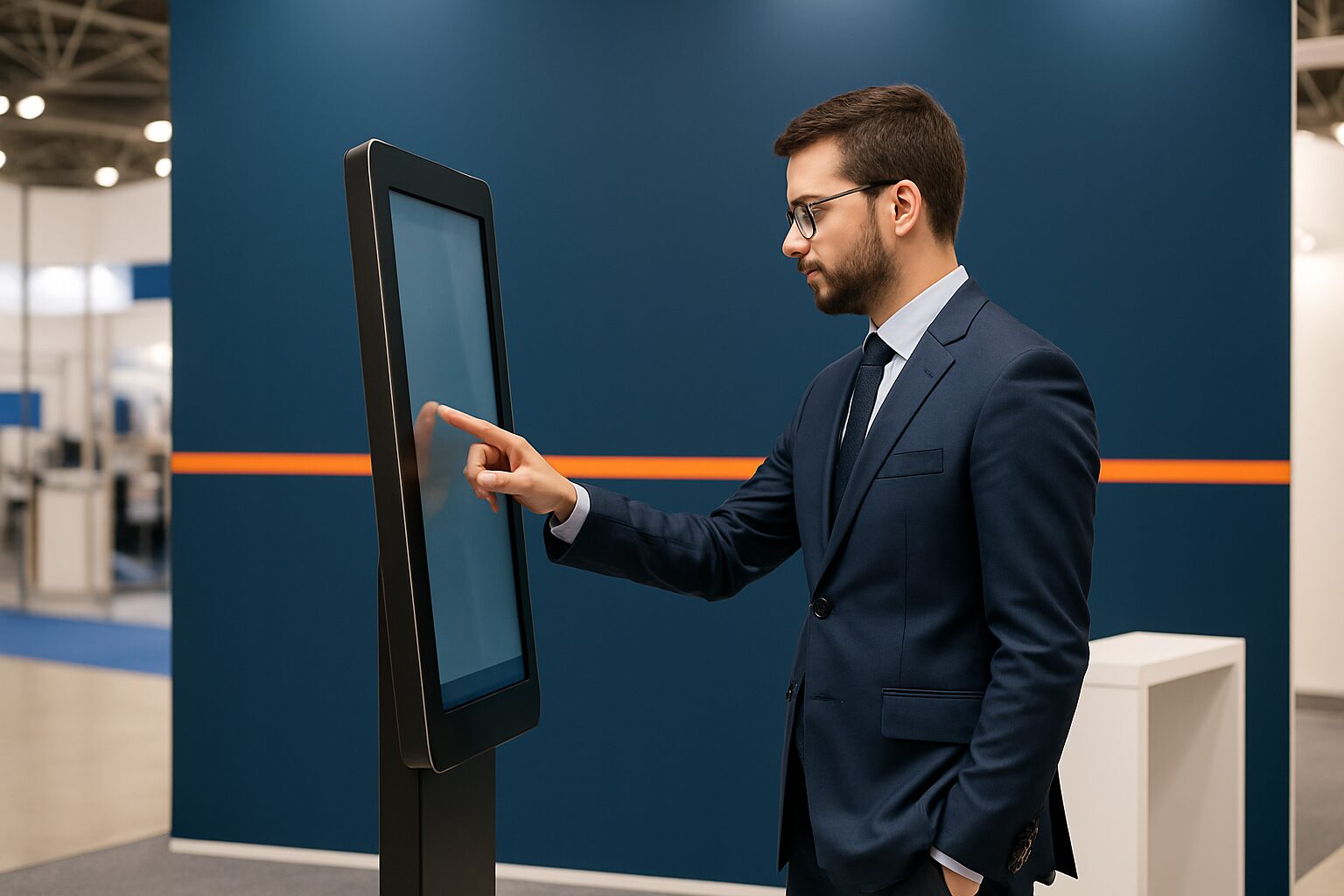
Interactive touchscreen at trade fair: user experience and conversion
An interactive touchscreen at a trade fair stand is a display on which visitors can navigate independently, request product information, fill in forms or take part in a quiz — without intervention from stand staff. The screen combines brand experience with lead registration at a single point. Used well, it extends dwell time at your stand, improves the quality of collected contact details and makes visitor behaviour measurable.
Why interactivity extends dwell time
A visitor decides within seconds whether to stop at your stand. Moving images attract attention; the option to interact keeps them there. Interactive elements — from a product configurator to a knowledge quiz — invite action instead of just watching. Digital tools automatically record how long visitors stay at a touchscreen and which product options are chosen most often. You can use that data straight away for your follow-up.
Interactive content generates, according to research by Outgrow (via Searchlab) twice as many conversions as static content. On a busy trade fair floor, that difference is noticeable: visitors who actively do something at your stand remember your brand better than those who take away a brochure.
Three concrete applications at a trade fair stand
Choose the application that fits your stand objective. Three proven options:
1. Lead registration form
Visitors enter name, company and interest themselves. That gives more context than a scanned badge. Link the form to your CRM for immediate follow-up. Capture more than just contact details — ask about product interest or the purchasing moment — so your follow-up is personalised.
2. Product configuration or demo
Let visitors assemble a product or explore a service via an interactive menu. Visitors who make their own choices understand your offer better. That shortens the sales conversation afterwards.
3. Quiz or knowledge test with opt-in
A short quiz about your field works as both a conversation starter and a qualification tool. Link participation to an opt-in for your newsletter or a prize draw. That way you collect consent and interest in one step.
Bol.com used an interactive display at the Negenmaandenbeurs to inform visitors and register leads — an example of how major brands also set up the trade fair stand as a digital touchpoint. You can read more about that approach on the bol.com reference page.
UX rules that make the difference
A touchscreen that works poorly harms your brand experience. Stick to four design principles:
- Large touchpoints. Buttons of at least 20 mm are comfortable to operate, even with gloves or by people who are less digitally skilled.
- Maximum three clicks to the goal. Complex menu structures lose visitors. Build a simple flow: welcome → choice → action → confirmation.
- Direct visual feedback. Every touch must produce a visible response. Without feedback, the user doubts whether their input has been registered.
- Attractor loop. Use the screen as a passive attraction when nobody interacts. A moving animation or video draws passers-by to the stand.
For registration, a standing (portrait) screen is more user-friendly — it resembles a smartphone. For product presentations and video, landscape is better.
Which screen size do you choose?
The choice depends on the function and the space on your stand.
| Size | Model | Hire price (1 day) | Best application |
|---|---|---|---|
| 21,5″ | PixioKiosk | current price on request | Lead form, check-in |
| 32″ | PixioKiosk | On request | Product info, quiz |
| 43″ | PixioDisplay Mobile | current price on request | Product demo, configurator |
| 49″ | PixioDisplay Luxe | current price on request | Large stand, high visitor numbers |
Prices price list Q2 2026, hire applies for 1 day.
The PixioDisplay Luxe (49″) measures 67×185 cm and has a brightness of 400 cd/m² — sufficient for a well-lit trade fair hall. All models run on an integrated Android computer (Android 13/14): you do not need a separate laptop or media player. At trade fairs that is the biggest practical advantage — the display is ready within minutes.
Buy or rent for exhibition displays?
The question asked most often: buy or rent? The arithmetic break-even point is around 8 to 10 days of use per year. If you take part in two trade fairs per year of two to three days each, renting is cheaper and logistically easier. If you do more than ten stand days per year, buying pays for itself.
The PixioKiosk (21,5") is available to rent from current price on request per day with a minimum of two weeks’ hire and to buy from current price on request The PixioDisplay Mobile (43″) can be bought for current price on request or rented for current price on request per day for a period of 3 days — or current price on request for one day. View all day rates on the rental options page.
For one-off trade fairs, renting is the logical choice: delivery, collection and warranty are included, and you do not need storage space between events.
From interaction to conversion: the link with your follow-up
A touchscreen only delivers conversion if the data it collects are also used. Export leads straight after the trade fair day and assign them to the right sales representative. Add a short note about the conversation that followed the interaction — that improves follow-up more than extra form fields. Contact them within 48 hours: the faster the follow-up, the greater the chance of a follow-up appointment.
Also measure behaviour on the screen itself: which menu options are chosen most often, how long do visitors stay active, and at what point do they drop off? Those insights help you refine your content for the next trade show. Read more about measuring stand results in the knowledge base article Measuring impact at a trade fair stand: KPIs for digital signage.
Want to know which model suits your stand size and visitor numbers? View the application page for trade fair and event displays or schedule a visit to the showroom in Montfoort.
Frequently asked questions
Which screen size works best for a touchscreen on a small exhibition stand?
For a small stand (up to 6 m²), a 21,5″ or 32″ kiosk is practical: compact, stable and easy for visitors to access. The PixioKiosk 21,5″ can be hired from €65 per day with a minimum hire period of two weeks and takes up little floor space. With more space, a 43″ screen provides more impact without dominating the stand.
How do I collect leads via a touchscreen without visitors dropping off?
Keep the form short: name, company and one choice question about interest are enough. More fields reduce willingness to fill it in. Link the opt-in to a clear reward, such as entry into a prize draw or a digital brochure sent directly to the email address.
Does a touchscreen at a trade fair need an internet connection?
Not necessarily. Content loaded via USB or the PixioApp works offline. If you want to show a live web form or your own website, you need a stable Wi-Fi or 4G connection. Always plan a backup: trade fair halls have variable network coverage.
Is it more cost-effective to hire or buy a touchscreen for trade fair use?
The break-even point is around 8 to 10 usage days per year. If you attend two trade fairs of two or three days each, renting is cheaper and logistically simpler. If you go to more than ten stand days per year, buying pays for itself. The PixioDisplay Mobiel (43″) costs € 1.795 to buy and € 105 per day to rent for 3 days.
What do I show on the touchscreen when nobody is there?
Use an attractor loop: an animated sequence, product video or brand film that plays automatically when the screen is not actively in use. This attracts passers-by and keeps the screen visibly active. Set a timeout so the screen automatically returns to the start screen after inactivity.