
Knowledge base
Digital information screens: uses, costs and how to choose
A digital information screen shows current information such as directions, opening hours, menus or product guidance. It can be a passive screen that plays content automatically, or a touchscreen that lets visitors choose. The right device depends on viewing distance, light, operating hours and the task. Start with what people need to see or do on site.
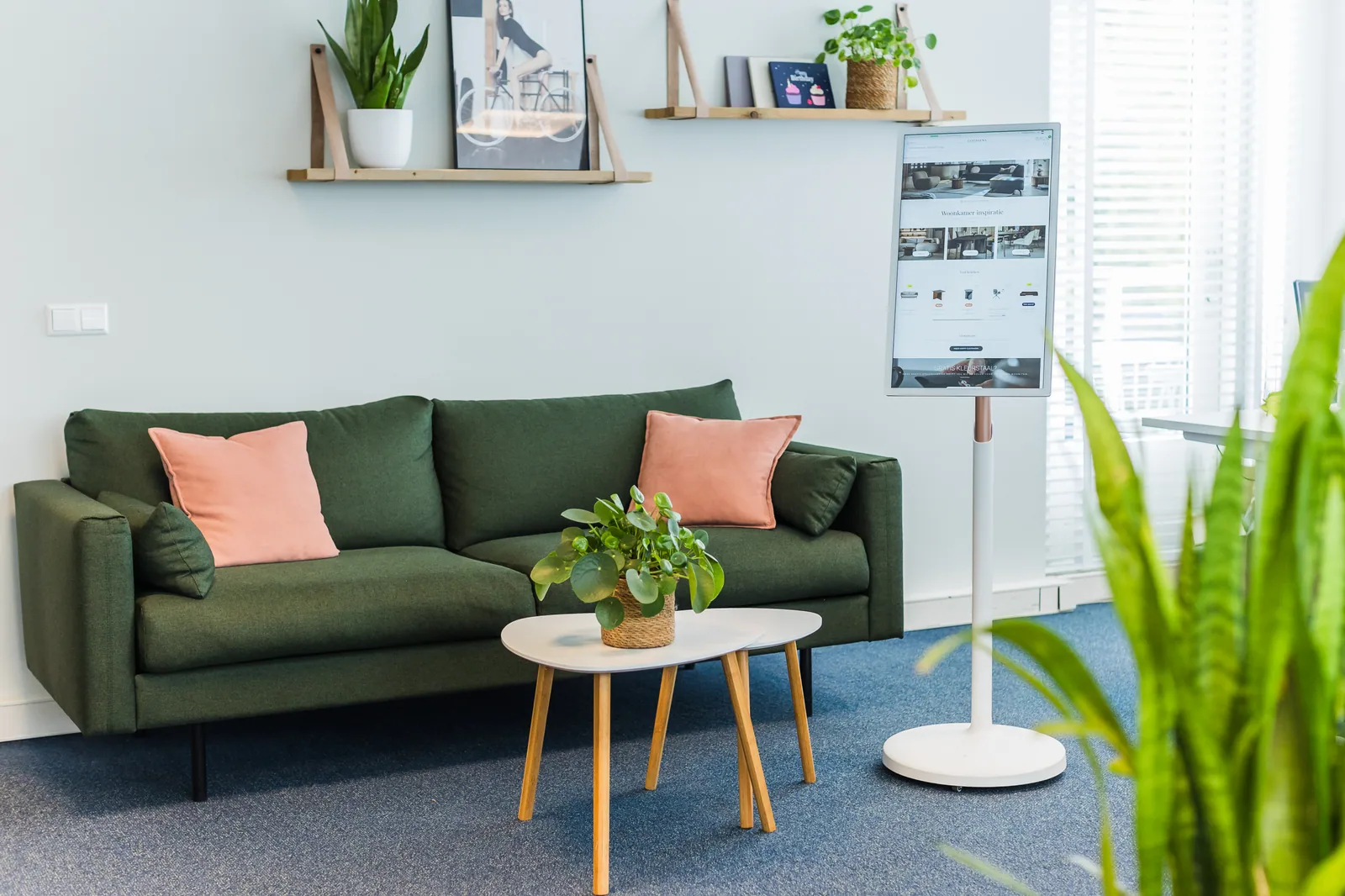
Where are information screens used?
A shelf or floor display in a shop can help people choose a product. At reception a screen can welcome visitors or show directions. Trade shows can rotate schedules, presentations and demonstrations. In healthcare and education show general guidance without exposing personal data. Give each screen one clear primary task.
Choose the screen for the lighting conditions
Brightness, measured in nits or cd/m², is only one factor. Indoors, viewing angle and font size can matter more. Behind shop glass, account for reflections and the position of the sun. Outdoors the enclosure, operating temperature and mount also matter. Check the exact model’s specifications and test readability at the hardest time of day.
What determines cost?
Compare hardware, mounting, power and network, software, content and support. Identify what is included and for how long. For a temporary project factor in collection; for a purchase, account for ongoing maintenance and management. Compare current prices for the same configuration and ask for separate quote lines for extra work.
How to compare configurations
Measure the distance to the farthest viewer. Note the content, operating hours and whether visitors need to enter anything. Try your own video, webpage or app on the setup. An all-in-one touchscreen can open compatible local content through built-in Android; remote updates need a connection and a management tool. Check what appears after restart or connection loss.
Common questions
Can I use a standard TV?
It may suit a short indoor use. For continuous or commercial use, check the model’s operating hours, brightness, mounting and warranty.
Do I need touch input?
Not for rotating information. Choose touch when visitors need to select or enter something. Test buttons, mounting height and the return to the home screen.
When does renting make sense?
Renting is often practical for a fair or temporary campaign. For repeated use, compare total costs including transport, storage, management and maintenance using your own schedule.