
Knowledge and advice
Digital signage at trade fairs and events: safety, setup and return on investment
How do you use digital signage safely and profitably at a trade fair or event? Read about NEN standards, rent vs buy and the arithmetic break-even point for exhibitors.
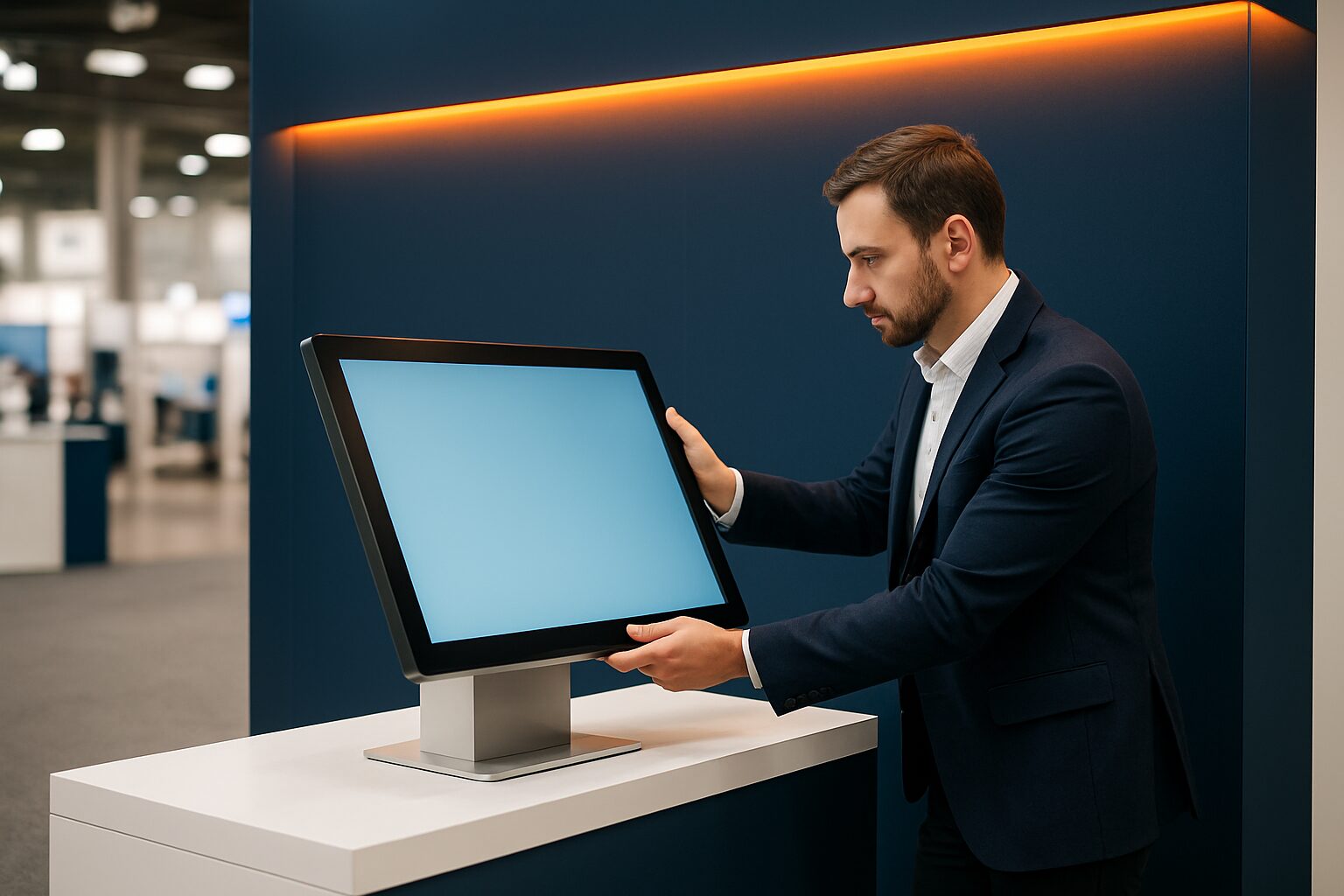
Digital signage on an exhibition stand is a time-critical investment: you have 1 to 4 days to convince visitors, your screen must work immediately and every euro of stand costs counts in the ROI calculation. That makes event signage fundamentally different from a fixed retail installation, where payback periods of months are acceptable. At a trade fair, you count in hours.
Safety requirements on the exhibition floor
Trade fair halls set specific technical requirements for exhibitors' electrical equipment. For example, the exhibitor regulations of Evenementenhal Hardenberg state that all electrical materials must comply with NEN 1010 and NEN 3140, and be CE approved and earthed. Check this before you book — not all consumer screens meet this requirement.
In addition, two practical rules affect your planning:
- Stability: free-standing displays must not be able to tip over when touched. A floor stand or ballast base is not a luxury option, but a safety requirement on busy trade fair floors.
- Cable management: loose power cables are a trip hazard and are rejected by trade fair organisers. Plan cable ducts or choose a battery-powered display.
- Mounting points: if you want to hang a screen from a truss or ceiling structure, a certified company is required — this applies to all Easyfairs locations in the Netherlands and Belgium.
A commercial display is also better suited for technical reasons than a consumer screen: commercial displays are designed for continuous use, whereas a standard television (±300 nits) is not built for the heat and load of a full trade fair day.
Setup: from arrival to first visitor
A realistic setup at a medium-sized trade fair stand takes 30 to 60 minutes if you bring the right hardware. The PixioDisplay Mobile (43″ touchscreen, 400 cd/m², 60×150 cm) has an integrated Android 13 computer — you do not need a separate media player or laptop. Content is loaded via USB or a website URL. That saves the current price on request that a separate media player costs elsewhere, and it saves time on build day.
Three practical steps for a trouble-free setup:
- Load content in advance via USB — event venues have unreliable Wi-Fi, and you do not want to depend on an internet connection for your presentation.
- Test the display at home or in the showroom — not on the build-up day itself.
- Bring a spare cable and an extra USB stick — small problems cost a lot of time at a trade fair.
For stands without a mains connection, the PixioDisplay A-board a concrete solution: it runs on battery with a runtime of 14 to 18 hours, needs no power socket and is available in 1.500 nits (current price on request) or 2.000 nits (current price on request) — price list Q2 2026.
Rent or buy: the financial break-even point
The question exhibitors ask us most often is: rent or buy? The mathematical break-even point is around 8 to 10 usage days per year. If you attend fewer trade fairs, renting is financially more advantageous. If you attend more events and also use the screen internally, buying pays for itself.
Concrete example for a three-day trade fair:
| Option | Costs (3 days) | Included |
|---|---|---|
| PixioDisplay Mobile hire | current price on request/day = current price on request | Delivery, Android computer |
| Buy PixioDisplay Mobile | current price on request (one-off) | Same specs, ownership |
| Lease (60 mth) | current price on request/mth = current price on request/year | Fixed monthly charge |
At three trade fairs per year (9 days), hiring costs current price on request per year. Buying then pays for itself in less than two years. Leasing gives you a fixed monthly cost without a large upfront investment — useful if you want to spread cash flow.
Please note: suppliers’ quotes very often do not mention transport, warranty extension and content management. Taking courier delivery within the Netherlands (from current price on request) and any warranty extension (current price on request for 2 years, depending on model) into account gives a fairer overall picture — price list Q2 2026.
Calculating ROI for a trade fair stand
ROI at a trade fair is not an abstract formula. You measure it in leads, conversations and direct orders. A screen contributes in three ways:
- Visitor attraction: moving images attract more attention than static banners on a busy trade fair floor.
- Information density: you show more product information in a loop than a staff member can convey verbally.
- Lead qualification: a touchscreen kiosk lets visitors navigate through your range themselves, making conversations more focused.
Bol.com used Pixio Display screens on the stand for the Nine Months Fair at RAI Amsterdam — an event with more than 30.000 visitors over four days. The aim: show product information to a large audience without overloading the stand with staff. See the full case at our reference page.
For the ROI calculation: divide the extra turnover or lead value you attribute to the screen by the total screen costs (hire + transport + content). If you come above 1,0, the screen pays for itself. If you do not, the content or the placement is the problem — not the screen.
Event vs retail: two different logics
Event signage and retail signage share the hardware, but not the logic. In retail, you optimise over weeks and months: you test content, measure conversion and adjust. At a trade fair, you have one chance. That requires different choices:
| Event/trade fair | Retail (fixed) | |
|---|---|---|
| Payback period | Days | Months |
| Content changes | Minimum (preparation at home) | Frequent |
| Need brightness | 400 cd/m² (indoors) | 400–3.000 cd/m² |
| Recommended model | Mobile, Kiosk, Pavement sign | Window, Outdoor, Luxury |
| Hire vs. buy | Rent for <8 days/year | Buy for structural use |
For trade fair and event displays that you also want to use as a touchscreen kiosk for product demonstrations, see the PixioKiosk product page for sizes from 21,5″ to 49″ and corresponding daily rates.
Want to know more about the broad applications of digital signage at events? Read the overview article Digital signage vs narrowcasting: what is the difference? for the conceptual basis, or view all trade fair and event displays for concrete product options.
Frequently asked questions
Do I need a power connection for a display on my trade fair stand?
Not necessarily. The PixioDisplay Pavement Sign runs on a built-in battery with a usage time of 14 to 18 hours — no power point needed. For larger touchscreens such as the PixioDisplay Mobile or PixioKiosk, you do need an earthed socket that complies with NEN 1010.
What is the difference between hiring and buying a display for a trade fair?
The break-even point is around 8 to 10 days of use per year. If you appear at fewer trade shows, hiring is cheaper. You can rent the PixioDisplay Mobile from as little as €105 per day (3 days), while the purchase price is €1.795. At three trade shows per year, buying pays back in less than two years.
Which screen size is suitable for an average trade fair stand of 9m²?
A 43" display (such as the PixioDisplay Mobile) is clearly visible on a stand of 9m² without dominating the space. If you also want visitors to interact with product information themselves, a 32" or 43" PixioKiosk is a better choice. Larger formats (49") work well on corner stands or open island stands.
Does my trade fair screen need CE approval?
Yes. Exhibition organisers such as Easyfairs require all electrical equipment to be CE-approved, earthed and compliant with NEN 1010 and NEN 3140. All PixioDisplays comply with these standards. Always check this in the exhibitor regulations of your specific event location.
How do I load my content if the Wi-Fi at the trade fair floor is poor?
Load your content in advance onto a USB stick and connect it to the integrated Android computer of your PixioDisplay. You then do not need an internet connection during the trade fair. Always take a backup on a second USB stick.