
Knowledge and advice
Digital signage content management: planning and updating campaigns
Learn how to plan, schedule and update digital signage campaigns efficiently. Practical guide with content calendar, dayparting and CMS comparison for daily management.
Digital signage content management: planning and updating campaigns
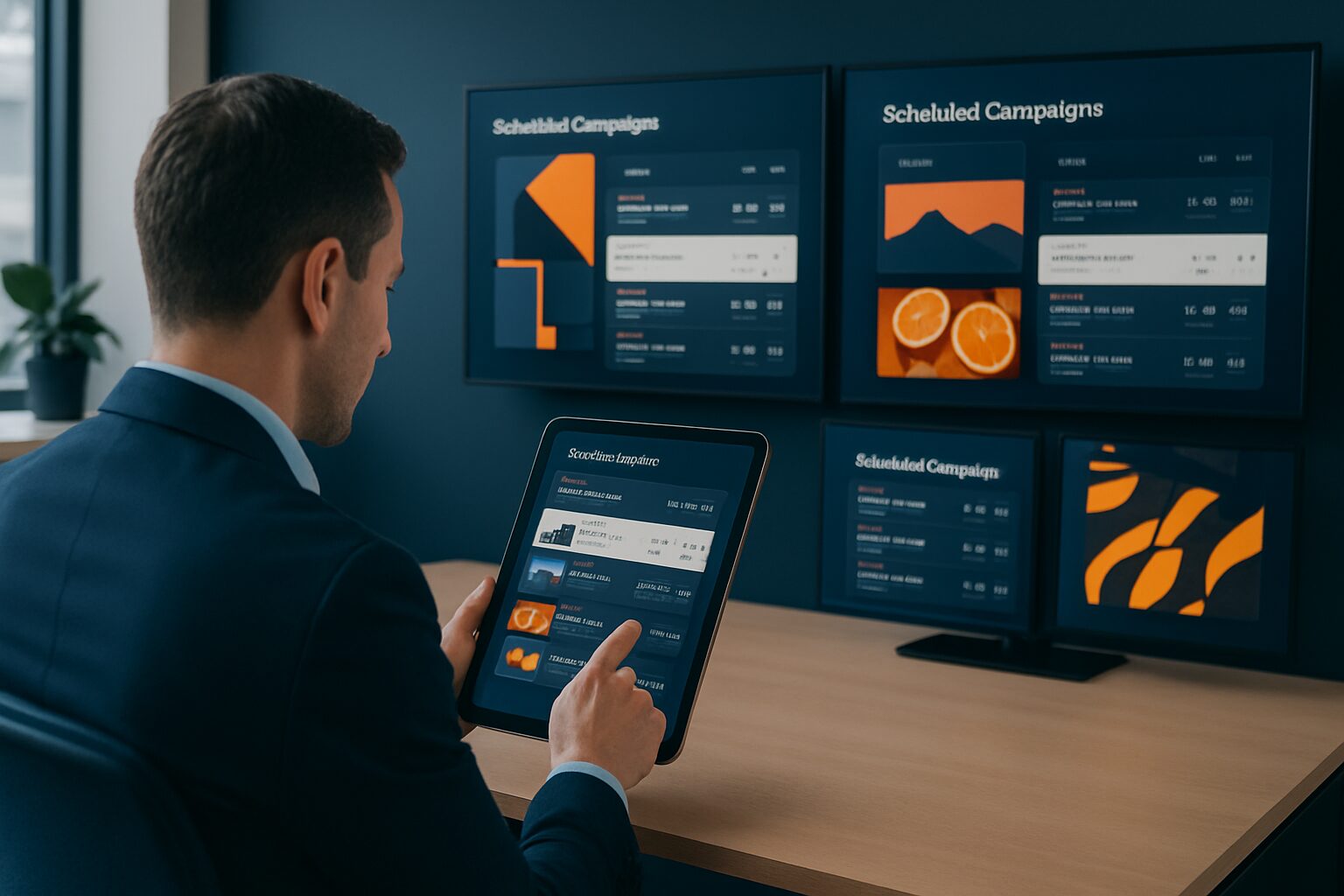
Digital signage content management is the process of planning, scheduling, updating and measuring content on digital screens via a central software platform (CMS). An effective CMS enables you to show the right message on every screen at the right time — without manual intervention per location. The quality of your content management directly determines whether your screens contribute to your goals or are simply ignored.
In short
- A content management system (CMS) is the backbone of any digital signage network: it centrally manages playlists, schedules and user permissions.
- Dayparting — splitting content by part of the day — increases relevance without extra production work.
- A content calendar prevents screens from showing outdated messages; primary messages should be refreshed at least weekly.
- The display duration per slide is ideally between 7 and 10 seconds; waiting zones may be slightly longer.
- Start with a clear objective for each campaign: inform, sell or navigate — never all three at once.
What exactly does a digital signage CMS do?
A CMS is the central repository for all content shown on your screens. You create content there, edit it, delete outdated items and schedule when each item is visible. Most systems also offer version control: you can see who made a change and when. That prevents confusion about which version is active.
A playlist is an automatic playback list — also called a loop — that determines how long each item is shown and in what order. You link playlists to specific screens or screen groups. This allows the reception in Amsterdam to show different content from the canteen in Rotterdam, while you manage everything from one dashboard.
Cloud-based CMS solutions have become the standard. They do not require a local server and can be operated via a browser. Prices vary widely: from around current price on request per month for simple systems to hundreds of euros for enterprise platforms with multiple locations and advanced integrations.
The content calendar: the foundation of your campaign planning
A content calendar is the backbone of a functioning digital signage strategy. For each week or month, you set which messages are active, on which screens and for which audience. That prevents you from discovering on Monday morning that the screen by the entrance is still showing the King’s Day promotion.
In practice, a content calendar works in three layers:
- Fixed content: brand elements, opening hours, contact details — this rarely changes.
- Periodic campaigns: seasonal offers, trade fairs, product launches — plan these 2–4 weeks ahead.
- Current content: new stickers, weather widgets, live stock information — you fill this via automatic feeds.
For an office environment — think of a head office in Utrecht or a shared office in Amsterdam — it works well to give HR, facilities and marketing each their own content block in the calendar. That prevents five departments from claiming the screens for their message at the same time.
Dayparting: the right message at the right time
Dayparting is dividing the day into time slots with matching content. A restaurant in The Hague shows the breakfast menu in the morning, lunch specials around midday and the dinner menu in the evening — without anyone having to switch manually. The same principle works in an office environment.
A practical dayparting schedule for an office:
| Period | Target audience | Content type |
|---|---|---|
| 07:30–09:00 | Staff on arrival | Agenda, parking info, weather report |
| 09:00–12:00 | Reception visitors | Welcome message, directions |
| 12:00–13:30 | Canteen staff | Lunch menu, internal announcements |
| 13:30–17:30 | Meeting corridors | Room occupancy, project updates |
| 17:30–19:00 | Leaving employees | Safety information, tomorrow morning's agenda |
Dayparting increases the relevance of your message without extra production work. You create the content once and the schedule does the rest automatically.
How often do you update content?
Content that never changes becomes invisible. Industry jargon calls this 'screen blindness': viewers ignore screens because the message is always the same. Rule of thumb: refresh primary messages at least once a week. Automatic feeds — news, weather, social media — provide real-time updates every hour.
The display duration per slide is also a variable. The industry uses 7 to 10 seconds per slide as standard. In a busy hall or at an entrance you can go shorter — 5 seconds — because passers-by do not stop for long. In a waiting room or canteen you may use slightly longer, because viewing time is greater.
A useful update frequency per content type:
| Content type | Update frequency |
|---|---|
| Seasonal campaigns | 4–8 weeks |
| Promotions and offers | 1–2 weeks |
| Internal announcements | Daily or weekly |
| Menu boards (hospitality) | Daily |
| Automatic feeds (weather, news) | Real-time |
Three ways to get content onto your screen
Not every system works the same. The way you deliver content determines how much flexibility and control you have.
1. USB upload
You put files on a USB stick and insert it into the screen. Simple and without an internet connection. Drawback: you have to go physically to each screen for an update. Suitable for locations with few changes.
2. Website URL or web page
The screen loads a URL — for example an intranet page or a Google Slides presentation. Any update on the web page appears automatically on the screen. Low barrier to entry, but limited in planning functionality.
3. Dedicated CMS app
A full platform such as the PixioApp offers central planning, version control and multiple user roles. You can schedule campaigns weeks ahead, link live data and manage dozens of screens from one environment. This is the preferred method as soon as you manage more than three screens or change campaigns regularly.
All PixioDisplays run on an integrated Android computer (Android 13 or 14). That means you do not need a separate media player — elsewhere a post of current price on request per screen. You load content via USB, a website URL or the PixioApp.
Campaign management in practice: three Dutch examples
Bol.com at the Nine Months Fair
Bol.com had Pixio Display provide displays for their stand at the Nine Months Fair. At a trade fair, you can quickly change campaign content: product highlights in the morning, promotions around the busiest visitor times, and a wrap-up at the end of the day. That calls for a CMS that can switch content without technical knowledge — preferably via tablet or phone.
Retail chain in multiple cities
A retail chain with branches in Amsterdam, Rotterdam and Eindhoven wants to show different promotions per city, while keeping the brand identity central. With a cloud CMS, you set a separate playlist for each screen group. The national campaign appears on all screens; the local promotion only in the relevant city. This allows a marketing team to combine central control with local relevance.
Office with digital reception
A facilities manager at an office in The Hague manages three screens: reception, the canteen and a meeting corridor. Via the content calendar, he schedules the welcome message for visitors, the lunch specials and room occupancy. One person, three screens, a maximum of 30 minutes’ management per week. That is the advantage of a well-organised CMS over manually printing and hanging up content.
Roles and permissions: who may change what?
A common mistake is that everyone has access to all screens. That leads to unintended changes and outdated content. Set user roles:
- Administrator: full access, manages users and system settings.
- Content editor: may create content and edit playlists, but not publish.
- Site manager: may only adjust the screens on his location.
- Viewer: read rights, no editing rights.
This structure is standard in most professional CMS platforms. It prevents an employee from accidentally deleting a campaign or publishing an incorrect version.
Measure and adjust: this is how you know whether your campaign is working
Scheduling a campaign is step one. Adjusting based on data is step two. Many CMS platforms offer analytics: you can see how long content was played, on which screens and how often. Link your signage to a QR code and use Google Analytics to measure how many people click through. Connect your POS system and correlate sales figures with specific campaigns.
The three measurement points that matter most:
- Dwell time: how long viewers pay attention to the screen.
- Playback frequency: how often an item has been shown within a period.
- Conversion: what the screen delivered — clicks, scans, purchases.
Without measurement, you do not know what works. Adjust your playlist based on what you measure, not on what you think works.
Conclusion
Efficient digital signage content management comes down to three things: a well-thought-out content calendar, smart scheduling features such as dayparting, and a CMS with the right user roles. Start with a clear objective for each campaign, refresh primary content at least weekly and measure what your screens deliver. Want to know which display best suits your office or retail environment? See the PixioDisplay Luxe — a 49" touchscreen with integrated Android computer — or plan a visit to the showroom in Montfoort to compare the options live.
Frequently asked questions
What is a digital signage CMS and do I really need one?
A CMS (content management system) is the software you use to create, schedule and distribute content to your screens. For one screen with few changes, a USB stick or a URL may be enough. Once you manage more than three screens or switch campaigns regularly, a dedicated CMS is essential. It saves time and prevents errors.
How often should I update the content on my digital signage screens?
Refresh primary messages at least once a week to prevent 'screen blindness' — the phenomenon where viewers ignore screens because the content never changes. Automatic feeds such as news and weather provide real-time updates. You plan seasonal campaigns 4 to 8 weeks ahead.
What is dayparting and how do I use it?
Dayparting is dividing the day into time blocks with matching content. For example, a office screen shows the agenda and parking info in the morning, and room occupancy in the afternoon. You set this up once in your CMS; after that, the system switches automatically. It increases the relevance of your message without extra production work.
How long should one slide remain visible on a digital signage screen?
The industry uses 7 to 10 seconds per slide as standard. In a busy entrance hall or shop aisle, you can go shorter — 5 seconds — because passers-by do not stop for long. In a waiting room or canteen, you may allow a little longer, because the average viewing time is higher. Keep messages short and concise: less text attracts more attention.
Can I manage digital signage content without technical knowledge?
Yes. Modern CMS platforms are designed for non-technical users. You work with drag-and-drop, ready-made templates and a visual calendar. All PixioDisplays have a built-in Android computer; you load content via USB, a website URL or an app — without a separate media player or IT department.
How do I set user roles for my digital signage network?
Good CMS platforms offer at least four roles: administrator, content editor, location manager and viewer. Assign the correct role to each employee. That way, an office manager in Rotterdam can only adjust their own screens, while the marketing team publishes national campaigns. This prevents unintended changes.
What is the difference between a playlist and a content calendar?
A playlist is the playback order of content on one screen — which item is visible for how long. A content calendar is the overarching planning document: which campaigns are active, on which screens and during which period. You need both: the calendar for strategy, the playlist for execution.
How do I measure whether my digital signage campaign is effective?
Measure dwell time (how long viewers pay attention), playback frequency (how often an item has been shown) and conversion (clicks via QR code, sales figures). Many CMS platforms offer built-in analytics. Link a QR code to Google Analytics for extra insight. Adjust your playlist based on data, not gut feeling.
What is the advantage of an integrated media player over a separate player?
A separate media player costs €80 to €300 per screen, requires extra cabling and is an additional point of failure. PixioDisplays have a built-in Android computer (Android 13 or 14), so you do not need separate hardware. That saves installation time, costs and maintenance — especially with multiple screens.
Can I manage digital signage content across multiple locations at the same time?
Yes, that is exactly the strength of a cloud-based CMS. You manage all screens — whether it is three offices in the Netherlands or twenty shops — from one dashboard. You set a separate playlist per location or screen group, while the national campaign runs on all screens at the same time. Updates go live immediately, without being physically present.