
Knowledge and advice
Digital signage installation: step-by-step guide for retailers
From site selection to the first content update: this is how you install digital signage in your shop without surprises. Practical steps for retailers.
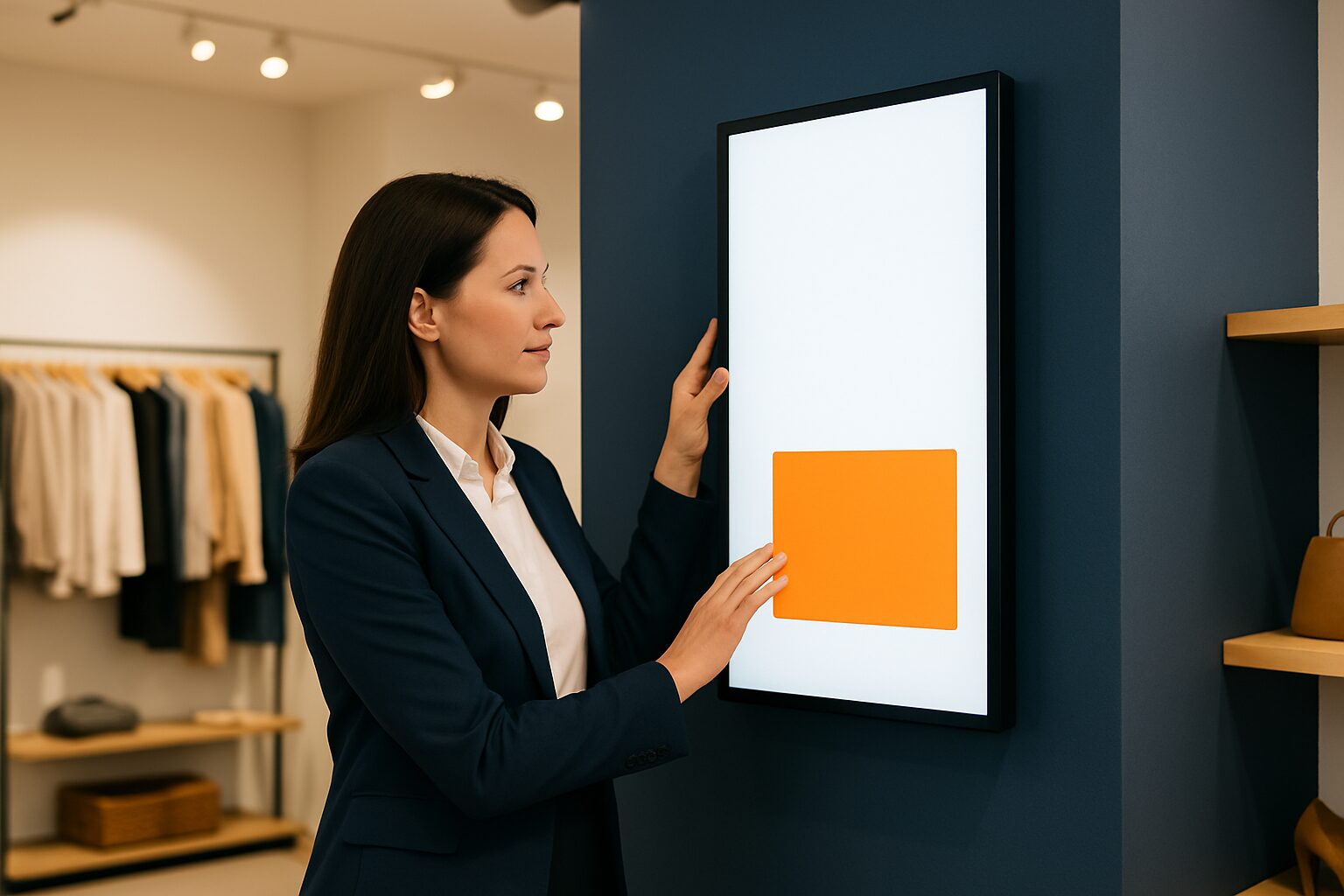
Digital signage installation: step-by-step guide for retailers
A digital signage installation in a shop consists of five successive steps: site selection, hardware choice, power supply and mounting, content creation and setting up remote management. Following that order prevents most practical problems. A standard indoor screen is usually installed within one working day; a shop window screen or outdoor display requires a little more preparation.
Step 1 — Determine the location and the objective
Start with the question: what do you want to achieve, and where? A screen at the entrance draws passers-by inside. A screen next to the till encourages add-on sales. A touchscreen in the middle of the floor provides product information without staff having to be involved.
Each zone calls for different specs. Indoors, out of direct sunlight, a brightness of approximately 400 cd/m² is sufficient. A shop window in full sun requires 3.000 nits; a freestanding outdoor display 3.500 cd/m². The panel, not the size, determines the surcharge — bear that in mind when budgeting.
Also measure the viewing distance. Rule of thumb: for every metre of viewing distance, you need at least 10 cm screen height. At 3 metres distance, a 32″ or 43″ screen is the lower limit.
Step 2 — Choose the right hardware
For retail, there are three commonly used display types:
| Type | Application | Pixio example (Q2 2026) |
|---|---|---|
| Wall display (indoor) | Promotions, atmosphere, info | PixioDisplay Mobile 43″ — current price on request buy / current price on request p.m. lease |
| Window display | Attract passers-by | PixioDisplay Window Full Sun 43–55″ — current price on request |
| Touchscreen column | Product info, self-service | PixioKiosk 32″ — current price on request buy / current price on request p.m. lease |
An important practical advantage: all PixioDisplays have an integrated Android computer (Android 13/14). You do not need a separate media player (current price on request elsewhere per screen) or laptop. You send content via USB, a website URL or the PixioApp.
Never use a consumer TV for permanent use. Consumer televisions are designed for ±300 nits and a few hours per day; commercial displays are built for continuous use. The difference lies in the backlight, the casing and the warranty terms.
Unsure about size or type? In the showroom in Montfoort compare your models side by side — and you can immediately include quotes from multiple suppliers for comparison. Transport costs, warranty extensions and content management are strikingly often missing from those quotes.
Step 3 — Power supply and mounting
This is the step retailers most often underestimate. Check before delivery:
- Power circuit available? Every commercial display needs its own earthed socket. Do not share a circuit with refrigerators or tills — that causes voltage peaks.
- Cable route determined? Think about how you will conceal the cable: in a cable duct, behind a wall or via a ceiling trunking. Visible cables detract from the appearance.
- Chosen mounting method? Wall mounting requires a suitable wall bracket and a load-bearing wall. For a freestanding screen, use a floor stand.
For electrical work in commercial premises in the Netherlands NEN 1010 as the standard for low-voltage installations. Have new circuits or built-in work carried out by a certified installer.
Do you not have a power point at the desired location? The PixioDisplay A-board (43″, battery-powered, 14–18 hours' runtime) works entirely without a power socket — price from current price on request (1.500 nits). That makes it ideal for temporary campaigns or locations where cabling is not possible.
Step 4 — Create and load content
Content is the reason the screen is there. Without good content, a display is an expensive wall decoration. Stick to these basic rules:
- One message per slide. Customers walk past; they do not read paragraphs.
- Maximum 7 seconds per slide for purely visual content; 10–12 seconds if text is included.
- Aspect ratio 16:9 for landscape screens, 9:16 for standing screens. Check this before you design.
- Resolution at least 1920×1080 px (Full HD). Supply video in mp4 (H.264).
You load content via USB stick (plug-and-play), via a website URL you set on the screen, or via the PixioApp for remote management. The latter option is useful as soon as you have multiple locations.
For digital shop displays and shop window communication applies: refresh your content at least once a month. Fixed images that remain unchanged for weeks lose their stopping power.
Step 5 — Test, go live and plan maintenance
Before you officially put the screen into use, go through a short checklist:
- Image sharp and at the right resolution?
- Brightness adjusted to the local lighting conditions?
- Are all slides in the correct order and duration?
- Screen mounted stably — no vibration when touched?
- Emergency procedure known if the screen fails?
Then schedule a fixed maintenance moment. Check the content monthly for currency. Check the mounting and ventilation openings every quarter. Commercial displays are built for continuous use, but dust in the ventilation shortens their lifespan.
Pixio provides a standard 1-year warranty; an extension to 2 years costs current price on request or to 4 years current price on request, depending on the model (price list Q2 2026). For a retail chain with multiple locations, that extension is worth calculating.
From installation to result
A successful digital signage installation depends on preparation. First define the objective, then choose the hardware that suits that location, and make sure power and mounting are arranged before delivery. Content and management come afterwards — and are the steps you actually see reflected in customer behaviour every month.
Do you want to know what an installation costs for your specific situation? Then read How much does digital signage cost? An honest cost analysis or request the current price list at.
Frequently asked questions
How long does a digital signage installation take in a shop?
A standard indoor screen is hung in half to one working day, including loading and testing content. A high-brightness shop window screen or an outdoor display requires more preparation: cabling, possibly an additional power circuit and the correct bracket. Allow one to two working days for that.
Do I need a media player or laptop next to the screen?
Not with commercial displays with an integrated computer. All PixioDisplays have a built-in Android computer (Android 13/14), so you do not need a separate media player (elsewhere €80–€300 per screen) or laptop. You upload content via USB, a website URL or the PixioApp.
May I use a regular consumer TV as a digital signage screen?
Technically it can be done, but it is not recommended for permanent use. Consumer televisions are designed for ±300 nits and a few hours per day. Commercial displays are built for continuous use and have a longer lifespan, higher brightness and appropriate warranty conditions.
What brightness do I need for a shop window screen?
Indoors, out of direct sunlight, approx. ±400 cd/m² is sufficient. A shop window in full sun requires at least 3.000 nits; a freestanding outdoor display at least 3.500 cd/m². The panel, not the size, determines the surcharge.
How often should I refresh the content on my retail display?
Refresh your content at least once a month to retain stopping power. Time-based content — such as weekly offers or seasonal campaigns — you schedule in advance via a content management system, so changes happen automatically.