
Knowledge and advice
Digital signage in offices: employee engagement and internal communication
Digital signage in offices increases employee engagement and streamlines internal communication. Discover use cases, GDPR guidelines and practical tips for facility managers.
Digital signage in offices: employee engagement and internal communication
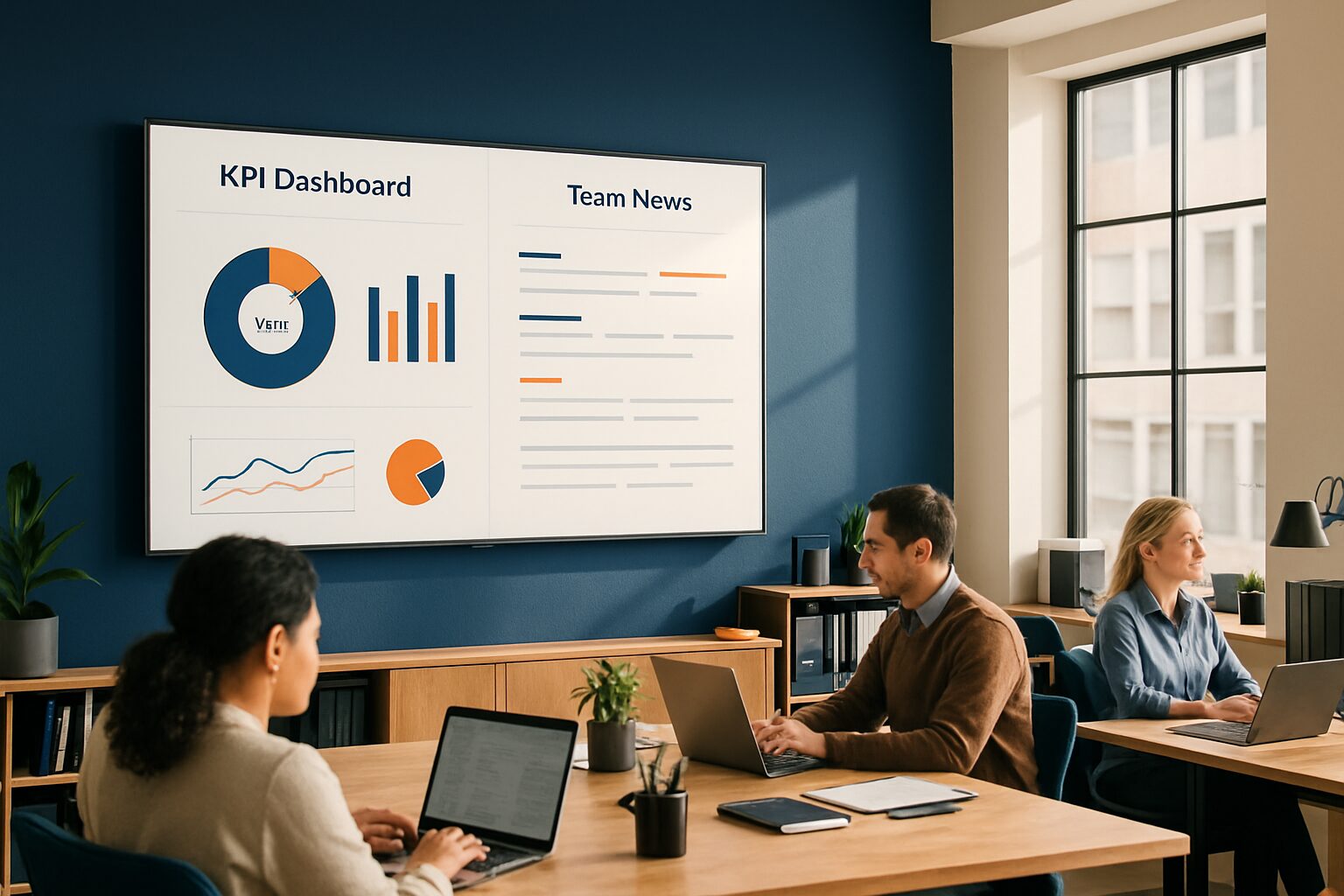
Digital signage in offices is a communication channel that uses information screens, touch screen kiosks and narrowcasting displays to inform, recognise and connect employees with the organisation. The channel works passively — employees do not need to open or log in to anything — and therefore also reaches staff who rarely sit at a desk. Research from 2025 links workplace digital signage to an increase of 25 to 27 percent in employee engagement.
Why internal communication via screens works
According to Gallup's State of the Global Workplace: 2025 Report global employee engagement fell to 21 per cent in 2024, the lowest level since the start of the COVID-19 pandemic. That means four out of five employees are at least disengaged or actively working against the organisation. For facility managers responsible for the office environment, this is directly relevant: the physical space and the communication infrastructure within it affect how engaged employees feel on a daily basis.
Digital signage in offices, warehouses and break rooms is associated with a rise of 25 to 27 percent in employee engagement, according to several industry analyses from 2025 compiled by Market.us and SeenLabs. Improved internal communication via digital signage can increase employee productivity by up to 25 percent, according to research from 2024–2025.
Screens reach employees when they pass by: in the hall, by the coffee corner or in the meeting room. Email and intranet require active behaviour. A screen does not.
Four concrete use cases for office environments
Not every application suits every office. Choose the use cases that match your communication goals.
1. Staff information and announcements
Think of rota changes, internal vacancies, HR deadlines or upcoming company events. A screen in the central hall or by the lift shows this information without employees needing to look it up actively. Update content centrally via a CMS or — with PixioDisplays — via the PixioApp or a website URL.
2. Employee recognition and company culture
Employee recognition via screens is linked to a retention improvement of up to 15 per cent, according to Gitnux (2025). Show four birthdays, anniversaries, project results or customer satisfaction scores on a screen in the canteen. That strengthens culture without extra meetings.
3. KPI dashboards and operational data
Production teams, customer service departments or logistics hubs can put real-time KPIs on a screen: numbers of tickets handled, delivery status or NPS scores. Employees can see immediately how their work contributes to the bigger picture.
4. Safety and emergency messages
H&S procedures, evacuation routes and current safety warnings are ideally suited to a screen. For every euro invested in an effective safety solution, organisations realise 4 to current price on request in benefits. A screen that normally shows company news can switch immediately to an emergency message in the event of an incident.
Which screen do you choose for which office location?
The choice depends on the location and the purpose, not on the size alone.
| Location | Recommended type | Additional information |
|---|---|---|
| Reception / entrance hall | PixioDisplay Luxe (49″) or digital information column | Welcome message, visitor registration, company news |
| Canteen / break room | 43″ wall display | Employee news, KPIs, culture content |
| Meeting room | Touchscreen kiosk | Space management, calendar integration |
| Warehouse / production floor | Robust wall-mounted screen at eye level | Safety instructions, production goals |
| Flexible setup / event | PixioDisplay Mobile (43") | No fixed installation required |
The PixioDisplay Luxe (49″ touchscreen, 67×185 cm) costs current price on request or current price on request per month on lease — an entry threshold that is achievable for most office budgets (price list Q2 2026). All PixioDisplays have a built-in Android computer (Android 13/14), so you do not need a separate media player or laptop.
GDPR guidelines for digital signage with employee content
This is where things often go wrong in practice. As soon as you display personal data on a screen — names, photos, performance or attendance data — the GDPR applies.
The GDPR sets strict rules for collecting and using employee data. Breaching these rules can result in high fines and damage to the relationship of trust with employees.
Three basic rules for office screens with employee content:
- Basis: you need a lawful basis. For employee recognition (name + photo), consent is the most obvious basis. Employers must comply with article 6 of the GDPR, which requires a valid basis for data processing. The legitimate interest must outweigh the privacy intrusion.
- Transparency: employers must inform employees about which data are collected, why they are collected and how long they are retained.
- Works council consent: works council consent is mandatory for new monitoring systems for home workers. For office screens that show personal data, it is advisable to involve the works council beforehand — even if it is not always formally required.
Practical advice: on office screens, prefer anonymised or aggregated data ("team X achieved 98% customer satisfaction this week"). If you want to show names or photos, ask for written consent and record it. It is easy to arrange and prevents discussions afterwards.
Content planning: how to keep screens relevant
A screen without up-to-date content quickly loses its effect. Employees stop looking at it. Follow this schedule:
- Daily: weather forecast, day schedule, current KPIs
- Weekly: team results, internal announcements, birthdays
- Monthly: company news, new employees, safety theme
- Ad hoc: emergency messages, urgent announcements
PixioApp makes it possible to update content remotely — even if you manage multiple screens at different office locations. That means you do not have to be physically present to change content.
Conclusion: start small, scale according to usage
Start with one screen at a high-traffic point: reception or the canteen. Measure informally whether employees respond to the content — through conversations, not tracking. Then add a second location once the first proves its value.
Choose lease if you want to test without a large investment: the PixioDisplay Luxe is available from current price on request per month (price list Q2 2026). If you buy several screens at once, the investment pays for itself through fewer meetings, faster information sharing and demonstrably higher engagement.
For the broader context on digital signage applications, strategy and ROI, the article Digital signage ROI: realistic payback period by sector a logical next step. Want to see what the screens look like in an office setting? Then have a look at the digital reception application or schedule a visit to the showroom in Montfoort.
Frequently asked questions
What screen size is suitable for an office reception?
For a reception, a 43″ or 49″ screen works best. The PixioDisplay Luxe (49″ touch screen) offers sufficient size for welcome messages and visitor information, and is available for €2.395 or €54 per month on lease (price list Q2 2026). A touch screen enables interaction, for example for room management or a digital receptionist.
May I show staff names and photos on an office screen?
Yes, but only with a lawful basis under the GDPR. Consent is the most obvious basis: ask staff for written agreement and record it. Also inform them about which data you show and for how long. Involve the works council in the introduction of a new screen communication system.
How often should I update the content on office screens?
At least weekly, preferably partly daily. Screens with outdated content are ignored. Connect a live data source (calendar, KPI dashboard) for automatic updates, and schedule a monthly manual content review for company news and campaigns.
Is buying or leasing office screens more economical?
That depends on your usage frequency and budget. For permanent use, buying is cheaper in the long run. If in doubt or for a pilot project, leasing is attractive: the PixioDisplay Luxe is already available for €54 per month. The arithmetic break-even point between renting and buying is around 8 to 10 use days per year.
Can I use one system for screens at multiple office locations?
Yes. All PixioDisplays have a built-in Android computer and support content management via the PixioApp or a website URL. You can change content remotely for all screens at once, without being physically present at each location.