
Knowledge and advice
Digital signage in retail: applications by store type
Which screen suits your shop? Discover concrete digital signage applications for fashion, supermarket and electronics — with hardware advice and prices.
Digital signage in retail: applications by store type
Digital signage in retail means using digital screens — from window displays to touchscreen kiosks — to inform, inspire and guide customers on the shop floor towards purchase. The medium works at the moment the purchase decision is made: research shows that 80% of purchase decisions happen on the shop floor. Which screens and locations deliver the most returns varies greatly by shop type.
Why store type determines your screen choice
A supermarket has different walking routes, dwell times and purchase intent than a fashion store or an electronics shop. Those differences determine which screen size you need, where you place it and which content works.
The three main variables per store type are:
- Dwell time: the longer a customer stays in the store, the more time there is for informative content.
- Purchase frequency: for everyday shopping, promotion-driven content works; for high-involvement purchases, product explanations work better.
- Screen location: shop window, shop floor, till or fitting room — each point calls for a different message.
Start with the question: where is my customer at the moment he hesitates? That is the place where a screen has the greatest impact.
Fashion retail: atmosphere, collection and upsell
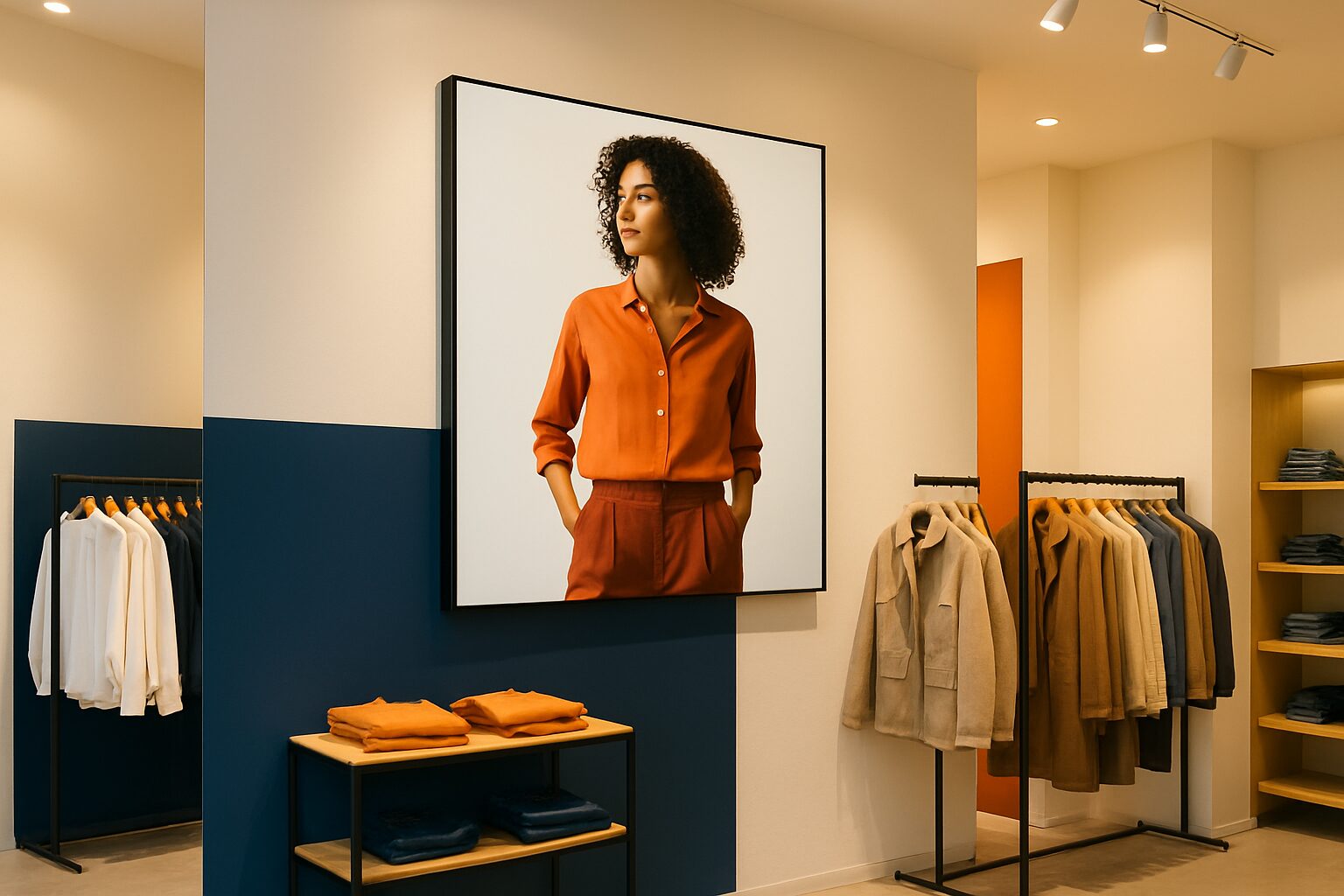
In a clothing shop, it is all about experience. Customers orient themselves visually and want to be inspired — not overloaded with technical specifications. That makes digital signage ideally suited to brand experience and collection presentation here.
Shop window: a bright window display draws passers-by inside. The PixioDisplay Window Full Sun reaches 3.000 nits and is available from current price on request (43", single-sided, price list Q2 2026) — enough to remain visible even on sunny afternoons.
Shop floor: large screens at the entrance or centrally in the shop show lookbook images or campaign videos. A 49" touchscreen such as the PixioDisplay Luxe (current price on request buy or current price on request p.m. lease, price list Q2 2026) lets customers browse the collection themselves or check a size.
Cash register area: short videos or still images with accessories and impulse items encourage upsell at the moment the customer is already waiting.
Practical advice: keep content in fashion retail short — maximum 10 seconds per slide. Moving images attract significantly more attention than static posters; digital screens attract up to 400% more attention than traditional shop communication.
Supermarket: promotion communication and department guidance
Supermarket customers move quickly and with purpose. They have a shopping list and little patience for long messages. Digital signage works best here when it is short, current and department-specific.
Department screens: a screen at the fruit and vegetable or meat section shows the daily offer or a recipe. That is more relevant than a generic promotional screen at the entrance. Dutch research into narrowcasting in supermarkets shows that content that matches the customer's immediate surroundings works better than advertiser-oriented messages — too much advertising actually leads to irritation.
Checkout area and queue: here the customer has nothing to do for a moment. A screen with offers, loyalty programme information or seasonal recipes fills that time usefully.
Practical benefit: replacing printed promotional material with digital screens lowers print costs by around 30%. For a chain with dozens of branches, this quickly adds up — and campaigns can be centrally adjusted in one click.
For supermarkets, choose screens without a separate media player where possible: that saves installation time and reduces susceptibility to faults. All PixioDisplays contain an integrated Android computer (Android 13/14), so you do not need a separate media player (current price on request per screen elsewhere).
Electrical stores and DIY chains: product explanation and comparison
For high-involvement purchases — a television, a drill, a kitchen appliance — the customer looks for information. Here, digital signage is at its strongest when it supports or replaces the salesperson.
Product demos at the shelf: a screen that shows how a product works removes a specific question. Customers who can inform themselves do not need to wait as long for a member of staff.
Interactive kiosk: a touchscreen column on which customers compare models or look up specifications extends dwell time and increases the chance of a considered — and therefore less likely to be returned — purchase. The PixioKiosk is available in sizes from 21,5" (current price on request) to 49" (current price on request), or for lease from current price on request per month (price list Q2 2026).
Outside the shop or car park: for DIY chains with large outdoor areas, an outdoor display — such as the PixioDisplay Outdoor with 3.500 cd/m² brightness — offers the ability to show seasonal promotions to customers still outside.
84% of retailers say digital signage is more effective at building brand awareness than traditional channels. For an electronics chain competing on product knowledge, that is a relevant argument.
Shop window versus shop floor: when do you choose which?
A common question among retailers is: do I start outside or inside? The answer depends on your primary goal.
| Purpose | Recommended location | Screen type |
|---|---|---|
| Bring in more visitors | Shop window | High-brightness display (≥1.000 nits) |
| Encourage impulse purchases | Cash desk zone / aisle | Standard display (400 cd/m²) |
| Provide product information | At the shelf or product | Touchscreen or kiosk |
| Strengthening brand experience | Entrance / central floor | Large format (43"–55") |
| Reaching passers-by outdoors | Facade or pavement | Outdoor display (≥3.000 nits) or digital pavement sign |
Start with the shop window if your main problem is low footfall. Start on the shop floor if you already have enough visitors but conversion is lagging.
The PixioDisplay A-board (43", battery-powered, 14–18 hours’ operating time, no power socket needed) is an accessible entry point for outdoor use: no cabling, available from current price on request (1.500 nits, price list Q2 2026). For a temporary promotion or seasonal campaign, renting is also an option — the day rate for a 43" mobile touchscreen starts at current price on request per day (for 3 days, price list Q2 2026).
Content advice by store type
Hardware is only half the story. Content determines whether a screen works or irritates.
Fashion
- Images from the campaign or lookbook (moving image, 6–10 sec. per slide)
- Seasonal changeover: plan content in advance, switch centrally
- No price lists — that does not fit the experience
Supermarket
- Short, clear messages (max. 5–7 words per slide)
- Match content to the department where the screen is hung
- Current offers: update them digitally without print costs
Electronics / DIY
- Product demos of 30–60 seconds
- Comparison tables (model A vs model B)
- Instructional videos that answer questions before they arise
The rule of thumb: the shorter the customer's dwell time at the screen, the shorter and more direct the message should be.
What this means for your choice
Digital signage in retail is not a one-size-fits-all solution. A fashion chain needs different screens from a supermarket, and an electronics store requires yet another approach. Choosing the right screen type, the right location and the right content starts with understanding your customer’s behaviour.
Want to know which screens suit your retail concept and what the investment actually involves? See the application page retail and window communication or read on in the pillar article Digital signage trends 2026: what is changing in NL/BE retail for the broader strategic framework.
Frequently asked questions
Which screen do I need for my shop window?
That depends on how much direct sunlight your shop window gets. With little direct sun, a screen of 1.000 nits is sufficient (such as the PixioDisplay Window Shadow, €1.860). In full sun you need at least 3.000 nits — the PixioDisplay Window Full Sun starts at €1.780 for 43" (price list Q2 2026). A standard consumer TV of approx. 300 nits is not suitable outside the shop.
How quickly can I change the content if an offer changes?
With an integrated Android display, you update content via USB, a website URL or the PixioApp — without a separate media player or laptop. Changes are visible on the screen immediately. For chains with multiple branches, central control via a CMS is the most efficient approach.
Is buying or renting more sensible for a temporary campaign?
The mathematical break-even point is around 8 to 10 usage days per year. If you use a screen less often than that, renting is cheaper. You can rent a 43" mobile touchscreen from Pixio Display from as little as €105 per day (at 3 days). For regular use, buying or leasing (from €31 per month) is more advantageous.
Does a supermarket need different screens than a fashion store?
Yes. In a supermarket, short, department-specific content is key — customers move through quickly. In a fashion store, it is all about atmosphere and experience, which calls for larger screens with moving campaign visuals. A touchscreen kiosk is a better fit for an electronics store where customers want to compare products.
Do I need a separate media player alongside the screen?
Not with Pixio Display screens. All models include an integrated Android computer (Android 13 or 14), so you do not need a separate media player. Elsewhere, a media player costs €80 to €300 per screen — a cost that quickly adds up with multiple screens.