
Knowledge and advice
GDPR and privacy in digital signage: what are you allowed to film and store?
What may you film, store and analyse with digital signage in NL and BE? Read the GDPR rules, DPIA obligation, retention periods and a practical compliance checklist.
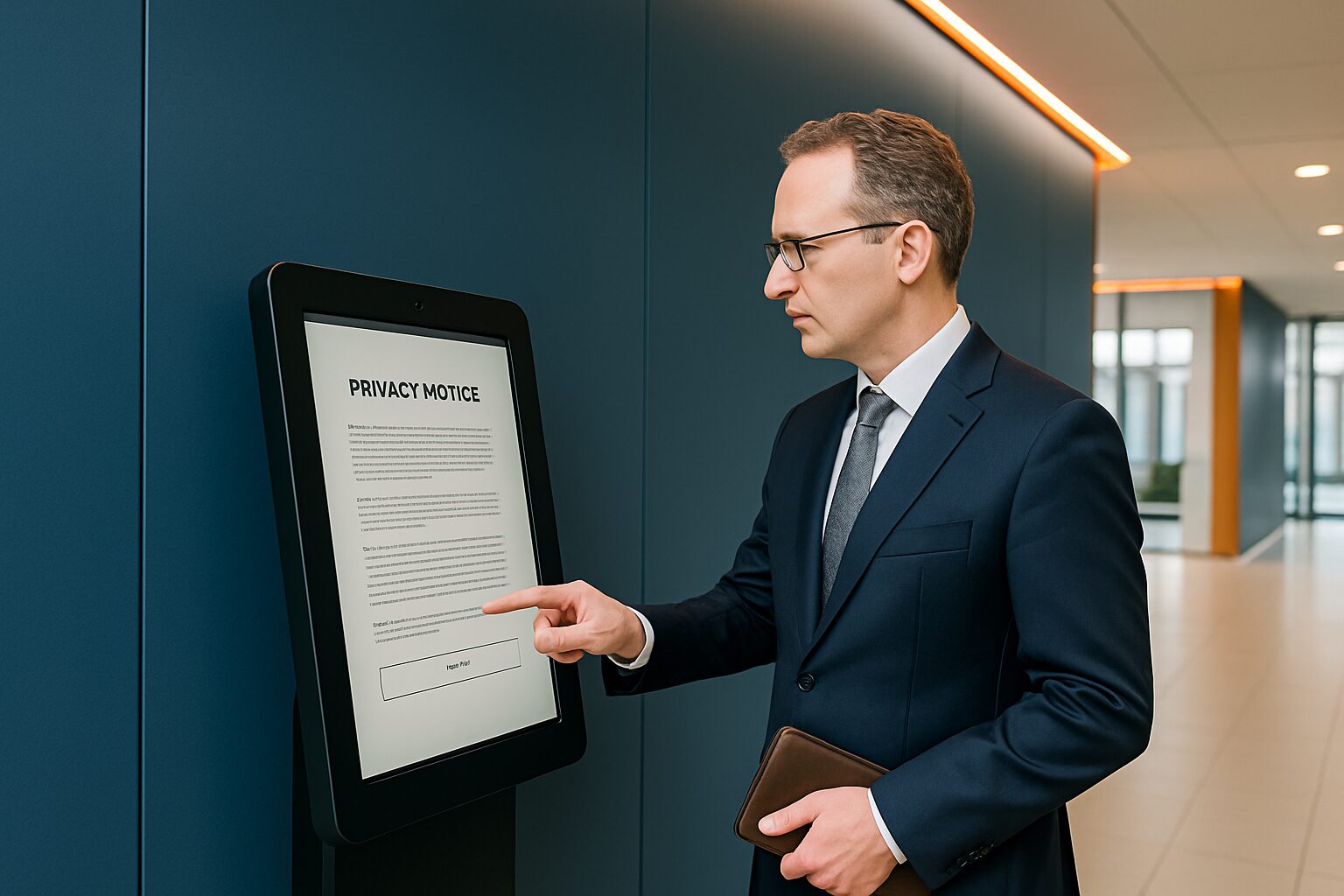
GDPR and privacy in digital signage: what are you allowed to film and store in NL/BE?
Digital signage and privacy meet as soon as a screen does more than display images. The GDPR applies to any system that captures, stores or analyses recognisable images of people — including audience measurement, facial recognition and anonymous counting cameras in advertising columns. In the Netherlands, the Dutch Data Protection Authority (AP) supervises; in Belgium, the Data Protection Authority (GBA). Anyone who films without a valid basis or keeps data too long risks administrative fines and reputational damage.
In short
- Recognisable camera images are personal data. The GDPR applies as soon as someone identifiable appears on camera — even if you do not actively view the images.
- You always need a legal basis for processing. Legitimate interest (security) is the most commonly used basis for signage applications in retail and public environments.
- Retention period: the Dutch Data Protection Authority uses a guideline maximum of 4 weeks; newer AP guidelines from June 2025 advise a maximum of 14 days for standard video surveillance.
- Facial recognition is in principle prohibited. There are only narrow legal exceptions; a DPIA is always mandatory before deployment.
- 'Anonymous' public data are not automatically exempt from the GDPR. The analysis process itself (scanning faces to estimate age or gender) is a processing of personal data, even if you aggregate the end result.
When does GDPR apply to your signage setup?
The GDPR applies as soon as your system captures recognisable images of people. That also applies if images are only stored temporarily, if the camera only films outside opening hours, or if you do not actively view the images but keep them in case something happens.
A digital advertising screen without a camera falls outside the GDPR. If you connect a camera to it — for security, audience measurement or interaction — you become the data controller. All GDPR obligations then apply in full: lawful basis, information duty, retention period, security and processing register.
Important edge case: a screen with an anonymous counting camera that only counts how many people pass by without storing images falls outside the GDPR. However, as soon as the system analyses facial features — even to estimate age group or gender — it becomes processing of personal data, even if the end result is an aggregated number. The Dutch Data Protection Authority had already confirmed this earlier in investigations into Wi-Fi tracking and smart advertising kiosks.
The six GDPR legal bases: which one applies to digital signage?
You may only process personal data if you have a valid legal basis. For digital signage, three legal bases are relevant:
| Basis | When applicable for signage | Key considerations |
|---|---|---|
| Legitimate interest (art. 6 para. 1 sub f GDPR) | Security camera linked to screen, theft prevention | The legitimate interest must outweigh the data subject's privacy interest; balancing test required |
| Consent (Art. 6 paragraph 1 sub a GDPR) | Interactive kiosk with facial recognition, personalised content | Must be free, specific, informed and unambiguous; revocable |
| Legal obligation (art. 6 paragraph 1 sub c GDPR) | Municipal CCTV for public order | Requires specific legal basis (e.g. APV or Municipalities Act) |
For most commercial signage applications — a security camera at a kiosk or a screen in a shop — it is legitimate interest the designated legal basis. You must then demonstrate that your interest (security, theft prevention) outweighs the privacy interest of the person being filmed. Record that assessment in writing.
Choose consent only if people have a genuine choice. In a public space or shop, consent as a basis for camera surveillance is almost impossible to achieve: visitors cannot enter the space without being filmed, which makes the consent involuntary.
Retention periods: how long may you store images?
The GDPR states that you may not keep personal data longer than necessary. For CCTV footage, the Dutch Data Protection Authority gives a guideline of a maximum of four weeks (28 days). Newer AP guidelines from June 2025 recommend a maximum retention period of 14 days for standard CCTV, after which footage must be deleted automatically and irreversibly.
Exceptions are possible:
- Incident or legal investigation: images may be kept longer until the case is resolved.
- Legal obligation: some sectors have different periods.
Practical advice: configure your storage system so that images are automatically overwritten after 14 days. Keep a log of manual extensions. Set access rights: only employees with a functional need may view images — a security officer or branch manager, not the administrative assistant.
In Belgium, the Data Protection Authority (GBA) the same GDPR rules. The GBA had already issued a fine to a private individual for filming the public road with surveillance cameras — the first GDPR fine to a private citizen in the Benelux. The same principles apply to companies and organisations, with higher maximum fines.
Facial recognition and smart audience analysis: the red line
Facial recognition processes biometric data. These are special personal data under the GDPR, and processing them is in principle prohibited. There are only two narrow exceptions:
- Explicit consent of the data subject (Art. 9 paragraph 2 under a GDPR).
- Authentication or security on the basis of a compelling general interest (art. 29 UAVG) — think of a nuclear power plant, not a shopping centre or gym.
The AP has already warned supermarkets: protecting property is not a sufficient exception for facial recognition. A DPIA is always mandatory before you deploy facial recognition.
Smart audience analysis without facial recognition — a camera that only counts, without storing images — can be GDPR-free. However, once the system analyses facial features to estimate demographic characteristics, there is processing of personal data. The fact that you store the final result anonymously does not make the analysis process itself GDPR-free. This is a common misconception among suppliers of 'anonymous' audience measurement systems.
Practical example — trade fairs: On the Negenmaandenbeurs Pixio Display provided the screens for the bol.com stand. At events like this, it is tempting to measure visitor flows. The GDPR boundary is clear here: a counter that only records numbers is permitted; a camera that analyses facial features for demographic reporting requires a legal basis, an information obligation and — for large-scale use — a DPIA.
DPIA: when is a data protection impact assessment mandatory?
A Data Protection Impact Assessment (DPIA) is mandatory if the processing poses a high privacy risk. For digital signage applications, this applies in any case to:
- Large-scale camera surveillance: more than 10 cameras, or continuous monitoring of large crowds.
- Facial recognition: always, without exception.
- Camera surveillance at sensitive locations: government buildings, medical institutions, schools.
- Municipal camera surveillance for public order: DPIA is legally required; municipality and police carry this out together.
A DPIA contains at least: a description of the processing and purpose, a necessity and proportionality assessment, a risk analysis for data subjects, and the measures to limit those risks. Record the DPIA in your processing register.
For a small shop with two cameras at the entrance — without facial recognition or demographic analysis — a DPIA is generally not mandatory. Do document your considerations, so that you can show you have thought it through.
Information duty: how do you inform visitors correctly?
You must inform everyone who enters the camera area before they are filmed. You do this with a warning sign at the entrance. A sign behind the counter is not enough: by then the visitor has already been filmed before seeing the information.
The sign states at least:
- that camera surveillance is taking place;
- the purpose of the processing;
- who the controller is;
- where they can go for inspection or questions (contact details or QR code to privacy statement).
From June 2025, the AP also advises stating the retention period on the sign and adding a QR code or URL to the full privacy notice.
What you may not film:
- Toilets, changing rooms and fitting rooms.
- The public highway, unless unavoidable (e.g. the door borders directly on the pavement) — in that case, anonymise passers-by’s faces.
- The premises of neighbours or adjacent businesses.
Employees: if staff appear in the image, you must consult the works council (OR) or staff representation (PVT) in advance and ask for consent. Employees must know that there are cameras.
Three consent models for interactive kiosks
A PixioKiosk touchscreen pillar — available from current price on request for the 21,5″ model (price list Q2 2026) — can be used for interactive applications in which visitors enter data themselves. Think of registration forms, feedback screens or personalised product recommendations. Three consent models are conceivable for this:
| Model | How it works | GDPR risk |
|---|---|---|
| Opt-in at the start | Visitor actively gives consent via the screen before use | Low — provided consent is freely given, specific and withdrawable |
| Layered notice | Short message on the screen + QR code to full privacy statement | Average — works well for information kiosks in public spaces |
| Legitimate interest | No consent requested; basis is functional necessity | Low for pure navigation/information; high as soon as branding takes place |
Choose opt-in as soon as you store personal data or link the interaction to a profile. Choose layered notice for information kiosks that only record anonymous usage. Use legitimate interest only if you do not store personal data and do not apply profiling.
Difference between the Netherlands and Belgium: regulators and national additions
The GDPR applies identically in both countries as a European regulation. The national implementation differs on a few points:
Netherlands (Dutch Data Protection Authority)
- National implementing legislation: UAVG (General Data Protection Regulation Implementation Act).
- Art. 29 UAVG: exception for biometric processing for authentication or security — but only in the case of a compelling public interest.
- AP publishes policy rules on camera surveillance and a DPIA list of processing activities for which a DPIA is mandatory.
- Municipal CCTV for public order: DPIA mandatory, municipality and police carry this out together.
Belgium (Data Protection Authority)
- National implementing act: WOG (Public Bodies Data Protection Act).
- Belgian Camera Act (Act of 21 March 2007, as amended): additional rules for surveillance cameras in publicly accessible places — notification requirement to the police for certain cameras.
- The GBA has a Disputes Chamber with a quasi-judicial procedure and can impose administrative fines.
- Practical case: the GBA imposed a fine for current price on request on a private individual for filming the public road — the first GDPR fine issued to a citizen in the Benelux.
For organisations active in both countries — such as retailers with branches in the Netherlands and Belgium — the same GDPR basics apply, but you must comply with the national additions for each country. For the Belgian Camera Act, consult the GBA website.
Practical compliance checklist for digital signage
Use this checklist as a starting point. It is no substitute for legal advice, but it covers the most common GDPR risks for signage installations.
Before installation
- Determine whether your system processes personal data (camera with image storage or analysis).
- Choose a legal basis and record the reasoning in writing.
- Carry out a DPIA for large-scale monitoring, facial recognition or sensitive locations.
- Draw up a data processing agreement with suppliers who have access to images or data.
- Consult the works council/staff representation if staff appear in the image.
During installation
- Place warning signs at all entrances, before the cameras.
- State the purpose, controller, retention period and contact details on the sign.
- Add a QR code to the full privacy statement.
- Position the camera so that only the premises itself are in view.
- Configure automatic removal of images after a maximum of 14 days.
After installation
- Restrict access to images to staff with a functional need.
- Set up the processing register and keep it up to date.
- Set up a procedure for access requests from data subjects.
- Carry out periodic reviews when camera positions or technology change.
- Report data breaches within 72 hours to the AP (NL) or GBA (BE).
Conclusion
The GDPR makes no exception for digital signage. Every screen with a camera, every kiosk that stores data and every system that analyses facial features falls under the law. Start with the legal basis: do you have a legitimate interest or are you asking for consent? Then set the retention period to a maximum of 14 days and inform visitors before they come into view. Is there facial recognition or large-scale surveillance? Then a DPIA is mandatory — not optional.
For organisations that also want to use interactive applications — from information totems in town halls to touchscreens at trade fairs — the PixioDisplay Luxe (49″ touchscreen, current price on request purchase or current price on request p.m. lease, price list Q2 2026) a platform on which you can apply privacy by design: no built-in camera, content fully under your own control via Android 13/14, and no dependence on external cloud storage for visual material. You can read more about laws and regulations around digital signage in the article Digital signage legislation and regulations in the Netherlands and Belgium.
Frequently asked questions
Does a digital signage screen without a camera fall under the GDPR?
No. A screen that only shows content and does not capture or analyse images of people does not fall under the GDPR. As soon as you connect a camera — for security, audience measurement or interaction — you become the controller and all GDPR obligations apply.
How long may I keep CCTV footage linked to a digital advertising screen?
The Dutch Data Protection Authority uses four weeks as a guideline (28 days). Newer AP guidelines from June 2025 indicate a maximum of 14 days for standard CCTV. Configure your system so that images are automatically deleted after the retention period. Images needed as evidence in an incident may be kept longer until the case has been concluded.
Is an anonymous public-counter camera exempt from the GDPR when paired with a digital screen?
A camera that only records numbers without storing images or analysing facial features can be exempt from GDPR. Once the system analyses facial features — even if only to estimate age group or gender — there is processing of personal data. The fact that you store the end result anonymously does not make the analysis process itself exempt from the GDPR.
When is a DPIA required for digital signage?
A DPIA is mandatory for large-scale CCTV (more than 10 cameras or continuous monitoring of large flows of people), for facial recognition (always), for CCTV in sensitive locations such as government buildings or schools, and for municipal CCTV for public order. For a small shop with two cameras at the entrance, a DPIA is usually not required, but do document your considerations.
Can I use facial recognition at an interactive kiosk?
In principle, no. Facial recognition processes biometric data, which is prohibited under the GDPR unless a legal exception applies. The two most relevant exceptions are explicit consent from the data subject, or a compelling public interest (such as securing a nuclear power plant). Shops and public spaces do not fall under this. A DPIA is always mandatory before deployment.
Which warning sign should I place with a screen with camera?
The sign must be placed at the entrance, before visitors come into view. State at least: that CCTV is in operation, the purpose of the processing, who the data controller is, the retention period, and contact details or a QR code linking to the privacy statement. A sign behind the counter is not sufficient.
Do the rules on camera surveillance with digital signage differ in Belgium and the Netherlands?
The GDPR applies identically in both countries. Belgium additionally has the Camera Act (law of 21 March 2007, amended), with a notification obligation to the police for cameras in publicly accessible places. In the Netherlands, the UAVG is the national implementing act. Supervision in the Netherlands: Autoriteit Persoonsgegevens; in Belgium: Gegevensbeschermingsautoriteit (GBA).
Do I need to conclude a processor agreement with my digital signage supplier?
Yes, if the supplier has access to personal data that you process — for example if camera images are stored in a supplier’s cloud environment, or if the supplier processes analytics data. Record in the processing agreement which data are processed, for what purpose, for how long, and which security measures apply.
What is the difference between legitimate interest and consent as the legal basis for a kiosk with a camera?
Legitimate interest applies when your interest (security, theft prevention) demonstrably outweighs the privacy interest of the data subject. Consent requires an active, free and revocable choice. In public spaces, consent as a basis for camera surveillance is almost impossible: visitors cannot enter the space without being filmed, which makes the consent involuntary. Use consent only when there is a genuine choice.
What about privacy with a touchscreen kiosk that has no camera but does collect personal data via a form?
A kiosk without a camera falls outside the GDPR rules for camera surveillance. As soon as visitors enter personal data via the screen — name, e-mail address, date of birth — the normal GDPR obligations apply: legal basis, duty to inform, retention period and security. Show a privacy statement on the screen before data entry and ask for active consent if you use the data for marketing.