
Knowledge and advice
How many nits does an outdoor display need?
Assess brightness based on sun, reflections, viewing direction and the stated specifications of the screen.
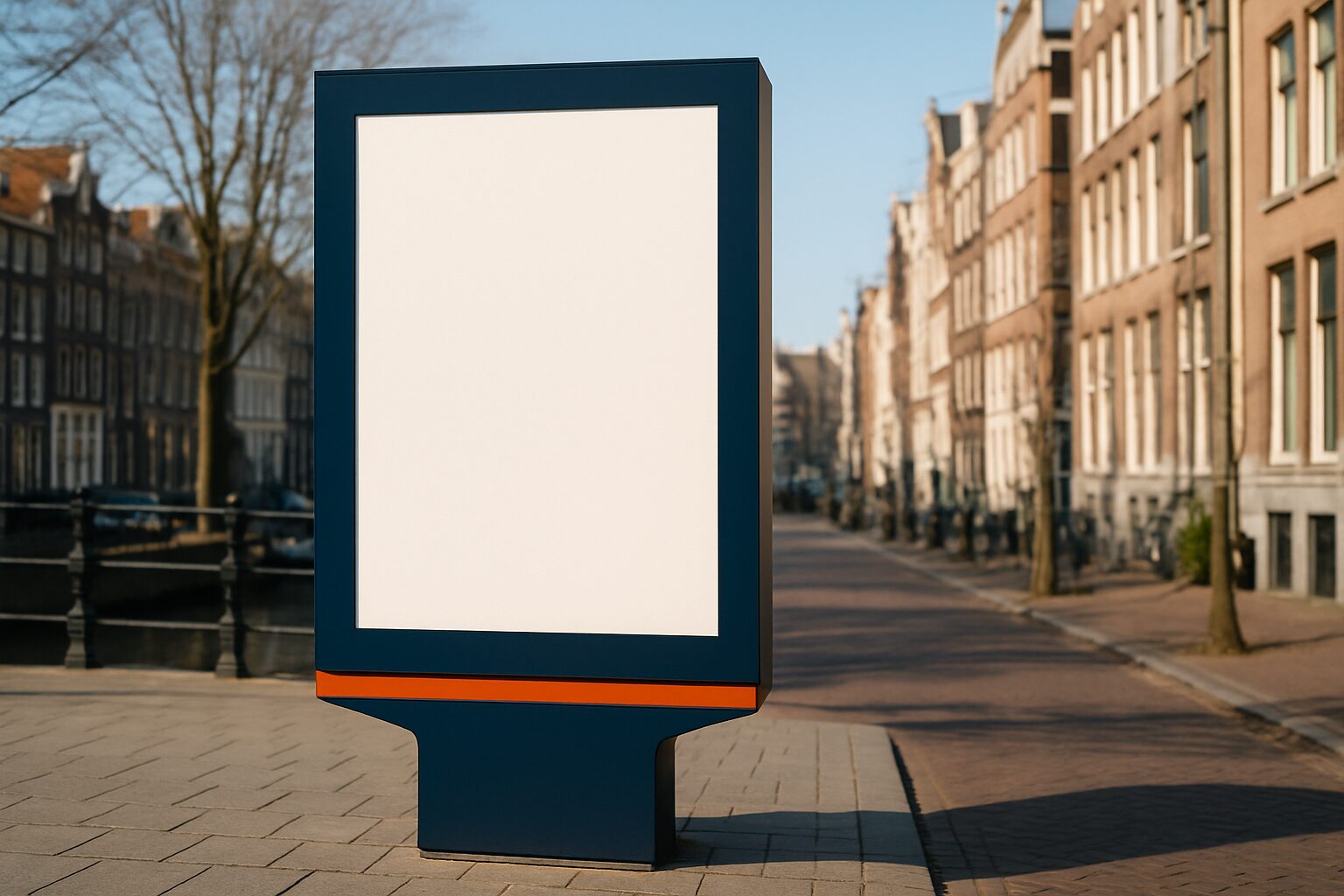
Nits describe the luminance of the screen
The brightness specification of a display is usually expressed in nits or candela per square metre. One nit corresponds to one cd/m². That figure describes the luminance of the screen, not how much daylight falls on the casing. A higher value can help in bright ambient light, but on its own it does not guarantee that every message is readable outdoors. Reflection, content and viewing position also play a role.
There is no universal outdoor value
A screen under an awning receives different light from a screen on an open south-facing façade. A shop window display behind glass also has to deal with glass reflections and heat build-up. Therefore, do not use a fixed threshold that would automatically make all outdoor locations suitable. Take photos at different times of day and note when direct sunlight falls on the screen. Ask for an assessment for those conditions and, if in doubt, have a model tested on site.
Lux and nits are different units
Lux describes the amount of light falling on a surface; cd/m² describes light emitted by a surface in a certain direction. A general calculation such as lux divided by twenty therefore does not determine which screen brightness you need. For a useful comparison, you also need to know reflection, viewing direction and contrast. A light measurement can provide useful information for a site survey, but it does not replace the product specification and a readability test.
Check which brightness is stated
Ask whether the datasheet states a typical, maximum or temporary peak value. Have it confirmed which brightness the screen can deliver during the intended operating period. Check the permitted ambient temperature and the provisions for heat dissipation. A display behind a hot pane may have different requirements from a free-standing outdoor enclosure. Extra luminance does not solve an unsuitable enclosure or insufficient ventilation. Choose those components as one coherent installation.
Dimming and usage times
What is needed during the day can be too bright in the dark. Ask whether manual dimming, a sensor or a schedule is available on the chosen model and in the chosen software. Check the local rules for illuminated advertising and the impact on residents and traffic. Compare energy use under the same conditions; you cannot reliably derive consumption or saving percentage from a nits value alone. Adjust screen position and brightness together after installation.
What information do you provide to Pixio?
Indicate whether the screen will be inside behind glass or really outdoors, which direction it faces, how far visitors stand from it and which content must be visible. State the desired usage times and mounting. Then ask for the current outdoor solutions or shop window displays. Use a brightness figure as part of that assessment, along with weather resistance, temperature limits and maintenance. A location-specific choice is more reliable than a general minimum value.
Sources and further information
Frequently asked questions
Is there one minimum number of nits for every outdoor screen?
No. Sun, reflections, viewing direction and mounting differ by location. Have the complete setup assessed accordingly.
Can I simply convert lux into the required nits?
Not with a general conversion factor. Lux and nits describe different quantities; reflection and the setup must be taken into account.