
Knowledge and advice
Reception display: choosing screen size and resolution
Which screen size and resolution should you choose for a display in reception? Concrete distance calculations, DPI guidelines and installation angles for installers.
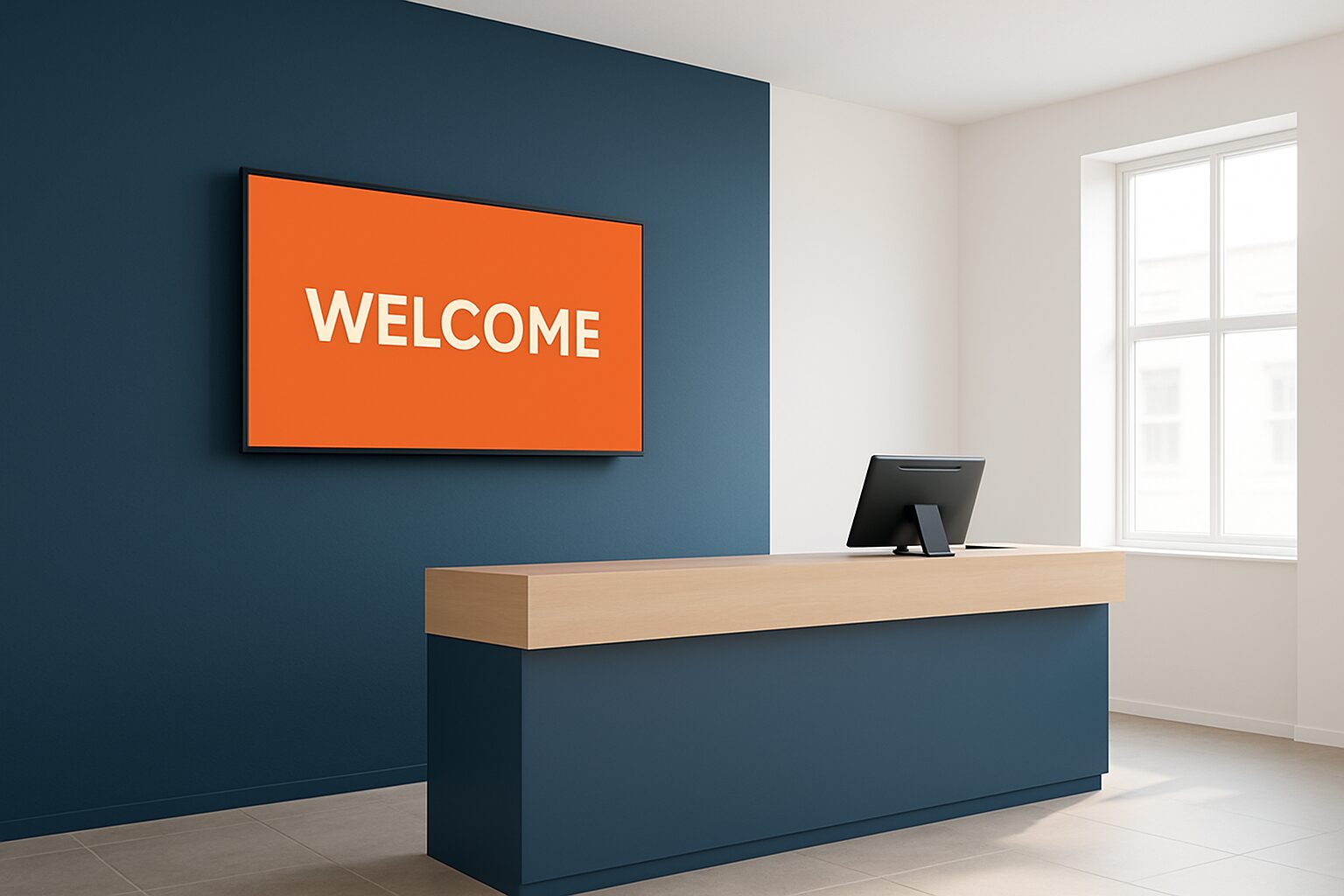
Reception display: choosing screen size and resolution
For a display in reception, there is one fixed rule of thumb: first measure the viewing distance, then choose the size. A 43" Full HD screen is readable up to around 2,5 metres; a 55" 4K screen works well up to 4 metres. Resolution determines how close a visitor can stand to the screen without seeing pixels. Only after that should you look at the mounting method and installation angle — not the other way round.
Calculating viewing distance: the formula you always use
The recommended viewing distance depends on both the screen diagonal and the resolution. For Full HD, the guideline is: multiply the image height in centimetres by 6,5. A 43″ screen has an image height of around 54 cm — the optimum viewing distance then comes to roughly 3,5 metres. For 4K, the minimum viewing distance is 1,5× the image diagonal in centimetres; for Full HD, it is 2,25×.
In practice, a reception hall looks like this:
| Screen diagonal | Resolution | Minimum viewing distance | Maximum viewing distance |
|---|---|---|---|
| 32″ (81 cm) | Full HD | 1,8 m | 2,5 m |
| 43″ (109 cm) | Full HD | 2,5 m | 3,5 m |
| 49″ (124 cm) | Full HD | 2,8 m | 4,0 m |
| 49″ (124 cm) | 4K UHD | 1,9 m | 4,0 m |
| 55″ (140 cm) | 4K UHD | 2,1 m | 4,5 m |
Small receptions with a counter 1,5 metres from the wall: choose 32″ or 43″. Spacious entrance hall with waiting area 3–4 metres away: 49″ or larger.
Resolution and pixel density: when is Full HD enough?
1080p remains the most widely used resolution for digital signage, with the best balance between quality and cost. For a wall-mounted information display in a reception area, Full HD on 43″ or 49″ is sufficient in most situations. For indoor wall-mounted screens, a pixel density of 100–150 PPI is ideal. A 43″ Full HD screen achieves around 51 PPI — that is sufficient for viewing distances from 2 metres.
Choose 4K when:
- visitors stand closer than 1,5 metres to the screen (touch kiosk, self-service column)
- you show fine text, logos or detailed floor plans
- the screen also functions as a visitor registration terminal
A 4K screen has four times the resolution of Full HD, with more pixels per cm², making it look much sharper up close. At a distance, the difference is negligible. Choose 4K deliberately — not as standard.
Installation angle and mounting height: ergonomic guidelines
Ideally, the screen should be positioned so that the viewing angle is 10–20° below eye level; the top must not come above eye level. For a standing visitor, this means: bottom of screen at around 120 cm, centre at 145–155 cm. Screens mounted too high cause neck strain; too low leads to an uncomfortable viewing angle.
For a reception desk, an additional consideration applies. According to the Occupational Health Catalogue, a display at the reception workstation should be positioned so that the employee can look straight at the screen, with the top edge at or slightly below eye level and a minimum viewing distance of 50 cm. That applies to the employee's working screen. A public screen hangs higher — but not so high that visitors have to strain their necks.
Practical mounting tips:
- Use an adjustable VESA bracket: tilting 5–10° forwards reduces reflections from ceiling lighting.
- For a dual function (welcome screen + visitor registration), mount the touchscreen at 100–110 cm (centre), so that wheelchair users can also reach it.
- Avoid mounting directly opposite a window or glass façade — backlight makes the screen unreadable without extra brightness.
Which format suits which reception scenario?
Scenario 1 — Small reception, counter at 1–2 metres
A 32″ or 43″ Full HD screen is sufficient. If you also want to combine visitor registration, then the PixioDisplay Luxe (49″ touchscreen, 67×185 cm) a compact freestanding solution from current price on request (price list Q2 2026). The screen stands at floor level and takes up no wall space.
Scenario 2 — Medium-sized entrance hall, waiting zone at 2,5–4 metres
Choose 49″ Full HD wall-mounted, or 43″ 4K if you are displaying detailed content. Combine this with a separate touch pillar for visitor registration. Also see the PixioKiosk information column (43″ for current price on request, lease from current price on request p.m., price list Q2 2026).
Scenario 3 — Large entrance hall or corporate lobby, viewing distance 4+ metres
Go for 55″ or larger, preferably 4K. Consider a video wall if the wall allows it. Pay attention to brightness: indoors, approximately ±400 cd/m² is sufficient; the standard PixioDisplays are specifically designed for this.
Content matters too: text requires more screen than video
The viewing distance of the furthest visitor is the key factor in determining screen size; the AVIXA standard takes image size, text size and viewing positions into account. For a welcome screen showing only a logo and the visitor’s name, a smaller screen works perfectly well. If you show a floor plan, meeting schedule or several information panels at once, you need more screen area.
Rules of thumb for content:
- Minimum font size for readable text at 3 metres: 40–48 pt at Full HD on 43″.
- Use bold typography and high contrast (white on dark or vice versa).
- Avoid more than three information blocks on one screen — reading time in a reception area is short.
- Portrait orientation works well for columns and kiosks; landscape is better for wall mounting.
For the combination of welcome screen and visitor registration, read more in the article Digital reception and welcome screen: from first impression to visitor registration.
Conclusion: start with viewing distance, not with size
Measure the reception area before choosing a screen size. Use the formula: image height (cm) × 6,5 = optimum viewing distance for Full HD. Choose 4K only if visitors stand closer than 1,5 metres from the screen or if the content requires it. Mount the screen with the top at or just below eye level of a standing visitor, tilted 5–10° forwards.
Do you want the full picture of displays in office and reception environments? Then read the pillar article on digital reception and welcome screens for an overview of applications, content strategies and integrations with visitor registration.
Frequently asked questions
What screen size is suitable for a small reception?
For a small reception with a counter at 1 to 2 metres viewing distance, a 32″ or 43″ Full HD screen is sufficient. Larger screens can feel overwhelming in a confined space and distract attention from the content. If you also want to integrate visitor registration, a vertical 43″ touch kiosk is a compact solution.
How do I calculate the correct screen size based on viewing distance?
Multiply the screen image height in centimetres by 6,5 for the optimal viewing distance at Full HD. A 43″ screen has an image height of approximately 54 cm, which corresponds to an optimal viewing distance of 3,5 metres. For 4K UHD, the minimum viewing distance is 1,5× the image diagonal in centimetres.
When do I need 4K in a reception area?
Choose 4K when visitors stand closer than 1,5 metres from the screen — for example at a touch kiosk for visitor registration. 4K is also useful for detailed content such as maps or small text. At greater viewing distances (3 metres and more), the difference from Full HD is barely visible to the naked eye.
At what height should I mount a reception display?
Mount the screen so that the top edge is at or just below eye level of a standing visitor — typically 150–160 cm for the top edge. The ideal viewing angle is 10–20° below eye level. Use a tilting bracket of 5–10° forwards to reduce reflection from ceiling lighting.
Can I use a regular consumer TV in reception?
That is not recommended. Consumer TVs have a brightness of around 300 cd/m² and are not designed for continuous use. Commercial displays such as the PixioDisplays are built for 24/7 use and achieve 400 cd/m² or more. A consumer screen that is left on continuously will show burn-in damage or fail within a few months.