
Knowledge and advice
GDPR checklist for visitor registration display: what is and is not allowed
What may a visitor registration display record, how long may you keep the data and what does the GDPR require? Concrete checklist for NL and BE — ready to use.
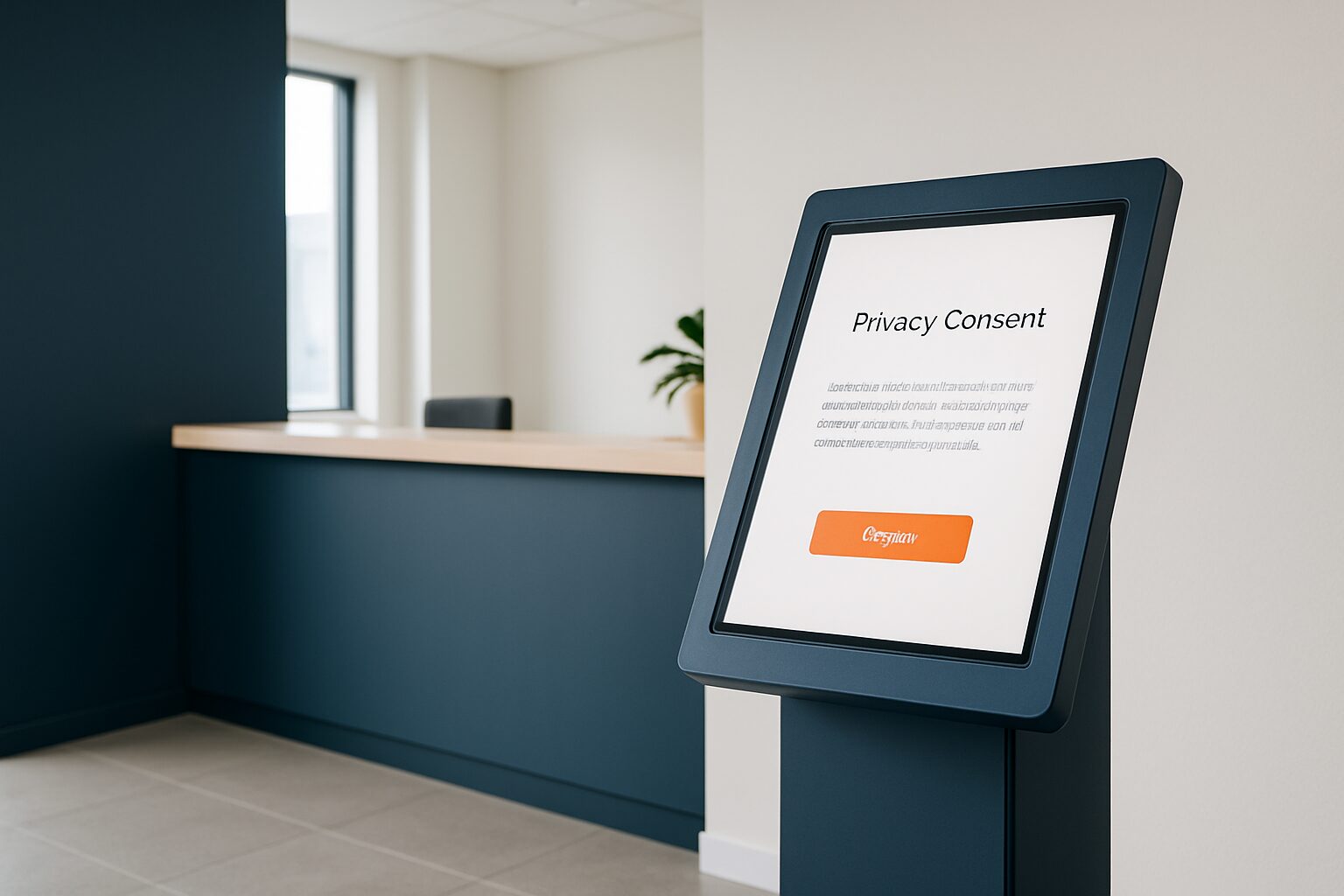
Visitor registration via a touchscreen display is processing of personal data and therefore falls fully under the GDPR (in Belgium: the GDPR as enforced by the Data Protection Authority). That means: you need a lawful basis, you inform visitors before registration, you collect only what is strictly necessary and you delete the data once the purpose has been achieved. If you set this up properly, you also comply with the Working Conditions Act requirement for evacuation overviews.
What the GDPR specifically requires for visitor registration
The GDPR does not have separate rules for visitor registration, but three principles from article 5 of the regulation apply directly:
| GDPR principle | Article | What it means for your display |
|---|---|---|
| Purpose limitation | Art. 5 paragraph 1 sub b | Register only for access control and emergency response overview — not for marketing or post-analysis |
| Minimal data processing | Art. 5 paragraph 1 sub c | Name and company are usually justified; date of birth or full reason for visit rarely |
| Storage limitation | Art. 5 paragraph 1 sub e | Delete or anonymise once the purpose no longer applies |
| Integrity and confidentiality | Art. 5 paragraph 1 point f | Protect data from being viewed by other visitors or unauthorised persons |
In addition, the information duty of article 13 applies: before registration, visitors must know which data you collect, why, how long you keep it and who they can contact with a request for deletion.
What may you register?
The rule of thumb is: collect only what you need for the specific purpose. For standard access control and emergency response, these are the justified fields:
- Name and optionally company name
- Arrival time (and departure time at check-out)
- Contact person or department receiving the visitor
- Privacy statement accepted (recorded as a timestamp)
Fields that you not you can simply ask:
- Date of birth or age (unless legally required, e.g. for access to hazardous areas)
- Phone number or email address (only with explicit consent and a separate purpose)
- Photo or facial recording (special category; requires explicit consent or a legal obligation)
- Reason for visit in detail (may reveal sensitive information about business relationships)
A concrete example: a municipality that registers visitors at the public counter may record name and arrival time for the emergency response list. Recording the subject of the conversation (for example, "planning application objection") falls outside the minimum data processing and requires a separate legal basis.
Correctly recording consent on a display
Under the GDPR, consent is only valid if it is given freely, specifically, informed and unambiguously. On a registration display, this means in practice:
- Show the privacy statement before the input form — not as a footnote after registration.
- Use an active opt-in: a ticked box that the visitor must confirm themselves, not a pre-ticked checkbox.
- Record the agreement with a timestamp — so that you can demonstrate during an audit that permission was obtained.
- Make refusal possible without consequences: you may not refuse entry to a visitor who does not give consent unless there is another legal basis (e.g. security policy based on legitimate interest).
A paper guest book at reception does not meet this structurally: other visitors can see the details of earlier visitors, which is precisely the unintended access the GDPR seeks to prevent.
Retention periods: how long is long enough?
The GDPR does not set a fixed retention period, but states that data may not be kept longer than necessary for the purpose. For visitor registration in the context of safety and occupational health and safety legislation, most organisations use 4 to 12 weeks as the usual term; for standard access control, 90 days is the common standard.
Practical setup on your display system:
- Set automatic deletion after the selected period — manual deletion is error-prone.
- Anonymise if you want to keep statistics (e.g. visitor numbers per day): anonymised data falls outside the GDPR.
- Document the chosen term and the rationale in your processing register — the Dutch Data Protection Authority may ask for this during an inspection.
If you do not comply, the Dutch Data Protection Authority may intervene with warnings, fines or mandatory process changes.
NL/BE-specific points of attention
Netherlands: The Dutch Data Protection Authority applies the principle that the retention period is assessed in relation to the purpose. There is no sector-specific standard for offices, but the AP expects you to be able to justify the choice. Municipalities and public authorities are also subject to the Archives Act, which may impose additional retention requirements.
Belgium: The Data Protection Authority (GBA) applies the same GDPR principles but has its own complaints procedure. Belgian organisations should also take into account the Act of 3 December 2017 up to the establishment of the GBA, which regulates additional national powers. For Belgian offices, the language legislation (Brussels, Flanders, Wallonia) may also affect the language of the privacy statement on the display.
Both countries: Preferably use a data processing agreement with the software supplier of your registration system if that supplier processes data on behalf of your organisation. Store data in European data centres to avoid complex transfer arrangements outside the EU.
Practical checklist for your display setup
Use this list as a minimum requirement before commissioning:
- Privacy statement visible before the input form
- Active opt-in (not pre-ticked)
- Only name, company, arrival time and contact person as standard fields
- No photo, date of birth or detailed reason for visit without separate basis
- Automatic deletion set (4–12 weeks, documented)
- Data not visible to other visitors on the screen
- Access to visitor data limited to authorised staff
- Data processing agreement with software supplier in place
- Entry in the internal processing register
- Procedure for access and deletion requests from visitors
The PixioKiosk — available in sizes from 21,5" to 49" (price list Q2 2026: from current price on request buy or current price on request p.m. lease) — runs on Android 13/14 and lets you set up a fully custom registration flow via the PixioApp or an external URL, including a privacy statement and opt-in screen. This gives you control over the display yourself and means you do not have to rely on a third-party standard template.
For a broader explanation of how to set up a digital reception as a whole — from welcome screen to visitor flow — read Digital reception and welcome screen: first impression to visitor registration.
Frequently asked questions
Is visitor registration legally required in the Netherlands?
There is no direct legal obligation to register visitors. The Working Conditions Act does require you to know who is present in the event of an incident, and if you do register, GDPR imposes strict requirements on how you do it. In practice, a good system is therefore indispensable.
Which data may a visitor registration display record?
Name, company name, arrival time and the contact person receiving the visitor are usually justified. Date of birth, telephone number, photos or a detailed reason for the visit may only be recorded if you have a separate GDPR basis for this and the visitor has given explicit consent.
How long may you keep visitor data?
The GDPR does not set a fixed period, but states that data may not be kept longer than necessary for the purpose. For access control and emergency response, most organisations use 4 to 12 weeks. Document your choice and set automatic deletion — manual deletion is too prone to errors.
May you refuse a visitor access if they do not consent to registration?
That depends on your legal basis. If you register on the basis of consent, refusal must not have any consequence for access. If you have a legitimate interest or legal obligation as the legal basis (e.g. security policy), denying access may be lawful — but then you must document and communicate this in advance.
Does the GDPR also apply to paper guest books?
Yes. The GDPR makes no distinction between digital and paper records. In practice, a paper guestbook almost never meets the requirements, because other visitors can see the details of previous visitors — which is a direct breach of the confidentiality principle.