
Knowledge and advice
GDPR checklist for visitor registration touchscreen for offices
Make your visitor registration via touchscreen GDPR-compliant. Concrete GDPR checklist for offices: legal basis, retention obligation, processor agreement and more.
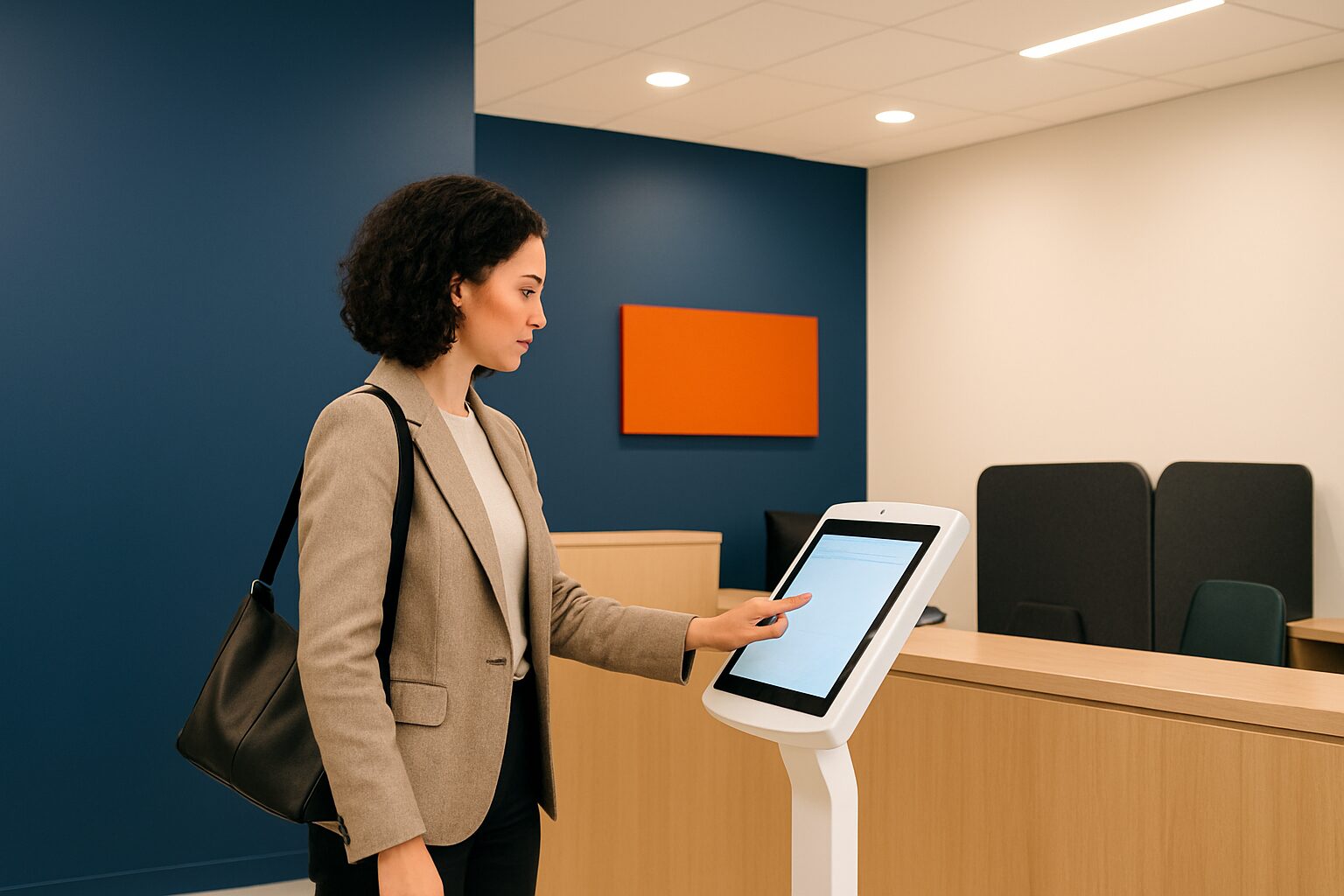
GDPR checklist for visitor registration touchscreen for offices
A touchscreen kiosk at reception processes personal data as soon as a visitor enters their name. That means the system falls fully under the GDPR (General Data Protection Regulation). The law sets requirements for legal basis, information duty, data minimisation, retention period and security. Anyone who translates those requirements into the screen configuration has a demonstrably GDPR-compliant registration process — and avoids fines of up to current price on request million.
Why a paper visitor log no longer suffices
The classic sign-in book at reception seems practical. Yet every next visitor can see who was there before — including contact details. That is exactly the kind of unintended disclosure that the GDPR prohibits. According to the Dutch Data Protection Authority you must be able to demonstrate that personal data is protected against access by unauthorised persons.
A touchscreen kiosk solves this structurally. Data disappears after entry behind a secure system and is no longer visible to the next visitor. However, the screen itself is not yet a guarantee of GDPR compliance — the setup determines everything.
The five GDPR requirements at a glance
The GDPR sets five concrete requirements for visitor registration. Use the table below as a basic check.
| Required | What it means | How the touchscreen covers this |
|---|---|---|
| Lawful basis (art. 6 GDPR) | You need a legal basis for the processing | Show a consent screen before registration; visitor clicks agree |
| Information duty (art. 13 GDPR) | Visitor must know what you do with their data | Show privacy notice and purpose on the screen at sign-up |
| Data minimisation (art. 5 GDPR) | Only ask for what is strictly necessary | Set only name, company and contact person as required fields |
| Retention period | No fixed period in the GDPR; as short as possible | Set automatic removal after, for example, 4 weeks |
| Access security | Only authorised personnel may view data | Role-based rights; export not accessible by default |
In the event of breaches of the legal bases or privacy rights, the Dutch Data Protection Authority may impose a fine of up to current price on request million or 4% of global annual turnover. If only a processing register is missing or the processor agreement does not meet the requirements, a lower category applies: up to current price on request million or 2% of turnover.
Concretely: how to configure the touchscreen in GDPR-compliant fashion
Take as an example a municipal office with a standalone check-in kiosk in the entrance. Visitors — citizens, contractors, journalists — sign in without a receptionist. The GDPR risks here are greater than at a staffed reception, because there is no human check on what is entered.
Step 1 — Consent screen as the first step
Let the visitor read a short privacy text before input and actively agree. A tick box or 'I agree' button is sufficient. Without this step, the lawful basis under article 6 GDPR is missing.
Step 2 — Set minimum fields
Ask for name, company or organisation and the employee to be visited. No national insurance number, no date of birth, no copy of ID — unless there is a specific legal obligation (for example, secure government sites). The fewer data, the lower the risk.
Step 3 — Set up automatic removal
The GDPR does not set a fixed retention period for visitor data. Visitor data should be deleted as soon as possible after the visit, unless it is necessary for safety purposes. Set up automatic deletion in the software — commonly used periods are 2 to 4 weeks. Document the choice and the reasoning behind it.
Step 4 — Role-based access
Reception staff can see who is present. Export and reporting functions are only accessible to the privacy officer or facility manager. Set this up as roles and permissions in the management system.
Step 5 — Secure the screen after input
After confirmation, the screen returns to the welcome screen. The entered details are no longer visible. This prevents the next visitor from seeing them by mistake.
The PixioKiosk (21,5") is a free-standing touchscreen information kiosk that you can connect to your own registration software via the PixioApp or a website URL. The 21,5″ version costs current price on request (purchase) or can be leased from current price on request per month (price list Q2 2026). This combines the hardware layer — the screen — with an GDPR-configured software layer of your choice.
Data processing agreement and record of processing activities: two forgotten steps
Many organisations set up the screen properly, but forget two administrative requirements.
Data processing agreement
Are you using an external software supplier for the registration software? Then that party processes personal data on behalf of your organisation. That obliges you to have a data processing agreement. Check whether your supplier stores data only within the EU — transfer outside the EU requires additional safeguards.
Record of processing activities (art. 30 GDPR)
Almost every organisation is required to keep a record of processing activities. Visitor registration is a structural processing activity and belongs in it. The record states at least: the purpose of processing, categories of personal data, retention period and security measures. The Dutch Data Protection Authority may ask to inspect it at any time. So record the visitor registration entry before you put the system live.
For municipalities and other decentralised authorities, it additionally applies that the AP specifically monitors GDPR compliance at public authorities. See also the explanation by Europe Decentralised on supervision and sanctions.
Health and Safety at Work Act: visitor registration as a safety obligation
In addition to the GDPR, the Working Conditions Act also plays a role. Article 15 of the Working Conditions Act requires employers to be able to adequately alert and evacuate all people present in emergency situations. A digital system that tracks in real time who is present directly supports the emergency response team organisation.
This means visitor registration is not only a privacy issue, but also a safety requirement. The two goals reinforce each other: a well-configured touchscreen system is both GDPR-compliant and usable as an attendance list in an emergency.
With a PixioDisplay Kiosk Duo (15,6″ touch + 29″ screen, current price on request to buy or current price on request per month to lease, price list Q2 2026) you can use the smaller touch screen for registration and the larger screen for welcome information, house rules or safety instructions — two functions, one setup.
Checklist: 10 points for GDPR-proof visitor registration via touchscreen
- Consent screen with privacy text before input
- Only strictly necessary fields (name, company, contact person)
- No BSN or copy of ID unless legally required
- Automatic deletion of data after a set period
- Retention period documented and substantiated
- Role-based access: export for authorised users only
- Screen returns to welcome screen after confirmation
- Processor agreement concluded with software supplier
- Visitor registration included in processing register (art. 30 GDPR)
- Data storage within the EU only
Conclusion: start with the configuration, not the screen
A touchscreen kiosk makes GDPR compliance achievable — but the screen itself is neutral. The configuration of the software, the choice of fields, the retention period and the data processing agreement determine whether your system demonstrably complies. Set up those layers before going live, and record every decision in your processing register.
Do you want to know how to combine the hardware and software layer into a complete digital reception desk? Read the pillar article Digital reception and welcome screen: from first impression to visitor registration for a full overview of options and points to consider.
Frequently asked questions
Is a paper visitor book still allowed under the GDPR?
No, a paper sign-in book conflicts with the GDPR. Every subsequent visitor can see the details of previous visitors, leading to unintended access by unauthorised persons. The Dutch Data Protection Authority considers this a security shortcoming. A digital system in which data is shielded immediately is the only workable solution.
How long may you keep visitor data?
The GDPR does not set a fixed retention period for visitor registration. The main rule is: as short as possible, aligned with the purpose. For a standard office visit without security requirements, a period of a few weeks is reasonable. Document your choice and the justification in your processing register — the Dutch Data Protection Authority checks whether the period is proportionate.
Do I need a data processing agreement with the supplier of my registration software?
Yes. If an external party supplies the registration software and processes personal data on your behalf, you are required to enter into a data processing agreement. Also check whether the data is stored exclusively within the EU. Transfers outside the EU require additional safeguards under the GDPR.
What data may a touchscreen kiosk ask for during visitor registration?
Only data that is strictly necessary for the purpose: name, company or organisation and the employee to be visited. Do not ask for a citizen service number, date of birth or a copy of an identity document unless a specific law requires it. The data minimisation principle from article 5 GDPR applies in full.
Does visitor registration need to be included in the processing register?
Yes. Visitor registration is a structural processing of personal data and therefore falls under the registration obligation of article 30 GDPR. The register states at least the purpose, categories of data, retention period and security measures. The Dutch Data Protection Authority may request access at any time.