
Knowledge and advice
Waiting room screens in healthcare: clear information and privacy
Show practical information without making individual patient data unnecessarily visible. Treat screen, content and management as one process.
Choose what patients should be able to read
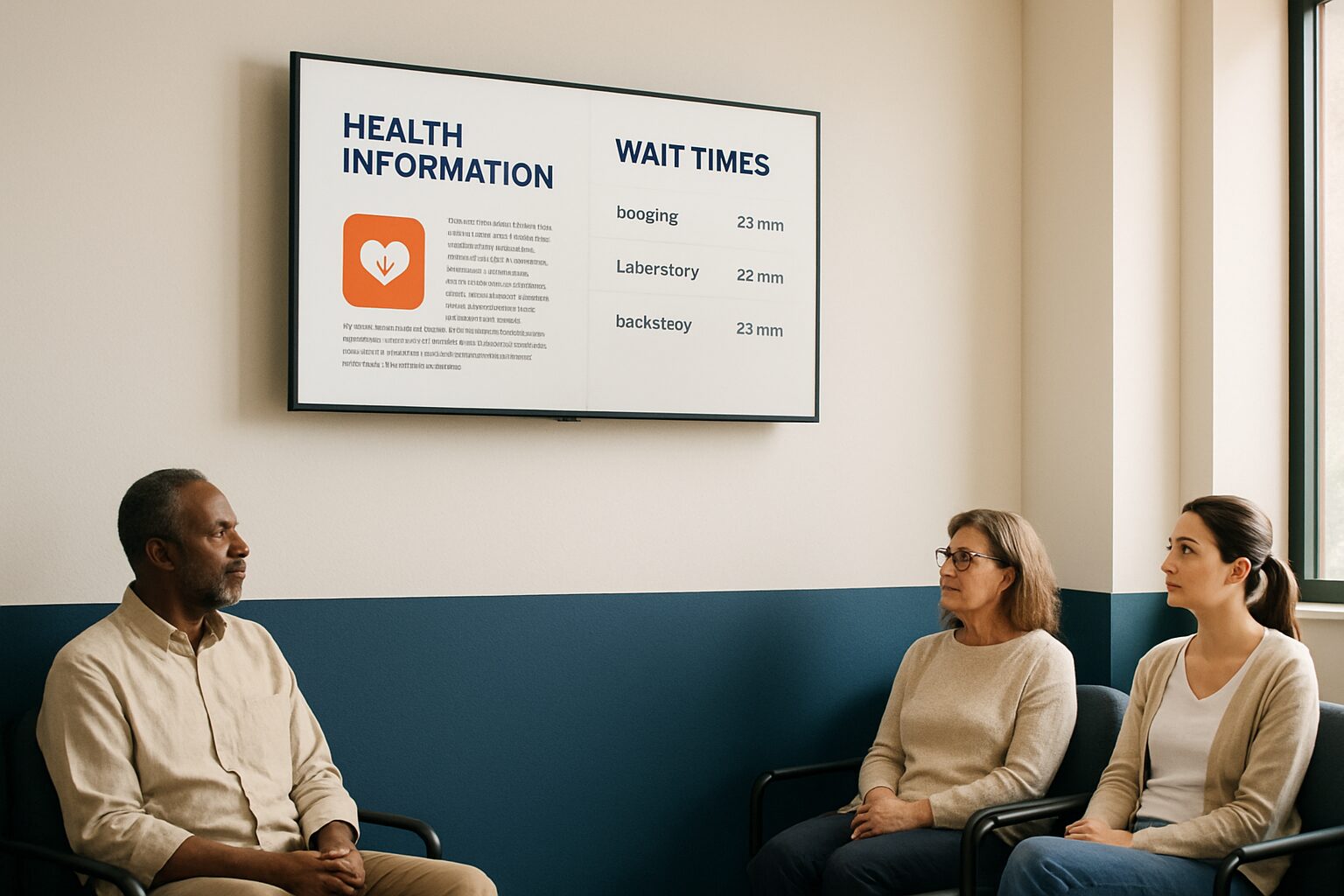
A waiting room screen can show opening hours, route information, practice notices and general information. Start with the questions that are often asked at the desk. Make it clear which location a message applies to and when it expires. A screen can support information provision, but it does not automatically replace personal explanation or accessible information for people who cannot read the image. Therefore, decide in advance which message belongs on the screen and which is given by staff.
Keep medical information general
Use informational material that has been approved in substance by the healthcare organisation. Check the source, date of publication and usage rights for images and videos. Avoid a collection of loose medical tips without a clear sender. General information about a vaccination clinic is something different from making individual treatment data visible. Link a substantive review to changes in the practice, so the screen does not continue showing old opening hours, contact details or informational instructions.
A number can still be personal data
Patient names, diagnoses and appointment details are not suitable standard content for a publicly readable screen. Nor is a number automatically anonymous: if it can be traced back to a person with additional data, it may still count as personal data. The Dutch Data Protection Authority makes that distinction in pseudonymisation. Assess a call or queue system separately on necessity, legal basis and visibility. A general label such as GDPR compliant is not proof that the setup complies.
Display waiting time information carefully
Only show an expected waiting time when the organisation can reliably maintain that information. Make clear whether it is an estimate and prevent an outdated number from being read as a current promise. National standards for access to care are not the same as the waiting time during a visit to the practice. Do not mix such topics. In the event of disruptions, a short practical message with a reference to the reception desk can be clearer than an inaccurate counter.
Calm presentation and suitable screen
Test the text from the usual seating positions and take into account people who are further from the screen. Use sufficient contrast and leave important information on screen long enough to be read. Determine the changeover speed with real users, not with a fixed general time rule. Check reflections, mounting and cleaning instructions. With an all-in-one Android display, a computer is built in; the chosen content or queue software must be matched separately to the device and the organisation.
Organise management and access
Assign who creates, checks and removes messages. Limit management accounts and agree what should be shown in the event of a fault. The Pixio App is an additional option for remote content management and does not by itself provide a patient information system or queue integration. Ask separately how the desired operation should work. Compare the display models with the location requirements and let the care organisation assess the content and privacy setup before the screen goes into use.
Sources and further information
Frequently asked questions
Is a queue number always anonymous?
No. If a number can be traced back to a person with additional data, it can still be personal data.
What information belongs on a waiting room screen?
General practical information and approved guidance. Individual patient information requires a separate assessment of necessity and privacy.