
Knowledge and advice
Digital displays for fashion and design shops: visual impact
Digital displays in fashion and design shops increase visual impact, speed up seasonal changes and reduce printing costs. Discover which screen suits your shop concept.
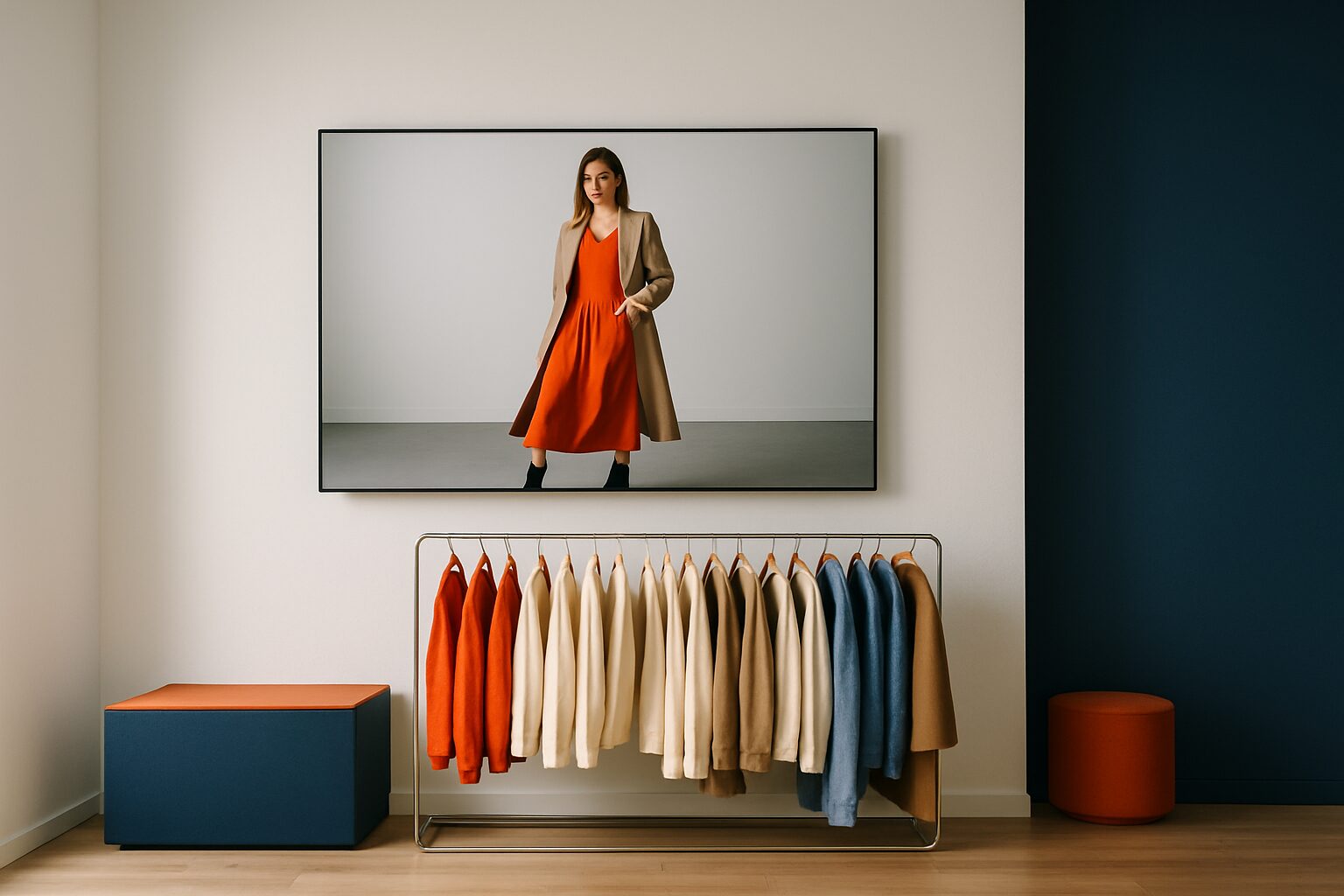
Digital displays for fashion and design stores: visual impact and product presentation
A digital display in a fashion or design shop is a professional screen that shows moving images, collection videos and seasonal campaigns — on the shop floor, in the window display or as a pavement sign on the street. It replaces static posters and gives you, as a retailer, complete control over your visual presentation. You can change content remotely and in real time, without printing costs or logistical lead times. For chains with multiple branches, that means: one update, immediately visible in every shop.
Why visual presentation works differently in fashion retail
Fashion and design sell experience before product. A customer decides within the first few seconds whether a shop window is worth their attention. Physical stores have only a few seconds to capture and hold a buyer's attention. Static posters provide one image for an entire season. A digital screen plays atmosphere films, lookbook images and product details in a continuous loop — and adjusts them as soon as a new drop arrives.
The fashion & apparel sector is the largest segment within retail digital signage worldwide and accounts for more than 28,9% of the market (market.us, 2025). That share is no coincidence: visual merchandising is structurally more decisive for conversion in this sector than in other retail categories.
The seasonal issue: print vs. digital
A medium-sized fashion chain with five branches changes its shop window material on average four to six times a year. Each cycle requires design, printing, shipping and installation. That takes time — and money that you only spend once on a campaign that is then immediately outdated.
With a digital display, that cycle disappears. You load new images via USB, a website URL or the Pixio App, and all screens immediately show the new collection. Want to communicate a flash sale starting tomorrow? That takes minutes, not weeks. Retailers that switch to digital signage report 30–35% lower advertising costs compared with traditional print (risevision.com).
Which display suits which place in the shop?
Not every screen works in every location. It is the brightness of the panel — not the size — that determines whether a display remains visible under the specific lighting conditions.
| Location | Recommended brightness | Example Pixio model |
|---|---|---|
| Shop interior (normal light) | ±400 cd/m² | PixioDisplay Mobile (43″, 400 cd/m²) |
| Shop window (indirect daylight) | 1.000 nits | PixioDisplay Window Shadow (43") |
| Window display (direct sunlight) | 3.000 nits | PixioDisplay Window Full Sun (43–55") |
| Sidewalk or shopping street | 1.500–2.000 nits | PixioDisplay Pavement Sign (43″, battery-powered) |
Indoors, ±400 cd/m² is sufficient, a shop window in full sun requires 3.000 nits, a freestanding outdoor display 3.500 — the panel, not the size, determines the surcharge. If you use a standard consumer screen (±300 nits) in a lit shop window, the image becomes unreadable.
Three practical applications
1. Shop window poster as a digital campaign wall
A fashion chain places a PixioDisplay Window Full Sun (43″, 3.000 nits) behind the shop window glass. During the day, the screen plays lookbook videos of the new summer collection. In the evening, it automatically switches to an atmosphere film with the brand claim. The content is centrally managed and goes live at all branches at the same time — without anyone needing to be on site.
2. Interactive floor stand for product presentation
A design shop places a PixioDisplay Luxe (49″ touchscreen, 67×185 cm) next to an exhibit. Visitors browse material variants, colour options and styling tips themselves. The touchscreen turns a passive product into an active discovery experience — without requiring extra staff. The PixioDisplay Luxe costs current price on request (buy) or current price on request per month when leasing (price list Q2 2026).
3. Digital pavement sign for foot traffic
A boutique in a busy shopping street places a PixioDisplay Pavement Sign (43″, battery-powered, 14–18 hours runtime) on the pavement. No power outlet needed. The screen shows the day’s special offer or a new arrival notice. When the collection is updated, you load new content in two minutes — yesterday’s poster is gone.
Content that works in fashion and design
Hardware is the foundation, content is the result. For fashion and design shops, these content formats perform best:
- Lookbook videos (15–30 sec): showing clothing in motion, gives a more realistic picture than a photo
- Material and detail shots: close-ups of fabric, seams and finish — relevant for design shops with premium positioning
- Season transitions: automatically scheduled content switch on a fixed date, without manual action
- Social proof: UGC images or customer reviews in a varied loop increase trust in a purchase
- Price communication: promotional price or temporary offer, adjustable directly without new print material
Keep the loop short: 3–5 items per rotation works better than a long sequence. Moving images stop passers-by; too many stimuli at once causes drop-off.
Buy, lease or rent: what suits your situation?
Starting with one branch or want to test first? Then renting is a logical first step. You can rent the PixioDisplay Mobile (43" touchscreen) from current price on request per day for three days, or current price on request for one day — ideal for a pop-up or seasonal opening (price list Q2 2026). More information on day rates can be found on the hire page of Pixio Display.
For a fixed setup in multiple branches, leasing is financially more attractive. The PixioDisplay Pavement Sign (43″, 1.500 nits) can be leased for current price on request per month over 60 months — less than the cost of one seasonal print run for an average fashion chain. All PixioDisplays have an integrated Android computer (Android 13/14): no separate media player or laptop needed, which further reduces the total investment.
Choose buying if you want to equip multiple locations structurally and keep the hardware fully in-house. The payback period in retail environments is generally within 12–18 months, partly due to the elimination of printing costs.
From one screen to a coherent presentation
A single display in the shop window is a good start. The next step is consistency: the same campaign visuals in the shop window, on the shop floor and on the pavement sign. That gives visitors a recognisable brand experience from outside to inside.
Do you also want to communicate when the shop is closed? Then read the knowledge base article 24/7 window marketing: communicating when the shop is closed. For a complete overview of display options by retail type — from boutique to chain — the complete retail guide to digital window displays and shop displays the recommended starting point.
Frequently asked questions
Which screen is best for use behind a shop window in the sun?
For a shop window with direct sunlight you need at least 3.000 nits. The PixioDisplay Window Full Sun (43–55″) is specifically designed for this. A normal consumer screen or indoor display (±300–400 nits) becomes unreadable as soon as the sun shines on it.
How quickly can I change content for a new collection?
You load content via USB, a website URL or the PixioApp — that only takes a few minutes. With multiple locations, you update all screens centrally at the same time, without anyone needing to be on site. There are no print costs or lead times.
Is a digital display also suitable for a small boutique with a limited budget?
Yes. You can start by renting: the PixioDisplay Mobile (43″) is available from €105 per day for three days. If you want a fixed setup, lease starts from €42 per month. This lets you test the effect without a large one-off investment.
Do I need a separate media player or laptop?
No. All PixioDisplays have an integrated Android computer (Android 13/14). You do not need a separate media player or laptop, which makes installation simpler and reduces the total cost.
How often should I refresh the content for optimum effect?
For fashion and design stores, a refresh cycle of four to six weeks works well — aligned with collection changes and seasonal campaigns. For temporary promotions or flash sales, you can adjust content immediately. A fixed seasonal content plan prevents screens from showing outdated visuals.