
Knowledge and advice
Seasonal retail campaigns with digital displays: planning and execution
How do you plan and run Black Friday, Christmas and local holiday campaigns with digital displays? A practical approach to timing, content and measurement.
Seasonal retail campaigns with digital displays: planning and execution
A seasonal campaign on digital displays consists of three connected phases: preparation (content and planning), execution (timing and screen choice) and evaluation (measurement and adjustment). Anyone who structures those three phases gets more out of peak seasons than someone who changes content ad hoc. This article gives you a step-by-step approach for Black Friday, the Christmas period and local holidays — including hardware selection, content tips and KPIs.
Why seasonal campaigns require a different approach
Black Friday is no longer a one-day event. "Black Friday has long since not been limited to one day," says NielsenIQ analyst Marten Suurmeijer. "We can now almost speak of a Black Month, including Cyber Monday." The growth is not limited to Black Friday week itself: from early November, turnover in the period from week 45 to 48 grew by almost 6%.
That has direct consequences for your display strategy. A campaign that goes live on Friday morning misses the build-up period in which purchase intent is already formed. Consumers start looking up Black Friday deals 4 to 5 weeks before the actual Black Friday week. So start planning your display content at least three weeks in advance.
The same applies to Christmas. 37% of consumers wait until Black Friday to buy Sinterklaas and Christmas gifts. That overlap makes November the busiest content month of the year — and calls for a clear transition in your screen communication.
A content calendar in three layers
A workable content calendar for retail has three layers:
- Evergreen content — always relevant: brand image, product benefits, opening hours.
- Seasonal content — campaign-specific: Black Friday discounts, Christmas atmosphere, Valentine’s Day.
- Real-time content — directly adjustable: day deals, remaining stock, flash sales.
Part of your content should be evergreen, but leave room in your planning for real-time content and current in-store offers. Digital displays give you that flexibility — a poster does not.
In practical terms, this works as follows for a mid-sized retail chain:
| Period | Content layer | Action |
|---|---|---|
| 4 weeks before Black Friday | Teaser | "Get your wish list ready" |
| 1-2 weeks before Black Friday | Announcement | Specific discounts by category |
| Black Friday week | Urgency | Countdown timer, limited stock |
| Week after Black Friday | Transition | St Nicholas/Christmas atmosphere |
| Christmas until 26 December | Festive | Gift tips, extended opening hours |
| January | Clearance sale | Sale content, new collection |
Develop a content calendar to plan and manage updates. That helps you organise content themes, schedule updates and keep content relevant to current trends or events.
Screen choice by location and campaign objective
Not every screen suits every campaign. The location and the objective determine which display you use.
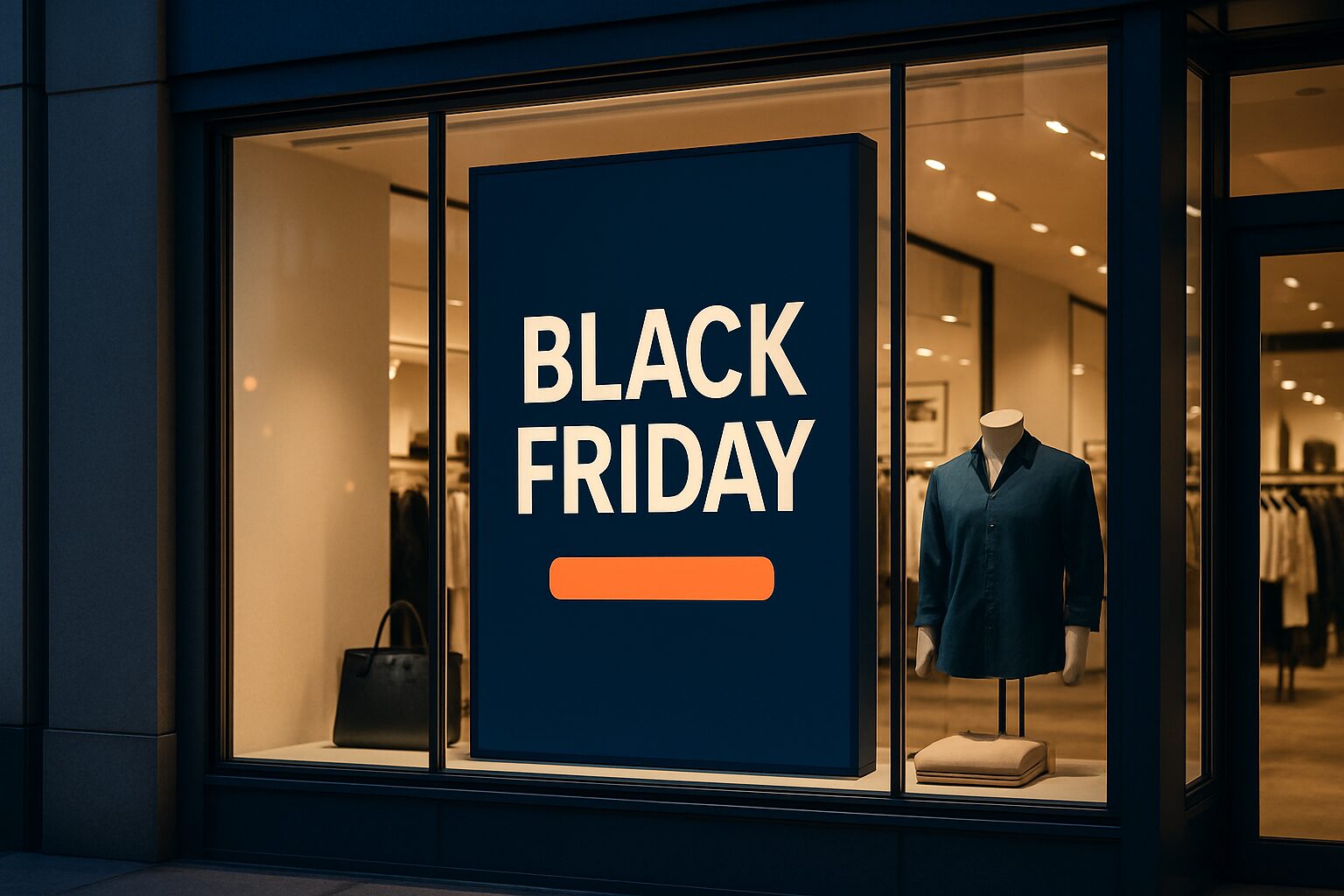
Shop window — Your first point of contact with passers-by. High brightness is not a luxury here: indoors, ±400 cd/m² is sufficient, but a shop window in full sun calls for 3.000 nits. The PixioDisplay Window Full Sun reaches that with a brightness of 3.000 nits and is available from 43″ to 55″ (single-sided current price on request, double-sided current price on request, price list Q2 2026). Dunkin' Donuts uses this model for digital window posters — a example of how campaign visuals communicate directly at street level.
Shop floor — Here you want to guide customers towards action products and stimulate impulse purchases. Avoid screens in places where people are in a hurry, such as by the entrance or exit. Place them in 'dwell zones' — places where people naturally stand longer, such as at the end of aisles or by the checkout. The PixioDisplay Luxe (49″ touchscreen, 67×185 cm) is suitable for this purpose: buy current price on request, lease current price on request p.m. (price list Q2 2026).
Outdoor/pavement — For campaigns that remain visible outside opening hours. The PixioDisplay A-board runs on battery (14–18 hours usage time, no power socket needed) and is available in 1.500 nits (current price on request) or 2.000 nits (current price on request), lease current price on request p.m. (price list Q2 2026). Useful for Black Friday teasers that you let run on after closing in the evening.
Temporary campaign or pop-up — Do you want to use a display only during the peak period? Then hire is more economical than buying. Via display hire models are available from current price on request per day with a minimum of two weeks' hire (21,5" PixioKiosk) to current price on request per day (49" PixioDisplay Luxe, 1 day), price list Q2 2026.
Content that works: three concrete principles
1. One message per slide. Large text, strong colour contrast and minimal wording let passers-by understand your message in one second. During Black Friday, you are competing with dozens of visual stimuli at the same time. One sharp message — "20% off everything" — wins over a busy composition.
2. Urgency works, but only if it is accurate. A countdown timer to Black Friday or a "only 3 in stock" message increases purchase intent. Where possible, link this to your till system or stock data. See also POS displays and digital till systems: integration and best practices for how you set that up technically.
3. Change content regularly. Change content at least weekly to keep repeat visits interesting. Regular customers become used to the same images and ignore your screens. Dynamic content keeps their attention fresh.
All PixioDisplays run on an integrated Android computer (Android 13/14). You play content via USB, a website URL or the PixioApp — without a separate media player or laptop. That makes changing campaign visuals quick and inexpensive.
Measuring performance: which KPIs matter
A campaign without measurement is a guess. Link your display campaign to measurable goals. Relevant KPIs for seasonal campaigns:
- Revenue per m² of retail space — compare the Black Friday week with the same week a year earlier.
- Conversion rate at the checkout — how many visitors actually buy?
- Dwell time — how long do customers stay in front of a screen? Longer dwell time correlates with higher purchase intent.
- Sales lift on displayed products — does the sales of items shown on the screen increase?
Define KPIs per screen type or location — such as interaction rate, conversion uplift or less staff deployment — for clarity in measurement and adjustment.
For more in-depth footfall analysis — how many people pass your screen and when — read more in Footfall analysis with digital displays: measure, analyse and optimise.
From campaign to system: what you do after the season
A good seasonal campaign produces data that makes the next campaign better. Note after each peak period:
- Which slides had the highest dwell time?
- On which days and at what times was it busiest?
- Which products sold better than average during the campaign period?
Use those insights to refine your content calendar for the coming year. That way you build a more effective system campaign by campaign — instead of starting again every season.
For a broader view of how digital displays strengthen your entire store presentation, read the complete retail guide to digital window displays and shop displays.
Frequently asked questions
How early should I start my Black Friday campaign on digital displays?
Start at least three weeks in advance. GfK data shows that consumers start looking for Black Friday deals already 4 to 5 weeks before the actual week. A teaser phase (3–4 weeks ahead), an announcement phase (1–2) and an urgency phase (the week itself) give your campaign the most impact.
Can I use one display for multiple seasonal campaigns?
Yes. All PixioDisplays run on an integrated Android computer and you switch content via USB, URL or the PixioApp. You can adapt your campaign visuals without new hardware. That way you can use the same screen for Black Friday, Christmas and the January sale.
Which screen is most suitable for a shop window campaign during Black Friday?
That depends on the light. In direct sunlight, you need at least 3.000 nits — the PixioDisplay Window Full Sun (43–55″, €1.780–€2.780 single, price list Q2 2026) is designed for that. In less direct sun, the PixioDisplay Window Shadow (43″, 1.000 nits, €1.860) is sufficient.
How do I measure whether my seasonal campaign on displays had an effect?
Compare revenue per m² of retail space with the same period a year earlier. Also look at the sales lift on displayed products and dwell time at your screens. Combine that with till data to see whether campaign products sold better than non-displayed items.
Is hiring more cost-effective than buying for a short-term seasonal campaign?
For a campaign of 1 to 5 days, renting is almost always cheaper. A PixioDisplay Luxe (49") rents for €225 per day (1 day) or €160 per day (3 days), price list Q2 2026. For a longer campaign or multiple peak seasons per year, buying or leasing (from €42 p.m.) becomes more financially attractive.