
Knowledge and advice
POS displays and digital till systems: integration and best practices
Linking POS displays to your POS system: this is how API integration works in Dutch retail, what the legal requirements are and which hardware suits your shop.
POS displays and digital till systems: integration and best practices
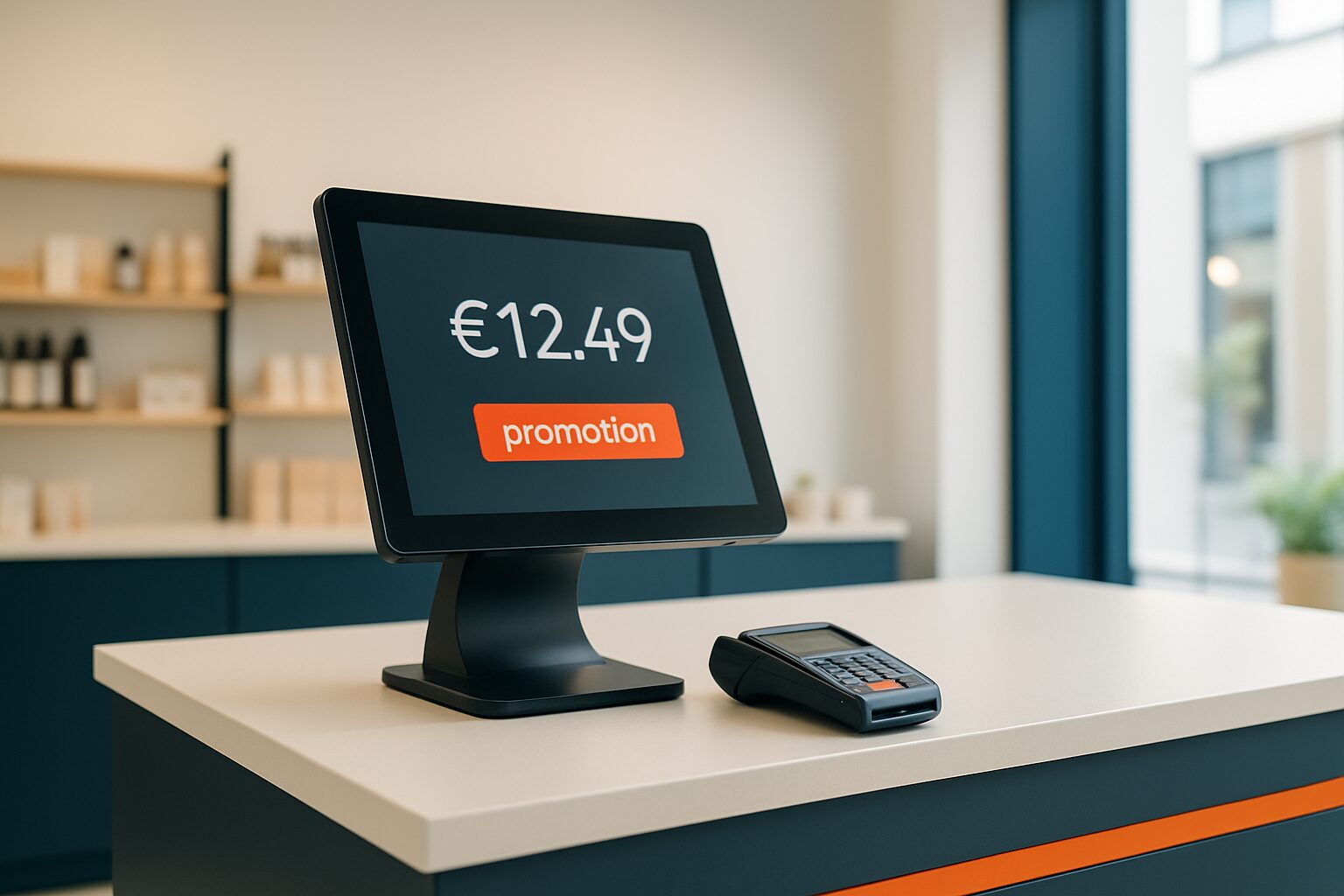
A POS display (point-of-sale screen) is a digital screen mounted at or next to the checkout and shows real-time information to the customer or staff. Linked to the till system, it replaces static price labels and paper offer boards with dynamic content that automatically keeps pace with your stock, your day prices and your promotions. For medium-sized retail chains in the Netherlands and Belgium, this link is the shortest route to consistent, error-free customer communication on the shop floor.
What is a POS display and why connect it?
A POS display is more than a screen next to the till. It is the visual endpoint of your till system. As soon as a staff member scans an item, the price and any offer appear immediately on the customer screen. Without integration, you update content manually — which takes time and increases the chance of errors.
Modern cash register systems act as the central hub in the entire customer contact journey, where data and payment convenience come together on one platform. A display that connects directly to it makes that data visible to the customer at the right moment: the moment of purchase.
The benefits are concrete:
- Price changes are visible immediately without manual intervention.
- Promotions are activated centrally and appear on all tills at the same time.
- Customer-focused upsell suggestions are shown based on the scanned items.
- Staff errors caused by outdated paper signs disappear.
Three integration methods compared
Not every store has the same IT infrastructure. The method you choose depends on your till software and your technical capacity.
| Method | How it works | Suitable for |
|---|---|---|
| USB/local content | Content placed on the screen via USB stick or local network | Small shops, no API support in the till |
| CMS with website connection | Display loads a URL; content is managed in a web-based management environment | Chains with a central content department |
| API integration | Checkout system sends real-time data to the display via a secure API | Medium to large chains with their own IT |
The API connection is the most powerful option. An API is a digital motorway between two systems that ensures those systems automatically exchange data with each other, without you having to intervene. Selling an item? Then the display updates the presentation immediately. Not every till system offers an open API as standard — check this before choosing a display solution.
Start with USB if your cash register system does not support an API. Switch to a CMS connection once you manage more than three branches. Choose full API integration if you want real-time price display or dynamic upsell.
Legal requirements for cash register systems in the Netherlands
In the Netherlands, a cash register system must meet specific requirements, including the processing of iDEAL and PIN payments and the generation of compliant VAT reports for the Tax and Customs Administration. The Tax and Customs Administration has drawn up a practical guide outlining the requirements for reliable administration under the General State Taxes Act (AWR).
The Trusted Checkout System quality mark is the independent quality mark for point-of-sale and checkout systems in the Netherlands. The quality mark ensures that software developers meet strict requirements in the areas of registration, integrity, retention obligation, reporting and auditability. Systems carrying the quality mark have been audited by an external auditor and have proven that they meet the requirements of the Tax and Customs Administration.
The three core requirements for your POS system:
- Retention obligation: all transactions are recorded in an electronic journal; paper control rolls are no longer sufficient.
- Reproducibility: digital data must remain stored electronically and be retrievable within a reasonable period.
- Traceability: each transaction includes time, sequential numbering and details such as corrections and price changes.
Your POS display falls outside the direct pricing legislation — it is an output device. Nevertheless, if the display shows prices that differ from the till, that may lead to consumer law claims. Make sure your display and POS system always use the same price data. Read more about the legal framework for digital price display in the article Dynamic price display in shops: regulations and technical implementation in the Netherlands and Belgium.
Choosing hardware: which screen suits which point of sale?
The choice of the right screen depends on the location, use and budget. Below is a practical overview.
Customer screen at the till (customer-facing display)
A compact screen of 15 to 22 inch that shows the customer the scanned items and the total amount. The PixioDisplay Kiosk Duo combines a 15,6 inch touchscreen with a 29 inch display in one setup — purchase price current price on request or lease from current price on request per month (price list Q2 2026). The touchscreen serves as the staff interface; the larger screen shows the customer the transaction.
Promotional display next to the till
A 43 or 49 inch screen showing offers, loyalty programmes or new products while the customer waits to pay. The PixioKiosk in 43 inch is available for current price on request or lease from current price on request per month (price list Q2 2026). All PixioDisplays run on an integrated Android computer (Android 13/14), so you do not need a separate media player or laptop.
Self-service kiosk
For shops that want to introduce self-checkout, a touchscreen pillar offers the most flexibility. The PixioKiosk in 32 inch costs current price on request (buy) or is available to rent from current price on request per day with a minimum of two weeks' rental (price list Q2 2026) — useful if you want to test first before you invest.
Implementation: how to approach the integration step by step
A successful POS display integration requires a structured approach. Do not skip steps — especially not the test phase.
Step 1 — Inventory your till software
Ask your POS supplier whether an open API is available. Check which data fields are available: item name, price, discounts, VAT rate and transaction total are the minimum.
Step 2 — Choose your integration method
Without API: use a CMS that loads content onto the screen via a URL. With API: have a web developer or IT partner build the link based on the API documentation of your till supplier.
Step 3 — Set a fallback
Network outages happen. Set your display to a static fallback slide (branding, opening hours or a fixed offer) so the screen is never blank.
Step 4 — Test all scenarios
Test at least: a normal transaction, a discounted item, a return and a price change. Check whether the display shows the correct data in all cases.
Step 5 — Train your staff
Staff who understand what the display shows can help customers better with questions about price differences or promotions.
Practical example: combining customer screen and promotional display
A fashion chain with five branches wants to achieve two goals: show customers the receipt in real time and communicate ongoing seasonal promotions. The solution consists of two screens per checkout point.
The customer screen (15,6 inch touch) shows the scanned items via a direct API link with the till system. The promotional display (43 inch) hangs above the till and shows, via a CMS, an offer slide that changes automatically based on the time of day — morning promotions for early shoppers, evening offers for closing time.
The promotional display content is centrally managed from headquarters. One employee adjusts the slides for all five branches at once. This saves an average of two hours per week of manual work per branch.
Do you want to know more about how digital displays improve the overall shop experience? Read the full guide Digital shop windows and retail displays: the complete retail guide.
Conclusion
Start with the API integration if your till software supports it — that is the only method that delivers real-time data without manual intervention. No API? Then start with a CMS solution and plan the move to API once your till system is replaced. Choose hardware based on the location: a compact customer display for the checkout, a larger promotional display for the waiting area. Always check whether your till system has the Trusted Checkout System quality mark carry out — that is the surest way to meet the requirements of the Tax Authorities.
For a complete picture of digital retail and shop window communication, including outdoor advertising and shop window solutions, see the application page digital shop displays for retail and window communication.
Frequently asked questions
Does a Pixio POS display work with my existing cash register system?
All PixioDisplays run on Android 13/14 and support content via USB, website URL or the Pixio App. For a direct API link to your POS software, you need an open API on the POS side. Ask your POS supplier whether this is available — if so, a web developer or IT partner can build the connection based on the API documentation.
Does a customer-facing display need to comply with the requirements of the Tax Authorities?
The display itself falls outside the direct cash-register legislation — it is an output device. However, the displayed prices must always match the cash register records. Make sure your display and cash system use the same price data to avoid consumer law issues. The cash system itself must comply with the requirements of the Tax and Customs Administration, including record retention and transaction traceability.
What is the Trusted Payment System Quality Mark and do I need it?
The Reliable Cash Register System Quality Mark is the independent quality mark for till and cash register systems in the Netherlands. Systems with this quality mark have been audited by an external party and demonstrably comply with the Tax Authorities' guidance on registration, integrity, retention obligation and auditability. The quality mark is not legally required, but it gives you certainty in a tax inspection.
Can I rent a POS display to test the integration first?
Yes. The PixioKiosk (21,5 inch) can be rented from €65 per day with a minimum hire period of two weeks, the 49 inch variant from €225 per day (1 day) — price list Q2 2026. Renting is a good way to test the hardware and integration before deciding to buy or lease.
What do I do if my network fails and the display stays blank?
Always set a static fallback slide: a brand image, opening hours or a fixed offer. Most CMS solutions support an offline fallback. This keeps the screen functional even without an internet connection, and the customer never sees an empty or error screen.