
Knowledge and advice
Reducing queues with digital displays: practical solutions for retail
Digital displays shorten queues in retail through real-time information, self-service and smart POS integration. Discover which solution suits your shop.
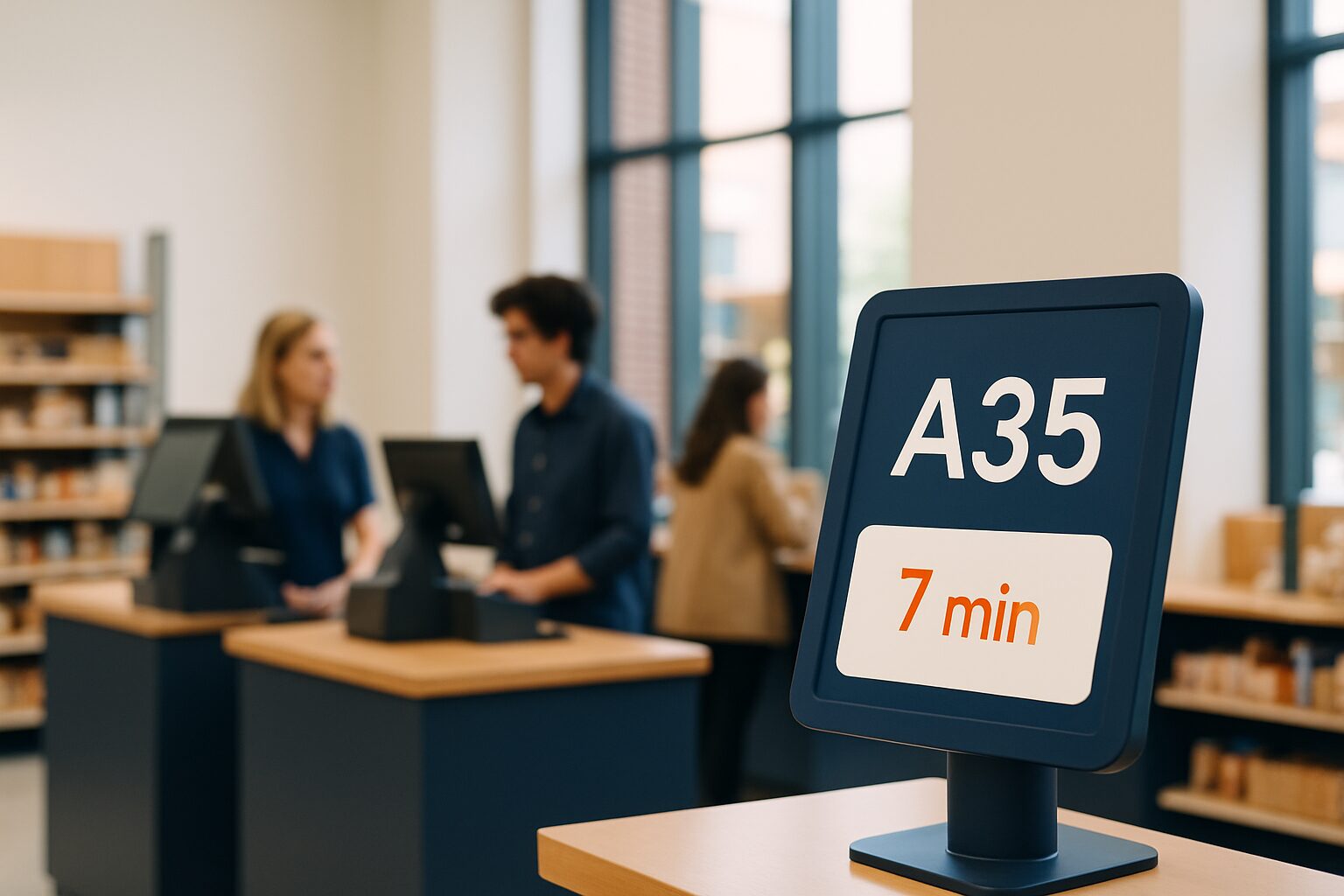
Reducing queues with digital displays works through two mechanisms: objectively speeding up throughput — through self-service, better routing and POS integration — and lowering the experienced waiting time by actively informing and engaging visitors. Digital signage combines hardware (touchscreen kiosks, information pillars, point-of-sale displays) with software that shows real-time data. The result: less frustration, fewer drop-offs and higher customer satisfaction — without necessarily deploying extra staff.
Why queues are so damaging to retail
A queue can quickly feel too long. As soon as a checkout queue has more than six customers, people drop out — without you noticing, because the guest simply walks on. That is immediate loss of revenue. Psychologically, the perception of waiting time can be just as important as the actual time in the queue; research shows that occupied time feels shorter than unoccupied time. That is exactly the leverage digital displays offer.
Research shows that digital signage can reduce perceived waiting time by up to 35%. Transparency about waiting status — how long will it take, what is my place in the queue — reduces frustration, even if the objective waiting time stays the same.
Three concrete deployment forms for retail
1. Touchscreen kiosk for self-service and registration
A touchscreen kiosk at the entrance or in front of the checkout queue lets customers register themselves, take a queue number or enter their choice in advance. That relieves pressure on staff and spreads the flow more evenly. A standard display passively shows information — waiting times, order status, entertainment — while a touchscreen kiosk also actively lets customers do something: register themselves, choose a table or order in advance.
The PixioKiosk is available in four formats: 21,5″ from current price on request, 32″ current price on request, 43″ current price on request and 49″ current price on request (price list Q2 2026). Leasing is available from current price on request per month (60 months). For temporary use — think of a busy seasonal week or a pop-up location — you can rent the 21,5″ version from current price on request per day with a minimum hire period of two weeks.
2. POS display with POS integration
A display next to or opposite the till does two things at once. It shows the customer real-time transaction information — receipt total, loyalty points, offers — and thereby reduces questions to the staff member. At the same time, it fills the waiting time of the next customer in the queue with relevant content.
Checkout screens are ideal for softening waiting time and informing customers about offers, loyalty programmes or additional services. If you connect the display to your POS system via a website URL or API, the content switches automatically with the level of busyness: quiet morning? Inspiring product content. Busy lunch rush? Waiting time indicator and quick self-scan option.
For the technical background of this connection, also see the knowledge base article on POS displays: types, placement and integration with cash register systems.
3. Information kiosk for footfall management on the shop floor
A freestanding information pillar in the middle of the shop actively directs customers to the quietest till or department. This spreads the load across the shop floor and shortens the queue at the busiest tills without extra staff. Digital queue systems provide valuable data insights, increase customer satisfaction and optimise staff allocation.
Combine this with footfall data for even more effect: the PixioDisplay Luxe (49″ touchscreen, 67×185 cm) costs current price on request to buy or current price on request per month via lease (price list Q2 2026) and has an integrated Android 13/14 computer — no separate media player or laptop required. You manage content via USB, a website URL or the PixioApp. Read more about measuring customer flows in the guide on measure retail footfall with motion sensors and analytics.
POS integration: how it works in practice
Many Dutch retailers use POS software such as Lightspeed, Afosto or their own ERP system. A good POS cash register system not only integrates POS software and hardware such as card terminals, but also supports stock management, reporting, customer management and links to other software. Displays that accept a website URL as an input source connect to this easily: you build a simple web page that reads the till data and shows it on the screen.
PixioDisplays have a built-in integrated Android computer (Android 13/14). That saves the current price on request you would otherwise spend per screen on a separate media player. You play content via USB, a website URL or the PixioApp — which makes direct POS integration via URL technically straightforward, even without an extensive IT department.
When do you choose which solution?
| Situation | Recommended display | Benefit |
|---|---|---|
| Busy checkout with a long queue | Checkout display (POS integration) | Fills waiting time, reduces questions |
| Large store with multiple departments | Information pillar (touchscreen) | Directs customers to quieter till points |
| Temporary peak periods (sale, season) | Rented kiosk or display | No fixed investment required |
| Small branch, limited budget | PixioKiosk 21,5″ (lease current price on request/mth) | Lowest entry threshold |
Start with a cashier display if your main goal is to ease the queue at the till. Choose a touchscreen kiosk if you also want to guide footfall or introduce self-service.
Content that makes waiting feel shorter
What you show on the screen determines much of the effect. The layout of the waiting area and the information provided about waiting times have a major influence on customer satisfaction. Practical content formats that work in a retail queue:
- Waiting time indicator: how many customers before you, estimated time in minutes
- Product promotions: encourage impulse purchases while the customer is still waiting
- Loyalty programme info: points total, next reward — reduces questions at the till
- Practical shop information: opening hours, returns policy, new collection
Keep content short and scannable: customers in a queue do not read long texts. Alternate visuals every 8–12 seconds for maximum attention.
Conclusion
The most effective approach combines two levels: a touchscreen kiosk that objectively speeds up throughput, and a cash register display that reduces the perceived waiting time. For mid-sized retail chains with multiple branches, lease is the most flexible way in — the PixioKiosk starts at current price on request per month, so you can scale per location without a large capital investment.
View the full range of digital shop displays for retail and shop window communication or request a tailored price list for your situation.
Frequently asked questions
How much shorter does a queue feel with a digital display?
Research shows that digital signage can reduce perceived waiting time by up to 35%. The objective waiting time does not have to decrease: transparency about your position in the queue and relevant content on the screen are already enough to reduce frustration.
Do I need special software to connect a display to my POS system?
Not necessarily. PixioDisplays have a built-in Android computer and accept a website URL as a content source. If your checkout software can drive a simple web page with real-time data, the connection is already possible without an extra media player or licence.
What is the cheapest way to start with a queue display in my shop?
The PixioKiosk 21,5″ is available via lease for €31 per month (60 months, price list Q2 2026). For temporary use — such as a busy sale week — you can rent the same model from as little as €65 per day with a minimum rental period of two weeks, with no long-term commitment.
What is the difference between a touchscreen kiosk and a standard information display at the checkout?
An information display shows content passively: waiting times, promotions, loyalty information. A touchscreen kiosk also lets customers do something actively, such as registering themselves or taking a queue number. For busy shops with high footfall, the kiosk is more effective; for a checkout queue, a passive display is often sufficient.
Can I also use a display temporarily during a busy period?
Yes. Pixio Display offers rental options for all models. You can rent the PixioKiosk 21,5″ from €65 per day with a minimum rental period of two weeks, the 49″ version from €225 per day (price list Q2 2026). This lets you add extra capacity during the festive season or a sale without a fixed investment.