
Knowledge and advice
Choosing narrowcasting software: functions, devices and management
Decide what you want to play locally and what needs to be centrally managed. Then test the functions and costs with your own content.
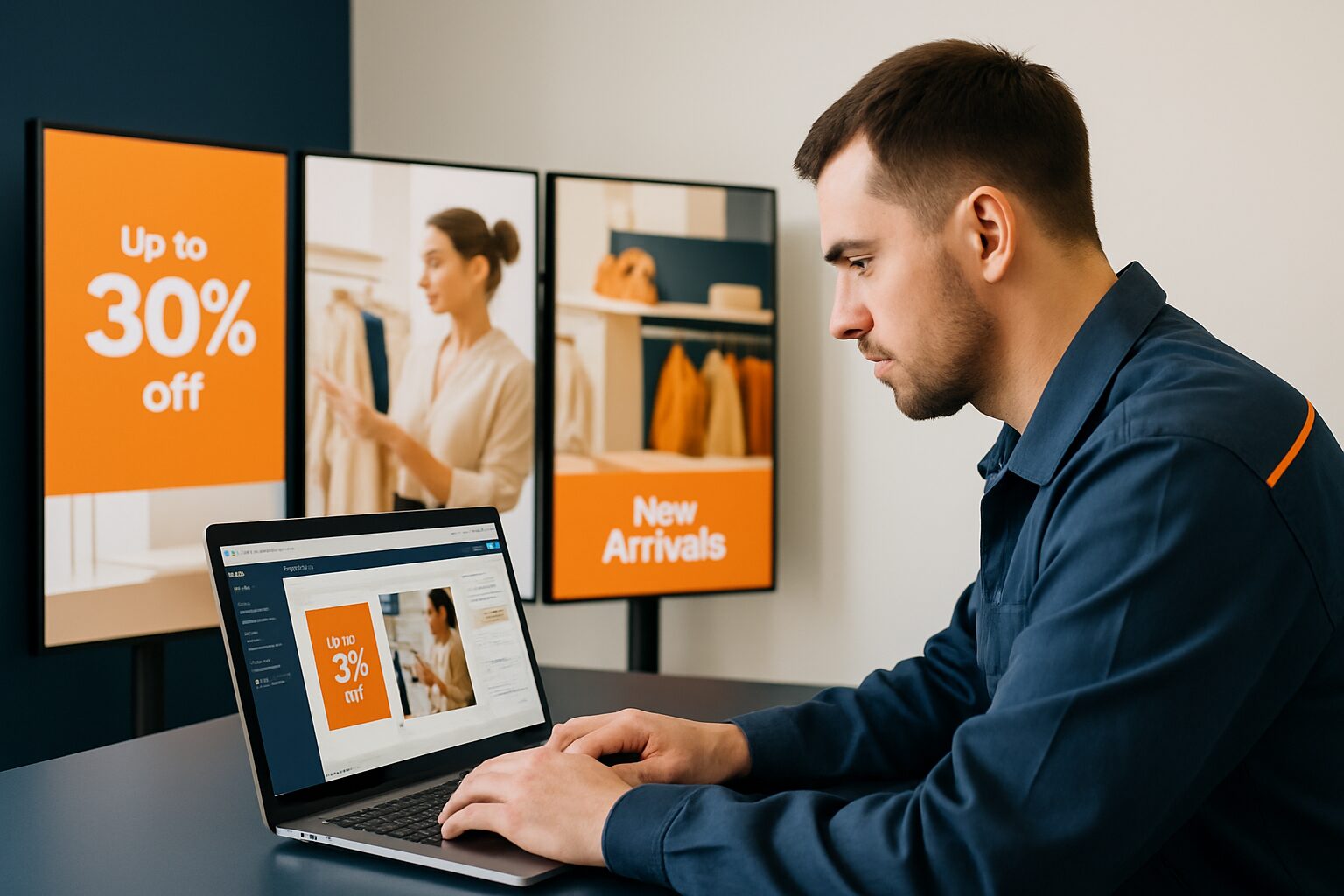
Start with daily use
Narrowcasting software helps bring content to digital screens and, depending on the package, schedule and manage it. Not every setup needs the same system. One display on which a video is occasionally replaced requires something different from dozens of screens with local administrators. Note who creates content, who is allowed to publish, and how often something changes. That workflow is a better basis for choosing software than a long list of features without a concrete application.
Distinguish between screen and software
An all-in-one Android display has a computer built in. The device can therefore independently use suitable files or apps. That is the hardware basis. A central CMS or the additional Pixio App for remote management is a separate choice. Ask which software is included in a proposal and which is not. Also check compatibility with the exact display model: an app for another operating system is not automatically usable on the built-in Android system.
Choose a management model you can maintain
With a cloud service, the supplier manages certain parts of the infrastructure; the exact division is set out in the agreement. With self-hosting, someone must take care of servers, updates, backups and security. An open-source CMS may be useful, but it does not take over those tasks. Discuss who is responsible for the display, the internet connection and the software in the event of a fault. Having one point of contact in a quotation does not yet say which parts are actually included in the service.
Test functions as separate requirements
Do you want time scheduling, screen groups, multiple users or external data to be shown? Demonstrate each function with a small example from your own organisation. Ask what continues to play without the internet, how changes are confirmed and what the dashboard says exactly about the screen's operation. An online player does not automatically mean the right content is visible. Rights, monitoring, APIs and booking integrations must be an explicit part of the chosen solution; they are not a general Pixio App promise.
Compare the full costs
Ask each proposal for costs for screens, players, subscriptions, storage, installation, support and possible expansions. Check the term and whether users or integrations are charged extra. Do not use old market averages as a substitute for quotes. At Xibo, for example, the CMS is open source, while an Android player according to the official price information has a commercial licence. Such a distinction can change the comparison, even when the word free appears on the first page.
Work with a trial and a handover
Have an employee upload a file, publish a change and fix an error. Also test restart, network outage and access for a second user. Then record who manages accounts and how you can take your own content with you if you stop. Ask the supplier to include the accepted functions in the quotation. View the software overview and the comparison criteria to make your request concrete.
Sources and further information
Frequently asked questions
Do I need remote management software for standalone Android use?
Not automatically. The built-in computer and an additional remote management service are separate components.
How do I compare software costs?
Compare all subscriptions, players, installation, storage, users, integrations and support over the same period.