
Knowledge and advice
Brightness and contrast in digital signage: nits, standards and settings
How many nits do you need per location? Learn nit values, contrast standards and practical settings for digital signage — with NSVV guidance and Pixio specifications.
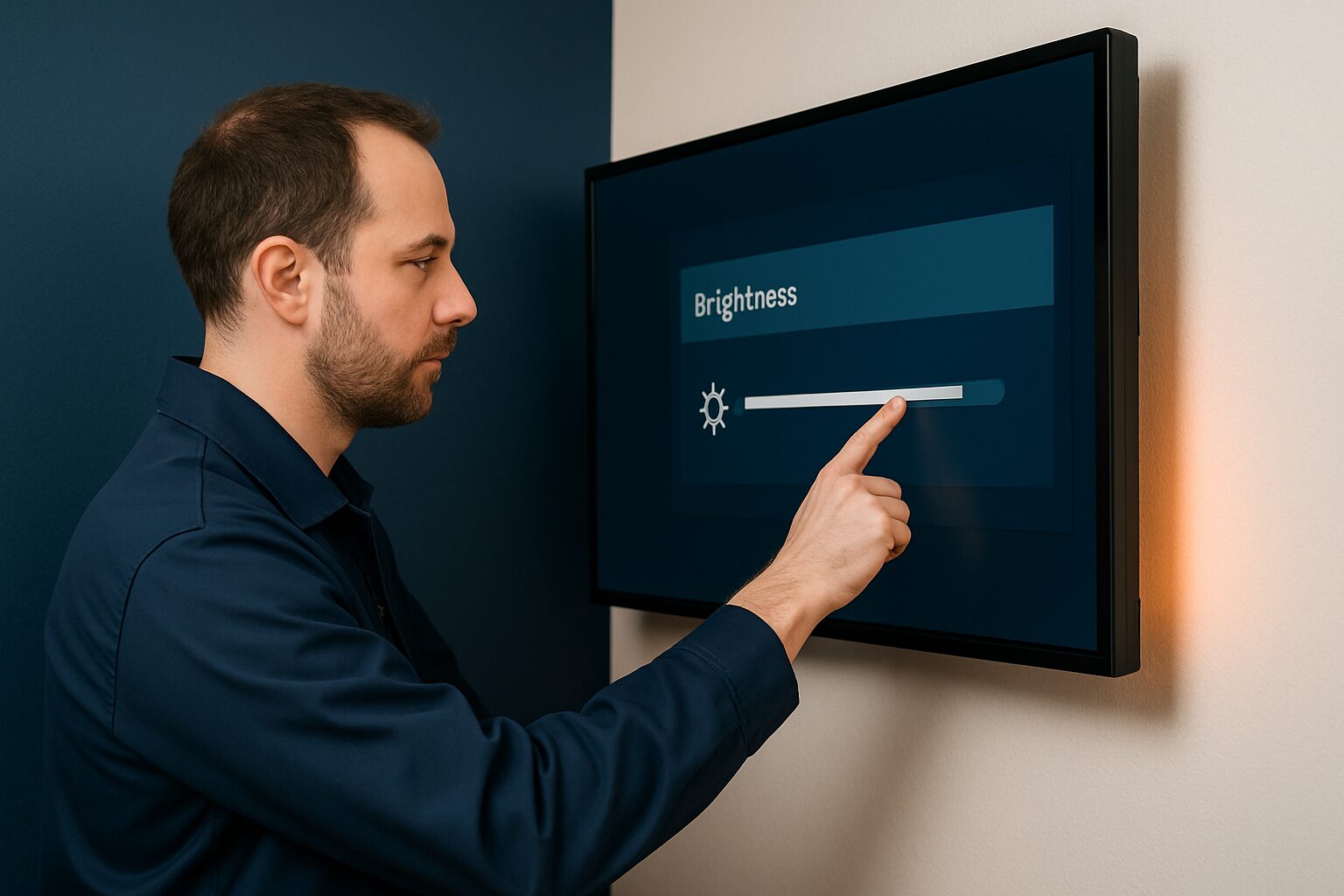
Brightness in digital signage is expressed in nits (cd/m²): one nit equals one candela per square metre. For a dark indoor space, 400 cd/m² is sufficient; a shop window in full sun requires 3.000 nits; a free-standing outdoor display needs 3.500 cd/m². Contrast — the ratio between the brightest white and the deepest black — determines readability independently of absolute brightness. Together, both specifications determine whether your content remains legible during the day or disappears in the ambient light.
Why nits are the most critical spec in signage installations
A display always competes with ambient light. Indoors, this is manageable: an office usually has 200–500 lux. Outdoors, direct sunlight can reach 100.000 lux on the screen surface — making brightness the most critical spec for outdoor installations.
The rule installers use of thumb: screen brightness in nits must be at least twice the ambient light in lux to maintain readable contrast. A room with 500 lux therefore requires at least 1.000 nits. Measure the lux on site with a lux meter before specifying hardware — not afterwards.
Consumer TVs average ±300 nits and are not built for continuous use. Commercial displays are designed for 24/7 use and deliver higher brightness levels that are better suited to professional signage applications.
Nit values by location type: a practical reference table
The values below are based on common installer practice and the Pixio product specifications (price list Q2 2026):
| Location type | Ambient light (lux) | Recommended brightness | Example |
|---|---|---|---|
| Dark indoor space | < 200 lux | 300–500 nits | Meeting room, cinema lobby |
| Standard office / retail | 200–500 lux | 400–700 nits | Reception, shop interior |
| Light lobby / window zone | 500–2.000 lux | 700–1.500 nits | Atrium, glass facade from inside |
| Shop window (window-facing) | 2.000–10.000 lux | 1.500–3.000 nits | Shop window, showroom |
| Semi-sheltered outdoors | 5.000–30.000 lux | 2.500–3.500 nits | Covered entrance, north-facing façade |
| Free-standing outdoor | up to 100.000 lux | 3.500+ nits | Pavement sign, façade display |
The PixioDisplay Window Full Sun delivers 3.000 nits and is available from 43 to 55 inch for current price on request (single-sided) or current price on request (double-sided) — price list Q2 2026. The PixioDisplay Outdoor reaches 3.500 cd/m² and is available in 49 inch (current price on request) and 55 inch (current price on request). The panel — not the size — determines the surcharge.
Contrast ratio: what does the number mean and when is it relevant?
The contrast ratio indicates how many times brighter the whitest white is than the deepest black. A ratio of 1.000:1 means that white is a thousand times brighter than black. The higher it is, the more depth and detail in the image.
Please note: there is no standardised measurement method that all manufacturers are required to use. Static contrast measurement (ANSI checkerboard) gives a more realistic figure than the full-on/full-off method, which manufacturers use for their marketing figures. Always compare the static contrast values when placing displays of different brands side by side.
For readable text on signage, a practical minimum contrast ratio of 1.000:1 static applies. For content with fine text or faces at a distance, 3.000:1 or higher is recommended. WCAG 2.1 — the accessibility guideline that also applies to public digital information screens — prescribes a minimum contrast ratio of 4,5:1 between text and background.
The NSVV Light Pollution Guideline: what should you know as an installer?
For outdoor installations, not only daytime visibility matters, but also light nuisance at night. The NSVV Light Nuisance Guideline is the widely used assessment framework in municipal permit procedures in the Netherlands. Municipalities assess outdoor displays against this in APV applications.
The guideline works with so-called E-zones: area categories ranging from dark rural (E1) to dense urban (E4). Per zone, maximum luminance values apply for advertising lighting, both during the day and at night. An automatic dimming function is a requirement for permit approval in many municipalities — so plan this in when choosing the hardware, not afterwards.
Practical advice: for outdoor displays, always specify a dimming schedule in the content management system. Reduce brightness in the evening (after 22:00) to 20–30% of the daytime value. This way you comply with the NSVV limits in most E2 and E3 zones and extend the life of the panel.
Practical settings: how to set brightness correctly
A common mistake: leaving a display at maximum brightness in a dark room. That speeds up panel degradation and causes glare for visitors. Start with the ambient lux level as your point of departure.
Step 1 — Measure the lux on site. Use a lux meter or a lux app on your smartphone as an initial indication. Measure at the time of day with the most light (for a south-facing façade: around 13:00 in summer).
Step 2 — Calculate the target brightness. Multiply the measured lux by two for the minimum nit value. Add 20% as a buffer for seasonal variation and reflection from light façades or concrete.
Step 3 — Set the brightness via the OSD menu or the CMS. Most commercial displays have an automatic light sensor (ALS). Prefer enabling that over a manual setting — the sensor continuously adjusts the brightness to the ambient light.
Step 4 — Check the dimming scheme. Set night dimming for outdoor displays. For semi-sheltered locations: 50% after sunset. For free-standing outdoor displays: 20–30% after 22:00 hours.
Step 5 — Document the settings. Record the set brightness profile in the project file. In the event of warranty claims or municipal inspections, you then have immediate proof that you operated within the permitted values.
The PixioDisplay Pavement Sign (43″, battery-powered, 14–18 hours' runtime) is available in 1.500 nits (current price on request) and 2.000 nits (current price on request) — price list Q2 2026. The battery supply makes the screen independent of a fixed mains connection, which is relevant for temporary placements in relation to the permit question. Choose the 2.000-nit version if the location is also used early in the morning or in overcast winter light; 1.500 nits is sufficient for sheltered inner-city locations.
Common mistakes in brightness specification
- Confusing peak brightness with average brightness. Manufacturers do not always communicate this clearly. Ask specifically about the sustained brightness (average over the full screen area), not the peak value in the centre.
- Not taking panel degradation into account. The maximum brightness of each screen gradually decreases during use. A display with higher initial brightness remains above the usable threshold for longer. So specify with a margin of 15–20% above your calculated minimum.
- Underspecifying window-facing displays. A passer-by on a sunny pavement is adapted to 10.000–100.000 lux. A display of 700 nits then appears as a dark rectangle. Treat shop window retail as semi-outdoor: at least 1.500 nits, and for south-facing locations 2.500 nits as a safe standard.
- Looking only for contrast in hardware. Content design matters too. White text on a light yellow background will never achieve a contrast ratio of 4,5:1, no matter how many nits the screen delivers.
For a broader comparison of display specs — including resolution, viewing angle and panel type — read Display specifications explained: making the right choice.
For outdoor installations, besides brightness, the housing also determines whether a screen lasts through the year: in IP classifications explained: IP54, IP65 or IP67 read what each IP rating means.
Frequently asked questions
How many nits do I need for a display in a shop window?
A shop window display battles daylight behind the viewer, not the light in the shop. Treat a window-facing screen as semi-outdoor: at least 1.500 nits, on a south-facing façade 2.500–3.000 nits as a safe standard. The PixioDisplay Window Full Sun delivers 3.000 nits and is available from 43 to 55 inches.
What is the difference between static and dynamic contrast?
Static contrast (measured with an ANSI checkerboard) compares the brightest white and the deepest black at the same time on the screen. Dynamic contrast measures this over multiple frames and always produces a much higher number. When purchasing, always compare the static contrast values — they are realistic and comparable between brands.
Do I need to dim an outdoor display at night?
Yes. The NSVV Light Pollution Guideline — the assessment framework used by Dutch municipalities when issuing permits — sets threshold values per E-zone. An automatic dimming function is a requirement for permitting in many municipalities. For standalone outdoor displays, set night dimming of 20–30% after 22:00 hours.
Can I use a regular TV as a digital signage display?
For a dark space, that may suffice temporarily, but consumer TVs average only ±300 nits and are not built for continuous use. Commercial displays are designed for 24/7 use and deliver higher brightness levels that better suit professional signage applications.
How do I measure the right brightness for my location?
Measure the ambient light in lux at the installation location with a lux meter — at the time of day with the most light. Multiply the measured lux by two for the minimum nit value and add a 20% buffer for seasonal variation. Then activate the display's automatic light sensor (ALS) if available.