
Knowledge and advice
Videowall design: resolution, bezel and cost calculator
Calculate the correct resolution, bezel size and total cost for a video wall in Dutch spaces. With formulas, tables and practical examples for trade fairs.
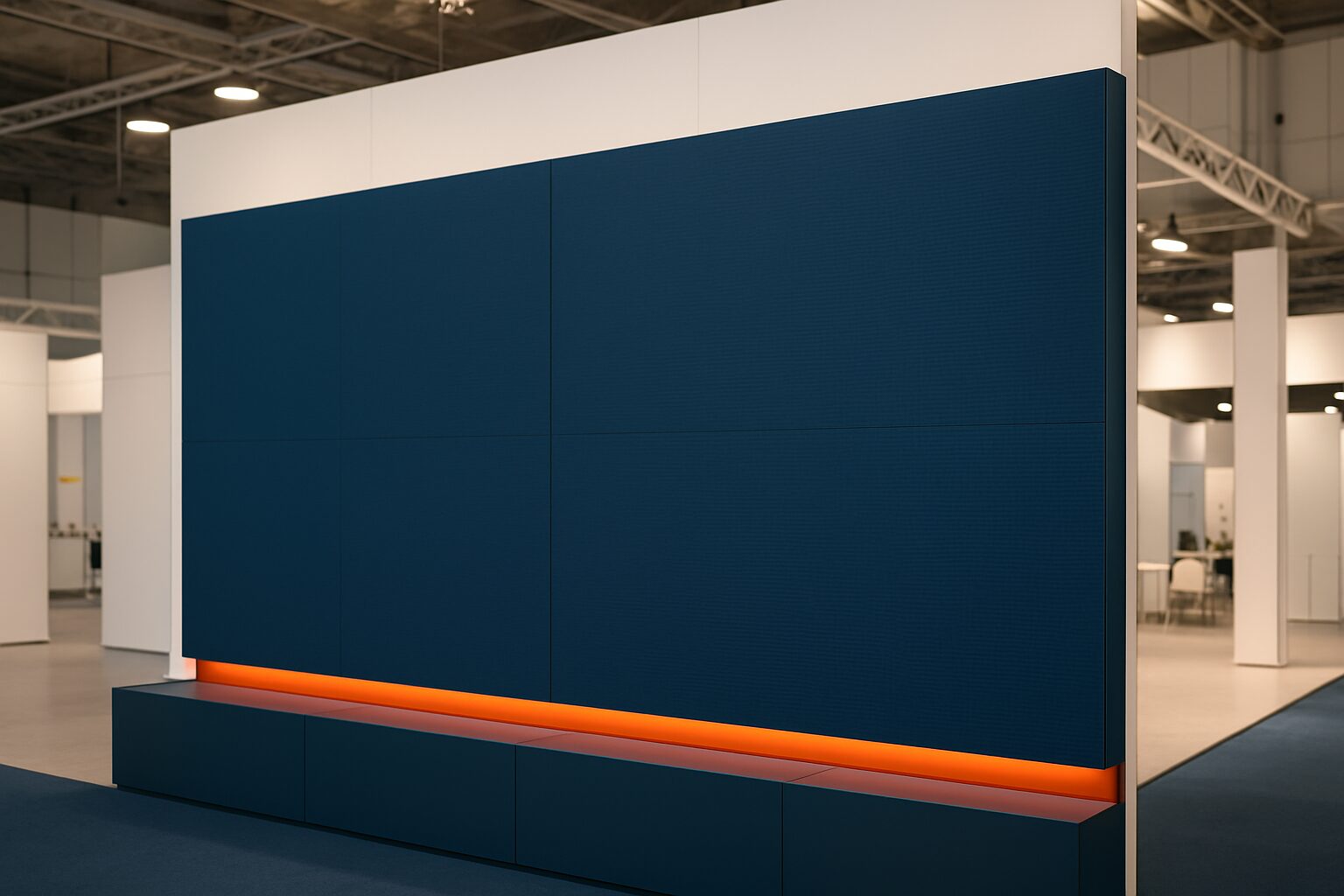
A video wall is an installation of multiple professional displays or LED modules that together form one large image surface. Image quality is determined by three variables: pixel pitch (distance between pixels in mm), bezel size (edge width per panel for LCD) and total resolution (sum of all panels). As a rule of thumb for a Dutch trade fair stand or company lobby: divide the minimum viewing distance in metres by three to determine the maximum pixel pitch in mm.
In short
- Pixel pitch determines viewing distance: a P3 wall is sharp from 3 metres, a P10 wall only from around 10 metres.
- LCD bezels of 1,7–3,5 mm are visible at viewing distances under 3 metres; LED walls have no bezels.
- Total resolution scales accordingly: a 3×3 LCD wall of 49" panels delivers, at Full HD per panel, a combined resolution of 5.760 × 3.240 pixels.
- Cost calculator: for an LCD video wall, allow for current price on request per panel (hardware), plus 15–30% for installation and cabling.
- Renting is smarter at fewer than 8–10 trade fair participation days per year — the arithmetic break-even point for buying versus hiring.
What is pixel pitch and why does it matter at trade fairs?
Pixel pitch is the distance in millimetres between the centres of two adjacent pixels. The smaller that distance, the higher the pixel density and the sharper the image at short range. At a busy trade fair such as ISE in the RAI Amsterdam or the Vakbeurs Facilitair in the Jaarbeurs Utrecht, visitors can come within 1–2 metre of a stand. Then you immediately notice the difference between P1,9 and P4.
The most commonly used rule of thumb in the industry: minimum viewing distance (m) = pixel pitch (mm). A P3 wall is therefore sharp from 3 metres. A more refined method divides the minimum viewing distance in metres by three, giving the maximum pixel pitch for a sharp display of text and logos. At a stand width of 6 metres and visitors at 2 metres away, this gives a maximum of P0,7 — that is fine-pitch LED territory.
| Pixel pitch | Min. viewing distance (rule of thumb) | Typical application |
|---|---|---|
| P1,2–P1,9 | 1,2–2 m | Company lobby, control room, small trade fair stand |
| P2,5–P3 | 2,5–3 m | Medium-sized trade fair stand, meeting room |
| P4–P6 | 4–6 m | Large hall, stage, auditorium |
| P8–P10 | 8–10 m | Sports hall, remote outdoor location |
LCD video wall vs. LED video wall: bezel as a decision factor
An LCD video wall consists of multiple professional displays placed next to each other. Each panel has an edge — the bezel. On professional LCD video walls, those edges vary from 0,88 mm to 5,5 mm bezel to bezel. From close up you see them as a grid; beyond 4–5 metres this is less noticeable.
An LED video wall consists of modules without bezels. The result is one seamless image surface, regardless of size. LED is more flexible in size and better for environments with a lot of light, but costs more per square metre at fine pixel pitches.
| Feature | LCD videowall | LED videowall |
|---|---|---|
| Bezel | 0,88–5,5 mm visible | None |
| Resolution per panel | Fixed (Full HD or 4K) | Scalable via pixel pitch |
| Min. viewing distance | ~0,5 m (4K panel) | Depending on pitch |
| Price (hardware) | Lower entry level | Higher with fine pitch |
| Lifespan | Suitable for 24/7 use | Usually longer |
| Best application | Office, retail lobby, trade fair | Event, outdoor, large hall |
For a trade fair stand at Jaarbeurs Utrecht or Ahoy Rotterdam, the rule is: choose LCD if budget is the deciding factor and visitors are typically standing at 3+ metres. Choose LED as soon as you want a seamless image or the space has varying viewing distances.
Calculate the resolution for your set-up
The total resolution of an LCD video wall is simple: multiply the number of panels horizontally by the horizontal pixel resolution per panel, and do the same vertically. A 3×3 wall of Full HD panels (1.920×1.080 px) delivers 5.760×3.240 pixels — that is more than 4K.
With LED, you calculate it differently. Divide the screen width in millimetres by the pixel pitch. A wall 4.000 mm wide with P2,5 gives 1.600 pixels horizontally. Add the height (e.g. 2.250 mm / 2,5 = 900 px) and you have 1.600×900 pixels — enough for Full HD content with small margins.
Practical rule for content design: always design to the wall's total resolution, not the resolution of one panel. Use vector formats (SVG, PDF) for logos so they stay sharp at any scale. You only read text on a video wall properly from font sizes of at least 5% of the screen height in pixels.
Bezel size and viewability: when does a border become a problem?
A bezel of 3,5 mm sounds small. But in a 3×3 setup, you have two horizontal and two vertical seams. That is four edges of 3,5 mm each — together 7 mm per seam (two bezels against each other). On a total screen 150 cm wide, that is 4,7% of the image area that is dark.
With static infographics or logos that run across multiple panels, this is visible. With moving video material it is much less noticeable. Rule of thumb: use a bezel of up to 1,8 mm if you design static content across the seams, and up to 3,5 mm if you show separate content per panel.
A bezel of 0,88 mm is practically invisible at viewing distances above 2 metres. Professional LCD video wall panels of 49" and 55" are the most common formats in the Netherlands — including for stand construction at venues such as MECC in Maastricht or the Brabanthallen in 's-Hertogenbosch.
Cost calculator: what does a video wall cost in the Netherlands?
The total cost of a video wall consists of four components: hardware (panels), mounting structure, installation and content management. Below is a realistic overview for the Dutch market.
LCD videowall (2×2, four 49" panels)
| Post | Indicative amount |
|---|---|
| Hardware (4 panels) | current price on request |
| Wall mounting structure | current price on request |
| Installation and cabling | current price on request |
| Video wall controller | current price on request |
| Content management (year 1) | current price on request |
| Total | current price on request |
LED video wall (3×2 m, P2,5)
| Post | Indicative amount |
|---|---|
| Hardware (modules) | current price on request |
| Structure and mounting points | current price on request |
| Installation | current price on request |
| Controller/processor | current price on request |
| Total | current price on request |
These amounts are indicative and based on common market prices in the Benelux. Always ask for a specification including transport, warranty extension and content management — those three items are notably often missing from quotes that customers bring to the showroom in Montfoort for comparison.
Hiring or buying? The arithmetic break-even point is around 8–10 usage days per year. Those taking part in two or three trade fairs a year are cheaper off hiring. For structural use in a company lobby or retail environment, buying is more cost-effective.
Case study: Summit with 50+ displays
At one event, Summit deployed more than 50 PixioDisplays — one of the largest single-event deployments in Dutch signage practice. That requires tight logistics: displays must be operational within minutes, without separate laptops or media players.
The PixioDisplays are equipped with an integrated Android computer (Android 13/14). At trade fairs, that is the biggest practical difference compared with a separate TV + laptop setup: no extra hardware, no configuration time, content via USB or the PixioApp. With 50+ screens, that saves hours of setup time.
For trade fair participation where you need to set up and pack down quickly, the PixioDisplay Luxe (49", 67×185 cm) a solid choice: buy for current price on request or lease for current price on request per month (price list Q2 2026). Renting is also possible: view the day rates for trade fair screens.
Three Dutch trade fair contexts and their video wall requirements
RAI Amsterdam organises around 500 events a year with some 1,5 million visitors. At major trade fairs such as IBC or ISE, visitors pass stands in high density. Here, an LED wall with P2,5 or finer is the standard for stands larger than 30 m².
Jaarbeurs Utrecht offers more than 100.000 m² of floor space and organises more than 1.000 events per year. Stands are smaller on average here; a 2×2 LCD video wall with 1,8 mm bezel is sufficient for most B2B applications.
Ahoy Rotterdam Attracts major trade fairs such as Europort. Europort 2023 attracted more than 27.000 visitors from more than 100 countries. In halls with high ceilings and lots of ambient light, you need at least 700–1.000 cd/m² for an LCD wall to keep the image legible.
For all these locations, check the exhibitor instructions before ordering material. Each location has specific rules about suspension points, power consumption and safety.
Conclusion: start with viewing distance, not with size
The most common design mistake with video walls is to start with the size and only then calculate the viewing distance. Do it the other way round: measure the minimum viewing distance in your space, divide by three for the maximum pixel pitch, and then determine the size based on the available wall or stand space.
For Dutch trade fair stands with varying viewing distances of 2–5 metres, an LED wall with P2,5–P3 is the most versatile choice. For fixed installations in office lobbies or retail environments, an LCD video wall with a 1,8 mm bezel offers a lower entry price with good image quality. View the application page for trade fair and event displays for more configuration examples, or read on in the knowledge base about choosing screen size with formula and practical examples.
Frequently asked questions
What is the rule of thumb for pixel pitch for a video wall?
The most commonly used rule of thumb: the minimum viewing distance in metres is equal to the pixel pitch in millimetres. A P3 wall is therefore sharp from 3 metre. For sharp text and logos, use a stricter formula: divide the minimum viewing distance in metres by three to determine the maximum pixel pitch.
How do I calculate the total resolution of an LCD video wall?
Multiply the number of panels horizontally by the horizontal pixel resolution per panel, and do the same vertically. A 3×3 wall of Full HD panels (1.920×1.080 px) delivers 5.760×3.240 pixels — that exceeds 4K. Always design your content at this total resolution, not at the resolution of a single panel.
When is an LCD video wall better than an LED video wall?
LCD is more economical on a tight budget and for fixed viewing distances above 3 metres. LED is better if you want a seamless image, have high ambient brightness or need a flexible format. For trade fair stands with varying viewing distances, LED with P2,5–P3 is usually more versatile.
How large can a bezel be before it becomes distracting?
For static content that spans multiple panels, a bezel of no more than 1,8 mm is recommended. Up to 3,5 mm is acceptable if you show separate content on each panel. Beyond 2 metres viewing distance, a bezel of 0,88 mm is practically invisible.
Is renting or buying smarter for an exhibition video wall?
The arithmetic break-even point is around 8–10 usage days per year. Anyone doing two or three trade fairs a year is better off renting. For structural use in a lobby or shop environment, buying is more economical in the long term.
What brightness does a videowall need for an exhibition hall?
In a trade fair hall with lots of ambient light, you need at least 700–1.000 cd/m² for an LCD video wall. LED video walls for indoor events typically reach 1.800–2.000 nits. Outdoor video walls require more than 6.500 nits for readability in direct sunlight.
May I bring my own video wall to the RAI, Jaarbeurs or Ahoy?
Yes, in most cases you may bring your own display material to Dutch trade fair venues. Each venue does, however, have specific rules on suspension points, power consumption and safety. Always check the exhibitor instructions from the organiser before ordering or hiring your material.
How many panels do I need for a 4K video wall?
With Full HD panels (1.920×1.080 px), you can already achieve 4K resolution (3.840×2.160 px) with a 2×2 setup — which delivers 3.840×2.160 pixels exactly. With 4K panels each, you already have one panel for 4K, but a 2×2 wall of 4K panels gives 7.680×4.320 pixels (8K).
What is the difference between pixel pitch and bezel-to-bezel?
Pixel pitch applies to LED walls and describes the distance between two pixels in millimetres. Bezel-to-bezel is a measure for LCD video walls and describes the total border width between two adjacent panels. Both determine the visible seam, but in different ways: pixel pitch affects sharpness, bezel-to-bezel affects the visible edge.